
Description
FabFilter Pro-MB – Multiband Compressor-Expander for Mac
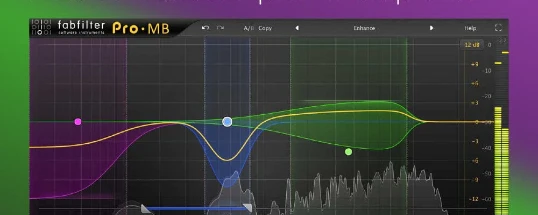
FabFilter released the virtual compressor-expander fabfilter pro-mb, which makes multiband compression intuitive and easy to understand, while simultaneously putting a wealth of powerful features and tools into the hands of the user on Mac.
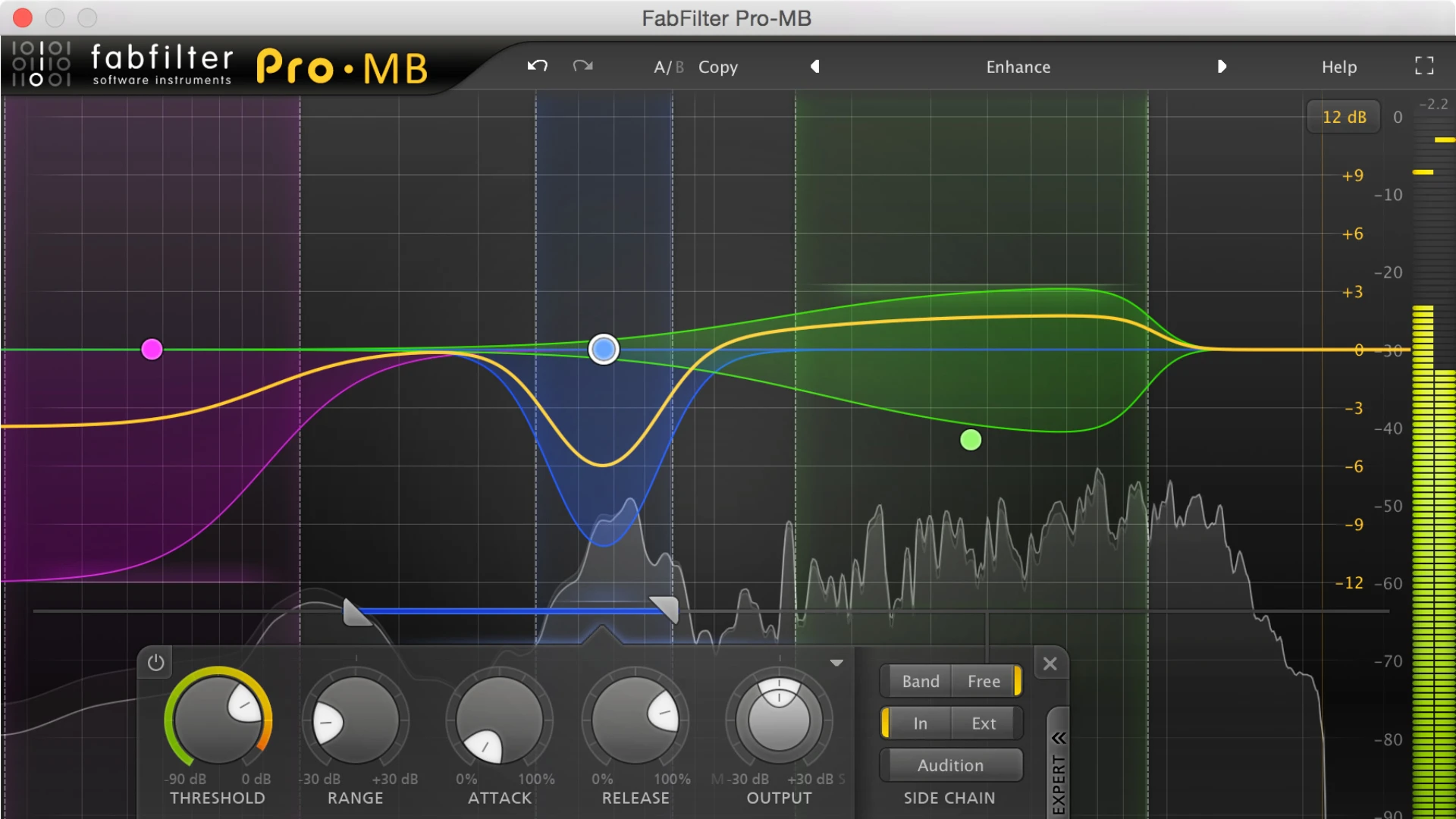
Instead of the conventional approach of splitting the entire frequency spectrum using crossovers, Pro MB FabFilter allows you to directly create a new processing band in the exact frequency range you need to work with at any given moment. However, if desired, you can also link bands together to form a traditional crossover system for full-spectrum coverage.
FabFilter Pro-MB features a unique Dynamic Phase processing mode. Unlike traditional multiband processing methods, it does not introduce any latency or "pre-echo" artifacts, and only causes minimal phase changes when the gain coefficient is actually being altered during active processing.
Key Features:
-Up to six processing bands, freely placed anywhere across the frequency spectrum on your Mac-Bands can be easily linked together to form a traditional crossover system for complete spectral coverage-Unique Dynamic Phase processing mode with zero latency, no phase changes in static conditions, and no "pre-echo" artifacts whatsoever-Linear Phase processing mode that eliminates audible artifacts caused by rapid crossover frequency changes-Minimum Phase processing mode for low-latency operation-Supports all forms of dynamic processing, from transparent compression, limiting, and expanding to pumping compression and punchy gating effects-Fully customizable parameters in each band: threshold value, range, attack, release, output gain, knee type, and more-Crossover slope for each band can be freely adjusted from 6 dB/oct to 48 dB/oct-Intelligent program-dependent and frequency-dependent attack and release curves for optimal results-Interactive multiband display with intuitive visual feedback-Precise and smooth real-time frequency analyzer with pre- and post-processing display options and a freeze function-High-quality audio processing algorithms with 64-bit internal processing wherever it is necessary-Linear-phase oversampling capabilities (up to 4x) for maximum audio fidelity-Solo, Mute, and Bypass options available for each individual processing band-GPU acceleration support for smooth and responsive interface performance on Mac-Stereo and mono plugin configurations-Support for Pro Tools hardware control surfaces-MIDI Learn functionality for external controller mapping-Undo/redo and A/B comparison features for easy workflow management-Full automation of all parameters within your DAW-If you are looking for fabfilter pro mb download, the plugin is available in VST, VST3, Audio Units, AAX Native, and AudioSuite formats (64-bit and 32-bit), as well as RTAS, all compatible with macOS
Reviews & Comments
No comments yet. Be the first to share your experience.