
Goodbye Greenscreen icon

Goodbye Greenscreen

Description

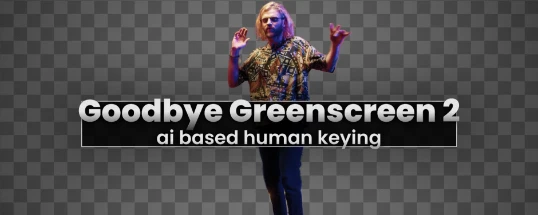
Goodbye Greenscreen is an AI-powered plugin for Adobe After Effects and Premiere Pro, designed for Mac users. It simplifies and significantly speeds up the process of removing green screen backgrounds from video footage. With goodbye greenscreen download, you can quickly integrate this powerful tool into your editing workflow on macOS.

Key features of Goodbye Greenscreen:

- Auto Masking. Automatic mask creation for portrait shots and full-body shots. The goodbye greenscreen after effects plugin handles subject isolation with impressive precision on Mac.

- Clean Matting. Combining video footage and the extracted scene into a matte. This allows you to set up a studio scene without needing a physical green screen, making production more flexible and efficient on your Mac setup.

- AI Color Key. An artificial intelligence-based color key for those who still prefer to work with a traditional green screen. The goodbye greenscreen premiere pro integration ensures seamless keying results with minimal manual adjustments on macOS.


Frequently Asked Questions

Is Goodbye Greenscreen free?
Please check the developer's website for current pricing information.
The download seems damaged or won't open?
If the disk image won't mount, right-click the .dmg and choose Open — macOS Gatekeeper will then offer an override.
How do I install the app after downloading?
Mount the .dmg by double-clicking it, drag the application bundle into /Applications, then eject the disk image. For .pkg installers, double-click and follow the prompts.
Will this run on Apple Silicon (M1-M4)?
Check the Architecture line in the Specifications panel on this page. Universal binaries run natively on both Apple Silicon and Intel. Intel-only builds run through Rosetta 2 on M-series Macs.
How do I update the app later?
Re-download the latest version from the catalogue, mount the new disk image, and drag-replace the application bundle in /Applications.
Can I request an app that isn't in the catalogue?
The catalogue is curated by a small editorial team. Request lists are accepted by community comment threads on each macOS release roundup.


Reviews & Comments

No comments yet. Be the first to share your experience.