
Description
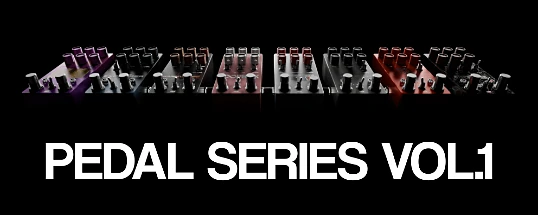
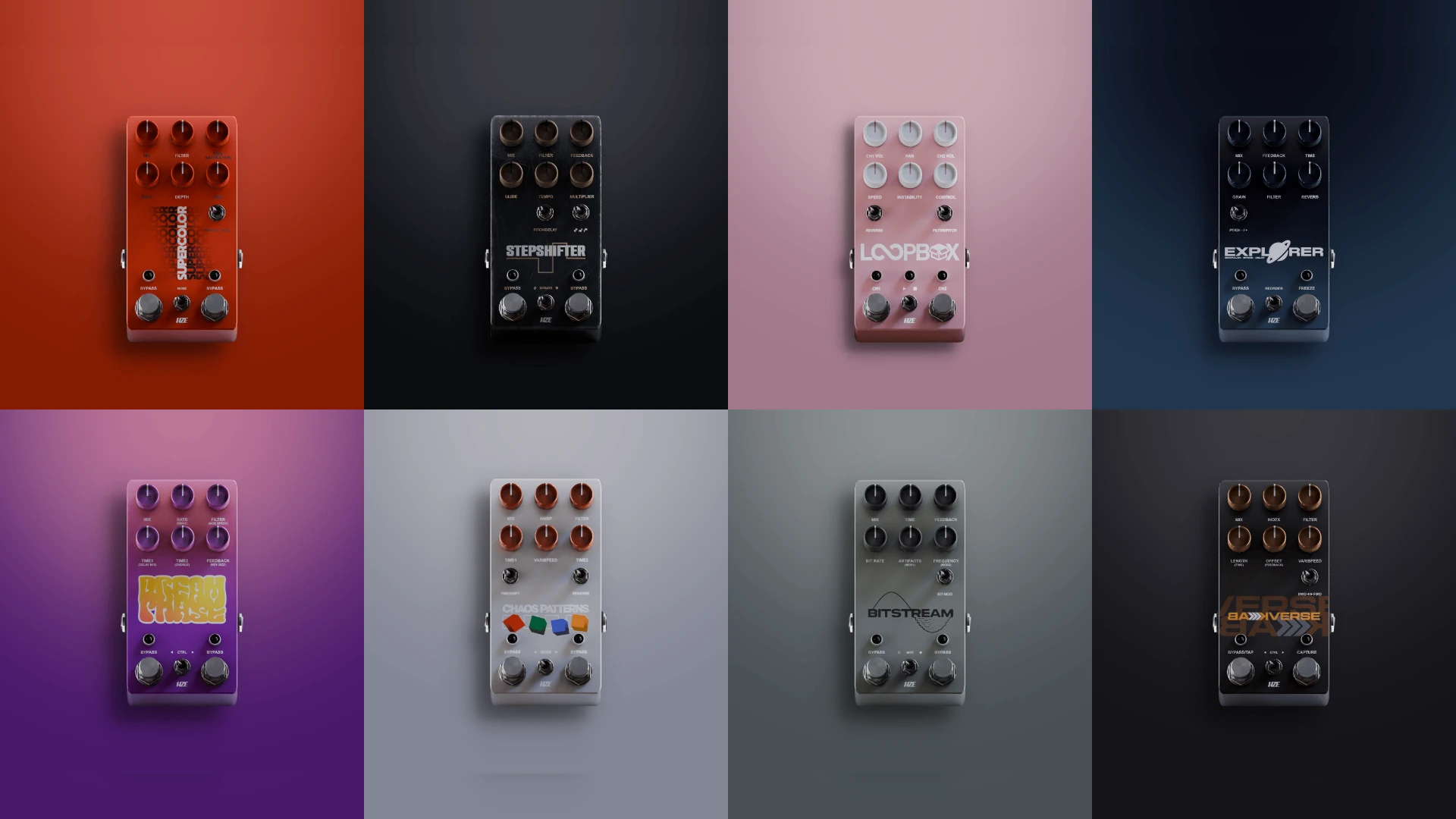
PEDAL SERIES is a collection of software effects presented in a stompbox-style pedal format, designed specifically for unconventional and creative audio processing on Mac. The bundle includes eight distinct effects that unlock extensive possibilities for imaginative sound design work across music production and professional sound design workflows.
The HZE Pedal Series Volume 1 brings together delay, pitch-shifting, reverb, looping, granular processing, phasing, tape emulation, and spectral processing effects. Each effect is crafted as an individual pedal featuring meticulously designed visuals and its own unique sonic character, making this HZE Pedal Series Volume 1 plugin a versatile creative toolkit.
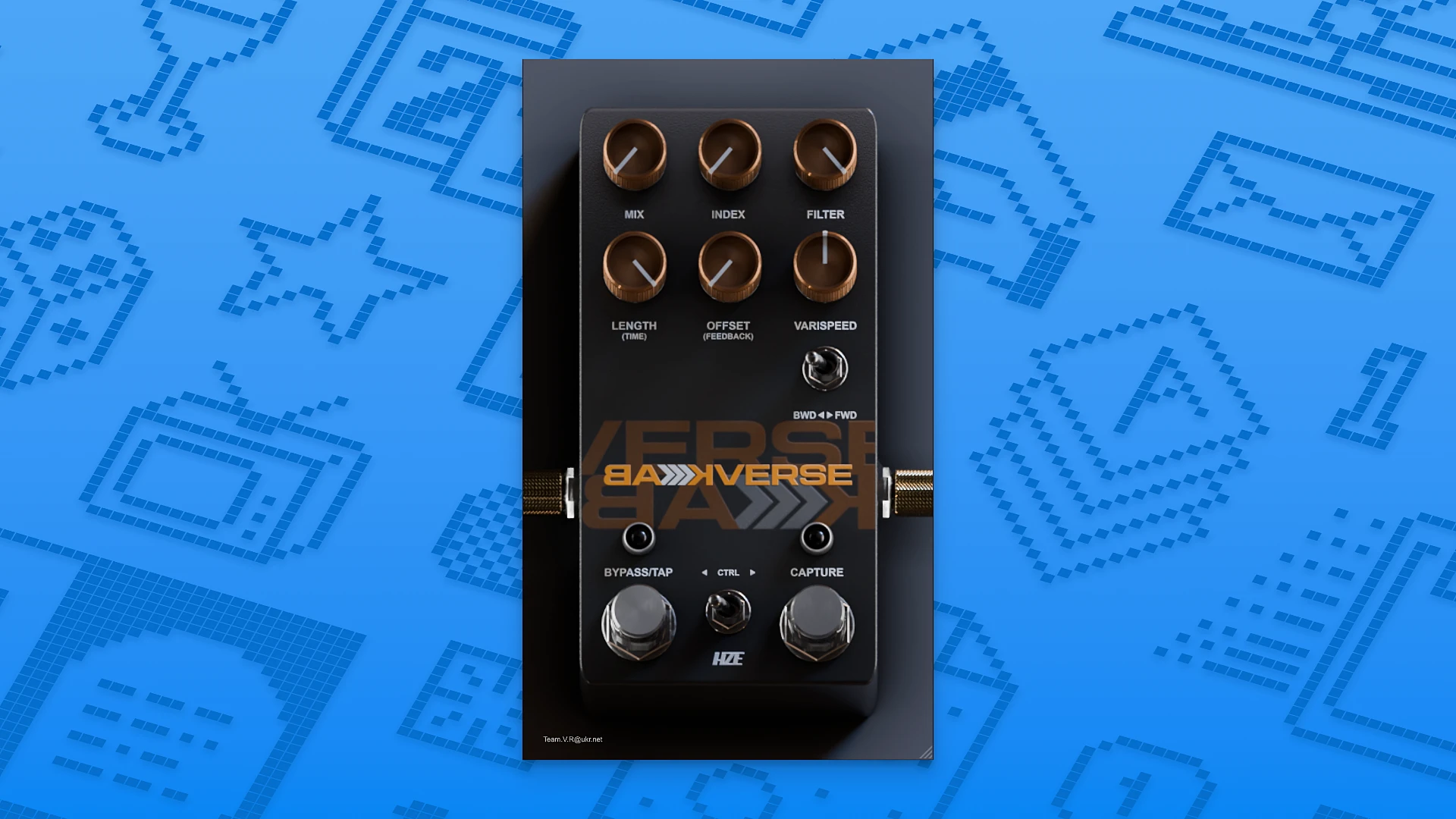
• BACKVERSE — a reverse delay effect that plays audio backward in real time. It continuously captures the last four seconds of incoming audio and lets you freeze, slow down, pitch-shift, and reverse the captured material. This pedal is perfect for building atmospheric introductions, crafting unusual transitions, and generating evolving, motion-filled textures in your Mac-based sessions.
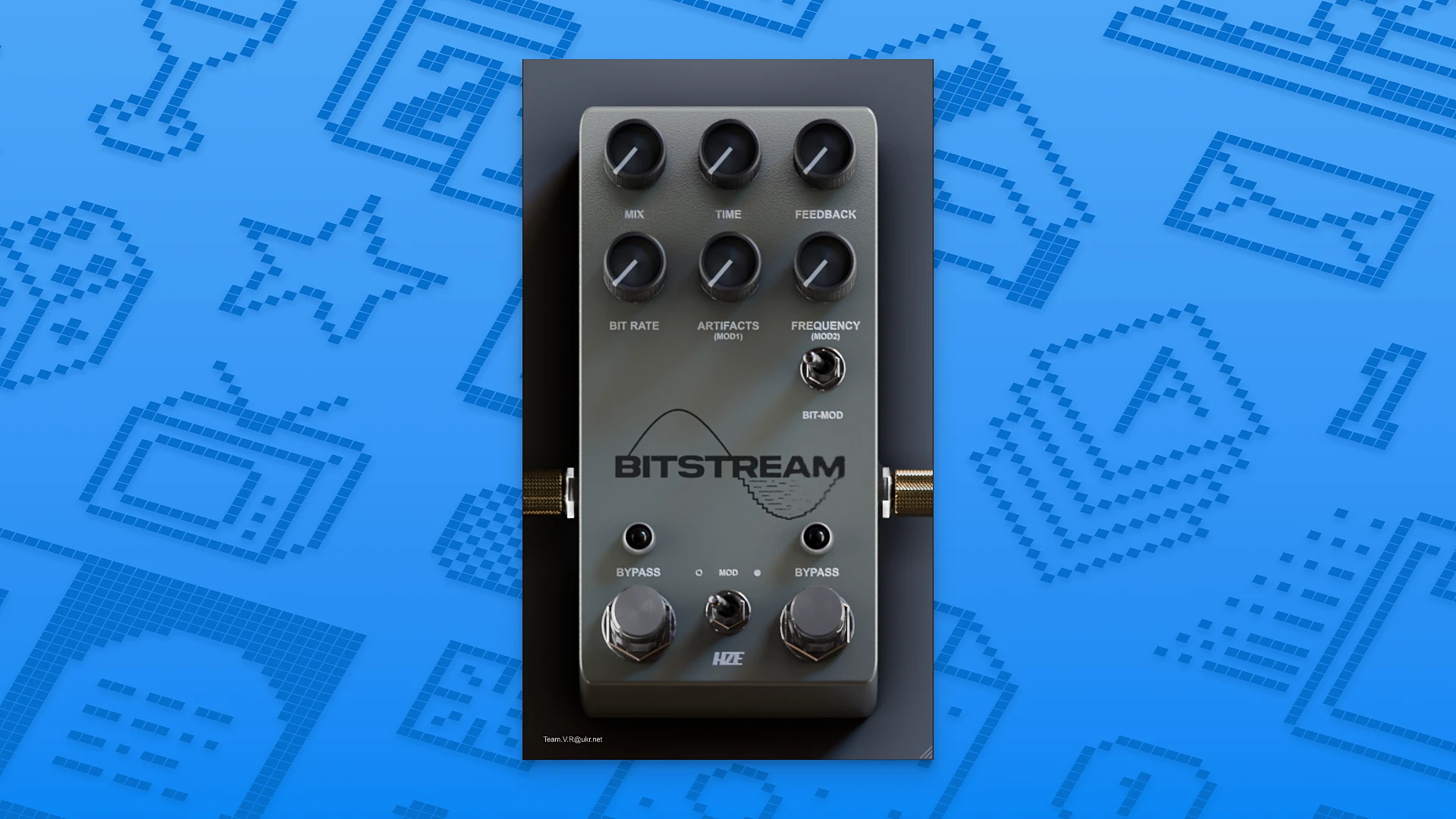
• BITSTREAM — an experimental processing effect that combines audio fragmentation into tiny pieces, digital distortion, and frequency filtering. It enables you to create fluid, glitchy, and lo-fi textures ranging from subtle digital artifacts and gentle degradation all the way to radically destroyed and heavily mangled sonic results.
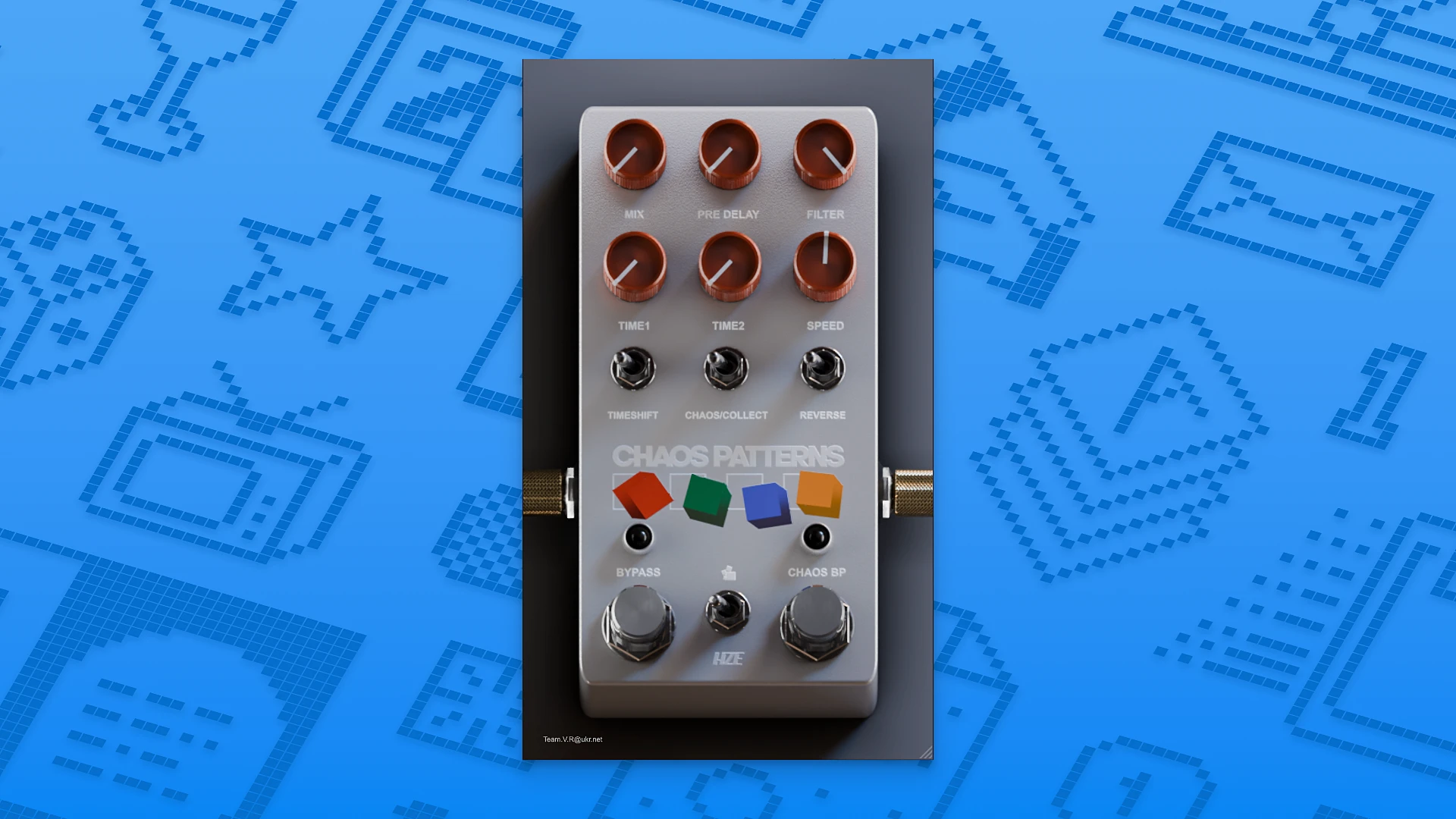
• CHAOS PATTERNS — a tool built for generating broken rhythms, stutters, and glitch effects. It captures fragments of audio and replays them at varying speeds, in different directions, and with adjustable delay, producing chaotic, constantly shifting and evolving rhythmic structures that never repeat the same way twice.
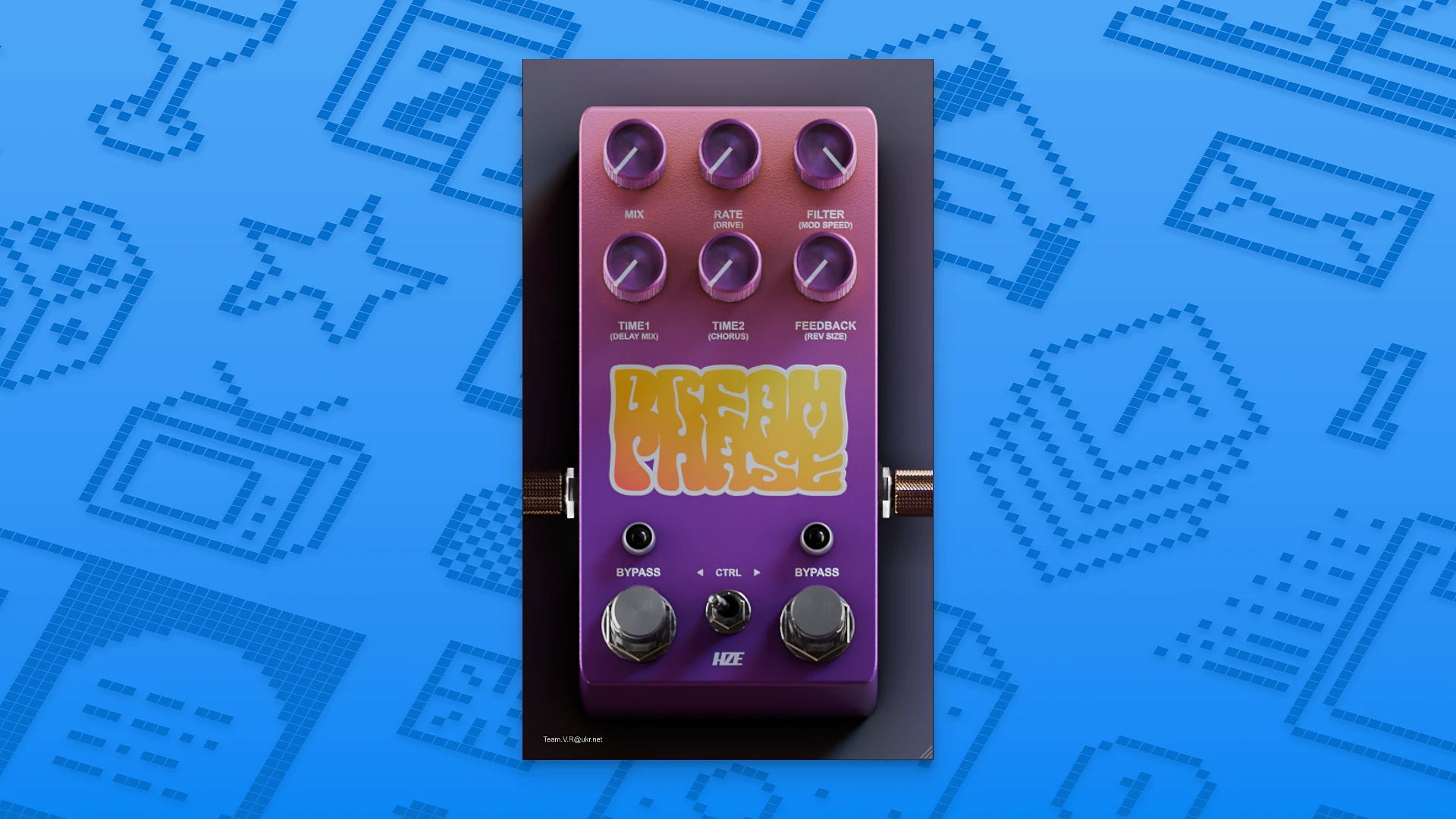
• DREAMPHASE — an atmospheric effect designed for crafting airy, psychedelic sonic spaces. It merges modulation, delay, reverb, and phasing together, allowing you to quickly achieve lush, dreamlike soundscapes — from gentle shimmering and soft movement to dense, swirling, rotating textures with rich spatial depth.
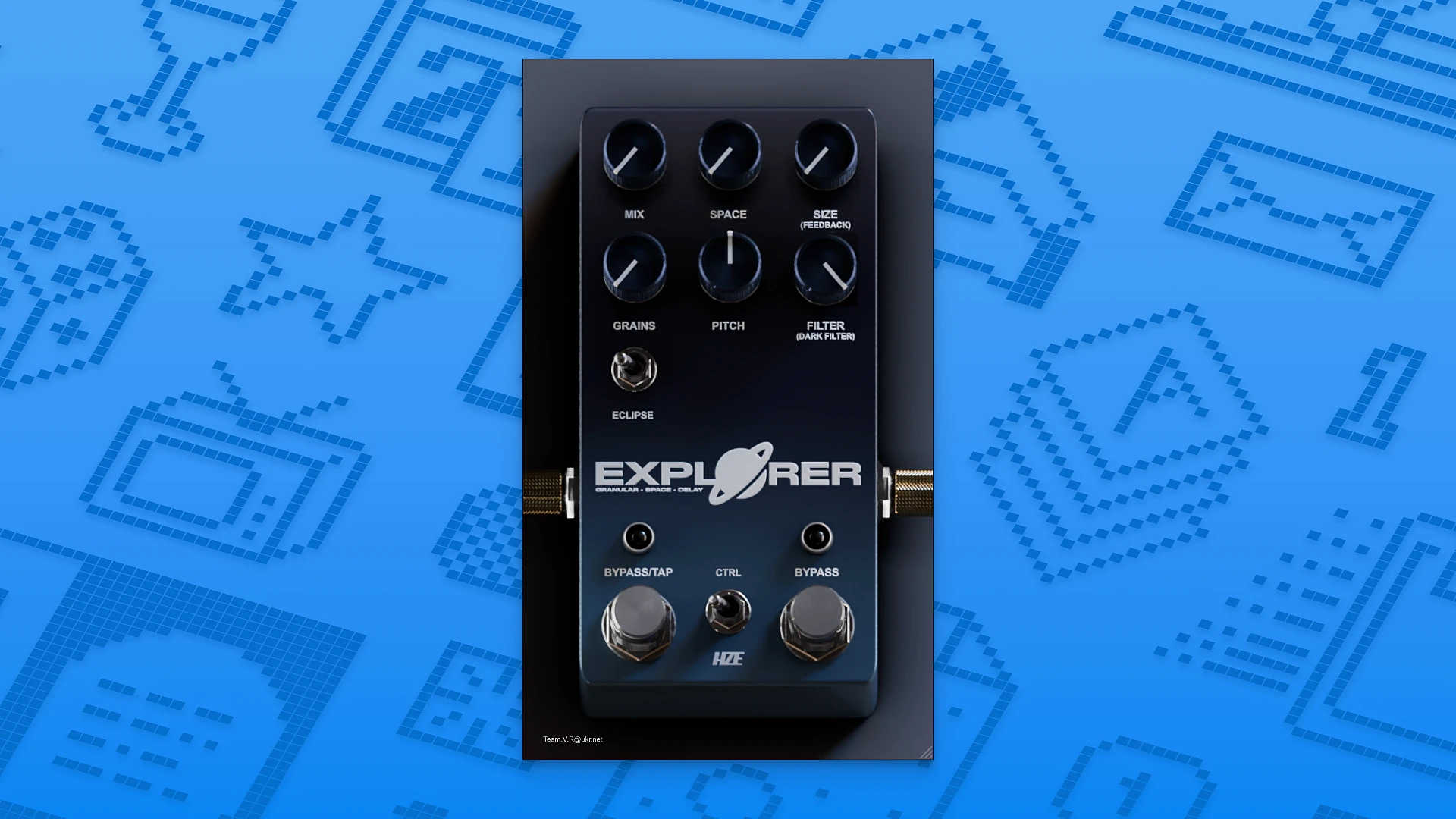
• EXPLORER — an effect for building deep and expansive sonic landscapes on your Mac. It combines granular processing, delay, and spatial effects to add a profound sense of emptiness, vast distance, and cosmic scale to any source material, transforming ordinary sounds into immersive environments.
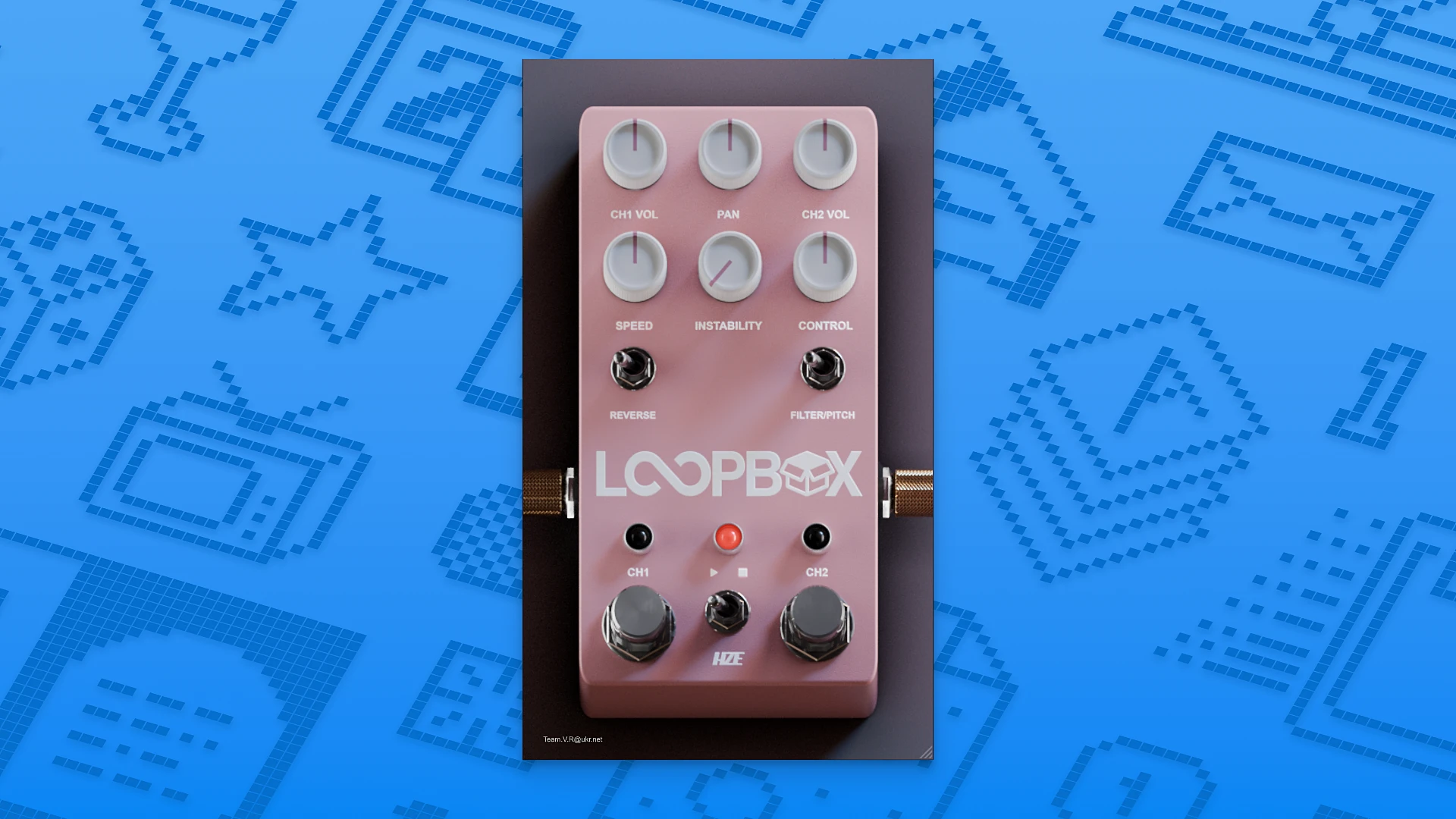
• LOOPBOX — a dual-channel instrument for recording and manipulating audio loops in real time. It allows you to time-stretch audio, alter pitch, introduce tape-like wobble and instability, and apply signal filtering. This pedal is ideal for live experimentation, layering multiple textures, and transforming musical phrases into something entirely new. When you HZE Pedal Series Volume 1 download, this becomes a go-to tool for creative looping.
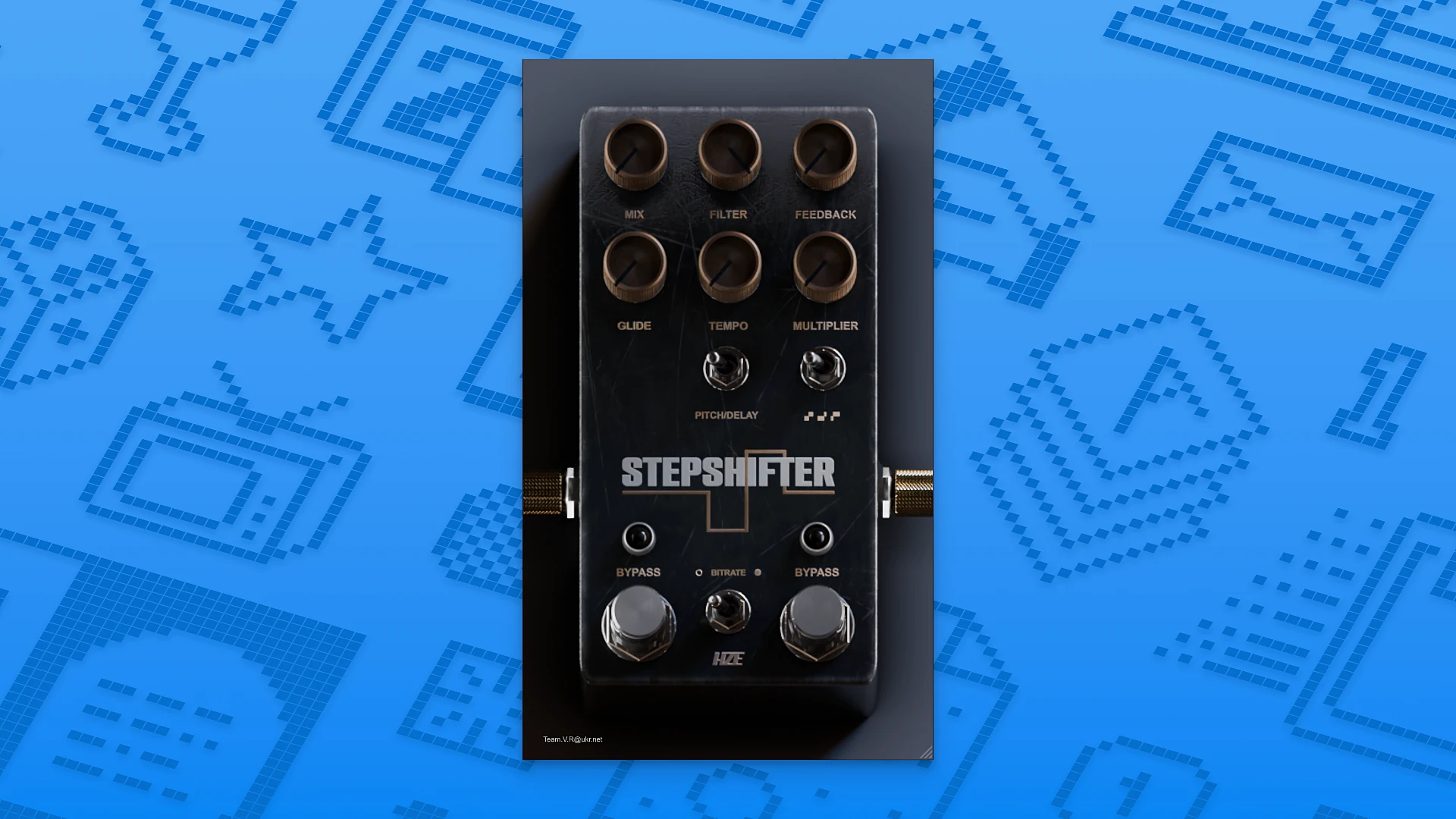
• STEPSHIFTER — an effect for altering pitch and playback speed of your audio signal. It operates in multiple modes covering a full two-octave range and is complemented by a delay with warm, analog-style character. This pedal is excellent for dramatic pitch jumps, sharp transitions, and expressive tonal transformations in your productions.
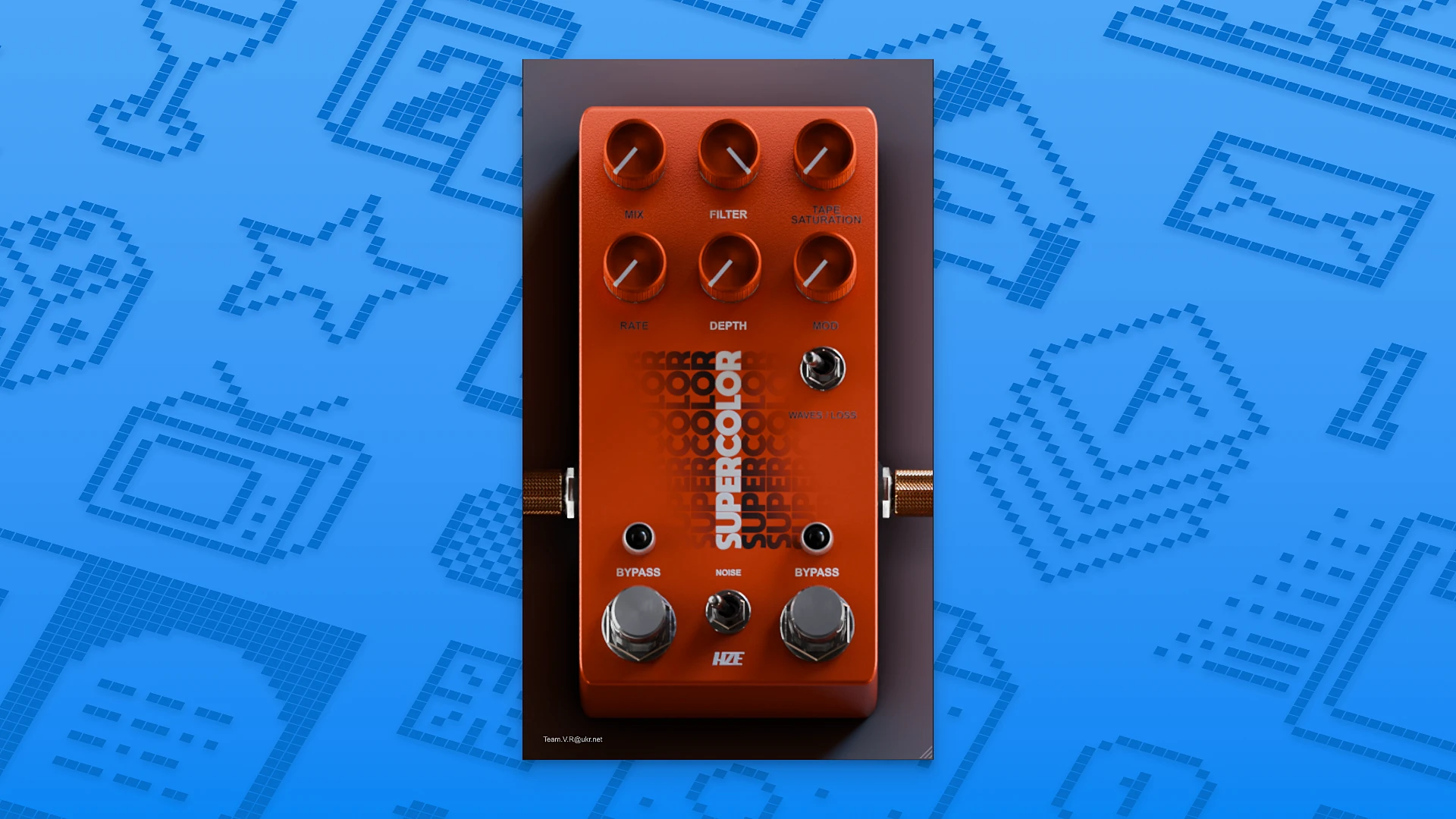
• SUPERCOLOR — an effect that faithfully emulates VHS tape degradation and aging. It adds characteristic noise, warm saturation, and playback instability, producing vintage lo-fi sonic qualities — from a gentle patina of nostalgic age to heavy distortions and a completely deteriorating, falling-apart signal. The HZE Pedal Series Volume 1 for mac delivers all eight pedals as a comprehensive creative effects suite for any macOS audio workflow.
Reviews & Comments
No comments yet. Be the first to share your experience.