
Description
oeksound soothe2 — helps remove harshness from audio so you don't have to spend time on complex equalizer adjustments or tedious manual processing on your Mac.
This oeksound soothe2 plugin is suitable for any audio source. It makes vocals and speech smoother and more pleasant, removes sibilant and piercing artifacts, evens out problematic audio from less-than-perfect recordings, and cleans low frequencies from boominess and muddiness.
How does it work?
oeksound soothe2 automatically detects unpleasant resonances — frequencies that stand out and degrade the sound — and carefully attenuates them only when it is truly necessary. It does not affect neighboring frequency areas, so the original character and tonal quality of the audio is fully preserved. As a result, the sound becomes more balanced and natural, without any audible distortions or unwanted coloration.
Working with vocals.
In vocal recordings, harshness can appear due to the singer's voice, the microphone used, the distance to the microphone, or the acoustics of the room. soothe2 smooths out all of these issues: the voice sounds softer and warmer, the microphone response becomes cleaner, and the proximity effect becomes much more controllable. Instead of manually editing individual syllables or specific harsh sounds, the plugin handles everything automatically on your Mac and saves considerable time.
Easy for beginners.
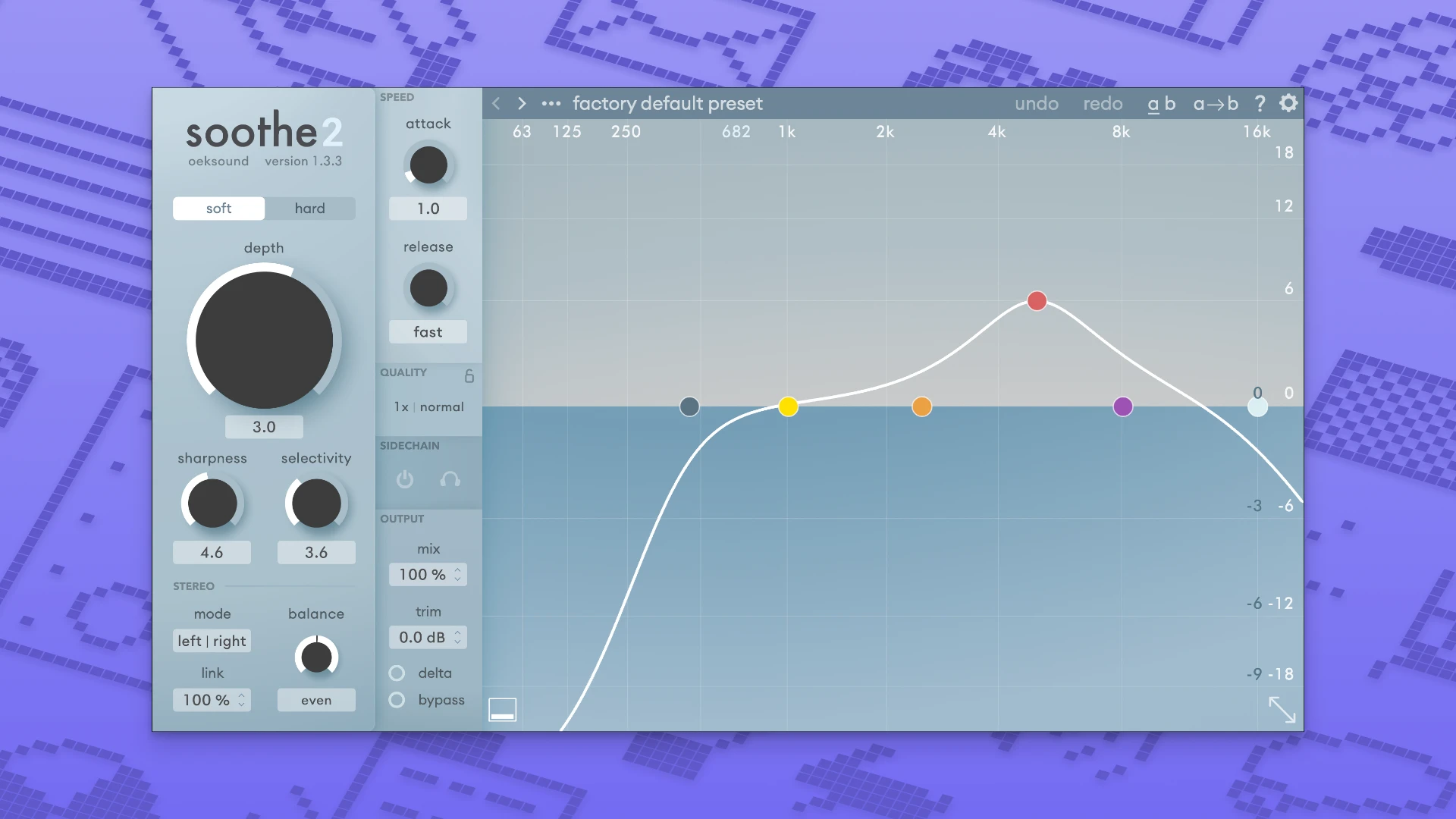
To get started, all you need to do is add soothe2 to your signal chain and choose which problematic frequencies need to be tamed and how aggressively. There is a harder mode for more difficult and challenging cases and a soft mode for delicate, subtle correction. Attack and release speed settings allow you to use the plugin as a general tonal balancer for overall sound smoothing.
Improved algorithm.
The new version features a completely reworked algorithm that delivers higher quality, faster performance, and greater flexibility while maintaining its signature ease of use. soothe2 is widely used by professional audio engineers and music producers around the world and has become a standard tool in many recording and mixing studios.
Additional capabilities.
When needed, you can utilize advanced processing modes for stereo signals and individual parts of the audio signal, as well as control how one sound creates space for another within the mix. This is convenient, for example, to help vocals cut through and remain clearly audible in a dense mix. The oeksound soothe2 mac version also allows you to conserve your computer's CPU resources during active sessions and intensive work.
Universal application.
soothe2 works equally well on individual tracks and on grouped busses. It is suitable for music production, voiceover work, sound design, and final mastering of tracks. If you want to get started, oeksound soothe2 download is quick and simple. The workflow is straightforward: add the plugin to your chain and remove everything unnecessary without degrading the overall quality of your sound.
Reviews & Comments
No comments yet. Be the first to share your experience.