
Description
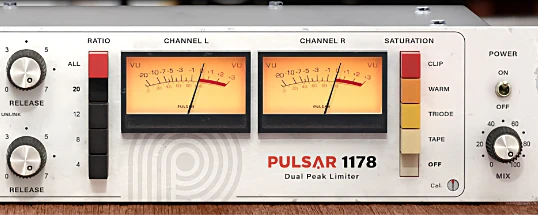
Pulsar Audio 1178 is a compressor plugin that delivers a precise emulation of the legendary UREI 1178 FET compressor, known for being cleaner and more versatile than its predecessor, the 1176. This iconic hardware unit was favored by renowned producers such as Chris Lord-Alge (My Chemical Romance), Bob Clearmountain (Rolling Stones, Christina Aguilera), Evan Bing (Phil Collins), and Nigel Godrich (Radiohead).
The plugin for Mac combines authentic analog character with modern digital features, delivering fast and bright compression perfectly suited for both tracking and mixing sessions.
Key Features:
▪︎ FET Topology: Accurate emulation powered by Topology Preservation Technology, which faithfully reproduces the behavior of diodes, transistors, and filters found in the original hardware unit without requiring full circuit simulation, resulting in significant CPU savings on your Mac.
▪︎ Fast Compression: Ideal for taming sharp transients (such as drums, vocals, and guitars) with a bright and transparent character that is noticeably cleaner than the 1176. It also supports the "all-buttons-in" mode for achieving a more aggressive and heavily compressed sound.
Saturation: Four distinct modes:
▪︎ Tape: Emulation of magnetic tape saturation characteristics.
▪︎ Triode: Simulation of a Class A tube amplifier producing odd-order harmonics.
▪︎ Warm: Subtle distortion applied specifically to the high-frequency range.
▪︎ Clip: Digital clipping designed for hard and aggressive signal processing.
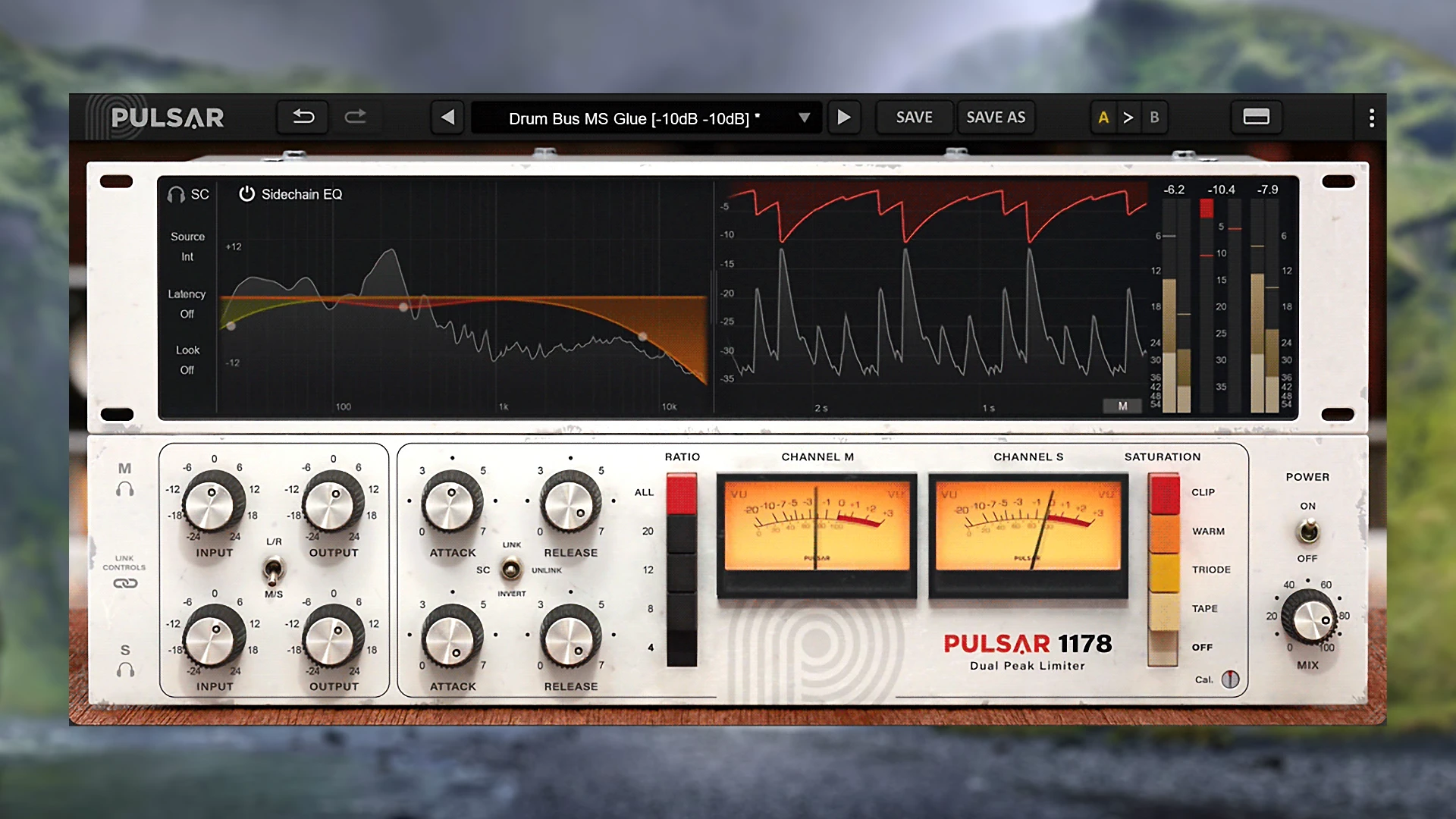
▪︎ Mid/Side and Left/Right Processing: Independent compression of mono and stereo signals with a dedicated solo function for each individual channel, giving you full control over the stereo image.
▪︎ Look-ahead/Look-behind: Up to 20 ms of look-ahead for precise transient handling, or up to 10 ms of look-behind to emphasize and bring out the natural attack of instruments.
▪︎ Sidechain EQ: A fully featured equalizer for the sidechain path with five filter types, including band-pass, high-pass, and a solo function for precise fine-tuning and monitoring of the sidechain signal.
▪︎ External sidechain support for ducking, de-essing, and a wide range of other processing tasks on Mac.
Metering: Advanced monitoring system with pulsar audio - 1178:
▪︎ Peak and RMS meters for both input and output signal levels.
▪︎ VU meters providing instant visual feedback of gain reduction in real time.
▪︎ Scrollable gain reduction graph for detailed visualization of attack and release behavior over time.
▪︎ Interface: Fully scalable on Mac, automatically adapts for mono channels with a simplified view, and includes professionally crafted presets from industry experts. With pulsar audio pulsar 1178, you get a powerful and efficient compression tool. To get started, use pulsar audio 1178 download for your Mac setup.
Reviews & Comments
No comments yet. Be the first to share your experience.