

Description
Having achieved victory, Turok throws the Chronoscepter into the volcano to destroy it forever. Unfortunately, the massive explosion awakens an even more deadly force—Primagen. Once again, you are tasked with restoring peace to the land and preventing the Earth from merging with the Netherworld. In turok 2: seeds of evil on Mac, the stakes have never been higher.
Dinosaur Hunter is back on your Mac!
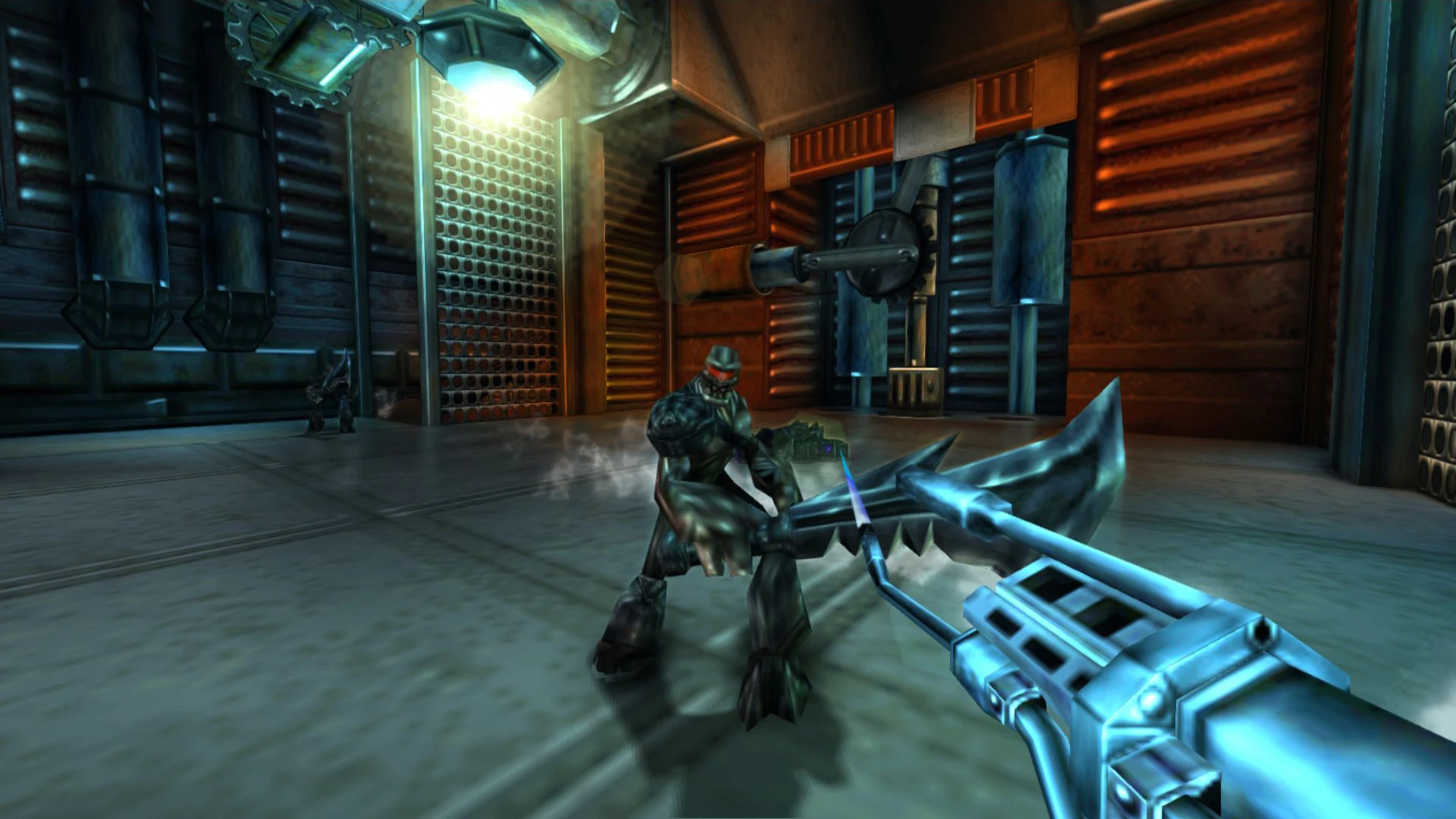
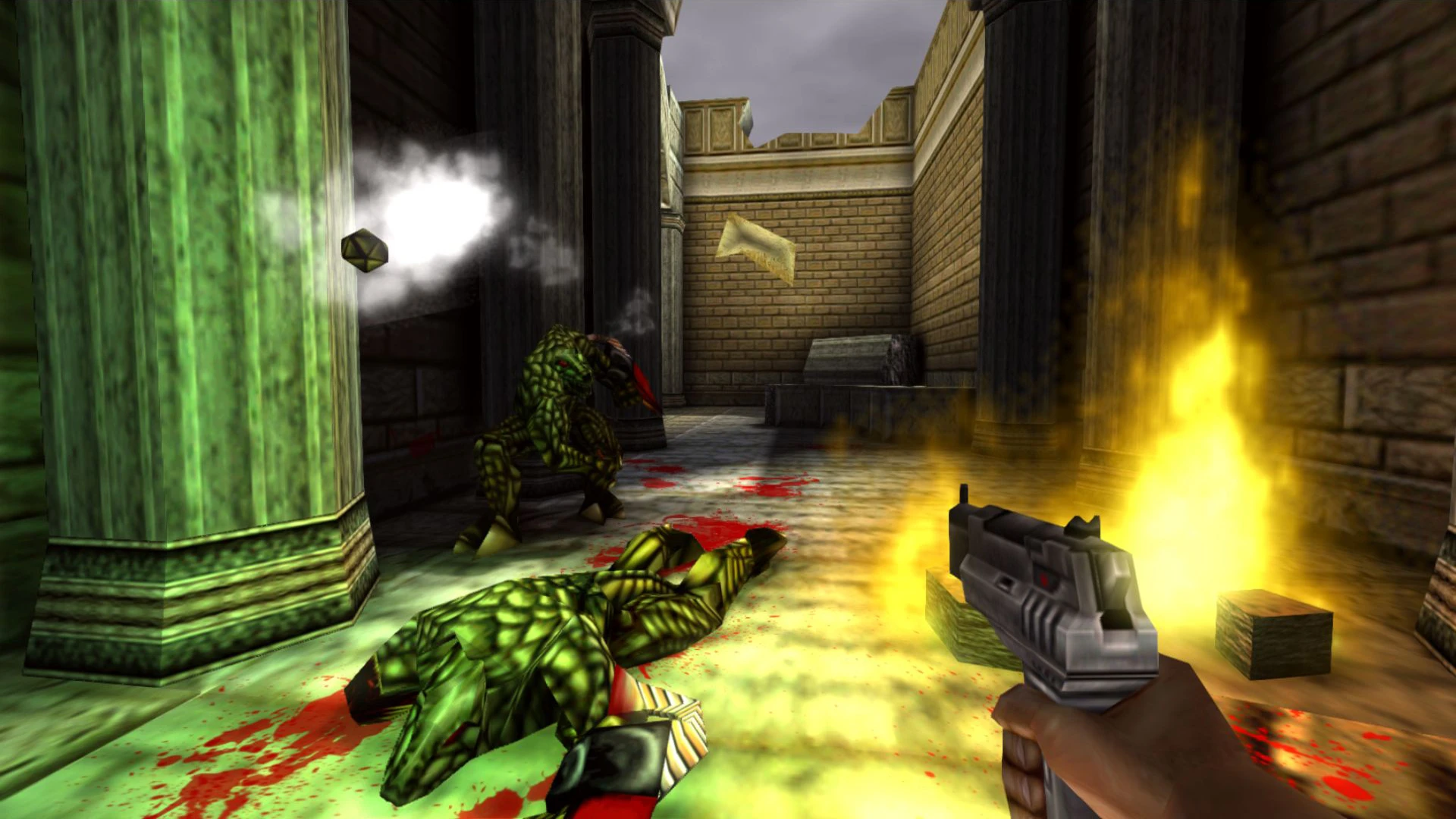
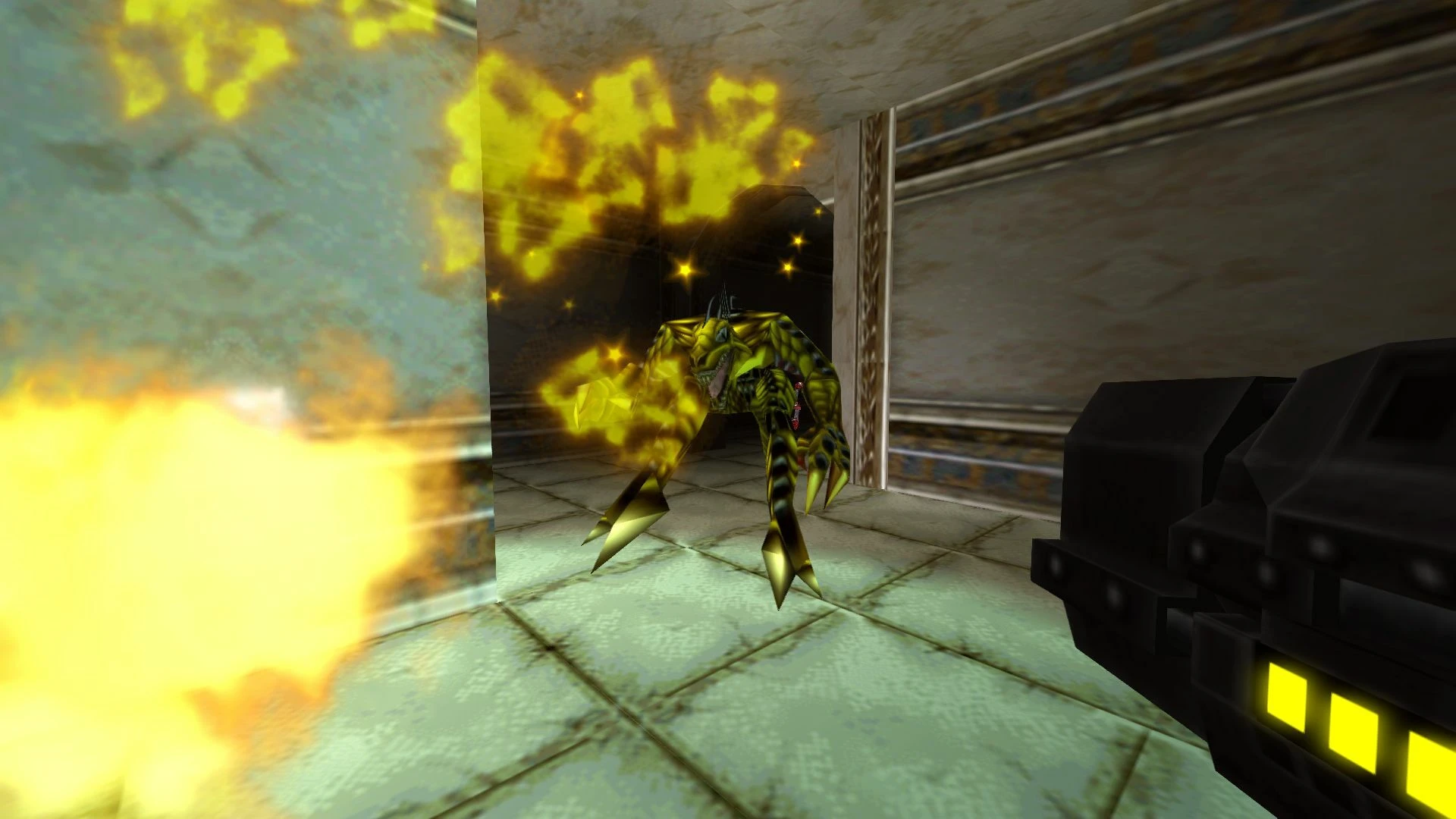
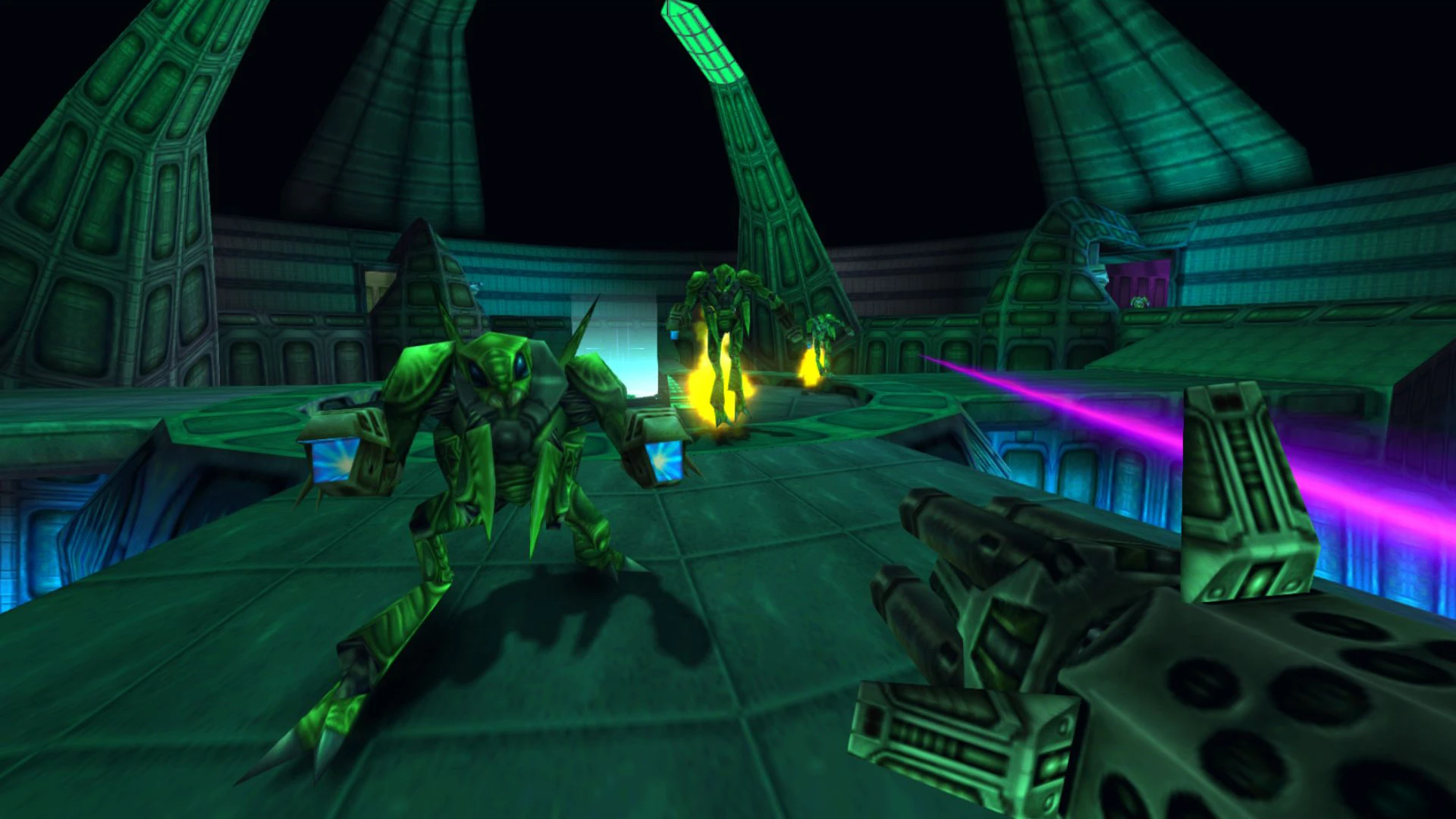
• Fight your way through thirty-five different enemy types with bouncing bellies, blinking eyes, stretching tentacles, and snapping jaws. From prehistoric predators and evolved Flesh Eaters to the final epic battle with the Mother of all Beasts, you must defeat every single one of them in turok 2 seeds of evil!
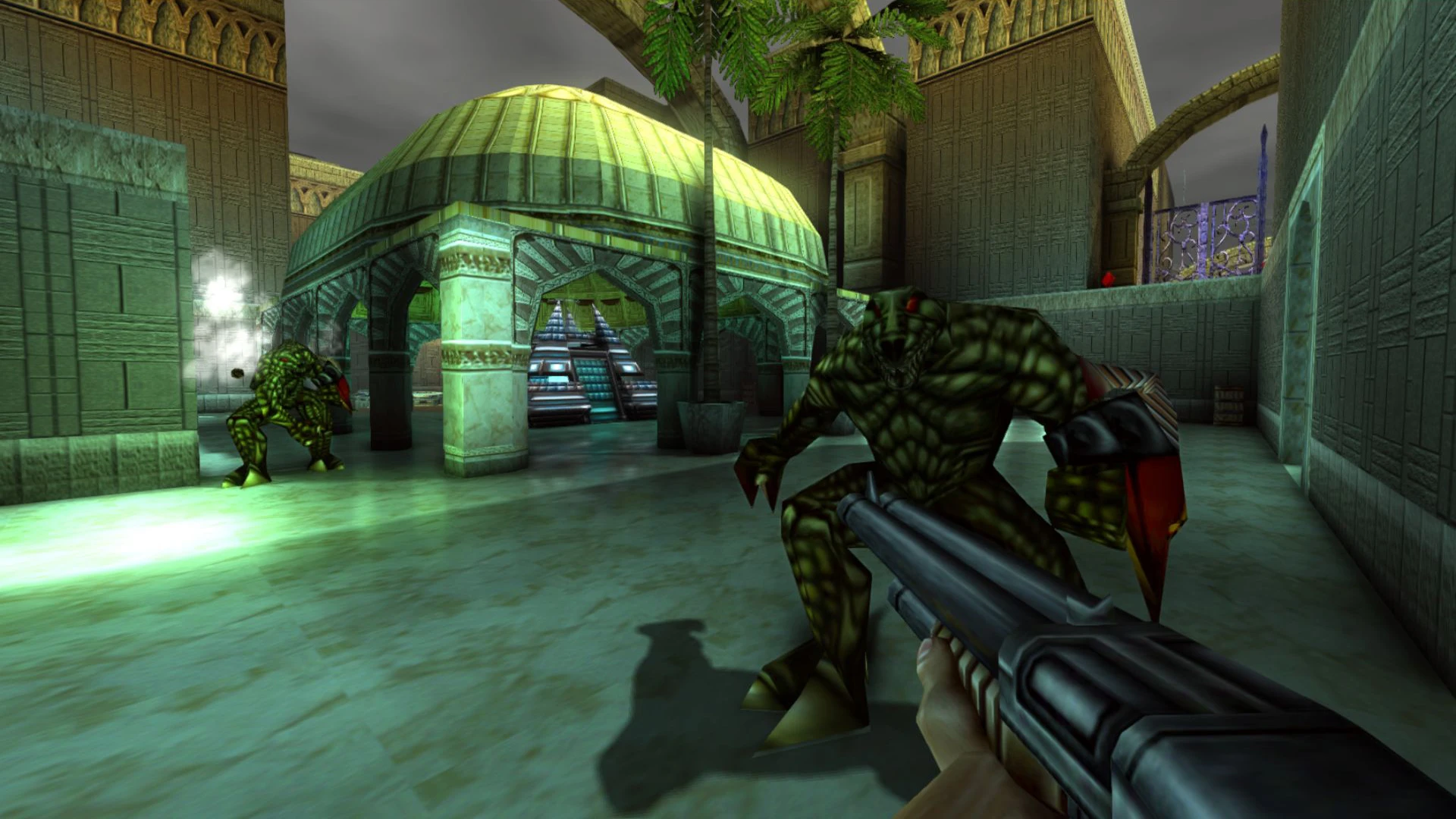
• Enemies are smart! They are advanced enough to attack in groups, run away and take cover during intense firefights. Every encounter in turok 2 demands sharp tactics and quick reflexes.
• Explore half a dozen challenging levels on your Mac, including Port Adia, the Swamps of Death, and the Lair of the Blind. Each environment is rich with detail and danger.
• More than two dozen types of devastating weapons to collect and unleash!
• Trample your enemies on the back of a Triceratops equipped with artillery! And when you're ready for even more action, jump into turok 2 multiplayer to battle friends across thrilling arenas.
Reviews & Comments
No comments yet. Be the first to share your experience.