
Description
Ultimate General: Civil War is a tactical war game designed for Mac that immerses you in the bloodiest period in American history—the Civil War of 1861–1865. Command armies, shape the course of history, and experience authentic battlefield strategy on your Mac.
Key Features:
Full Campaign: The American Civil War campaign on Mac features more than 50 battles, ranging from small skirmishes to massive large-scale engagements that last for several days across hundreds of square kilometers of terrain. The campaign's progress depends entirely on the player's actions and the outcome of each battle. Historical battles can also be played individually as standalone scenarios.
The campaign includes the following battles:
• Battle of Aquayah Creek
• Battle of Philippi
• First Battle of Bull Run
• Battle of Shiloh
• Battle of Gaines' Mill
• Battle of Malvern Hill
• Second Battle of Bull Run
• Battle of Antietam
• Battle of Fredericksburg
• Battle of Stone River
• Battle of Chancellorsville
• Battle of Gettysburg
• Battle of Chickamauga
• Battle of Cold Harbor
• Battle of Richmond
• Battle of Washington
• 48 minor battles
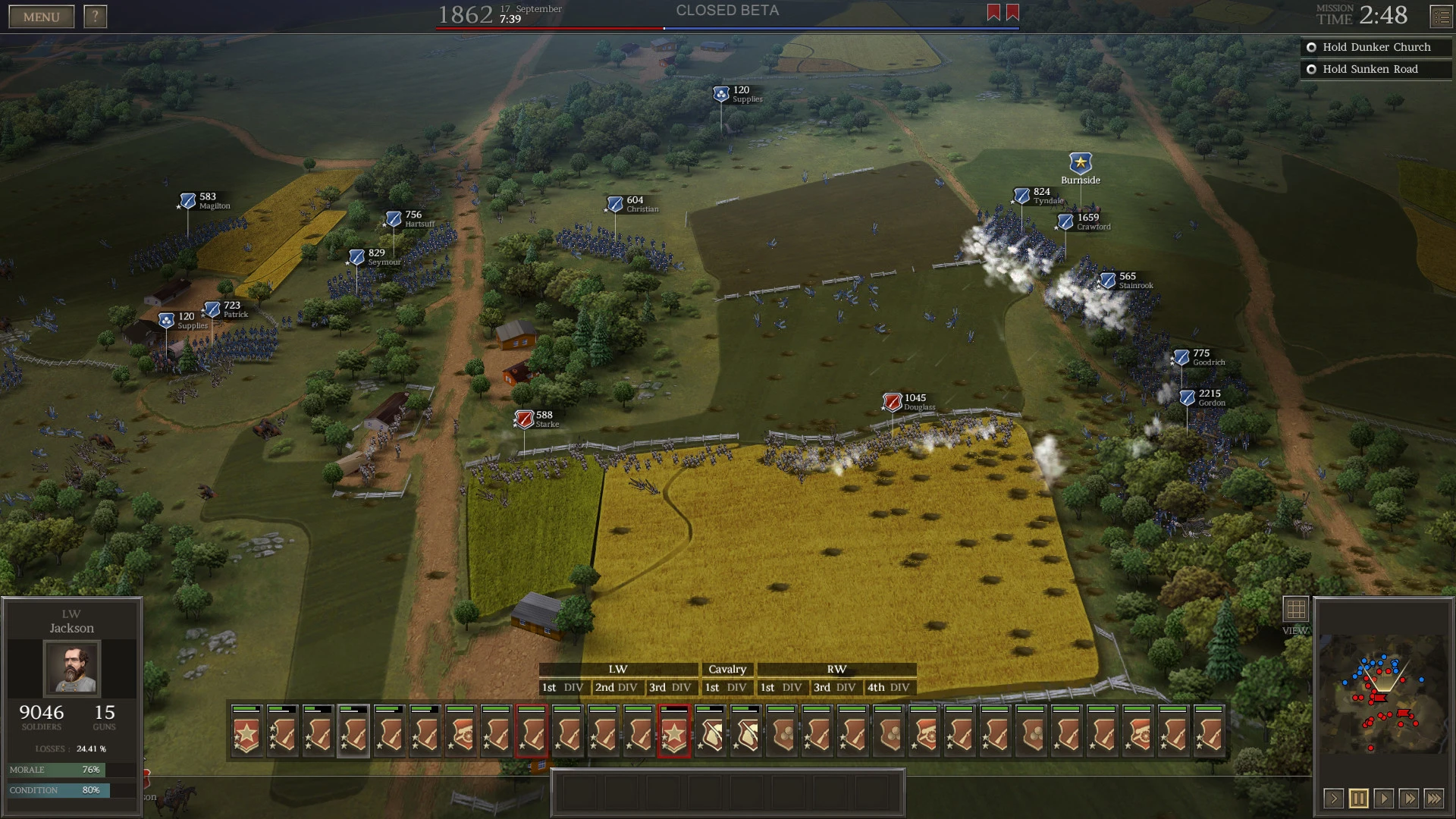
Army Management: You are a general in ultimate general civil war. You have complete and total control over your army's composition. Depending on your performance on the battlefield and your growing reputation, you can gain access to more corps, divisions, and brigades. Protect your soldiers from death, and they will learn to fight better, gradually transforming from green recruits into seasoned veterans. If you lose too many soldiers, you may not have enough reinforcements to secure future victories. Your reputation will suffer, your troops' morale will plummet, and you will ultimately be forced to retire from command.
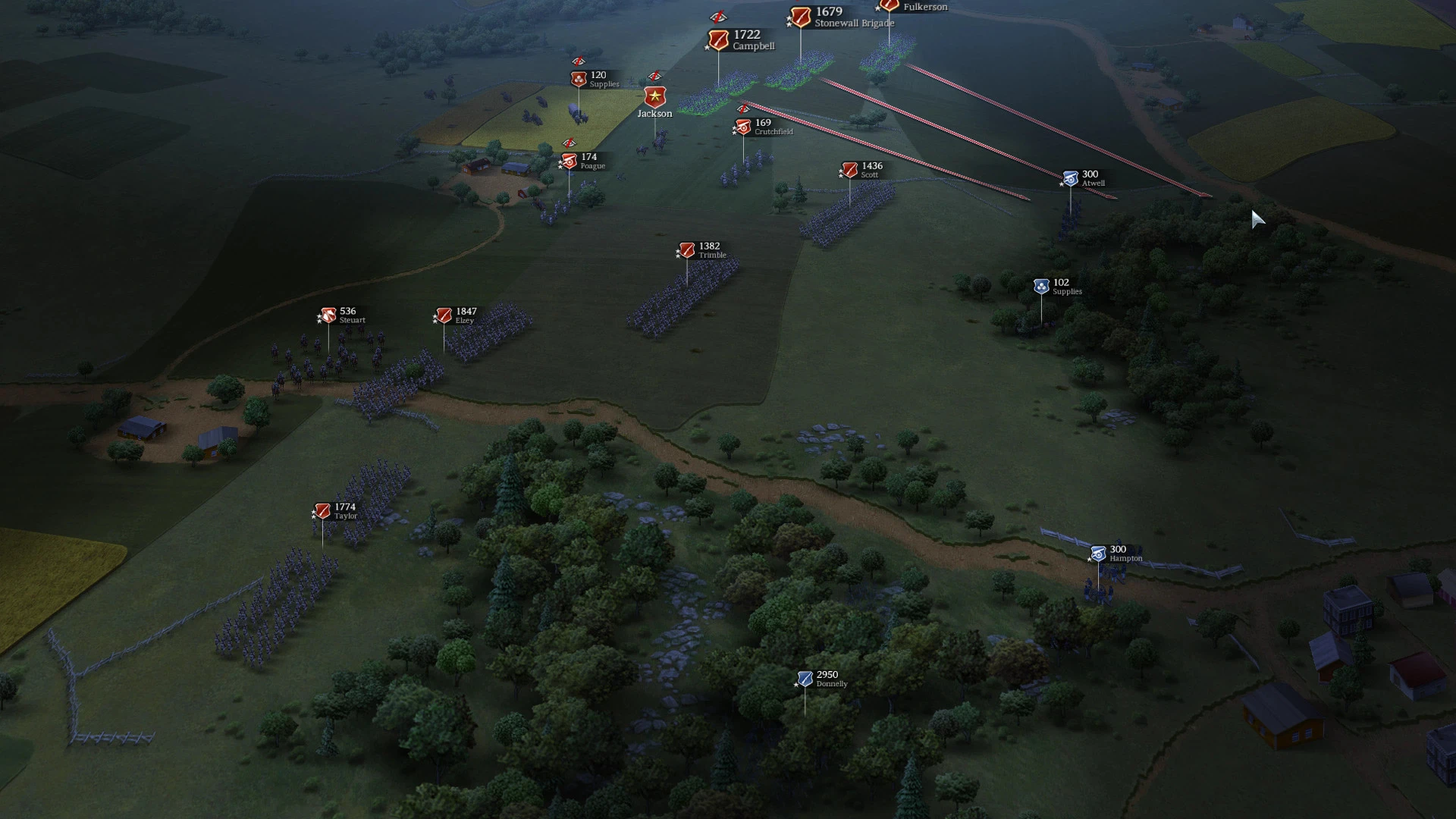
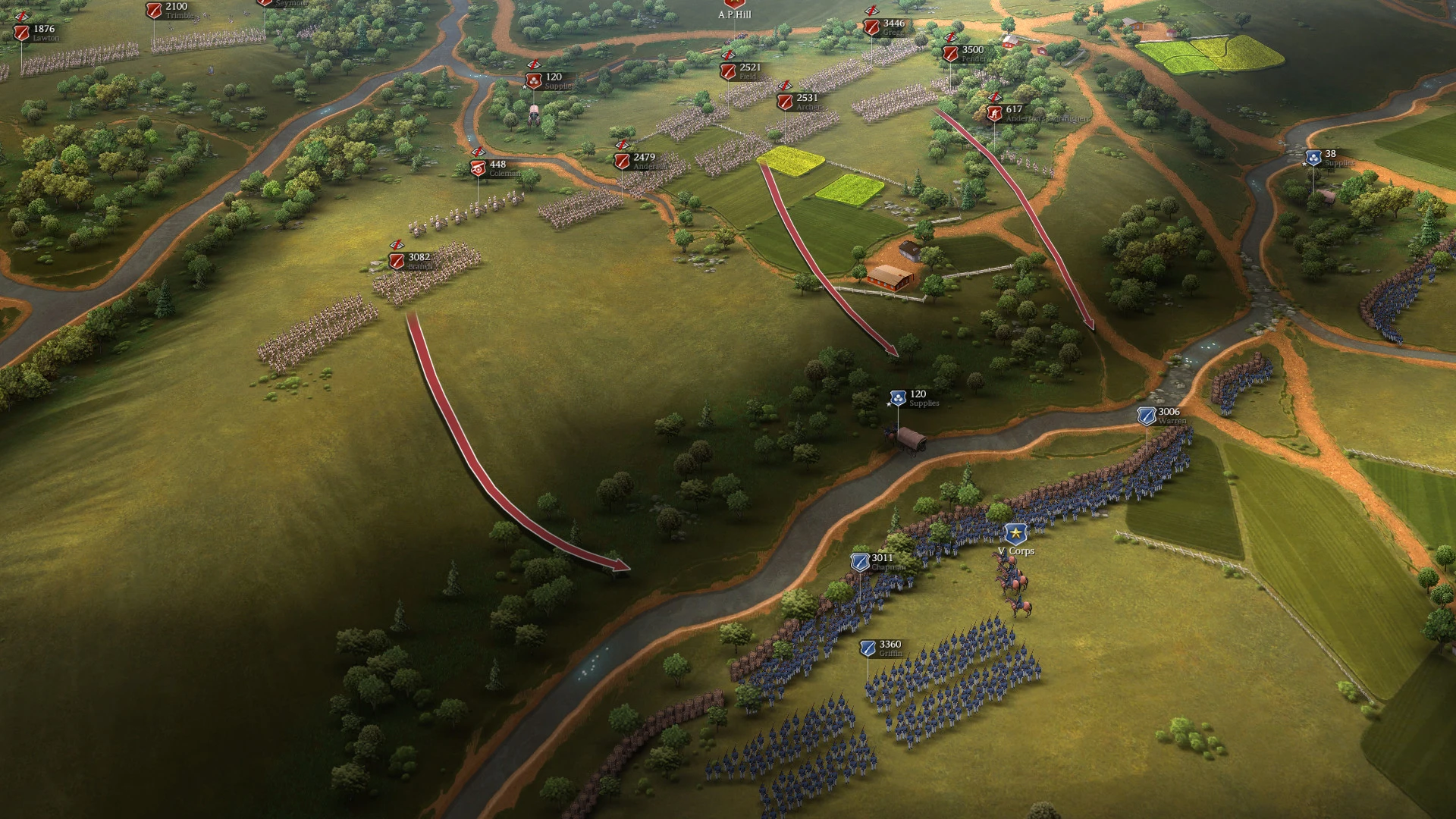
An innovative command system: you choose the level of control you need on your Mac. You can command each soldier individually or assign them a common objective with the press of a button and then monitor its execution in real time. Division commanders can make decisions independently and help you manage even the largest army effectively. Define a defensive line, and assigned brigades will defend it bravely and with determination. Or initiate a long-range flanking maneuver by drawing an arrow and send the entire army to the enemy's flank or rear. Your generals will strive to carry out orders faithfully, although "no plan survives contact with the enemy."
Officer development: Historical squad leaders develop their fighting skills alongside the player throughout the campaign. Officer ranks increase based on the performance and bravery of their troops in battle. But this is war, and officers can be wounded or killed at any moment. Higher ranks provide new opportunities and allow officers to command larger squads without losing their overall effectiveness. Victories in battles open up new opportunities for you as a general: you develop critical skills such as reconnaissance and political influence.
Historically accurate weapons: ultimate general civil war mac delivers a huge variety of Civil War-era weaponry—from mass-produced Enfield rifled muskets to exceptionally rare Whitworth rifles. Historical availability is also carefully taken into account. Some weapons can only be taken from the enemy on the battlefield or captured during daring raids on supply depots.
Fine-grained control of your troops: you can send riflemen to scout the heights ahead and report back. Or, if necessary, combine several brigades into a single powerful division. Cavalry can dismount to become less visible to the enemy and then mount again for swift flank attacks and raids on supply depots. Supply is absolutely crucial. You need to carefully plan and protect your supply lines, otherwise your battle could end prematurely in defeat.
Advanced artificial intelligence: in Ultimate General: Civil War on Mac, you will face a powerful and cunning enemy. The AI will outflank you, attack weak points and undefended heights, cut off vital supply routes, and destroy unguarded artillery batteries. The AI will skillfully exploit terrain features and natural cover, and will retreat strategically when confronted with superior forces.
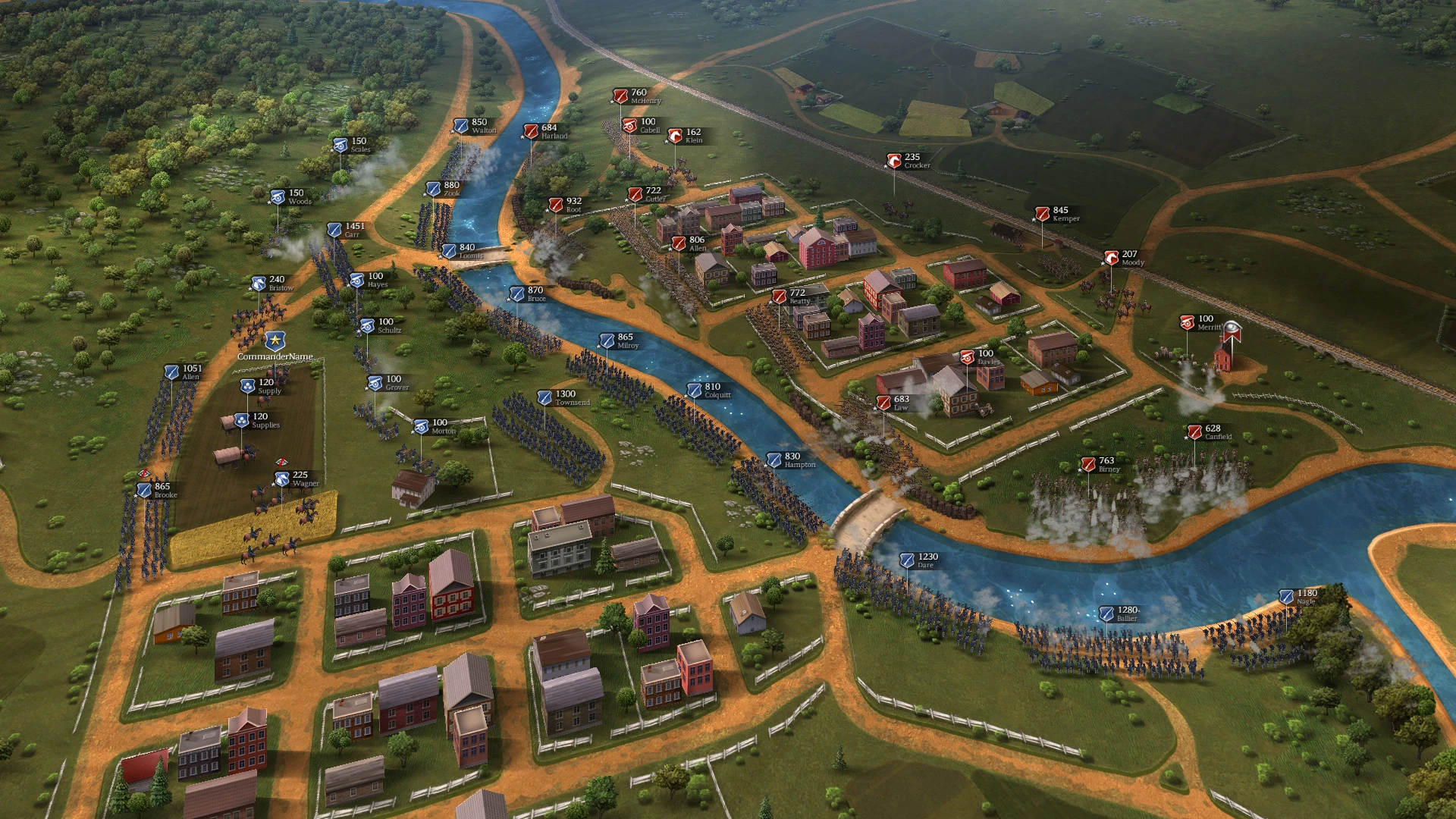
The terrain is also critically important: trenches, defensive lines, fences, houses, open fields—all the battlefield's features can help you win if you know how to exploit them wisely. Hills will allow you to spot enemy soldiers earlier and gain a tactical advantage. Rivers and bridges can become natural obstacles and greatly aid in defense. Dense forests will help you conceal your movements and outflank the enemy with surprise attacks.
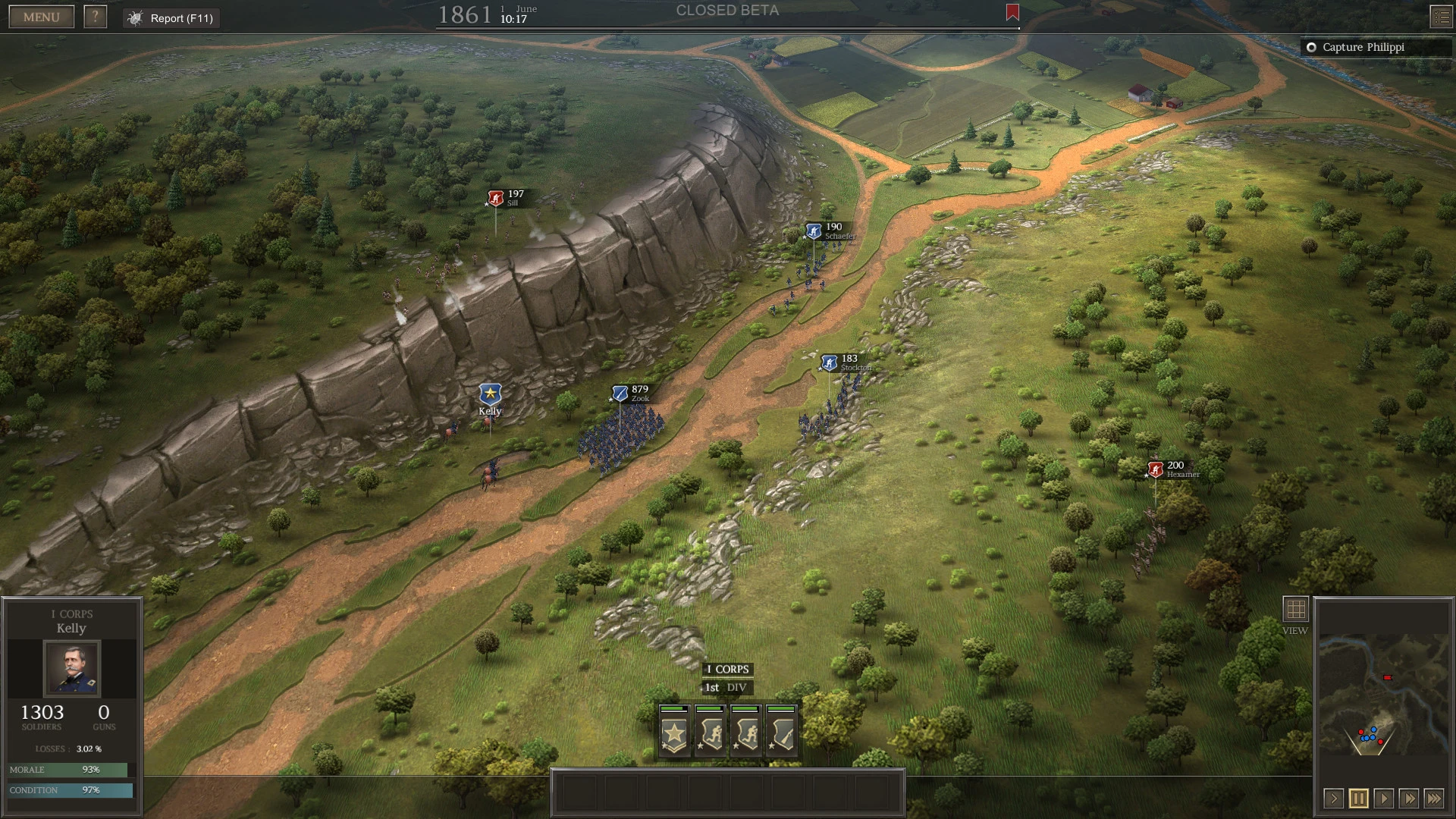
Beautiful Maps: We believe that modern technology allows serious wargames to go beyond brown pieces on green squares. Serious and profound wargames can and should be beautiful. In ultimate general on Mac, the landscape of each historical battle is precisely hand-drawn using satellite imagery and historical map data. Topography has a profound impact on strategy, helps us understand how these battles were actually fought, and helps us learn and appreciate history.
Reviews & Comments
No comments yet. Be the first to share your experience.