

Description
macOS High Sierra is the latest version of Apple's desktop operating system designed for the Mac. The platform introduces a brand-new file storage system, supports High Efficiency Video Coding (HEVC) technology, and features the advanced Metal graphics technology created by Apple that unlocks powerful capabilities such as machine learning and virtual reality content creation. In addition, macOS High Sierra brings significant improvements to many of the applications that Mac users rely on every day, including Photos, Safari, and Mail.
Apple File System
The Apple File System (APFS) delivers improved performance while remaining reliable and secure. Its architecture is specifically optimized for modern high-capacity storage technologies used in today's Mac computers. APFS makes it possible to perform everyday actions instantly, such as copying files or folders, ensures data integrity in the event of power outages and system crashes, and provides robust file protection through built-in native encryption. macOS High Sierra maintains full compatibility with previously formatted HFS drives for both reading and writing and has been designed with future storage technology advancements in mind.
High Efficiency Video Coding
Support for the industry-standard HEVC (H.265) codec allows Mac users to play back and stream 4K video files of excellent quality that take up to 40% less storage space compared to the existing H.264 standard. Thanks to HEVC technology, Apple has been able to deliver high-quality video streaming over networks where previously only standard HD video streaming was possible. With hardware acceleration capabilities on the newest iMac and MacBook Pro models, HEVC editing and encoding processes become significantly faster and more energy-efficient on the Mac.
Metal 2
Metal is the fastest way to harness the full power of your Mac's graphics processor. Metal 2, featuring an enhanced API and substantially increased performance, enables developers to make their applications even faster and more responsive. It now supports machine learning capabilities used for computer vision, speech recognition, and natural language processing on the Mac. The most demanding users will gain access to external graphics processors through the combination of Thunderbolt 3 and Metal 2 technologies. The External Graphics Developer Kit provides developers with all the software and hardware resources they need to enhance and optimize their applications for the Mac.
Virtual Reality
macOS High Sierra, built on the performance of Metal 2 and the capabilities of new Mac hardware, introduces support for virtual reality content creation for the first time, allowing developers to build new immersive games, 3D content, and virtual reality experiences on the Mac. Leading companies specializing in virtual reality are working in collaboration with Apple to develop new tools for the Mac that will become available later in the year. For example, Valve is optimizing its SteamVR virtual reality platform for macOS and enabling support for the HTC Vive headset, while Unity and Epic are adapting their virtual reality content development tools for macOS as well. Additionally, later in the year, Final Cut Pro X will add support for professional 360-degree workflows with the ability to import, edit, and export spherical video content directly on the Mac.
Mac App Improvements
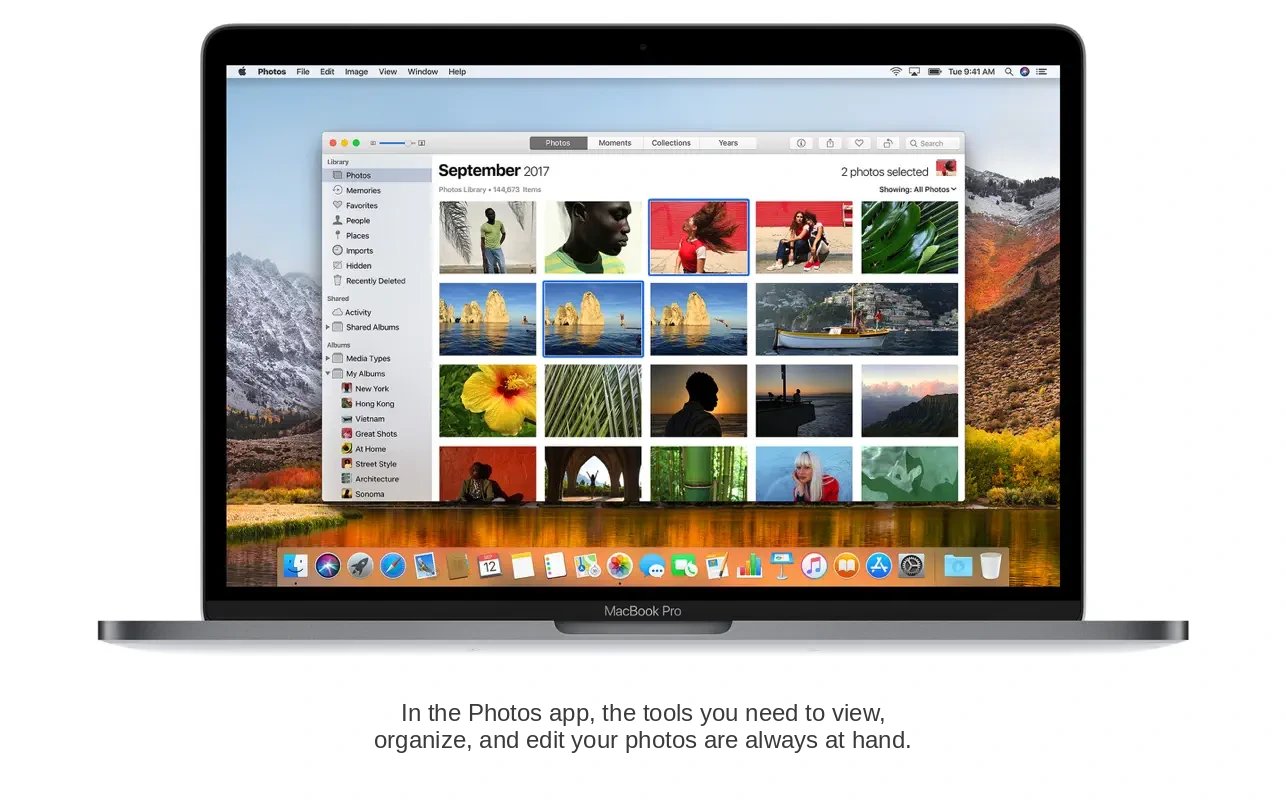
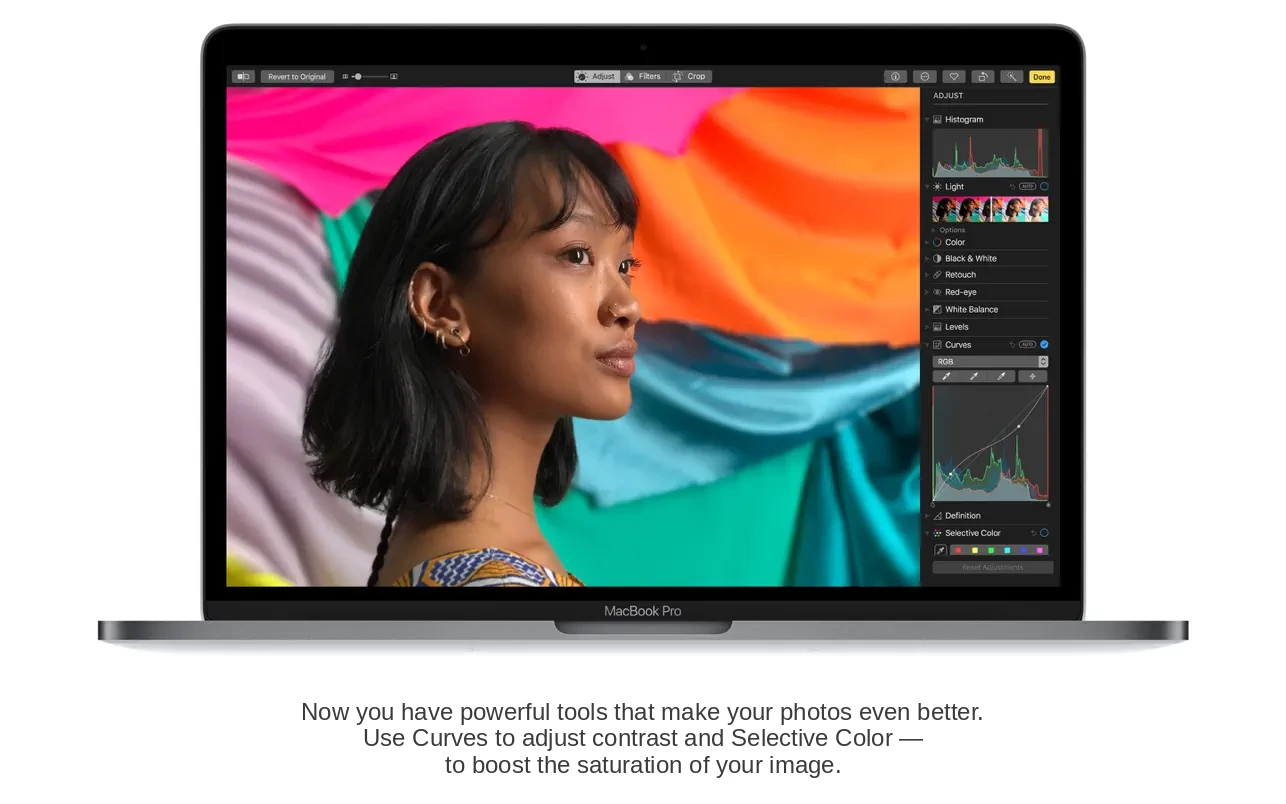
The Photos app in macOS High Sierra features a new persistent sidebar with albums and sorting tools that remains visible on screen at all times. The redesigned editing mode includes powerful new tools: Curves for precise color and contrast adjustments, and Selective Color for modifying a specific chosen color within an image. Live Photos can now have fun effects applied to them, and the Memories feature compiles a user's photos and videos according to new creative themes. The Photos app now supports external photo editors, so users can open Photoshop, Pixelmator, and other editing applications directly from within Photos, with all edits saved back to the Photos library. For the first time, thanks to support for third-party extensions, users can print and publish images through services like Animoto, ifolor, Shutterfly, WhiteWall, and Wix directly from the Photos app on their Mac.
If you have a developer account, you can download macOS High Sierra beta right now. Those looking for the macOS High Sierra download DMG can obtain the installer through the appropriate developer channels.
Additional App Improvements:
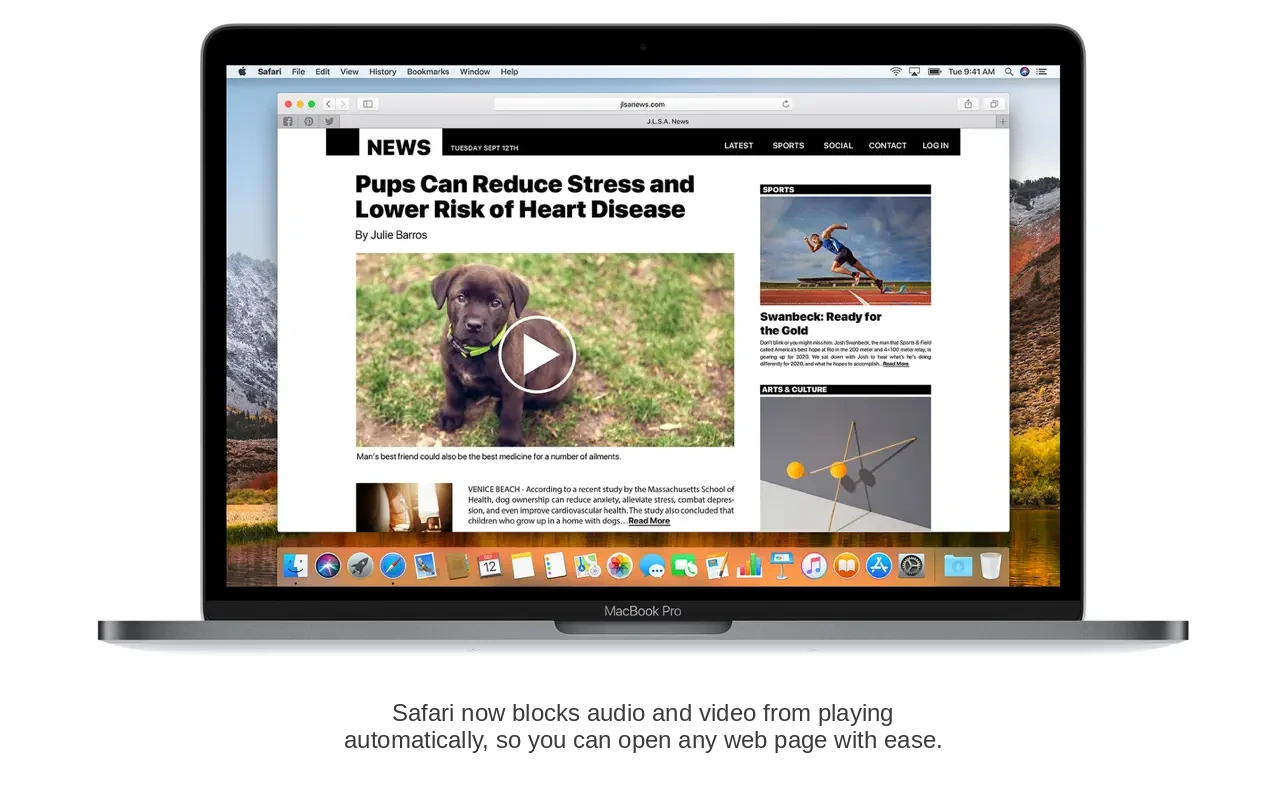
Safari now lets you automatically enable Reader mode and view articles in a clean, distraction-free layout that is comfortable for reading, while the Autoplay Blocking feature prevents audio and video media files from playing automatically in the browser on your Mac.
The Intelligent Tracking Prevention feature in Safari uses machine learning technologies to detect and remove tracking data that advertisers use to monitor user activity across the internet, enhancing privacy on the Mac.
Search in Mail becomes faster and easier thanks to Top Hits, which surfaces the most relevant emails at the top of the search results list for quicker access to important correspondence.
Siri's voice on the Mac has become more natural and expressive, and when used with Apple Music, the voice assistant takes your personal preferences into account, creates tailored playlists that match your taste, and answers questions about music and artists.
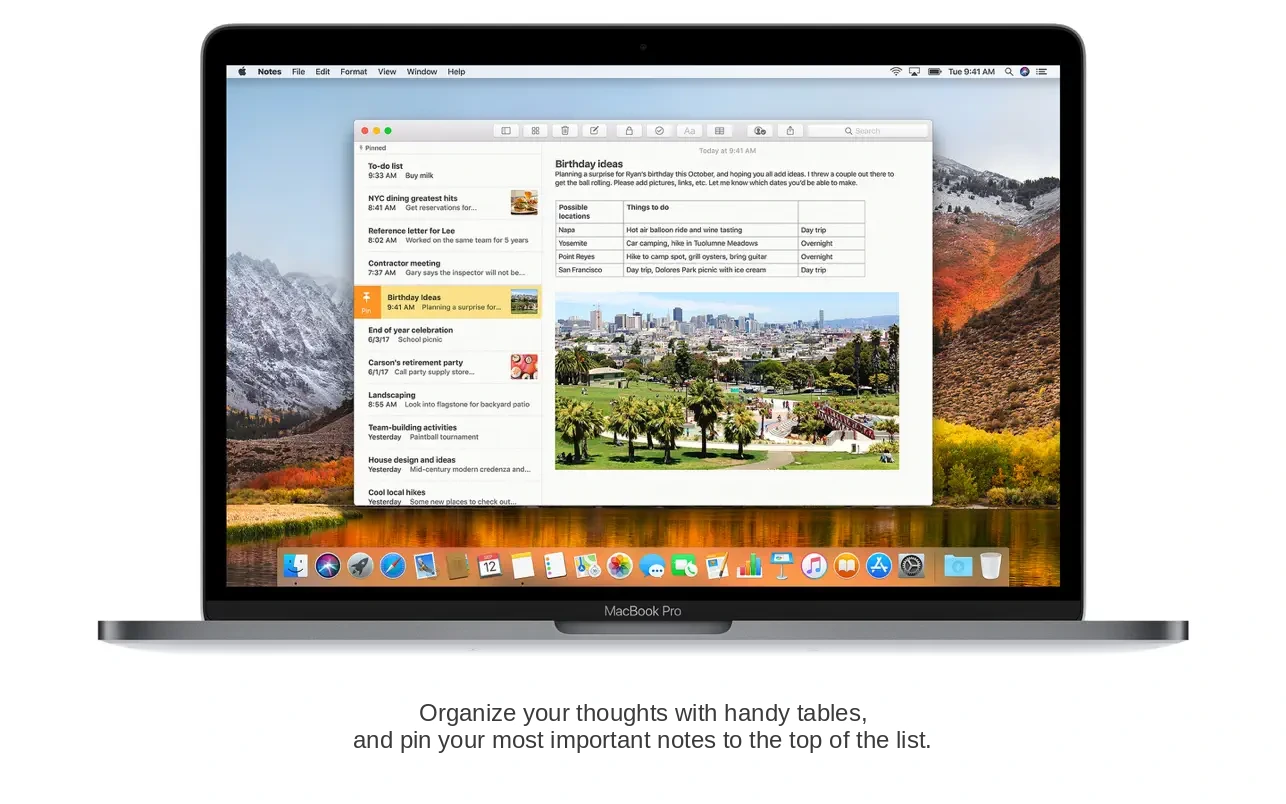
Notes now includes simple tables, allowing users to type text into cells, edit table contents, and rearrange rows and columns with ease directly on the Mac.
Spotlight can now find detailed flight information, including arrival and departure times, flight delays, terminal or gate information, and even a map showing your flight route in real time.
The iCloud File Sharing feature allows you to share any file stored in iCloud Drive and opens up new possibilities for seamless collaboration and teamwork. To download macOS High Sierra, visit the designated distribution page and get the installer for your Mac.
Reviews & Comments
No comments yet. Be the first to share your experience.