

Description
macOS 10.14 Mojave is the latest version of Apple's proprietary operating system, widely recognized as the finest software platform available for desktops and laptops. Once you download macOS Mojave onto a compatible device, you will be impressed by its significantly expanded range of functional capabilities and its strong orientation toward automating a multitude of everyday processes on your Mac.
Dark Theme in macOS Mojave
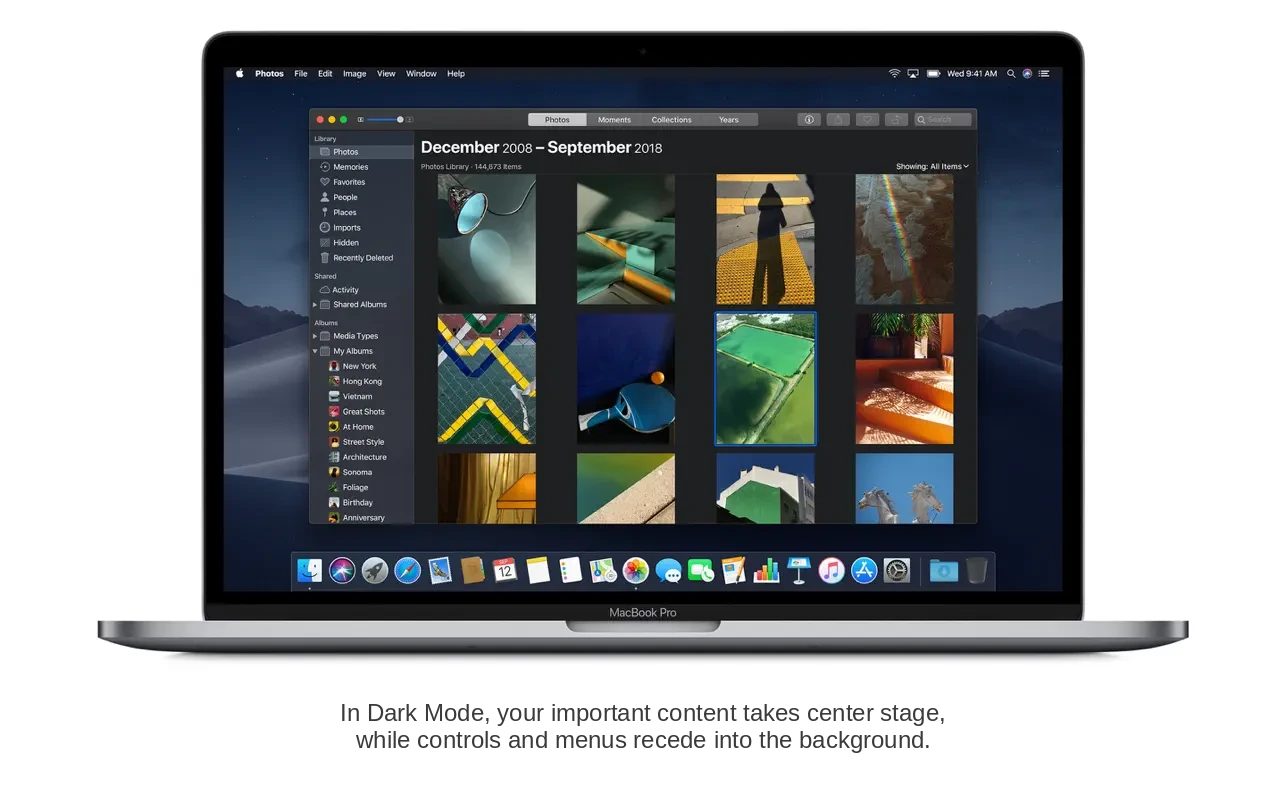
macOS Mojave became the very first version of Apple's desktop operating system to offer full support for a dark theme appearance mode. This mode adjusts and darkens the interface tones in such a way that working on your Mac remains as comfortable as possible regardless of the time of day or the ambient lighting conditions in your environment. The dark appearance is available across the entire desktop and all of the built-in Mac applications.
Stacks
The feature bearing the unusual name "Stacks" allows you to automate the process of tidying up and organizing your desktop workspace. It is capable of independently grouping files based on their file extension, creation date, or other distinguishing characteristics, aligning perfectly with your own personal preferences and ideas about maintaining a well-organized desktop.
Finder
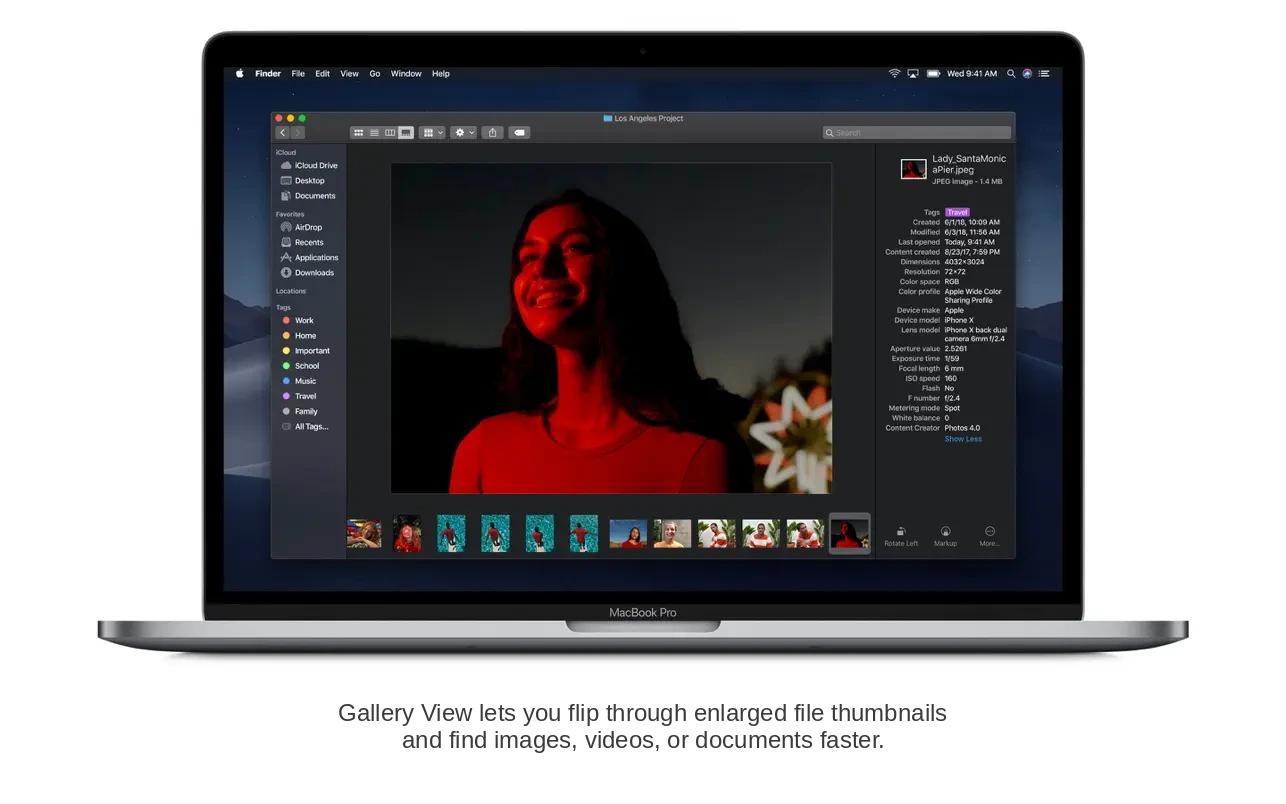
When developing mojave macOS, Apple invested considerable effort into enhancing Finder and significantly expanding its overall functionality. Finder now includes a Gallery View mode that provides the ability to preview file thumbnails along with their associated metadata — enabling the most convenient management of and interaction with your files. Additionally, Finder now lets you make adjustments to multimedia files by cropping and rotating them, as well as password-protecting important documents without the need to open them at their full size first.
News, Stocks, Voice Memos, and Home Apps
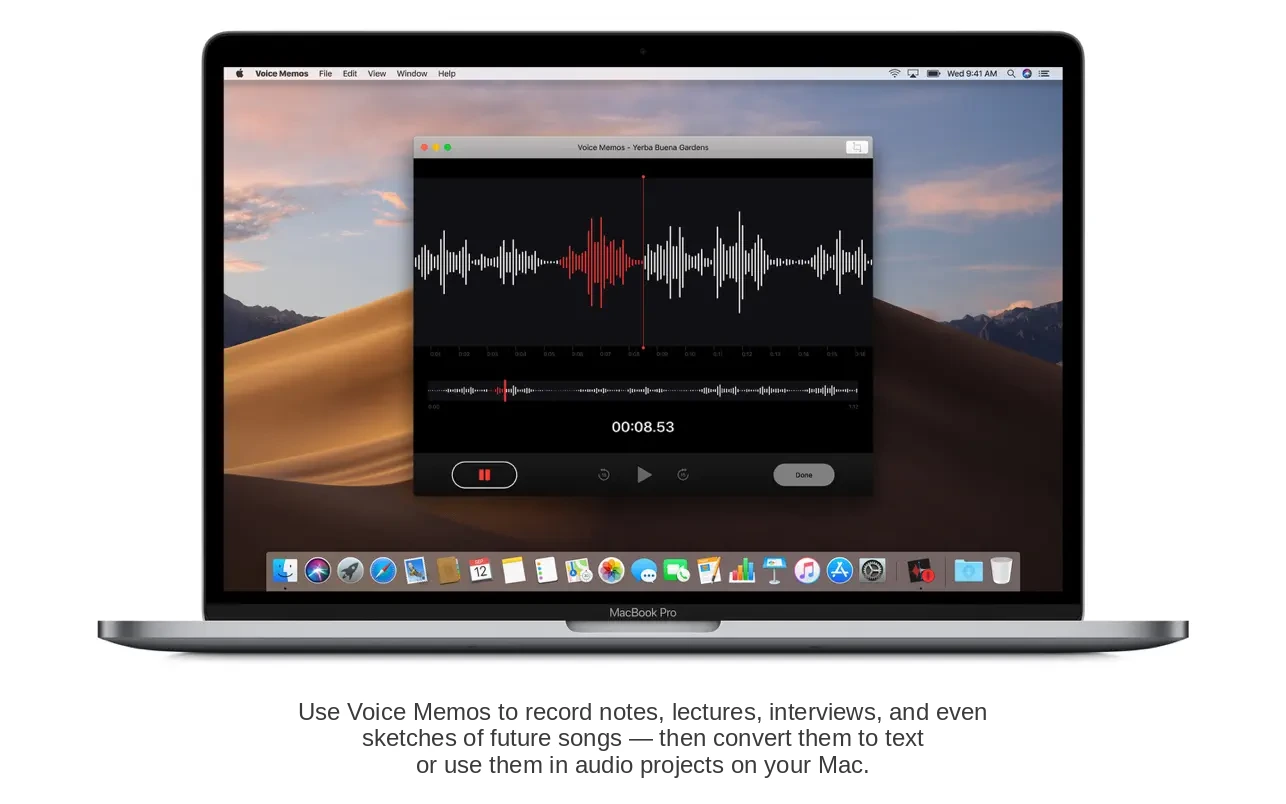
These four applications were previously available exclusively on iPhone, but with the arrival of macOS Mojave they have now made their way to Mac as well. With these apps, Mac users can stay informed about the most current news stories, monitor stock market prices and securities trends, manage smart home devices from their desktop, and comfortably create voice memos or even record entire lectures with ease.
Group FaceTime Calls
The group calling feature in FaceTime, which first appeared in early beta builds of iOS 12 and macOS Mojave and was designed to enable video conferences with up to 32 simultaneous participants, turned out to be considerably more complex to implement than was initially anticipated in Cupertino. This is presumably the reason why Apple decided to postpone the release of this particular innovation, promising to resolve all outstanding issues later that autumn season.
Redesigned Mac App Store
In macOS Mojave, Apple completely redesigned the Mac App Store, unifying its visual design language with the App Store found on iOS devices. The Mac application store has become even more user-friendly, informative, and genuinely useful thanks to the addition of new software tabs and curated editorial content and recommendations. When you macos mojave download applications from the App Store, you can continue to rest assured that you will not encounter any viruses or trojans lurking within them.
Tracking Prevention in Safari
Just as with iOS 12, Safari for macOS has received additional enhanced capabilities for preventing the tracking of users during their web browsing sessions. The improved Intelligent Tracking Prevention feature now restricts surveillance of your online actions even when you are sharing and liking content, as well as when leaving comments on websites and across various social media networks and platforms.
Continuity and Accessibility
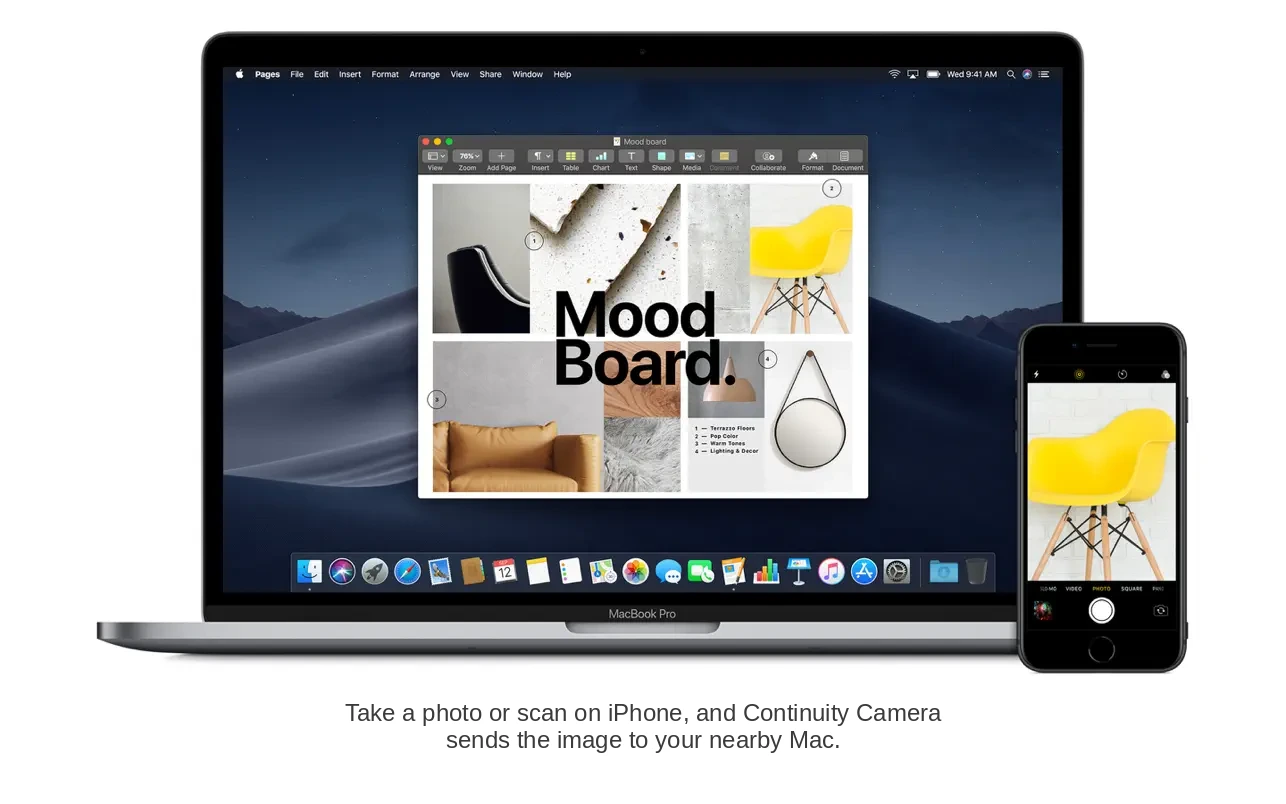
Alongside all of the features described above, macOS Mojave also brought expanded capabilities to the Continuity mode. Now Mac users can gain quick and seamless access to photos, screenshots, and scanned documents captured on an iPhone or iPad, allowing them to immediately edit those files right on their Mac and share them via email or through any other preferred method of communication and distribution.
Reviews & Comments
No comments yet. Be the first to share your experience.