

Description
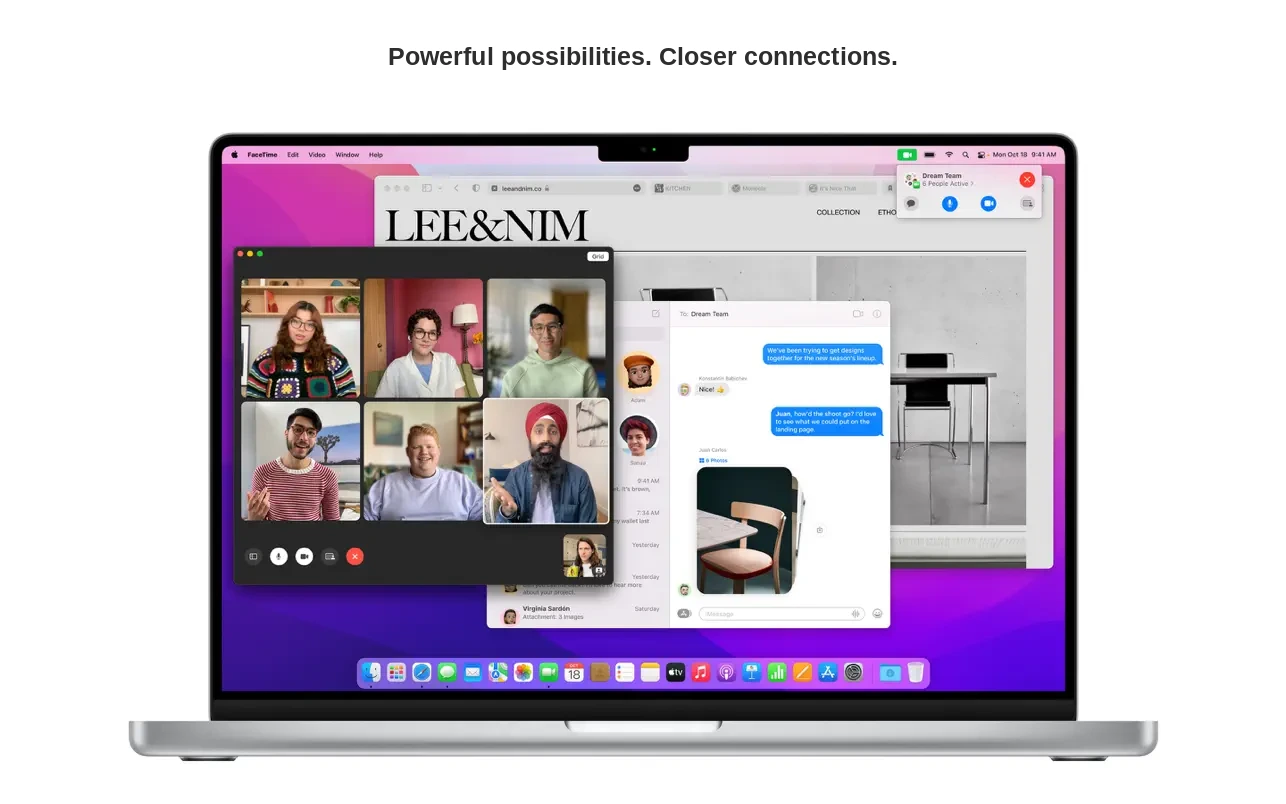
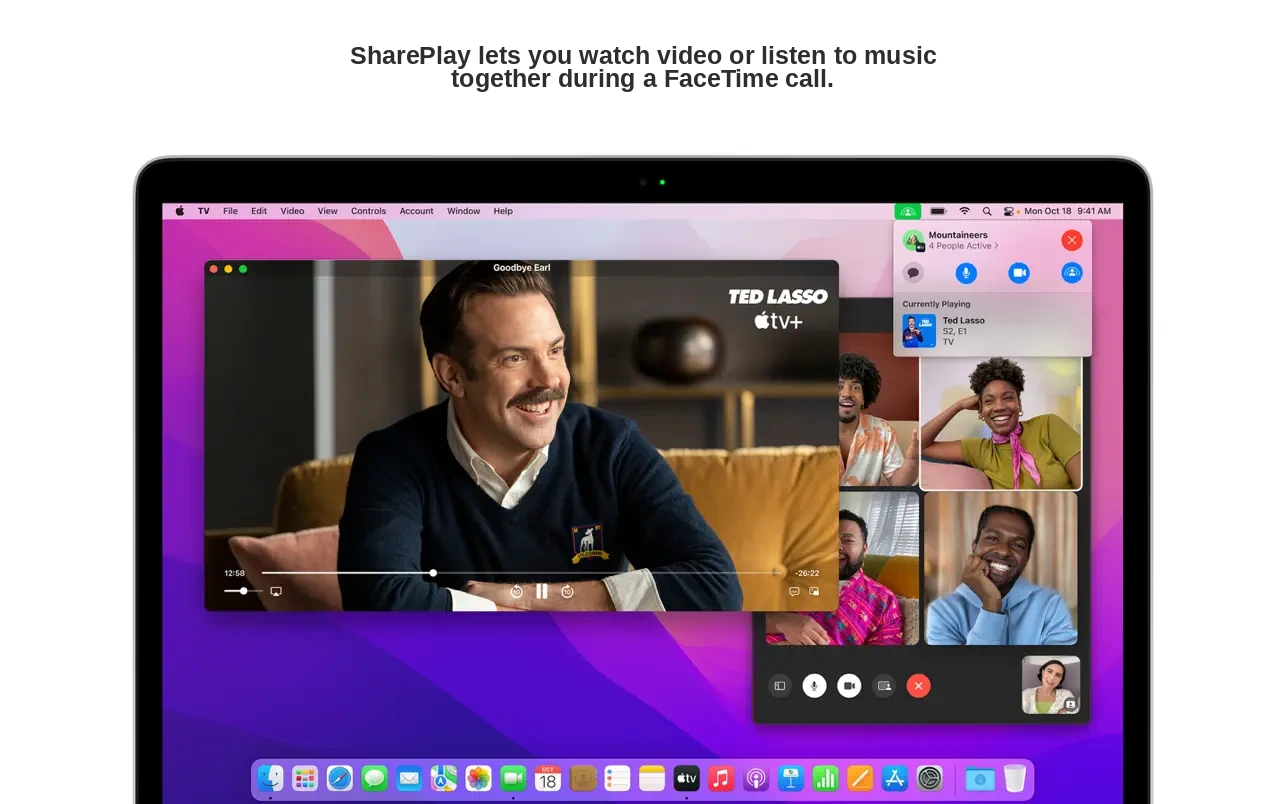
macOS Monterey opens up powerful new ways to connect, share content, and unleash your creativity on Mac. Take advantage of enhanced audio and video capabilities, including Spatial Audio and Portrait mode for video calls. Stay productive and accomplish more with robust tools such as Focus, Quick Notes, and Tab Groups in Safari. Seamlessly switch between your devices with AirPlay streaming directly to your Mac.
FaceTime
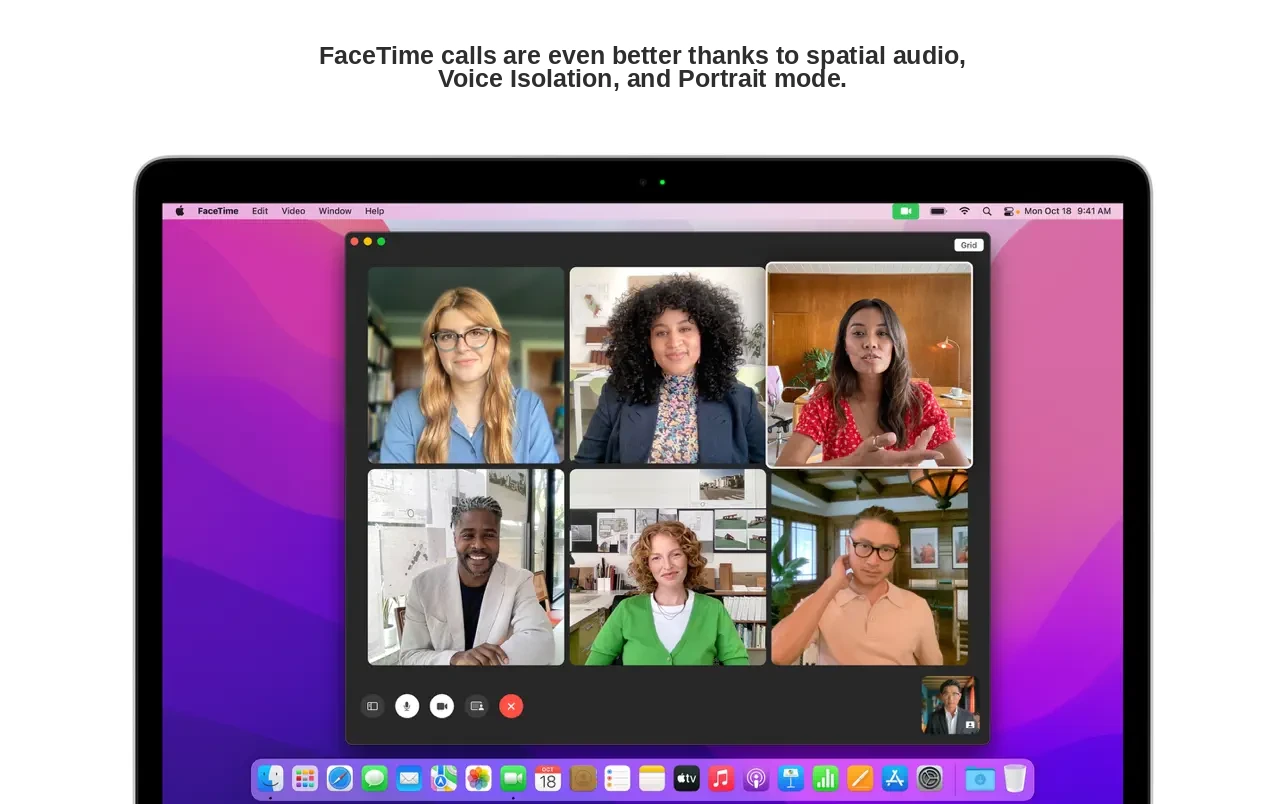
• With Spatial Audio, voices in group FaceTime calls sound as though they are coming from the direction where each participant appears on your screen, creating a more immersive experience.
• Voice Isolation mode blocks out ambient background noise so your voice comes through crystal clear during calls.
• Wide Spectrum mode lets you hear every surrounding sound during a call, capturing the full audio environment.
• Portrait mode on Mac computers equipped with the M1 chip places the focus on you by intelligently blurring the background behind you.
• Grid view displays participants in equally sized tiles, and the person currently speaking is automatically highlighted on the screen.
• FaceTime links allow you to invite friends to join calls, even if they are using Apple, Android, or Windows devices.
Messages
• The Shared with You feature automatically surfaces content sent to you in Messages within the corresponding app on your Mac.
• The new Shared with You section is available across apps including Photos, Safari, Podcasts, and Apple TV.
• Multiple photos sent together in Messages are displayed as an elegant collage or a browsable stack of images.
Safari
• Tab Groups let you save, organize, and arrange your tabs, and they sync seamlessly across all your Apple devices.
• Intelligent Tracking Prevention helps protect your privacy by hiding your IP address from known trackers.
• By selecting the compact tab bar layout, you can display more web content on your screen at once.
Focus
• Focus allows you to automatically filter notifications based on what you are currently doing on your Mac.
• You can customize Focus modes for specific activities such as work, gaming, reading, or personal time.
• Focus settings sync and apply across all of your Apple devices automatically.
• People in your contacts list will see that you have notifications silenced when a Focus mode is active.
Notes and Quick Note
• Quick Note lets you jot down notes from within any app or on any website, making it easy to return to them later.
• Tags help you quickly categorize and organize your notes by topic for effortless searching and retrieval.
• Mentions support lets you notify other collaborators about important updates and changes in shared notes.
• The Activity view shows you who made recent edits and changes to a shared note and when they were made.
AirPlay to Mac
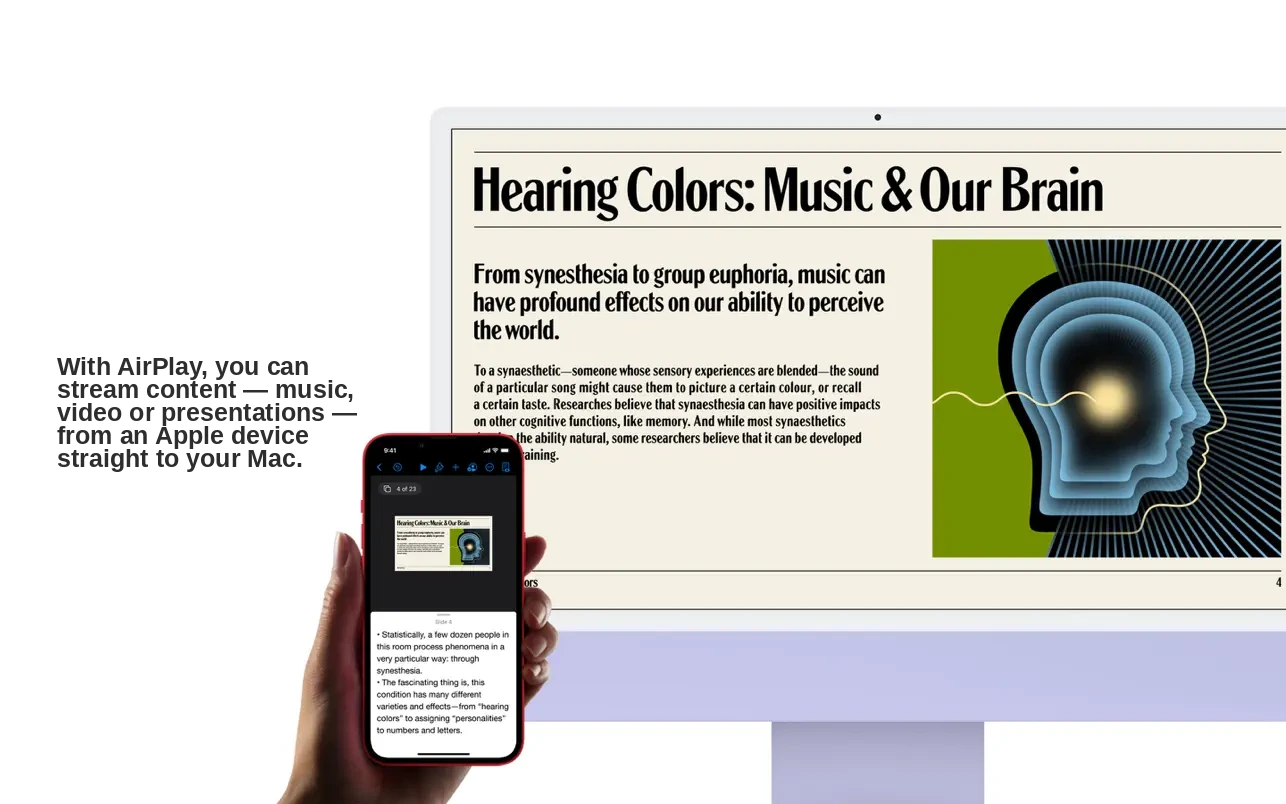
• AirPlay to Mac lets you stream and mirror content from your iPhone or iPad directly to your Mac screen.
• AirPlay speakers enable music playback through your Mac audio system for a richer listening experience.
Live Text
• The system-wide Live Text feature makes text appearing in your photos fully interactive and selectable.
• Text captured in any photo can be copied, translated, and searched instantly right from the image.
Shortcuts
• The new Shortcuts app helps you automate everyday tasks on your Mac and accomplish them more efficiently.
• The gallery contains a curated collection of ready-made shortcuts that you can add and run from anywhere in the system.
• The Shortcuts editor allows you to build and create your own custom shortcuts tailored to your specific workflows.
• Existing Automator workflows can be automatically converted into shortcuts for a smooth and seamless transition.
Maps
• The interactive 3D globe renders mountains, oceans, deserts, and other landscape features in stunning detail on Mac computers with the M1 chip. Before you download macOS Monterey, ensure macos monterey compatibility with your Mac model.
• Detailed city maps display elevations, trees, buildings, landmarks, and other notable points of interest on Mac computers with the M1 chip.
Privacy
• Mail Privacy Protection prevents email senders from tracking your activity and behavior within the Mail app on your Mac.
• When an application is actively using the microphone, a recording indicator appears in Control Center to keep you informed.
iCloud+
• iCloud Private Relay (beta) prevents companies and networks from building a detailed profile of your browsing activity in Safari on your Mac. With the macos monterey download, you gain access to these enhanced privacy features.
• Hide My Email generates unique, random email addresses that automatically forward messages to your personal inbox for added privacy.
Reviews & Comments
No comments yet. Be the first to share your experience.