


Description
macOS Tahoe 26 is the next major version of the macOS operating system, introduced by Apple on June 9, 2025, at the WWDC conference.
Named after Lake Tahoe, situated on the border between California and Nevada, it continues the longstanding tradition of naming macOS releases after iconic California landmarks and natural destinations.
The primary focus in macOS Tahoe is on a completely redesigned interface, deeper integration with other Apple devices, and significantly expanded Apple Intelligence capabilities. If you are looking for the macos tahoe download, it will be available through Software Update on compatible Mac models later this year.
Key macos tahoe new features:
• Liquid Glass Design:
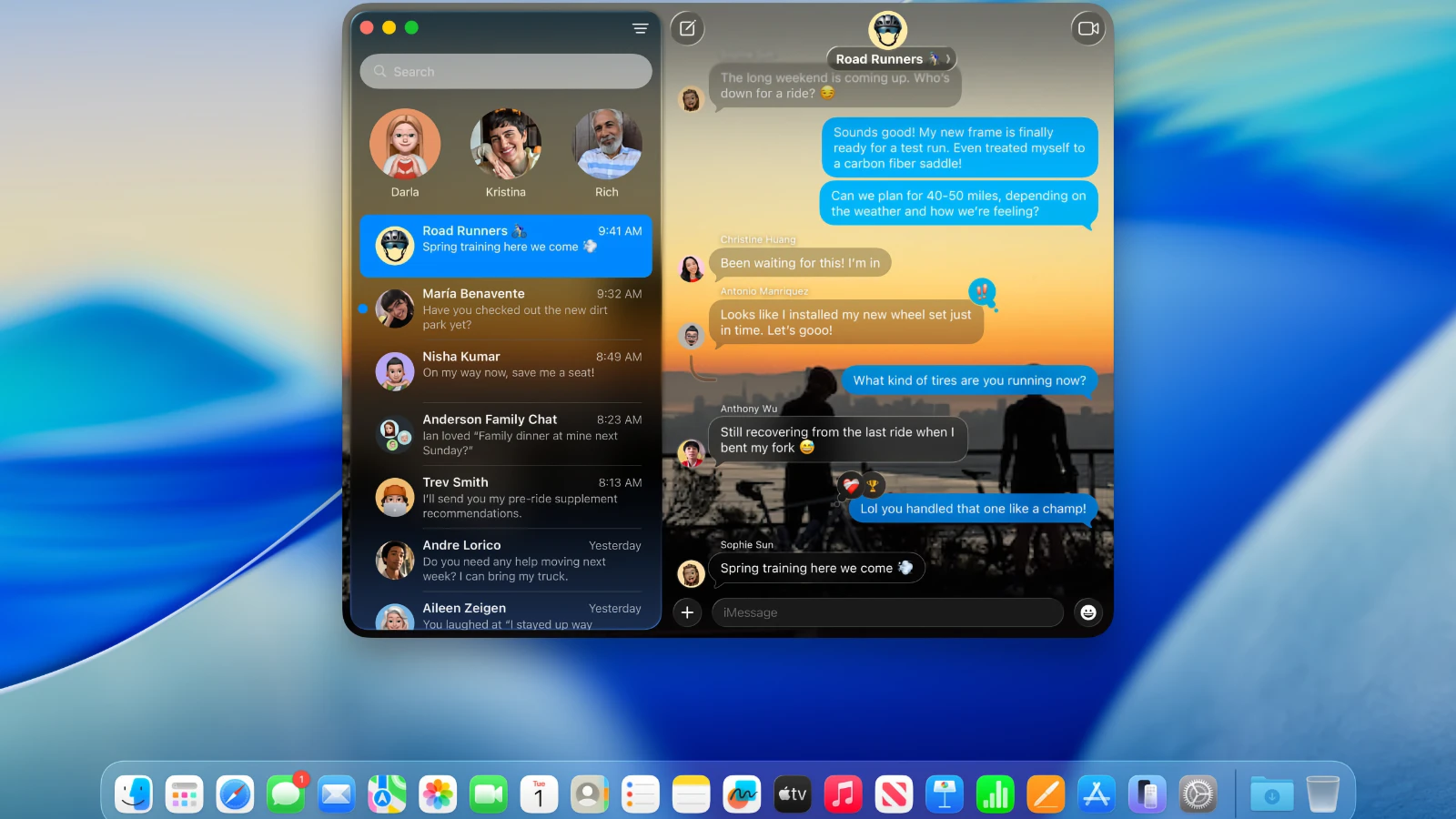
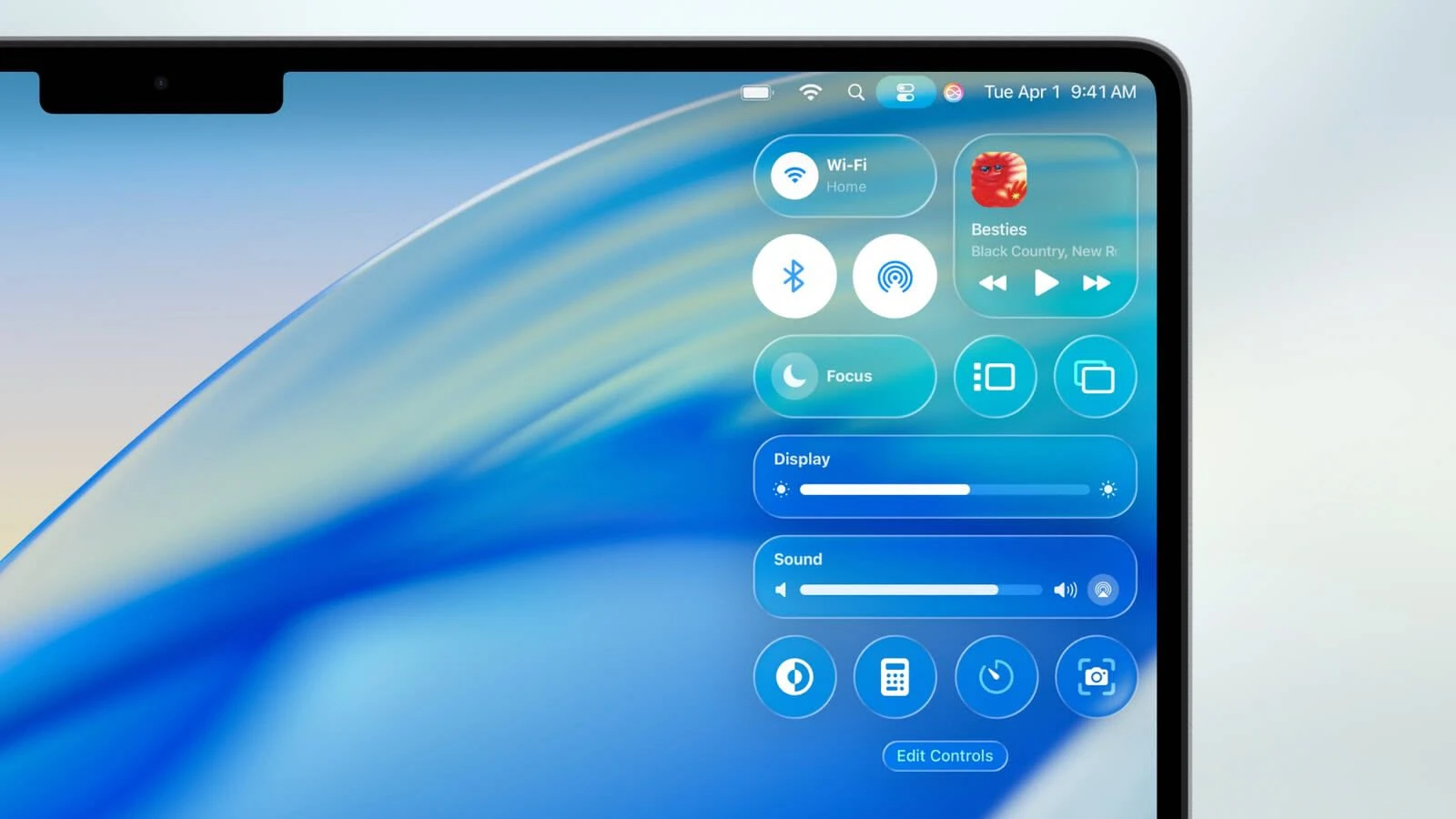
– A completely redesigned interface built around a new visual language called Liquid Glass, inspired by visionOS (the operating system powering Apple Vision Pro). Interface elements such as menus, toolbars, and the Dock have become translucent, creating a stunning glass-like effect that reflects and refracts light dynamically based on what is behind them.
– A fully transparent menu bar that visually expands the workspace, giving users a more immersive and open desktop experience on their Mac.
– Updated application icons unified with iOS and iPadOS, supporting light, dark, and tinted variants, as well as a brand-new translucent style that blends seamlessly with the Liquid Glass aesthetic.
– Enhanced customization options: users can change the colors of folders, icons, and widgets, and even add emoji to personalize their desktop environment and make it truly their own.
• Enhanced Continuity Integration:
– The Phone app is now available on Mac, allowing users to receive and make calls, browse contacts, access voicemail, and take advantage of features such as Call Screening (identifying the caller before answering) and Hold Assist (managing hold queues automatically).
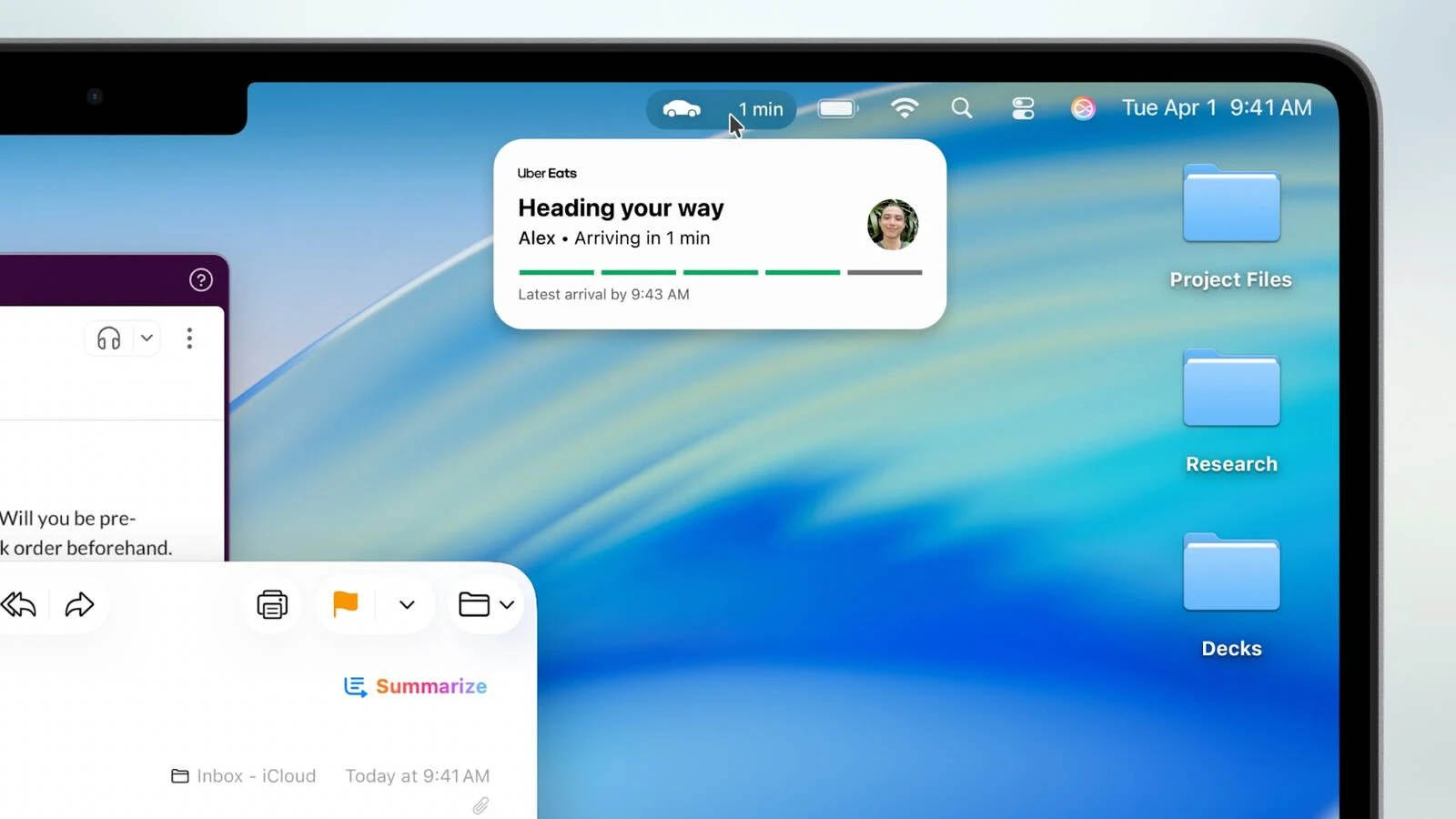
– Support for Live Activities from iPhone: notifications such as delivery status updates or ride-sharing trip progress are displayed directly in the Mac menu bar, keeping users informed without needing to pick up their iPhone.
– iPhone Mirroring allows users to launch iPhone apps directly on their Mac through Spotlight, providing a seamless cross-device workflow.
• Redesigned Spotlight:
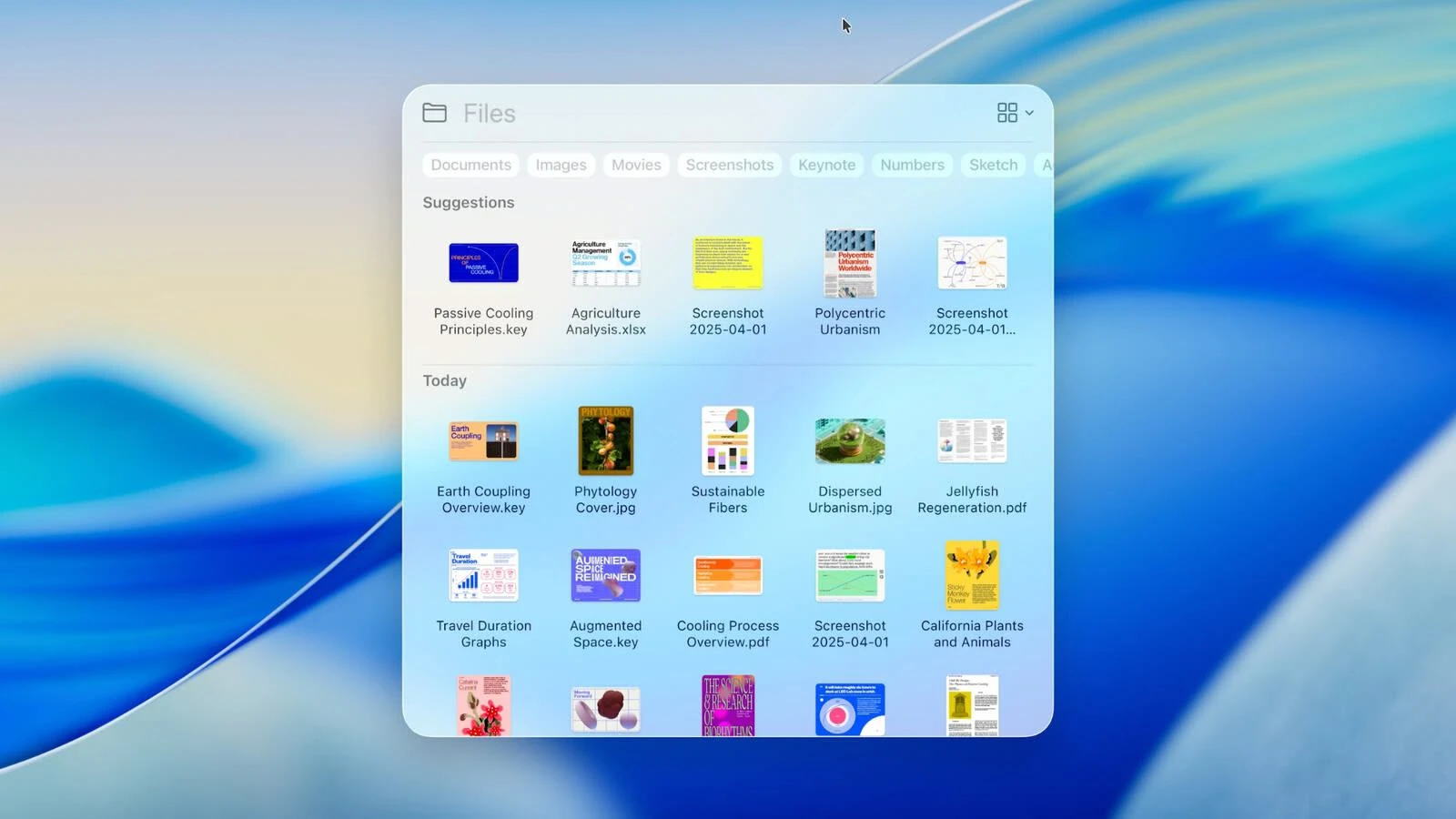
– A significantly improved search engine that now goes beyond finding files and applications — it can also perform actions such as creating calendar events, launching podcasts, or sending messages directly from the search interface.
– Support for customizable quick shortcuts (for example, "sm" to send a message or "ar" to add a reminder), enabling users to perform frequent tasks with just a few keystrokes.
– Integration with cloud services and the ability to search within PDFs and other document types stored on the Mac or in iCloud.
• Apple Intelligence:
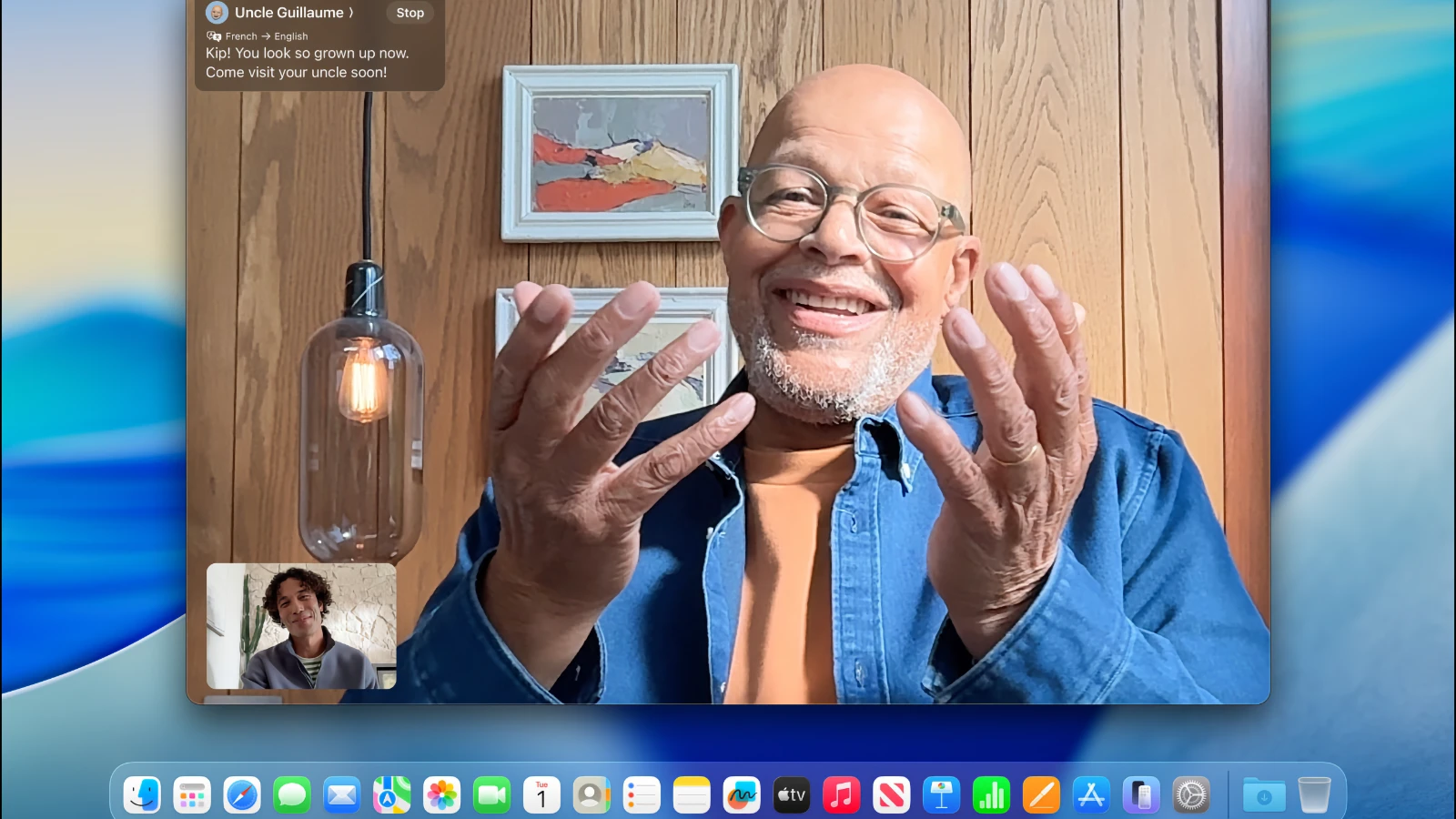
– Expanded artificial intelligence features, including Live Translation for automatic translation of messages and subtitles during FaceTime calls, making communication across languages effortless on Mac.
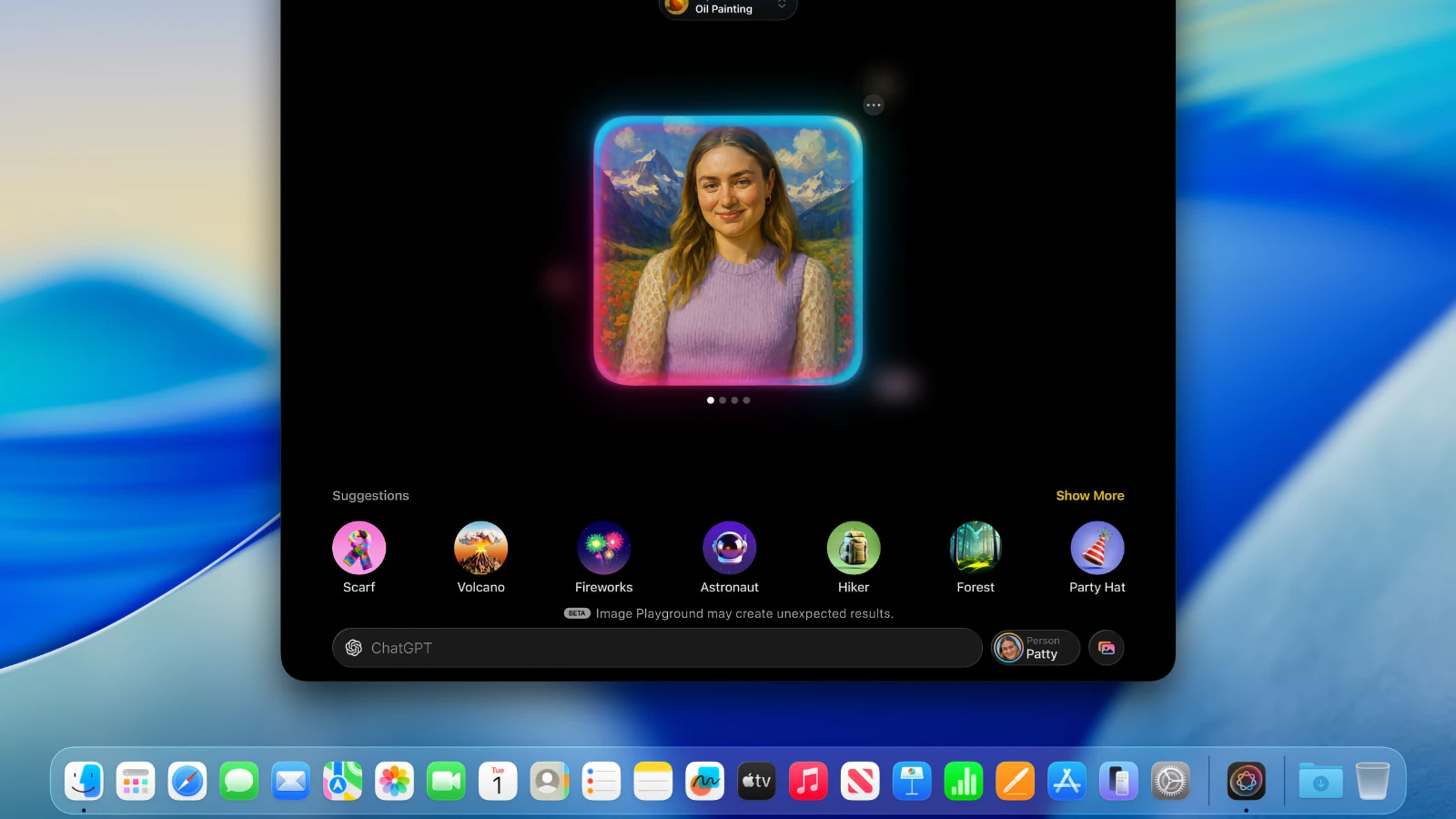
– Updates to Genmoji and Image Playground: users can create new emoji by combining existing ones and generate images in various artistic styles such as oil painting or vector graphics, all processed intelligently on the device.
– Smarter Reminders: Apple Intelligence analyzes emails, notes, and web pages, automatically classifying and organizing tasks so users never miss important action items.
• New Apps and Features:
– A dedicated Games app with a catalog of installed games, support for in-game chat, friend invitations, and an overlay for adjusting settings during gameplay without leaving the application.
– The Journal app is now available on Mac, allowing users to capture thoughts, memories, and reflections directly from their desktop.
– Safari improvements: a refreshed tab design for easier navigation and song lyric translation support within Apple Music for an enriched listening experience.
– Removal of Launchpad, which has been replaced by a new "Apps" feature integrated into Spotlight, functioning similarly to the App Library in iOS and providing a cleaner way to access all installed applications.
• Accessibility:
– New features such as Magnifier (using the iPhone camera for magnification on the Mac screen), Braille font support for improved reading assistance, and Vehicle Motion Cues to help reduce motion sickness when using a Mac during travel.
– Accessibility Nutrition Labels in the App Store, displaying detailed information about supported accessibility features for each application, helping users make informed choices.
• New Version Numbering:
– Apple has transitioned to a unified numbering system where all operating systems (iOS, iPadOS, macOS, and others) now share version 26, corresponding to the year following the announcement (2025–2026). Despite this unified numbering approach, tahoe macos still retains its own unique geographic name — Tahoe — continuing the beloved California naming tradition that has defined macOS for years.
Reviews & Comments
No comments yet. Be the first to share your experience.