

Description
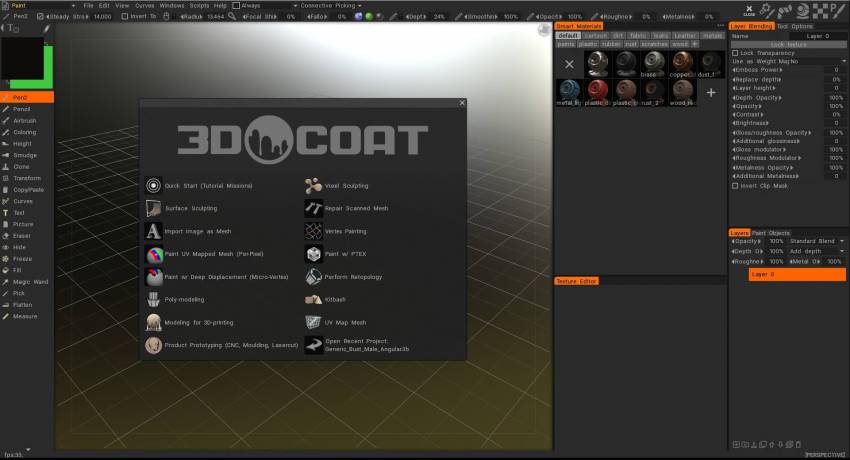
3DCoat — a professional commercial application for Mac designed for modeling various organic objects and rough low-polygon 3D models; it provides an extensive set of tools that allow users to create detailed sculptures by adding topology, generate UV maps, interactively texture the surface of a model, render static scenes, and produce turntable animations of the model. With 3dcoat download for mac, you get access to a powerful digital art suite right on your macOS system.
Some of the key features:
Voxel Sculpting technology, which allows you to start creating models without worrying about topology constraints at all;
The application has excellent integration with Adobe Photoshop, which greatly assists and accelerates the texturing process on Mac;
The program allows you to separate textures into individual layers, making it significantly easier to apply and manage various effects;
Support for control using 3DConnexion three-dimensional manipulators and input devices;
Layers contain depth, color, and specular reflection channels. You can disable or enable any of these channels and apply effects to them — displacement, transparency, contrast, depth multiplication, and more;
There is the ability to paint through UV space just as easily as directly on 3D models. Nearly all available tools support this functionality;
Each pen has multiple channels — color, depth, specular, and eraser for comprehensive control;
There is the ability to fill areas with gradient and spherical fills for smooth transitions;
Filters for image correction with real-time preview of the result directly in the 3D viewport;
It is possible to apply text onto any surface. Text can be placed along a spline path, and you can even wrap text around the entire object seamlessly.
You can paint not only with a brush, but also using contour lines, rectangles, or ellipses for precise detailing;
Rendering capability with anti-aliasing, global illumination settings, depth of field adjustments, and soft shadows. A gradient fill or a custom image can be used as a configurable background for the scene.
Easy Texturing and PBR:
- Support for micro-vertex painting, per-pixel painting, and Ptex on your Mac
- Physically Based Rendering (PBR) with an HDRL-enabled viewport
- Smart materials with easy and flexible customization options
- Multi-layer painting. Popular blending modes available. Grouping layers into organized folders.
- Full-featured integration with Adobe Photoshop
- Textures up to 16k resolution are fully supported
- Fast calculation of Ambient Occlusion and Curvature maps
- A rich and comprehensive toolset for any painting task and beyond..
Digital Sculpting
- Key features of voxel (volumetric) sculpting on Mac:
- No topology limitations whatsoever. Sculpt freely, just as if you were working with real clay
- Complex boolean operations. Fast and efficient kit-bashing workflow process
- Traditional surface sculpting gives you such powerful capabilities as:
- Adaptive dynamic tessellation (Live Clay) for organic detail
- Dozens of fast and dynamic sculpting brushes for every need
- Boolean operations with clean and crisp hard edges
- Preparation and optimization of models for 3D printing.
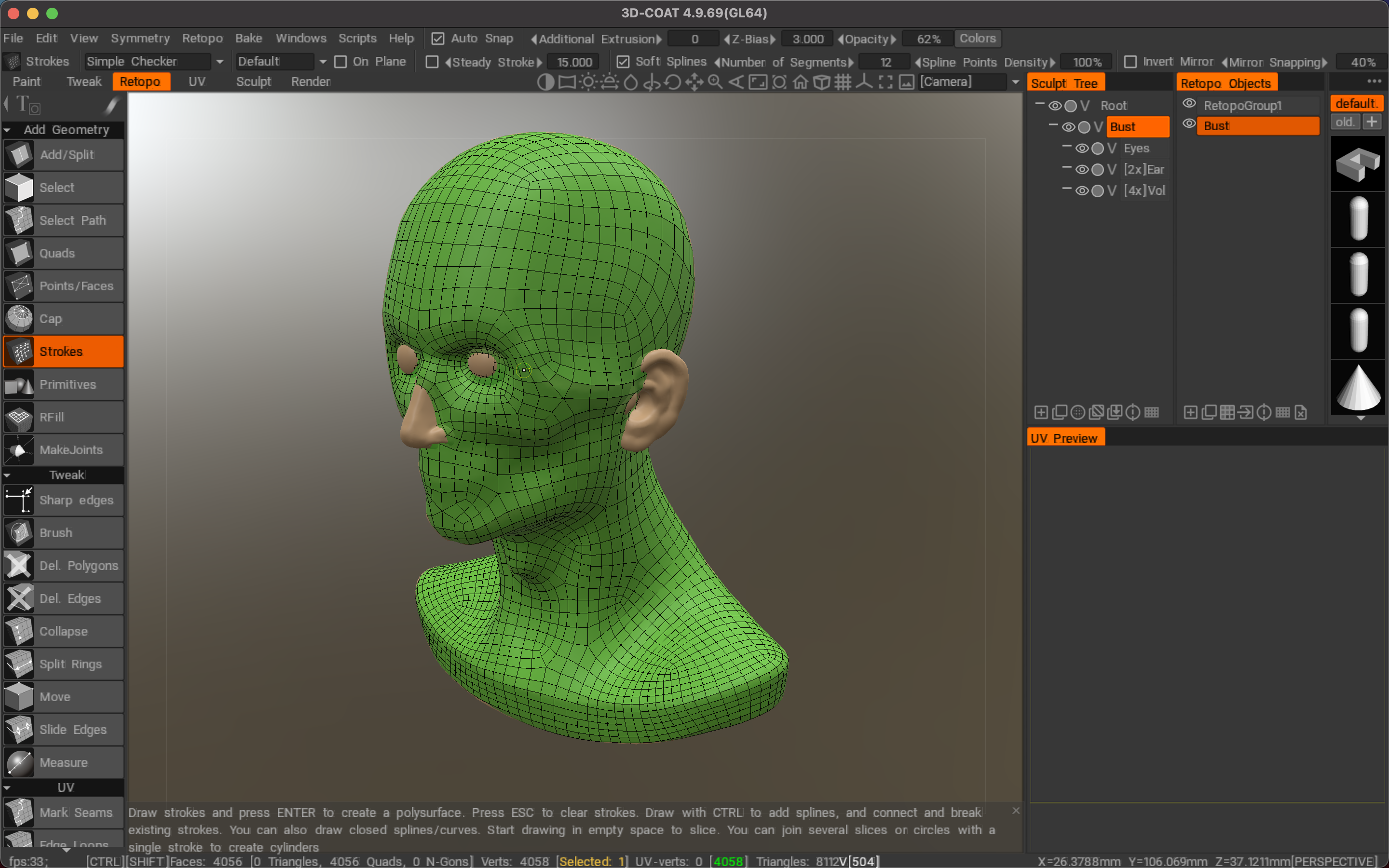
Exceptional Retopology Toolkit
- Auto-retopology (AUTOPO) with configurable polygon count and triangle density settings
- Fast and easy-to-learn toolkit for manual retopology workflows
- Ability to import a reference mesh for retopology guidance
- Use your current low-polygon mesh as a retopology target mesh
- Retopology groups with a convenient color palette for easier management and organization
- Extensive selection of baking settings and configuration options
- And many other additional capabilities...
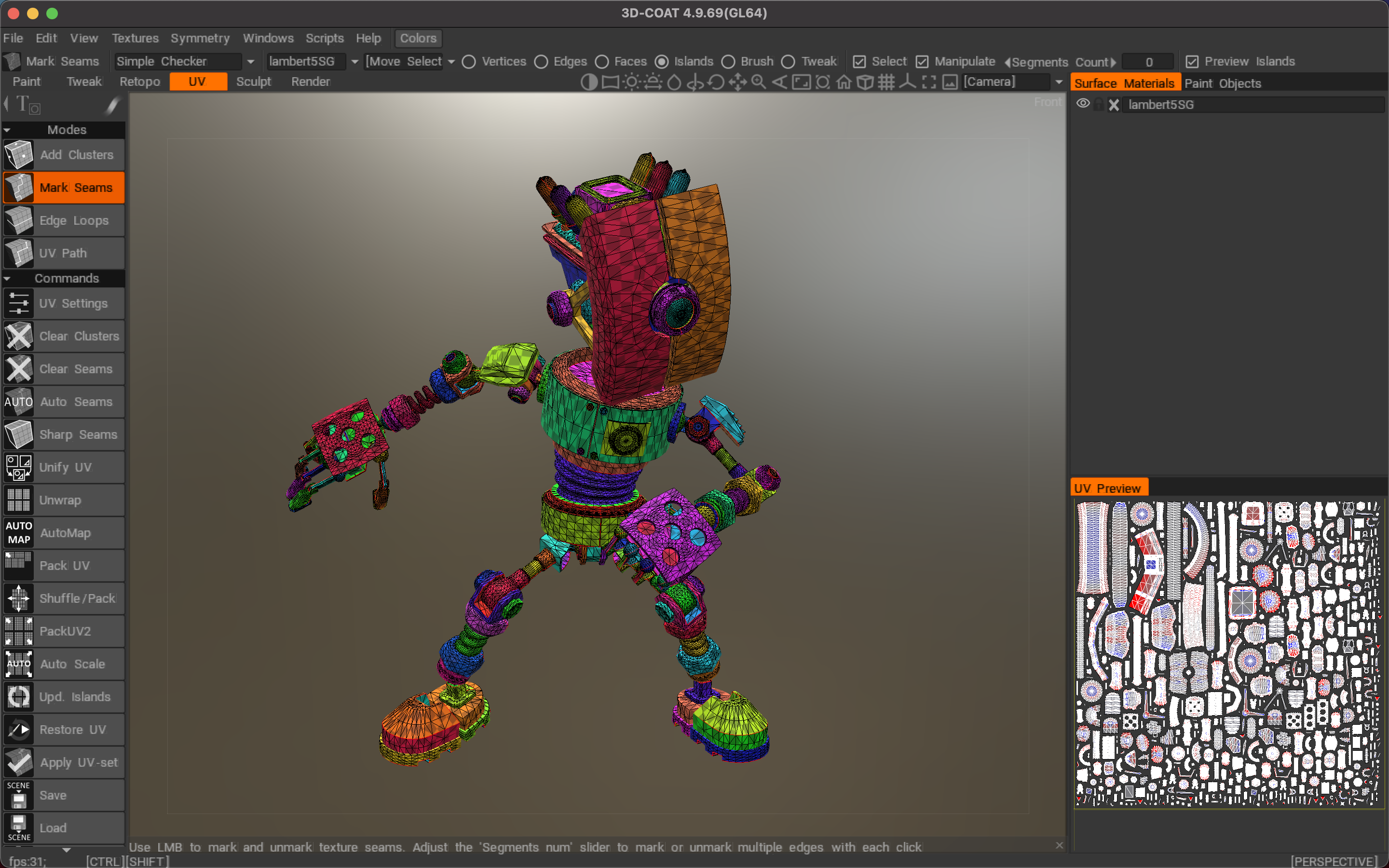
Fast and Simple UV Mapping
- Professional toolkit for creating and editing UV sets on macOS
- Native Global Uniform (GU) unwrapping algorithm for optimal results
- Support for managing and handling multiple UV sets simultaneously
- Support for ABF, LSCM, and Planar unwrapping algorithms
- Correction and adjustment of individual islands for precise UV layout
- Finally, when you complete the 3dcoat download, you will find it fast, easy, and truly enjoyable to use on your Mac.
Reviews & Comments
No comments yet. Be the first to share your experience.