

Description
A smart alternative to Apple's iTunes, a media downloader, and a backup manager — AnyTrans for iOS will help you with everything related to file transfer on your Mac, making the entire process incredibly easy and effortless. This application instantly saves backup copies of your iPhone content directly to your Mac, and also seamlessly transfers data between iOS devices, iTunes, and iCloud. Simply connect your device and watch your information move instantaneously without any delays or complications.
Key Features of AnyTrans for iOS
Synchronize Your iOS Devices
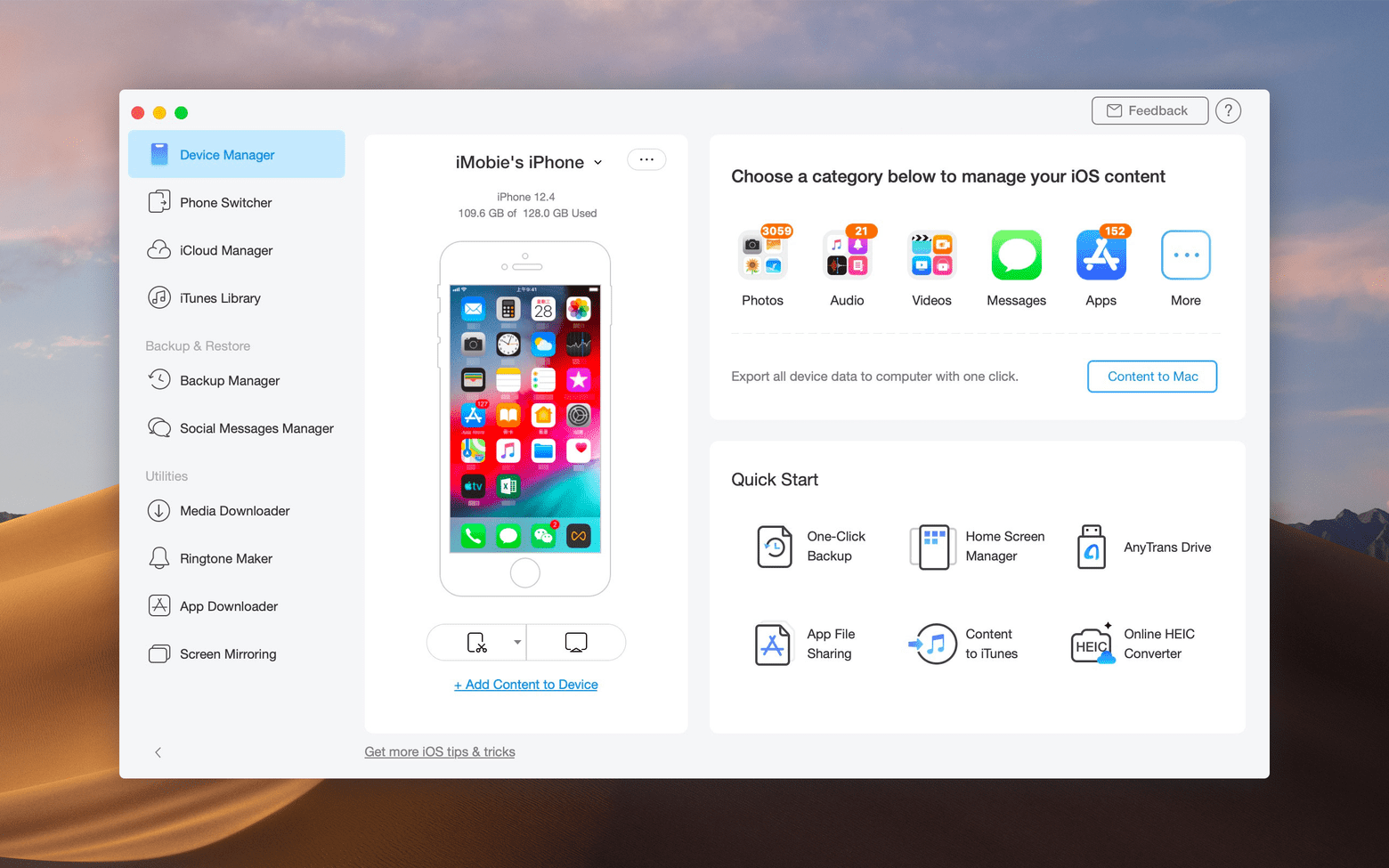
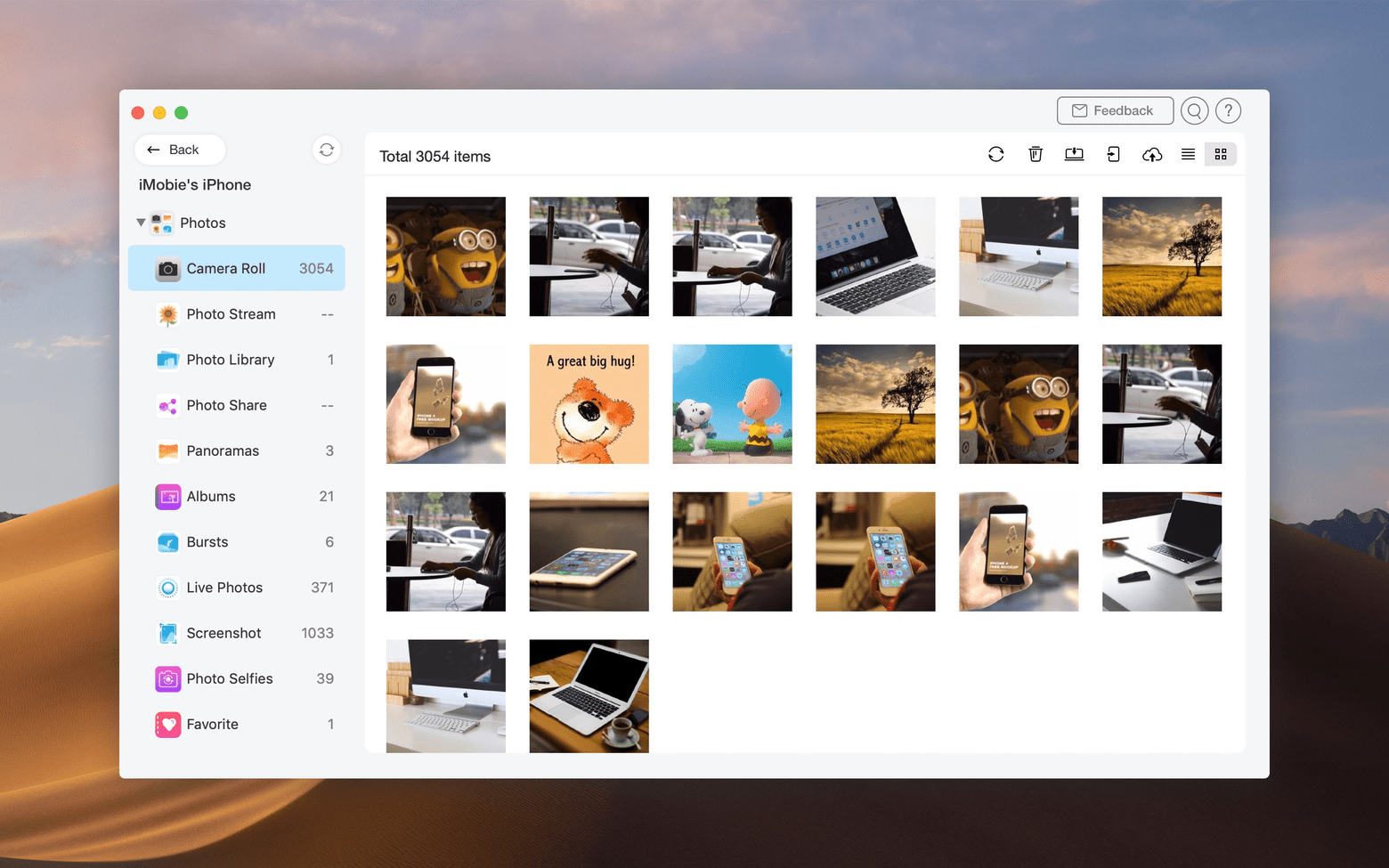
Export your iPhone content to your Mac sorted by categories, or copy all information from your iPad in just a single click. To transfer files, open the AnyTrans for iOS app and connect your device to your Mac via a USB cable. Select the destination for your data within the Device Manager and send it right there — your information will be transferred without any delays or interruptions whatsoever.
Hassle-Free Data Migration
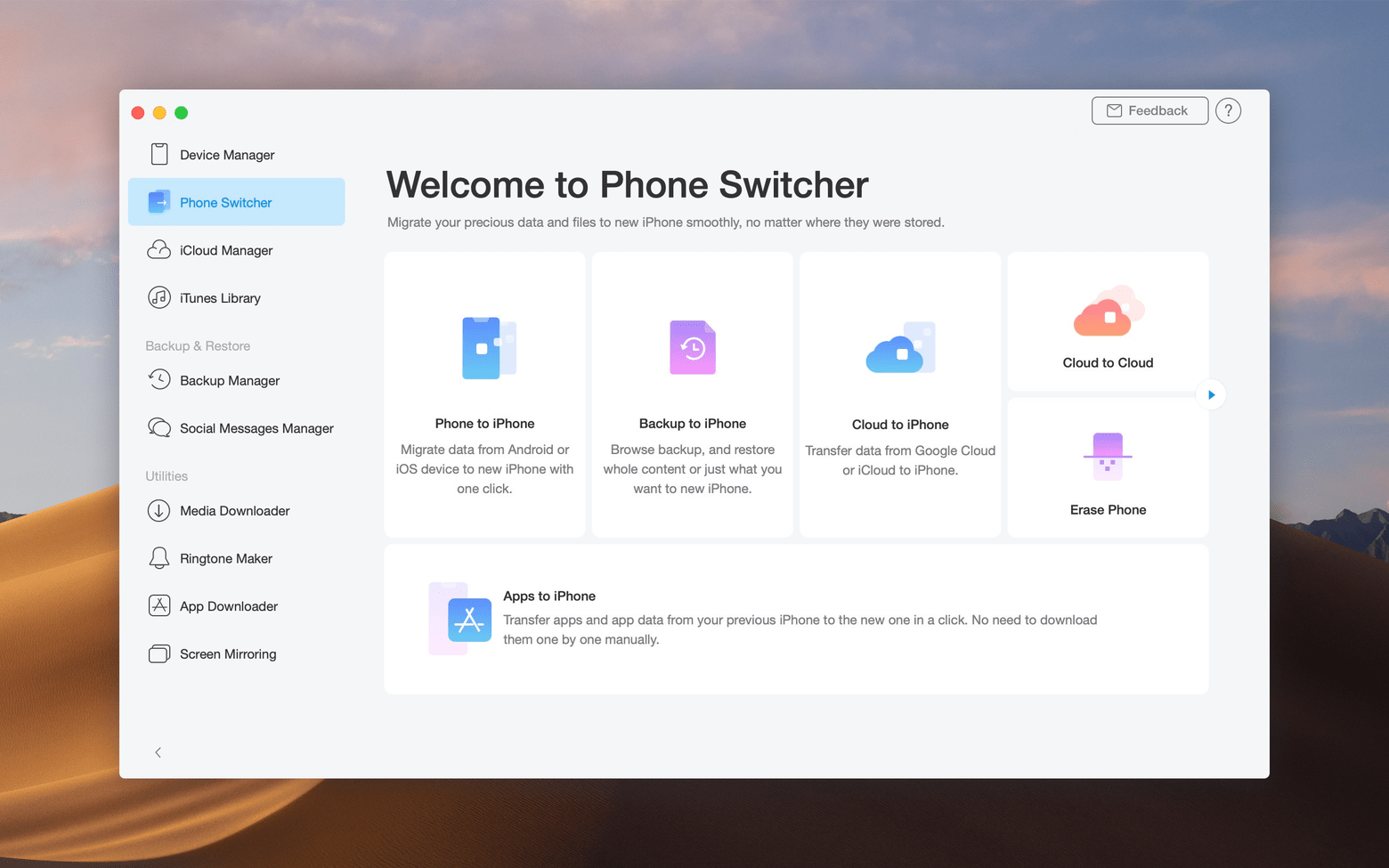
Is it time for a major content migration? iOS Mover will help you prepare for a happy and seamless life with your brand-new iPhone. Move files from an Android device or from an older iOS device directly onto your new iPhone with minimal effort. Additionally, you can migrate all content from your old device straight into iCloud or iTunes for safe and convenient storage.
Secure Backup Management
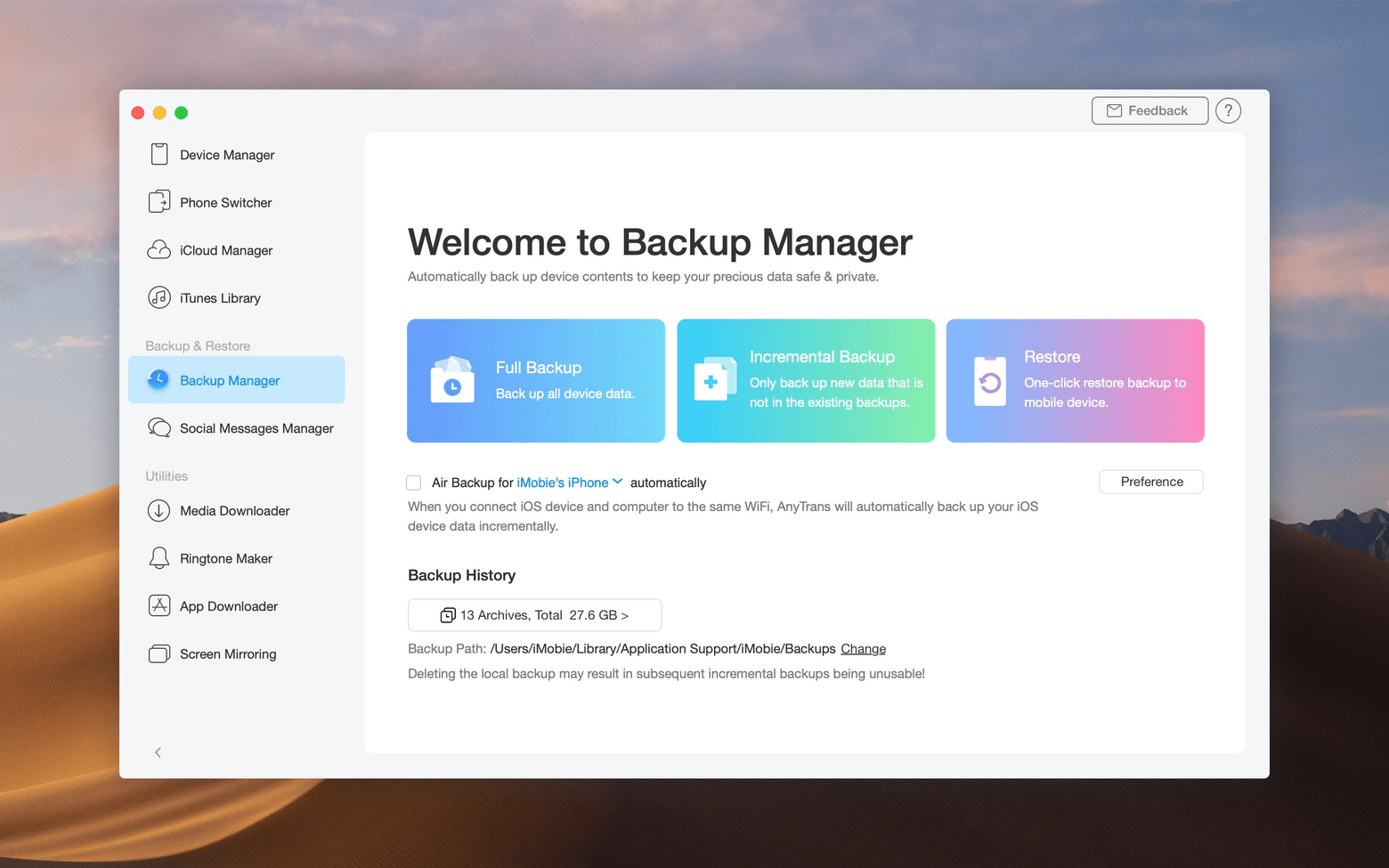
Before you change the location of your important data, make sure nothing gets lost along the way. AnyTrans for iOS is a professional-grade backup manager that will keep all of your content safe and secure. You can not only create a brand-new backup for any of your iOS devices, but also extract specific data from older backups that were previously created using iTunes or iCloud services.
Schedule Instant iPhone Backups
Creating backups of your device with AnyTrans for iOS Mac is a smooth and uninterrupted process. However, you certainly won't want to spend your valuable time performing manual backup operations over and over again. With the built-in Air Backup Manager, you can schedule instant iPhone backups — timely, fully automatic, and completely wireless. You won't even have to lift a single finger to keep your data protected.
Manage iTunes and iCloud Content
No matter how many iCloud accounts you have, AnyTrans syncs every single one of them effortlessly. Move data between different accounts, utilize existing backup copies, or save files from iCloud directly to your Mac. You can also transfer any content from your iTunes library straight to your Mac or iPhone with just a few simple clicks.
Download Media from 900+ Websites
The built-in Media Downloader will grab audio and video content onto your device from more than 900 supported websites. With AnyTrans for iOS download capabilities, get instant access to your favorite content — from YouTube to Dailymotion and many more platforms. Watch it on your Mac, create custom personal media collections, or save videos for later viewing at your convenience.
Reviews & Comments
No comments yet. Be the first to share your experience.