

Description
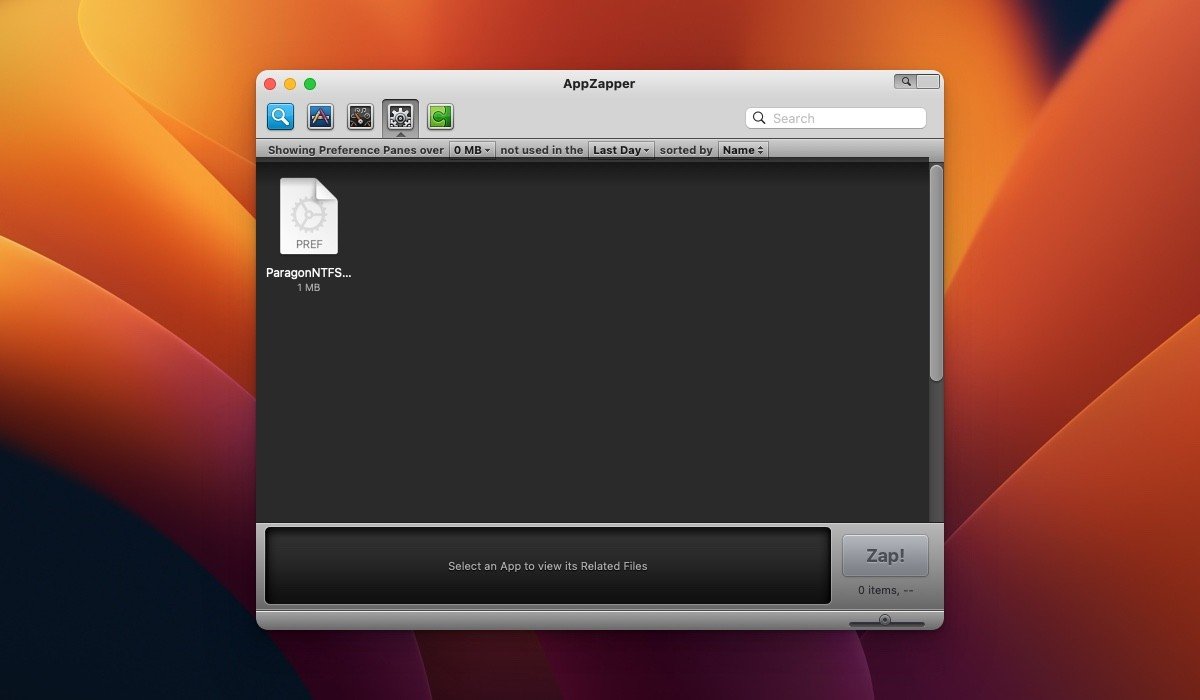
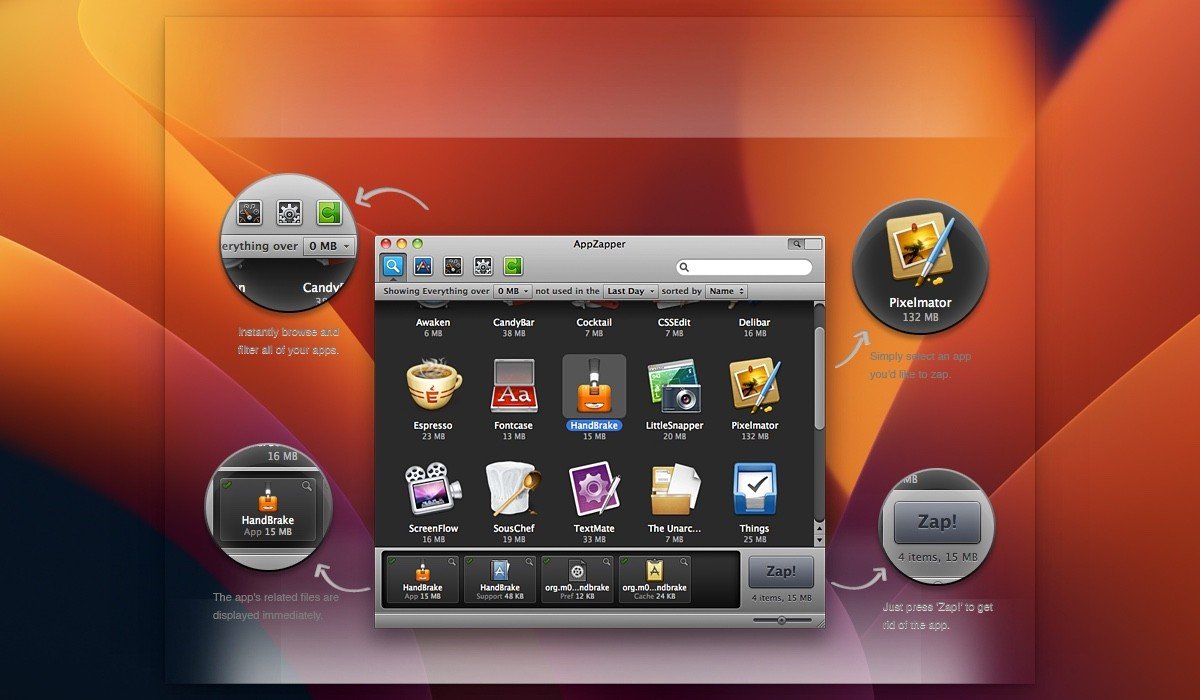
AppZapper makes uninstalling applications on your Mac ridiculously easy. You simply drag the software condemned for removal into the program window, and you instantly see a complete list of every file associated with the application being uninstalled. All that remains is to hit the Zap! button, and the appzapper mac utility will wipe out the program along with all its accompanying junk files, accompanied by a remarkably loud and distinctive sound effect. If something important accidentally ends up in the list of files marked for deletion, you can always uncheck the box next to it. Or, alternatively, you can retrieve the file from the Trash afterwards.
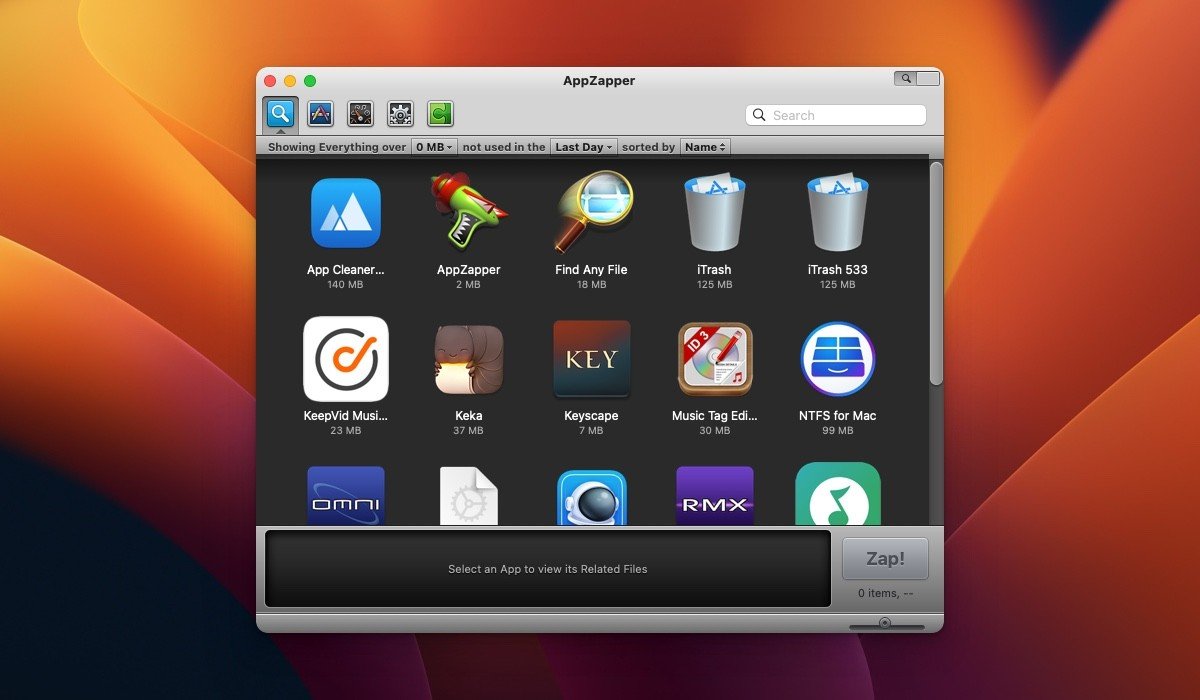
In version 2, a new button appeared in the upper-right corner of the window. Using this button, you can activate a brand-new viewing mode that displays your installed applications as large icons arranged in a neat grid layout, closely resembling the grid viewing mode found in iTunes. If you want to download appzapper for mac, this updated version delivers a much more visual and intuitive way to browse through all the applications installed on your system before deciding which ones to remove completely.
Reviews & Comments
No comments yet. Be the first to share your experience.