



Description
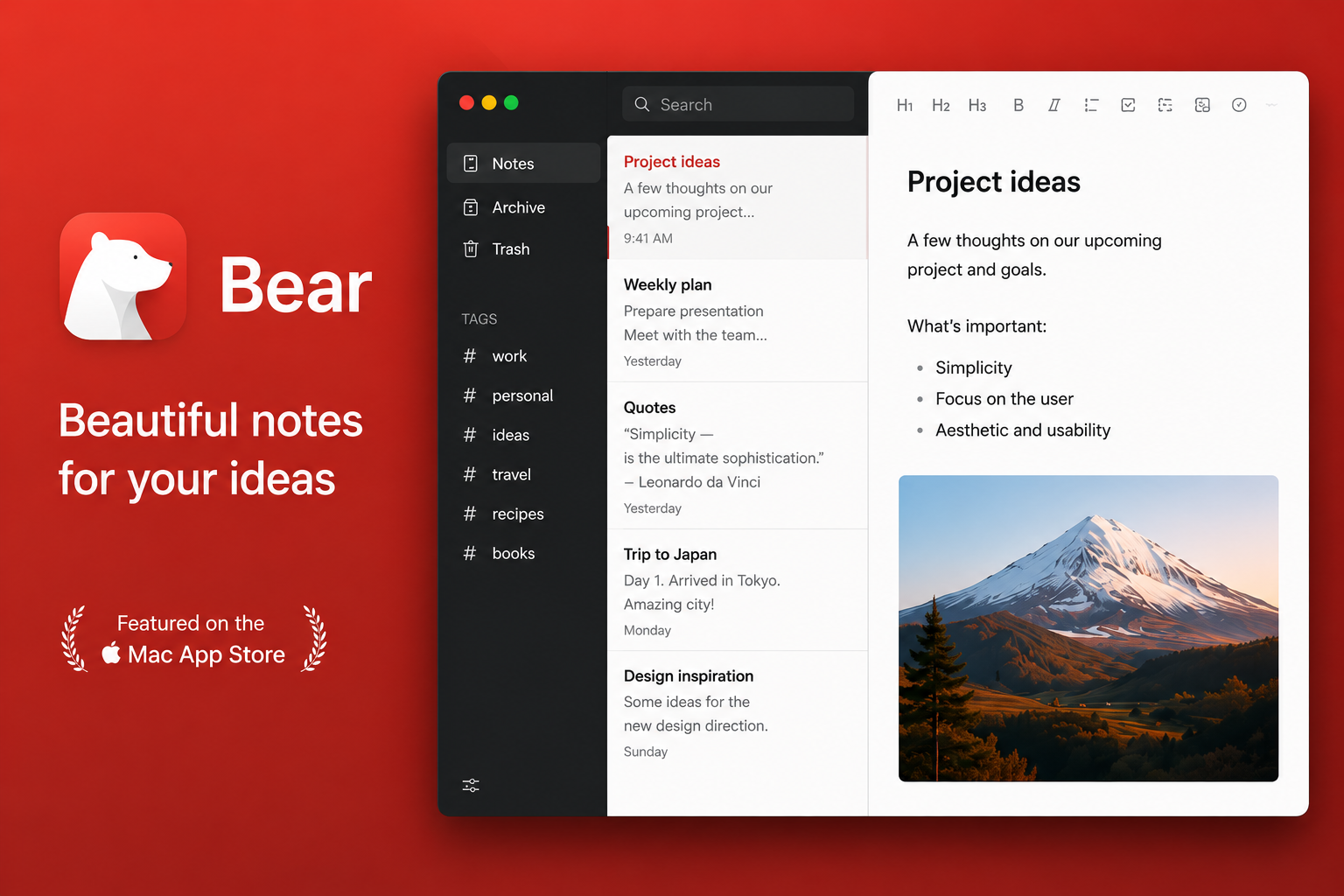
Bear is a beautiful, incredibly easy-to-use writing and markup application for Mac designed to help you capture and organize the events of your life through notes and entries.
You can take notes, plan your day, journal your thoughts in a diary, organize tables, create lists and to-dos, sketch out ideas, link notes together, write an entire book, and so much more. The bear app is used by writers, lawyers, chefs, company executives, teachers, doctors, engineers, students, parents... You get the idea. Getting started could not be simpler — there is no need to sign up or create any account whatsoever. Just open a note on your Mac and start writing right away.
BEAUTIFUL DESIGN. SIMPLICITY. FAST PERFORMANCE. PRIVACY
- Writing tools that stay out of your way while you work with text
- Clip web pages and other content using the dedicated Bear extension for your browser
- Redesigned information panel featuring a table of contents and convenient backlinks
- Apple Watch support for dictation and appending text to your most recent notes
- Effortless note creation using Siri and customizable keyboard shortcuts on your Mac
- "Your notes are yours, not ours" — Bear is a privacy-first application: we cannot see your notes, tags, or any other personal data
FLEXIBLE MARKUP
- Uses plain text that is easy to transfer and move between different applications
- Familiar formatting options for marking up text, such as bold, italic, strikethrough, links, tables, and much more
- Ability to combine different text styles (for example, bold and underline) even within headings and titles
- Option to hide markup syntax for a cleaner, more comfortable reading experience
ORGANIZATION with #tags, tasks, and much more
- Add #tags, #multi-word tags#, and even #nested tags / sub-tags anywhere inside a note for quick and flexible organization of your entries
- Pin your most important tags to the top of the sidebar for instant access
- Add tasks and to-dos to your notes and conveniently view all notes that contain outstanding tasks
- Collapse tabs and sections to free up valuable workspace on your Mac screen
ADVANCED SEARCH CAPABILITIES
- Find notes using the Spotlight function on your Mac, wherever you happen to be
- Search for text inside photos and PDF files (Bear Pro subscribers only)
- Search for specific types of notes using the powerful search mentions method (@to-do, @images, and @yesterday)
MORE POSSIBILITIES WITH BEAR PRO
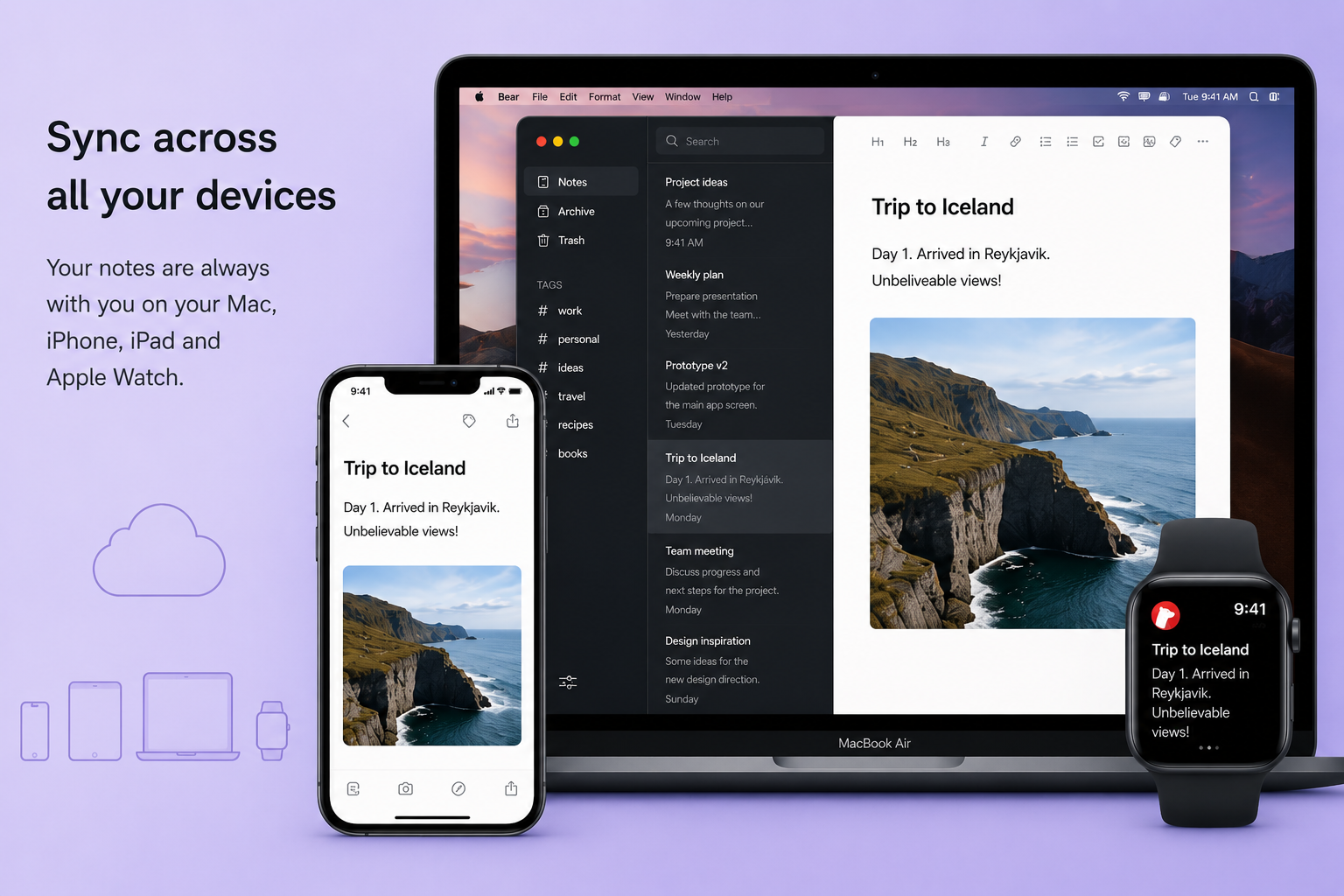
- Synchronize your notes across iPhone, iPad, and Mac devices seamlessly through iCloud
- Encrypt individual notes using a fully private password that only you know
- Lock Bear using Face ID or Touch ID biometric authentication for added security
- Export notes to a variety of formats, including HTML, DocX, PDF, JPG, and ePub
- Search for text within images and PDF documents embedded in your Bear notes
- Over 30 beautifully designed themes and application icons to personalize your bear mac experience and make bear download truly worthwhile
Reviews & Comments
No comments yet. Be the first to share your experience.