

Description
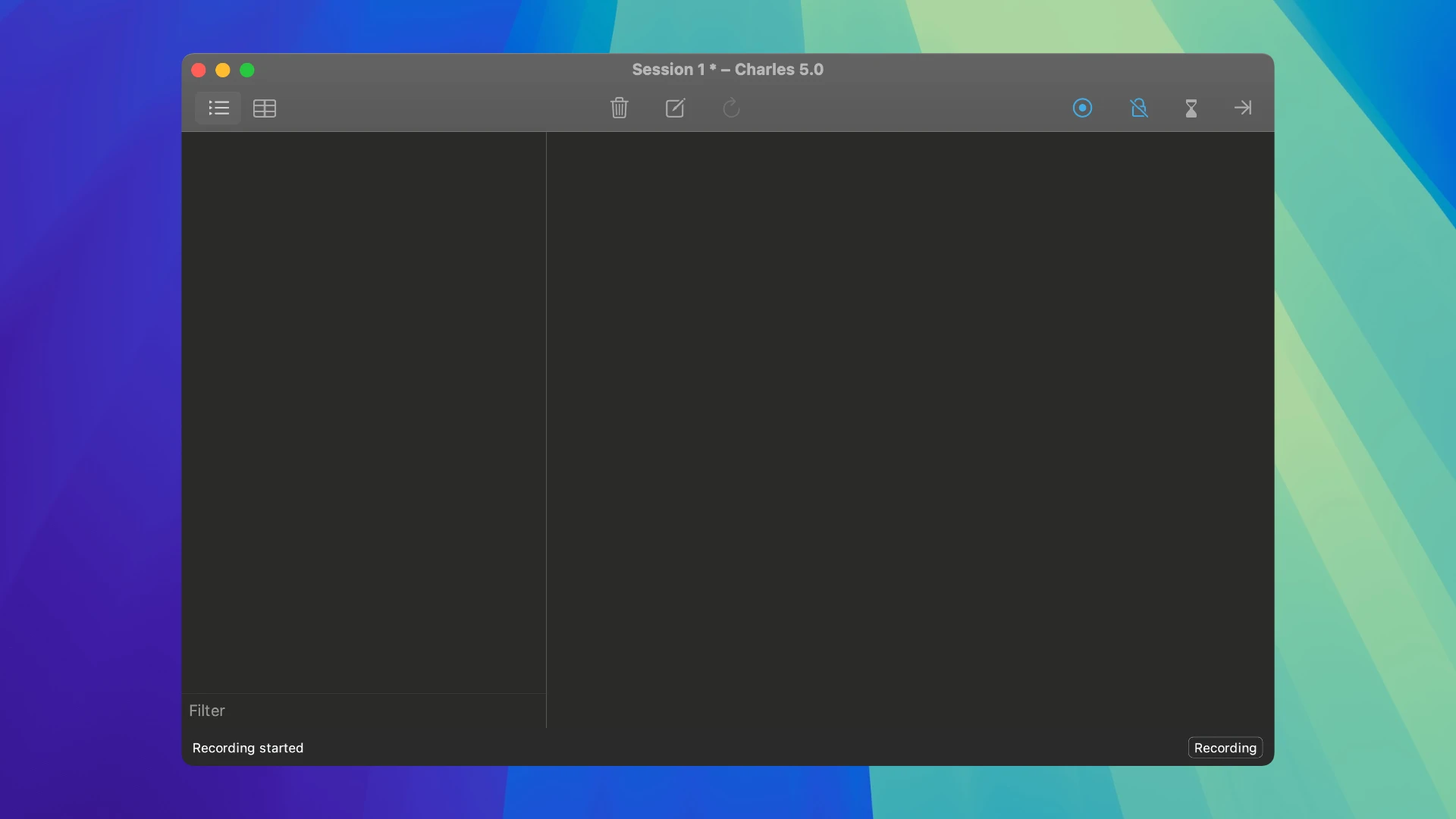
Charles is an HTTP proxy, HTTP traffic monitor, and reverse proxy server that allows a developer to view all HTTP and SSL/HTTPS traffic between their Mac and the Internet. With charles proxy for mac, you gain complete visibility into every network interaction happening on your machine.
This includes all requests, responses, and HTTP headers, which contain cookies and caching information essential for understanding how data flows between client and server.
During web development and everyday Internet usage, it is typically impossible to see what data is being exchanged between your browser (the client) and the remote server. This lack of transparency makes troubleshooting particularly challenging on macOS systems.
Without this level of visibility, it becomes difficult and time-consuming to pinpoint exactly where an error occurs. Charles proxy simplifies the analysis of what is happening under the hood, allowing you to quickly diagnose and fix problems. If you need a charles proxy download for your Mac, this tool provides everything necessary for thorough traffic inspection.
With Charles, debugging becomes fast, reliable, and advanced, saving your valuable time and eliminating unnecessary complications from your development workflow!
Reviews & Comments
No comments yet. Be the first to share your experience.