

Description
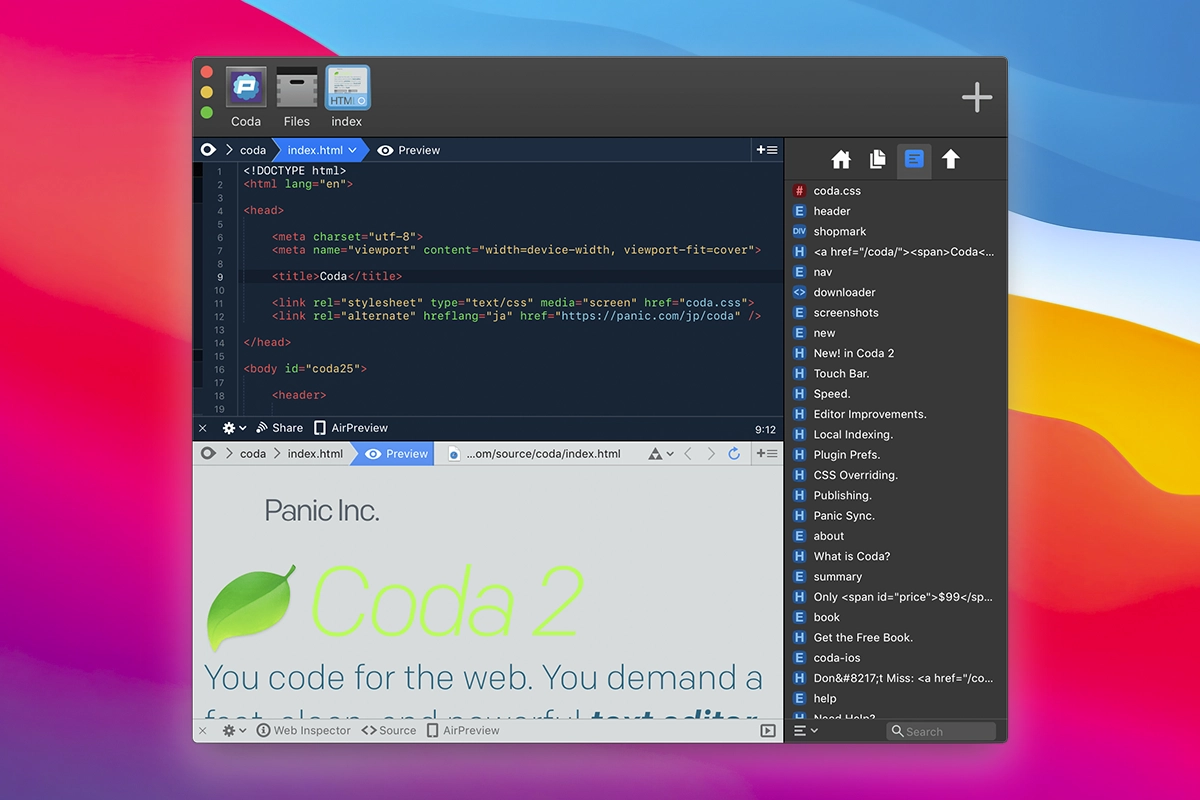
If you are involved in layout design and/or web development on Mac, then the release of Coda 2 should definitely not go unnoticed. The Coda 2 Mac package offers web developers over 100 brand-new features, many of which had been long awaited by users and kept the developer company's support team constantly busy with requests. The editor is fully compatible with the 64-bit runtime environment and comes with a significantly refined and improved user interface.
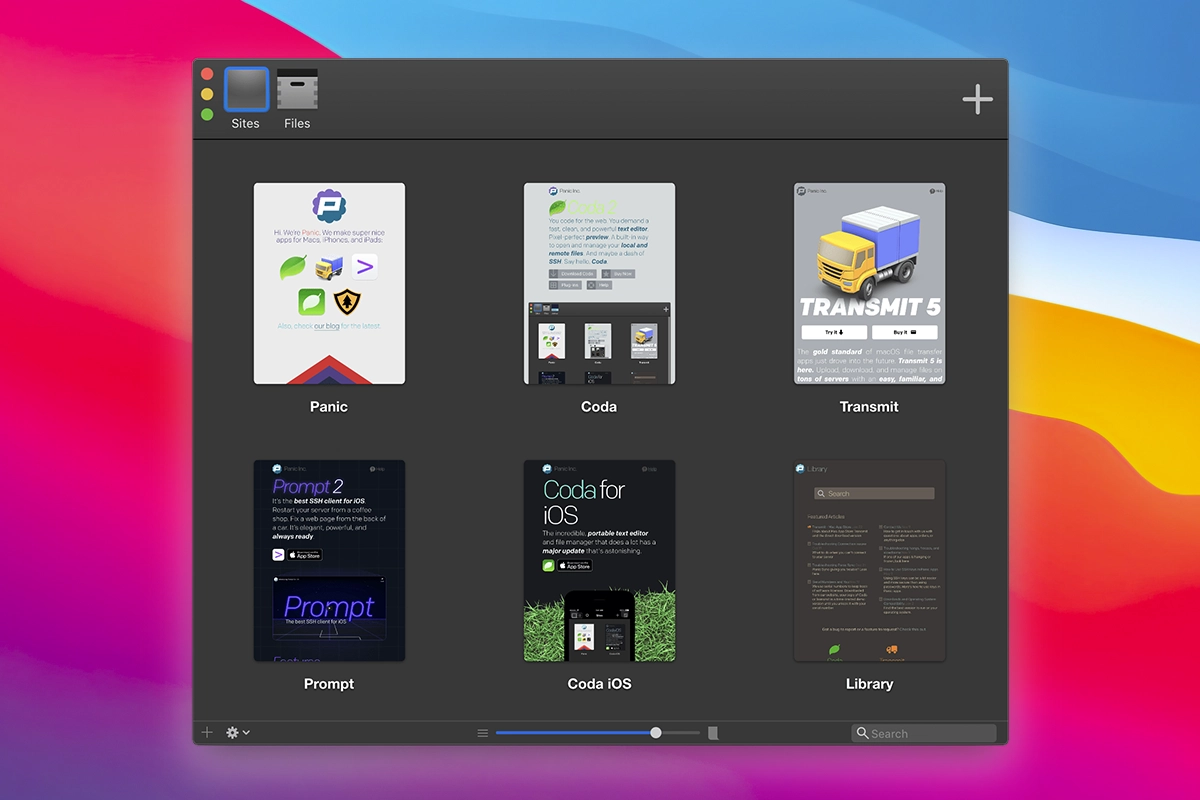
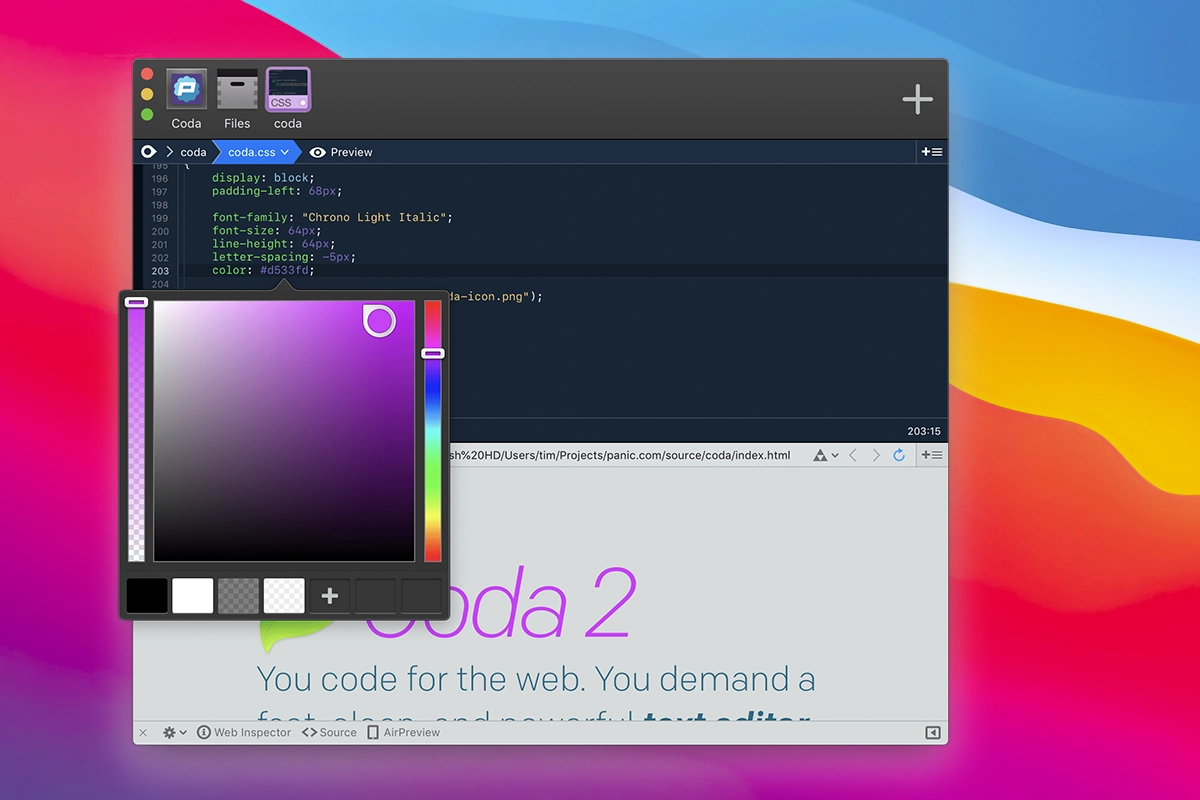
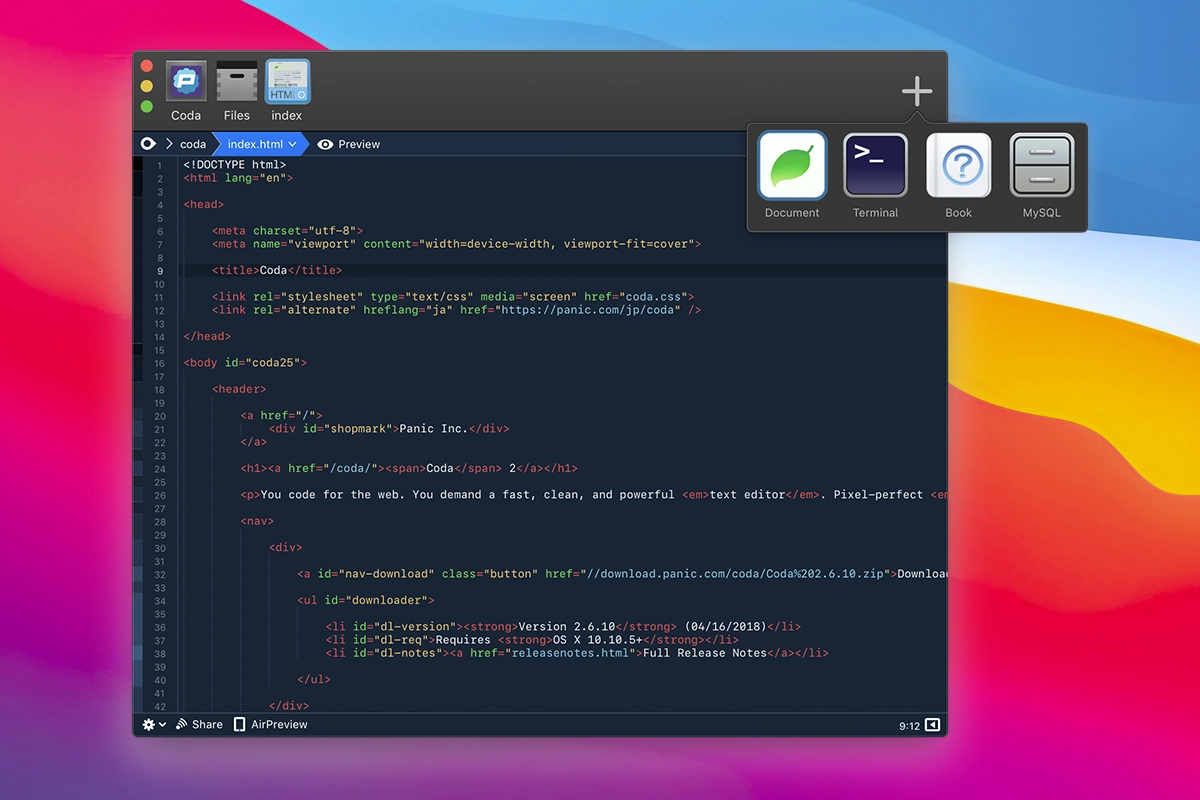
The product is positioned as a universal toolkit for managing all aspects of web applications on your Mac. In particular, the Coda 2 for Mac environment includes a powerful code editor, a built-in terminal, as well as tools for managing CSS styles and files across your websites.
Coda recognizes 23 programming languages, among which you will naturally find popular ones such as HTML, Java, Ruby, PHP, Python, SQL, XML, CSS, and others. Additionally, the editor can be customized for a specific language so that you can work in the most comfortable conditions possible. Working with code is extremely convenient. Coda 2, like most modern code editors, supports full syntax highlighting. One of the most useful properties of the program is that it knows all containers, recognizes the majority of functions and parameters, and perfectly understands syntax structures. Coda 2 download also provides an excellent multi-pane file manager. In one pane you can work with local resources, while in the adjacent pane you can manage remote ones. The file management logic was borrowed from Transmit, which is deservedly considered one of the most convenient and capable file managers available.
Reviews & Comments
No comments yet. Be the first to share your experience.