

Description
Everyone is accustomed to keeping their wallet, apartment, or car safe, but for some reason, not everyone bothers to follow the same security rules when navigating the vast expanses of the global internet. Although doing so is both necessary and not particularly difficult at all. Our detailed overview and the Cookie app, which monitors all suspicious website activity on your Mac, can help you safeguard your entire online experience effectively.
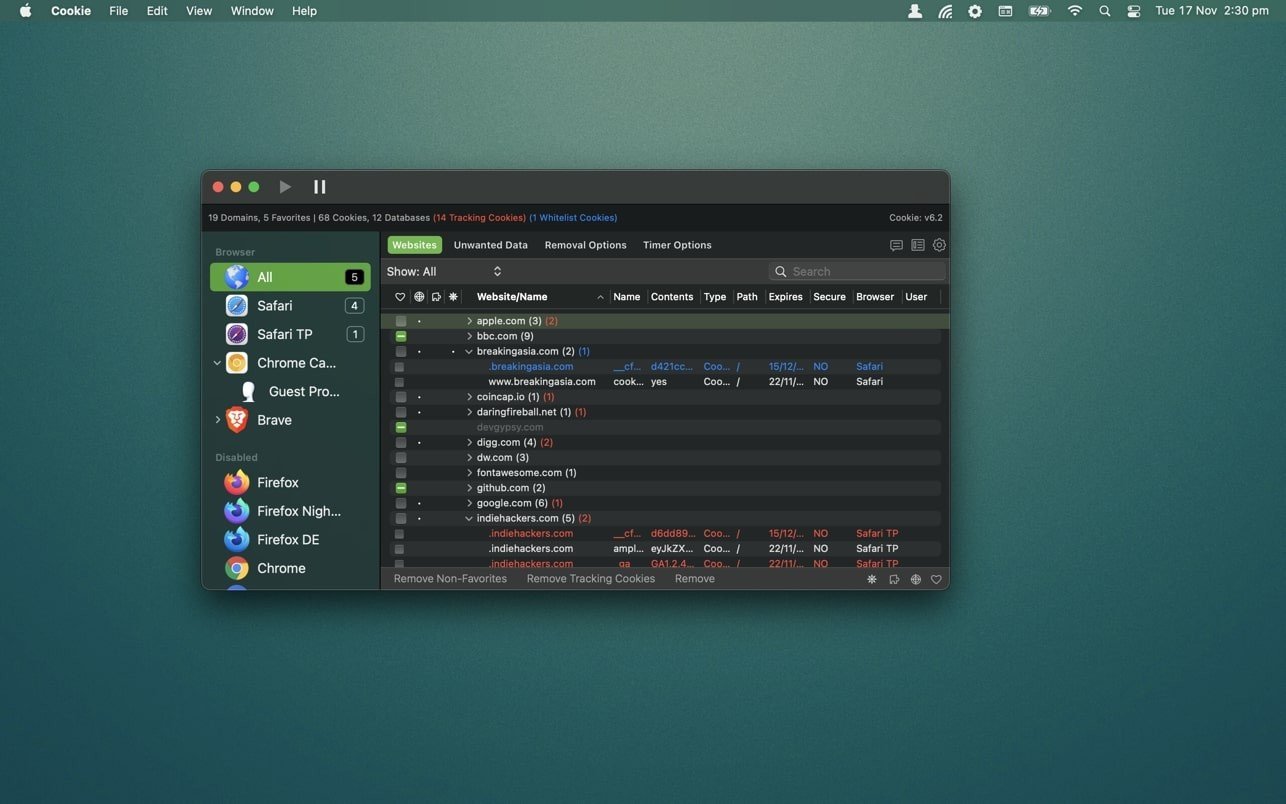
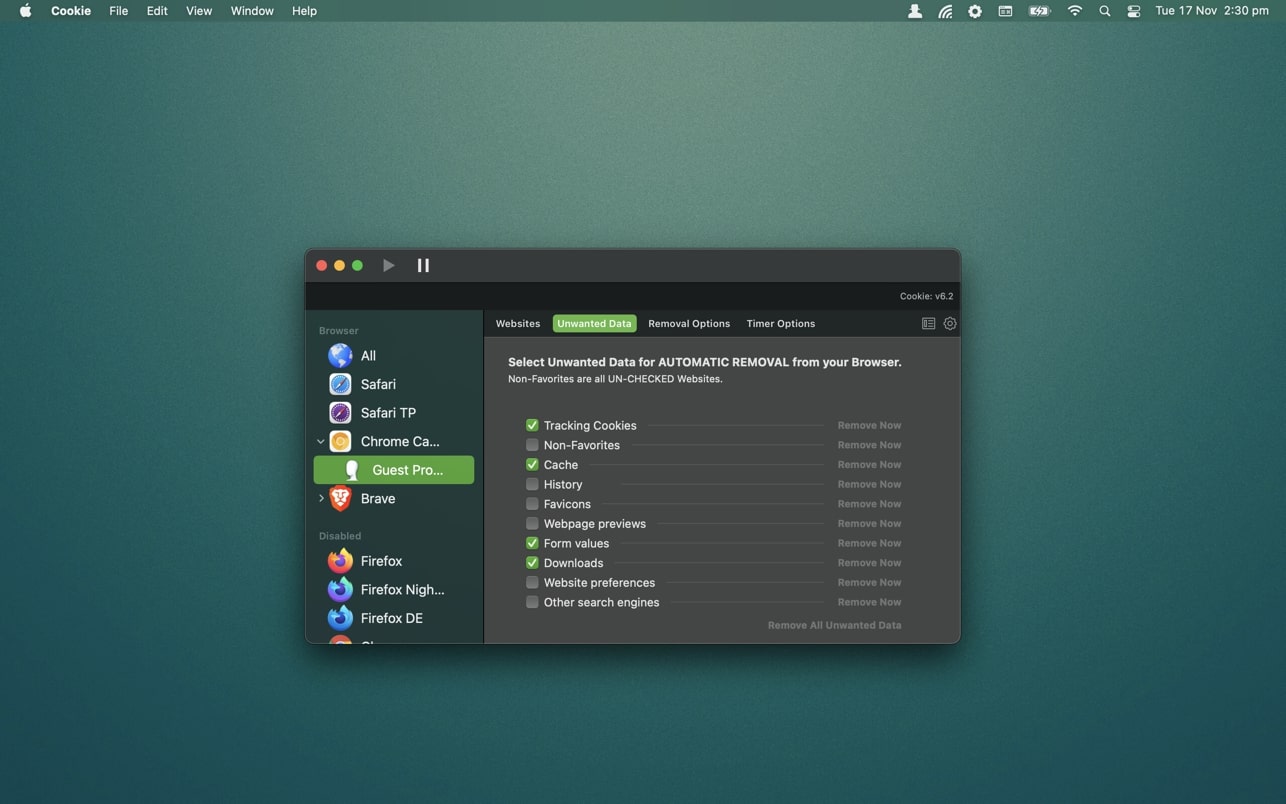
Cookie is a powerful Mac application designed for the complete removal of cookie files, clearing browser caches, and wiping the history of visited web pages across all your browsers. Cookie for Mac will help preserve the security and privacy of every user on the internet. Cookie stands as a truly unique, one-of-a-kind manager for handling all cookies installed by your browsers, with the ability to access local storage, HTML5 data, Flash cookies, and the caches of all supported browsers on your Mac system.
Features:
Consolidation of all your browser privacy settings into one central location
A simplified view that takes care of all the technical details for you automatically
An advanced view that gives you complete and full control over all of your privacy settings
A combined cookie viewing mode that displays all cookie / flash / localStorage data in one convenient, easy-to-browse unified view
Cookies can be favorited on a per-domain basis or on a per-cookie basis. The choice is entirely yours to make
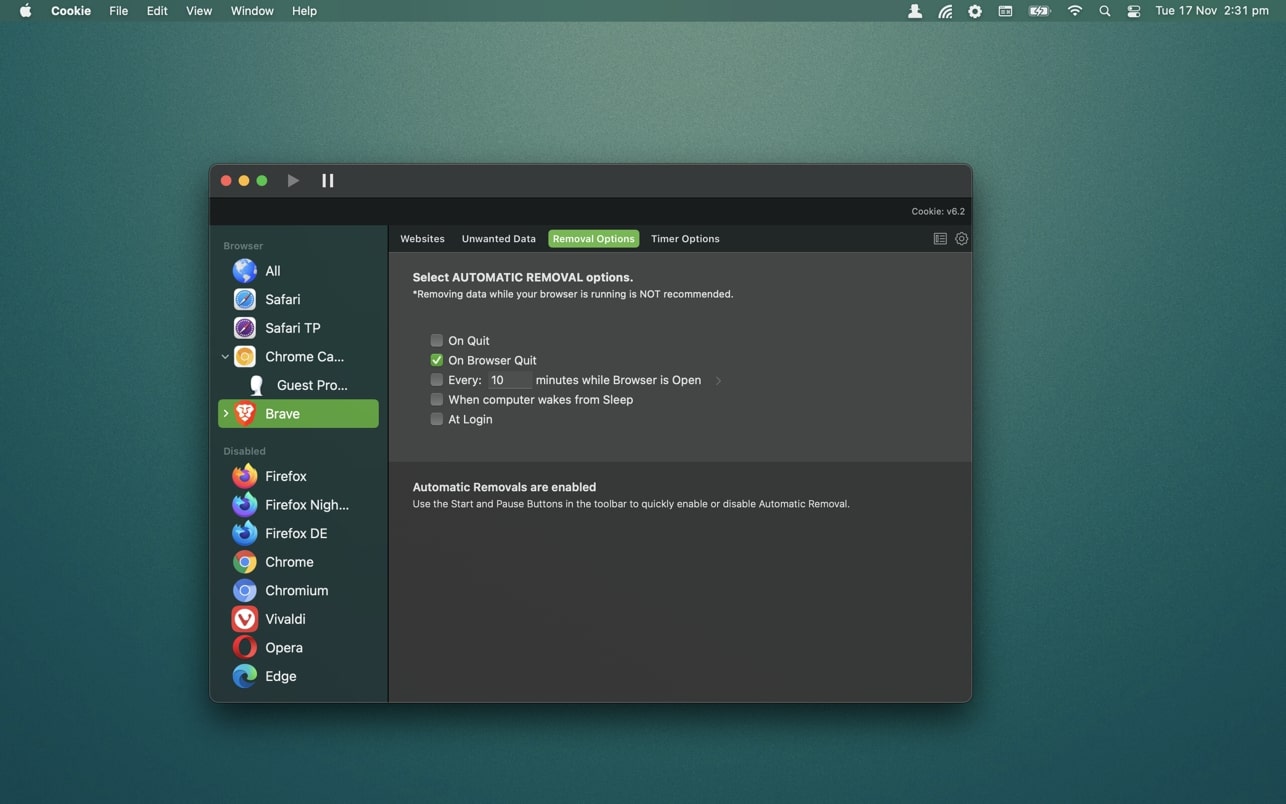
Individual browser settings. You can configure different automatic deletion parameters for each browser independently. In the case of Chrome / Chromium / Canary / Brave, you can even configure settings for each individual user profile!
A variety of deletion schedules are available: upon quitting the mac cookie manager, upon exiting the browser, upon system login, upon your Mac waking from sleep mode, on a fully customizable schedule, or completely manually
Keyboard shortcut support, so you can quickly and easily remove all unnecessary tracking data with a single keystroke
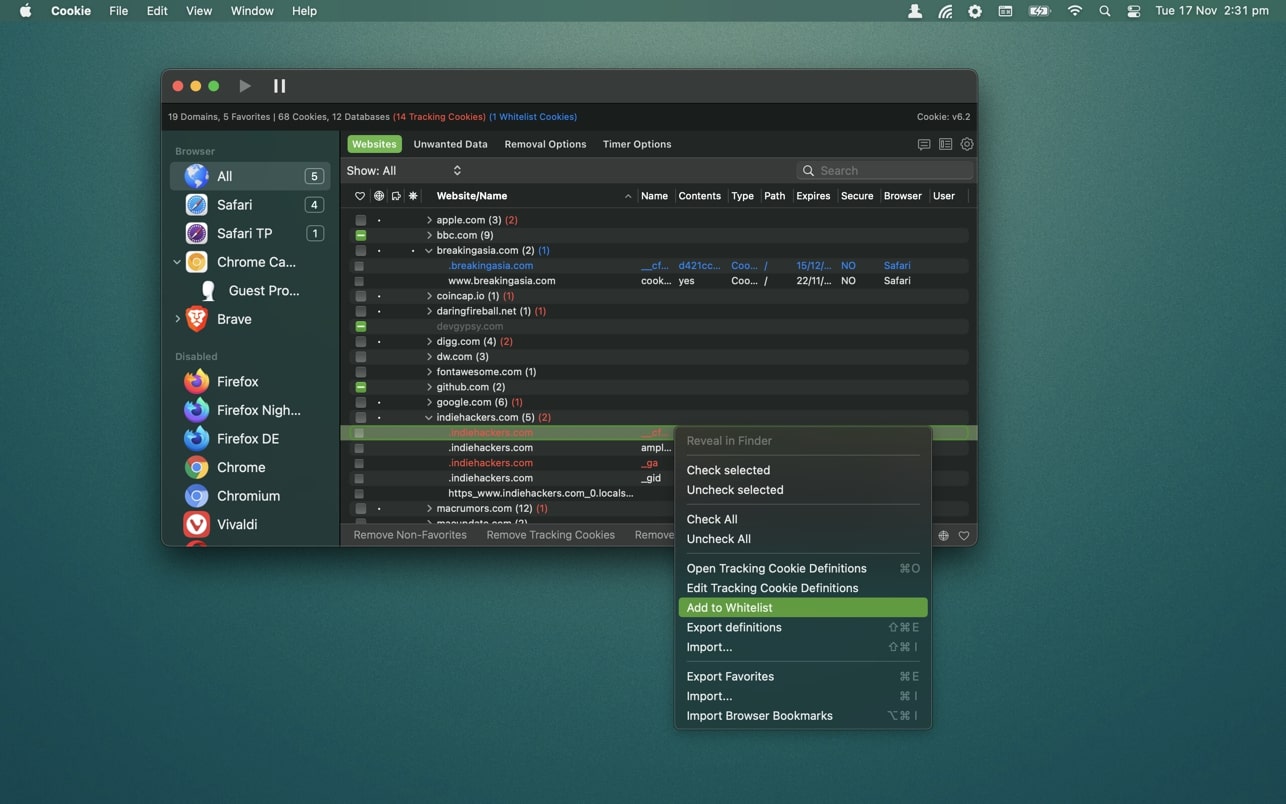
Customizable cookie definitions for tracking identification purposes
A whitelist for tracking individual cookies that you want to preserve
A clean, modern, and intuitively designed user interface that is pleasant to use
A helpful and well-organized preferences window
Browser extension protection functionality
Full iCloud synchronization support
Dark / Light theme appearance options
Reviews & Comments
No comments yet. Be the first to share your experience.