

Description
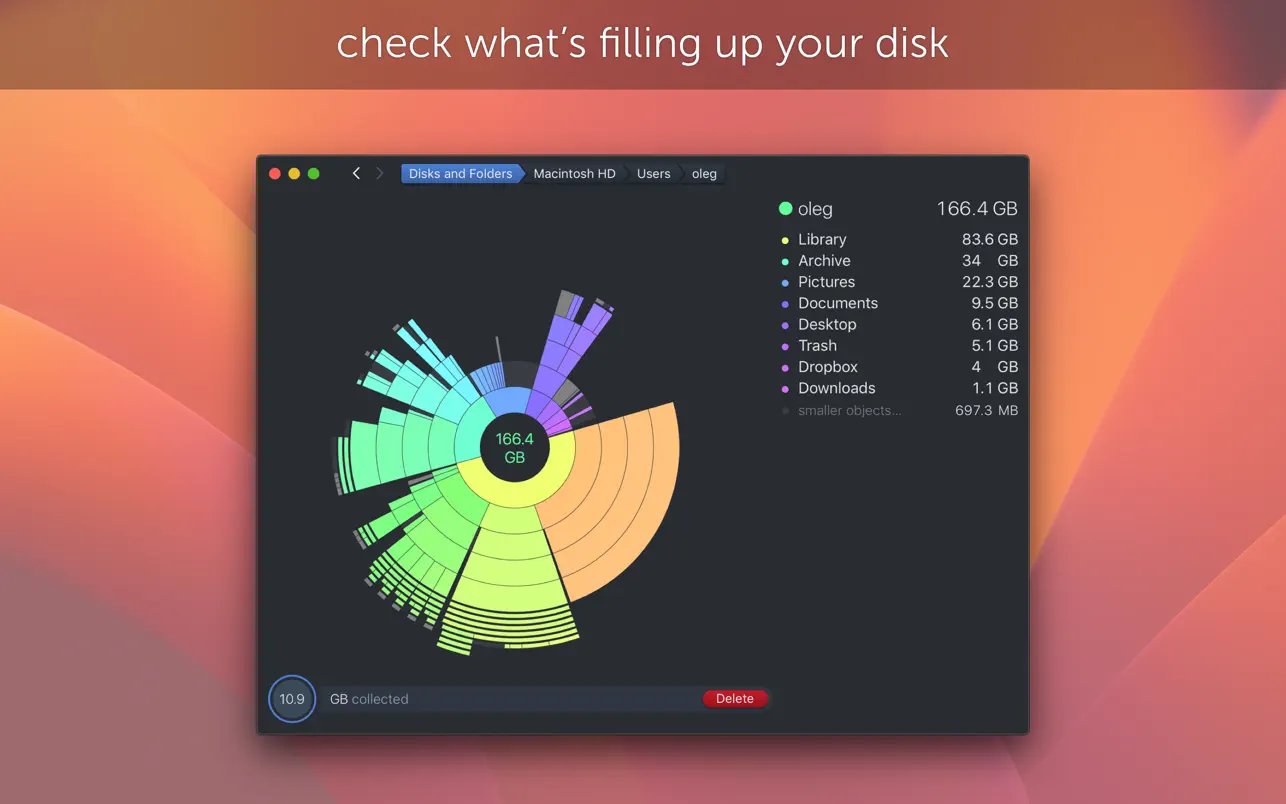
Get a clear, visual breakdown of occupied disk space displayed as an interactive sunburst map, identify the largest unnecessary files, and remove them with a simple drag-and-drop action. Find out what is hidden inside the "Other" storage category on your Mac and clean it up effectively. Free up valuable disk space by detecting and deleting large unneeded files with the DaisyDisk app.
Mac App Store Editors' Choice in the categories "Essentials," "Best of Mac App Store" for 2015, 2013, and 2011, "Get Productive," "Get Stuff Done," and "Invaluable Utilities" — a testament to how essential DaisyDisk Mac has become for users everywhere.
Over 500 press mentions and write-ups across the most well-known publications, including Forbes, TechRadar, Lifehacker, Gizmodo, MacRumors, 9to5mac, Macworld, TUAW, MacStories, and many other respected technology outlets.
Key Features:
• A unique and intuitive interface that makes it effortless to locate and delete large useless files cluttering your Mac
• Unmatched scanning speed — typically it takes only a few seconds to scan your entire system disk (performance depends on your specific disk model and processor capabilities)
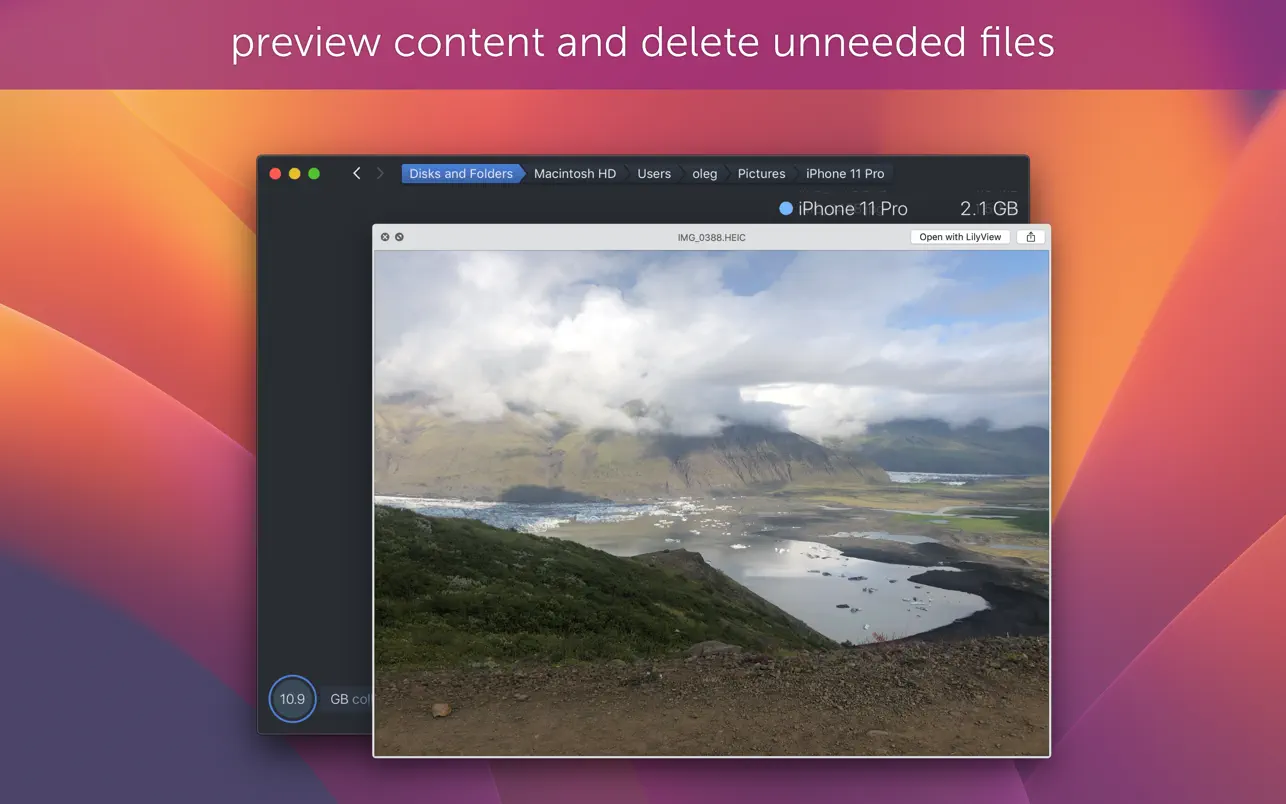
• Built-in QuickLook integration for instantly previewing file contents before deciding to remove them
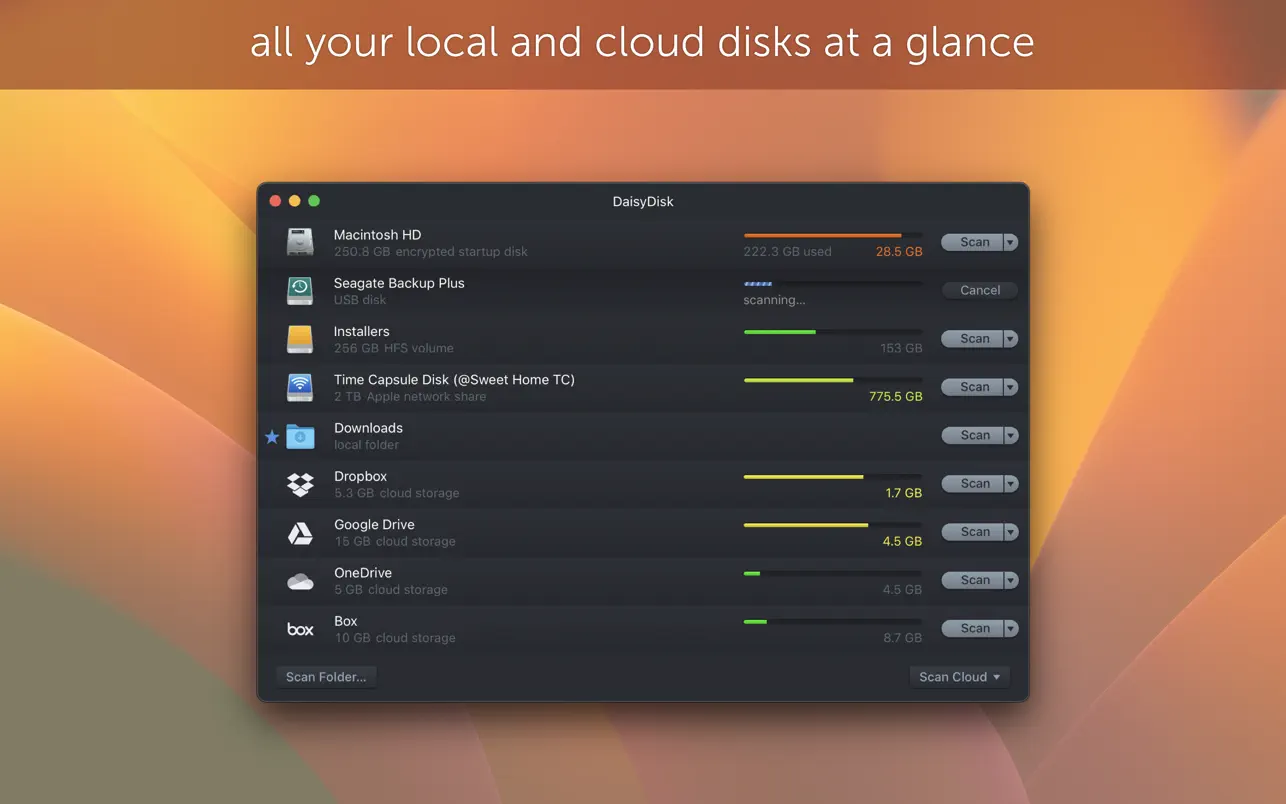
• Simultaneous parallel scanning of multiple connected disks at maximum possible speed
• Real-time detailed information about all mounted disks displayed within the DaisyDisk macOS interface
• Direct file deletion right from within the application without needing Finder
• Full native support for Retina displays ensuring crisp and sharp visuals on every Mac screen
Reviews & Comments
No comments yet. Be the first to share your experience.