
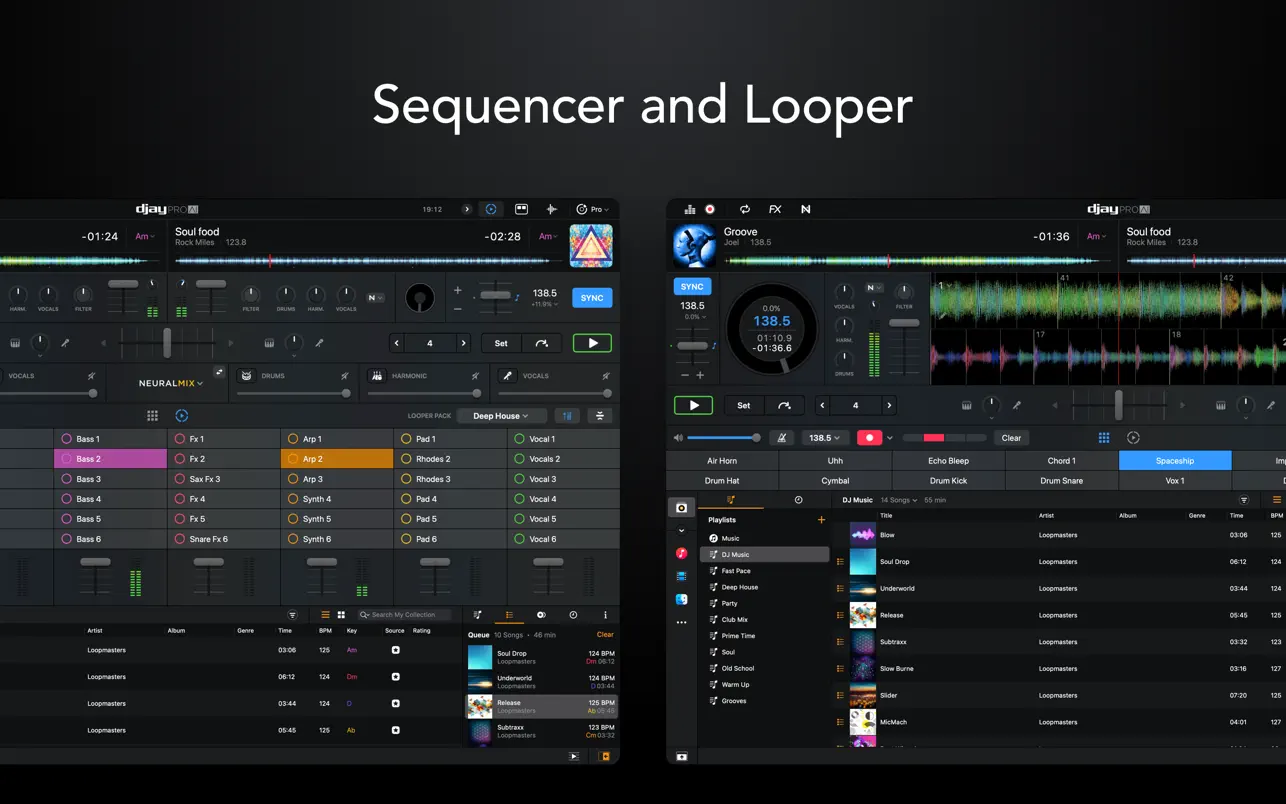
Description
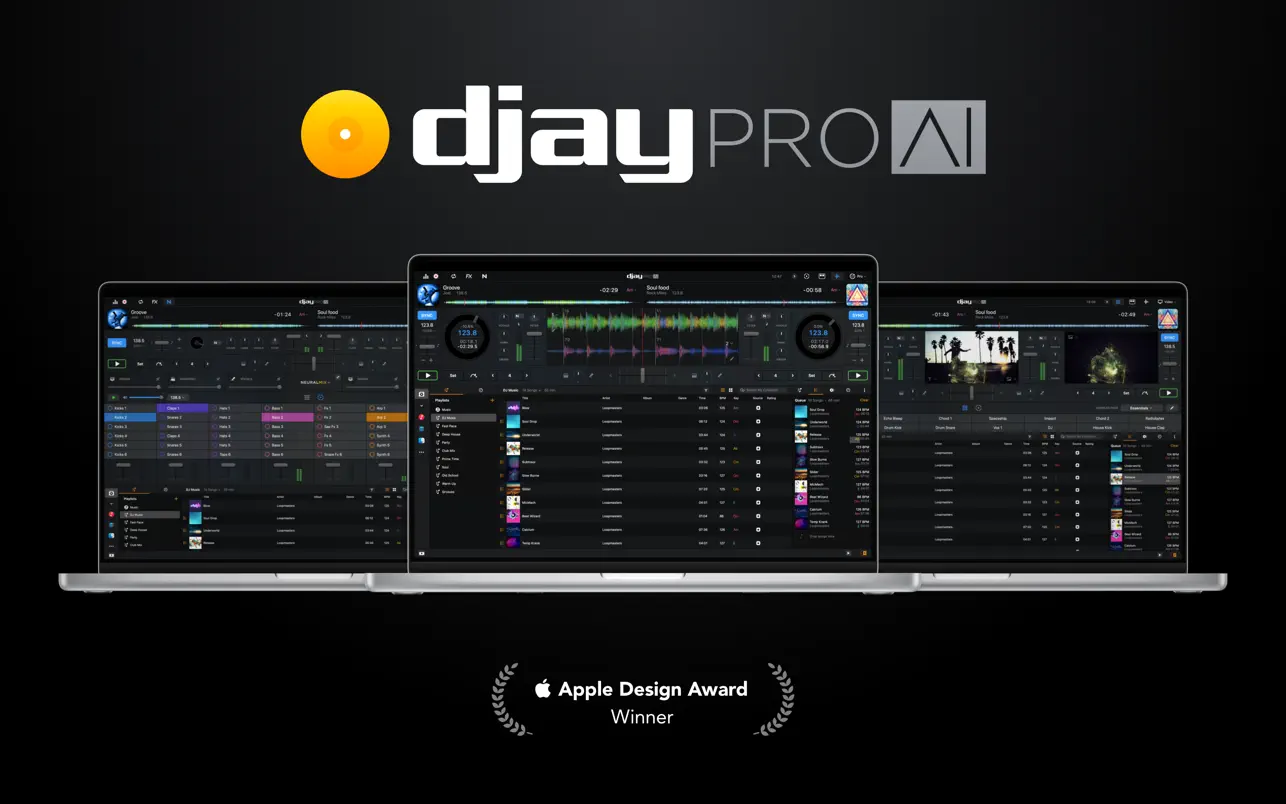
Welcome to djay Pro AI for Mac! This renowned DJ software, a multiple Apple Design Award winner, has been completely rebuilt from the ground up using the groundbreaking NEURAL MIX™ artificial intelligence technology, delivering an unparalleled mixing experience on your Mac.
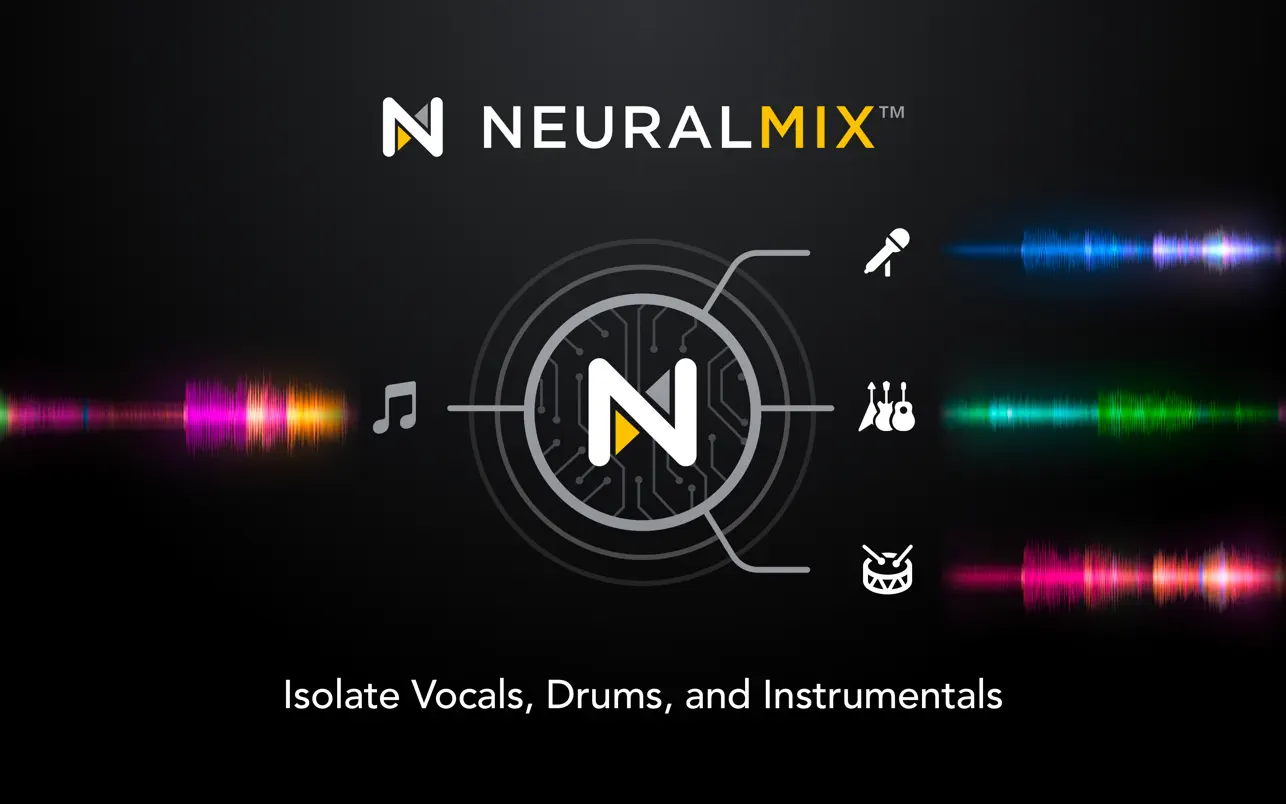
NEURAL MIX™ enables you to isolate instrumental parts and acapellas from your favorite tracks in real time, redefining the boundaries of creative mixing on your Mac. You can crossfade drums, bass lines, and melodies from two songs independently, apply audio effects to individual components of the music, and even loop the rhythm while the melody of the same track continues playing seamlessly.
The completely redesigned, modern interface of the djay pro ai app is built upon a sophisticated integration with your music library, giving you instant access to millions of tracks right from your Mac. Flawless audio quality and a powerful feature set — including live performance tools, four decks, high-definition waveforms, video mixing, and hardware integration — provide you with limitless creative flexibility to reinvent and elevate your DJ sets to new heights.
NEURAL MIX™
• Isolate vocals, drums, bass lines, and instrumental parts in real time
• Effects Routing: apply audio effects to individual music components (vocal echo, harmonic filter, drum reverb, and more)
• Loop Routing: loop the rhythm while the melody of the same song keeps playing, and vice versa
• AI Crossfades: seamlessly blend and swap drums, bass lines, or vocals between two tracks
• AI Waveforms: display vocal, drum, and harmonic waveforms for each track side by side
MUSIC PRODUCTION TOOLS
• Sequencer: create instant beats on top of your music in real time
• Looper: remix your music with up to 48 loops per track
• Sequence drums and samples in sync with the beat
• Extensive content library featuring more than 1,000 loops and samples
STREAMING INTEGRATIONS
• TIDAL: millions of tracks, music videos, high-quality audio (TIDAL Premium or HiFi)
• SoundCloud: millions of underground and premium tracks (SoundCloud Go+)
• Beatport: millions of electronic music tracks (Beatport LINK)
• Beatsource: millions of open-format music tracks (Beatport LINK)
AWARD-WINNING USER INTERFACE
• 2-deck and 4-deck views
• Single-deck preparation view
• Video and Automix viewing modes
ADVANCED LIBRARY MANAGEMENT
• Create your own smart playlists for organized sets
• Powerful track filtering and sorting capabilities
• Finder integration for seamless file access on Mac
AUTOMIX
• Automatic mixes with AI-powered beat matching and transitions
• Queue and playlist automation for hands-free mixing
VIDEO, VISUALS, AND PHOTOS
• Mix videos, images, and photos together seamlessly
• Stream music videos via TIDAL directly on your Mac
• Optimized photo slideshows for visual presentations
POWERFUL AUDIO ENGINE
• Revolutionary AI-powered audio engine
• Real-time music source separation technology
• High-quality mixer, filter, equalizer, isolator, and limiter
• Advanced time-stretching and pitch-shifting capabilities
• More than 40 built-in audio effects
• Master output effects via Audio Unit plugins
• Live recording functionality
• Ableton Link integration for session synchronization
ADVANCED AUDIO ANALYSIS
• BPM and beat detection with high accuracy
• Musical key detection
• Multi-colored waveforms with BPM display
• Auto-gain for consistent volume levels
HARDWARE INTEGRATION
• Built-in support for over 100 MIDI controllers
• Pioneer DJ CDJ integration
• RANE Twelve integration
• Advanced MIDI learn functionality
• External mixer mode for professional setups
• Support for multi-channel USB audio interfaces
• External audio input and microphone support
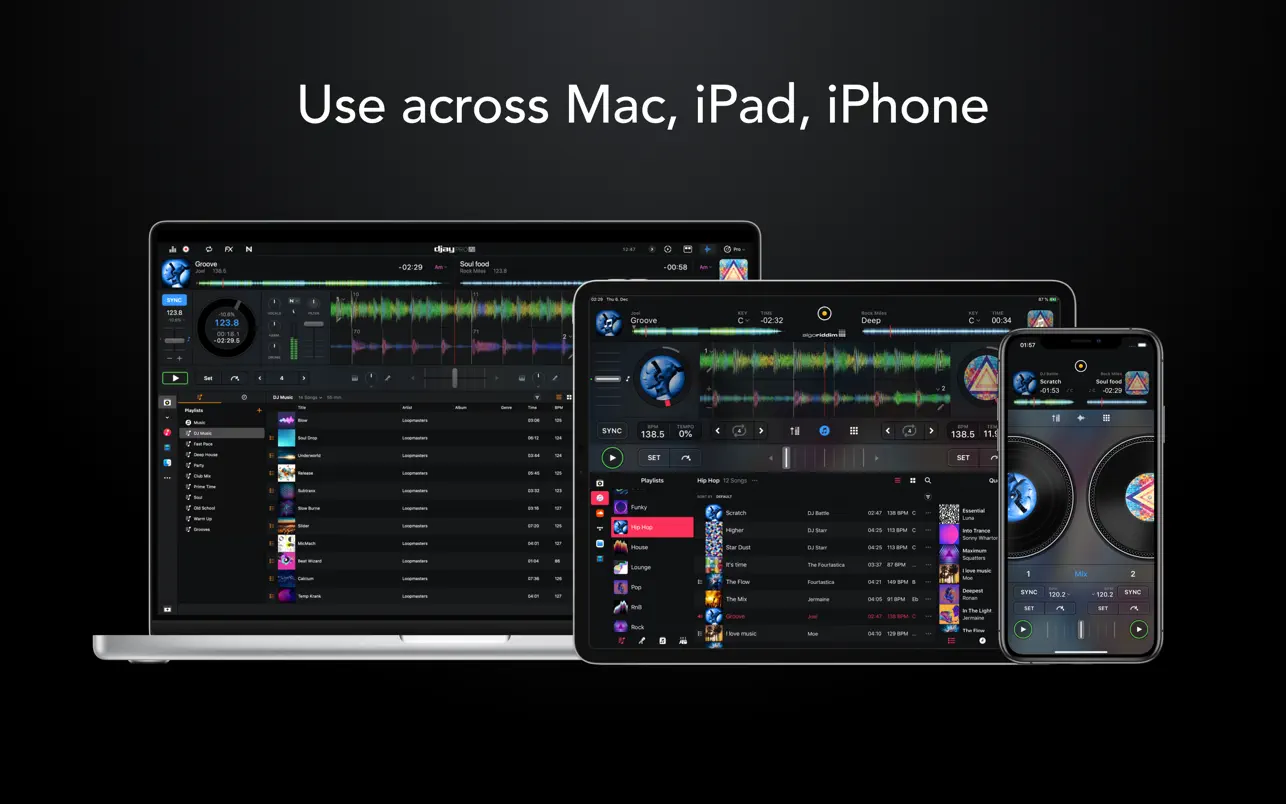
The optional PRO subscription allows you to subscribe once and use djay pro ai download across all your Mac computers and iOS devices, including full access to NEURAL MIX™, all PRO features, and over 1,000 loops, samples, and visual effects for your creative sessions.
To access songs from a streaming service within djay Pro AI, a supported streaming subscription and an active internet connection are required. Recording is not available for streamed songs. Streaming service availability and pricing may vary depending on your country, currency, and the specific service. Beatport LINK and Beatsource LINK integration is currently available only on Intel-based Mac computers.
To use songs from iCloud in the djay pro ai app, you must first download them through the Music application on your Mac. DRM-protected songs are not supported, and djay Pro AI cannot access tracks from the Apple Music streaming service.
Reviews & Comments
No comments yet. Be the first to share your experience.