

Description
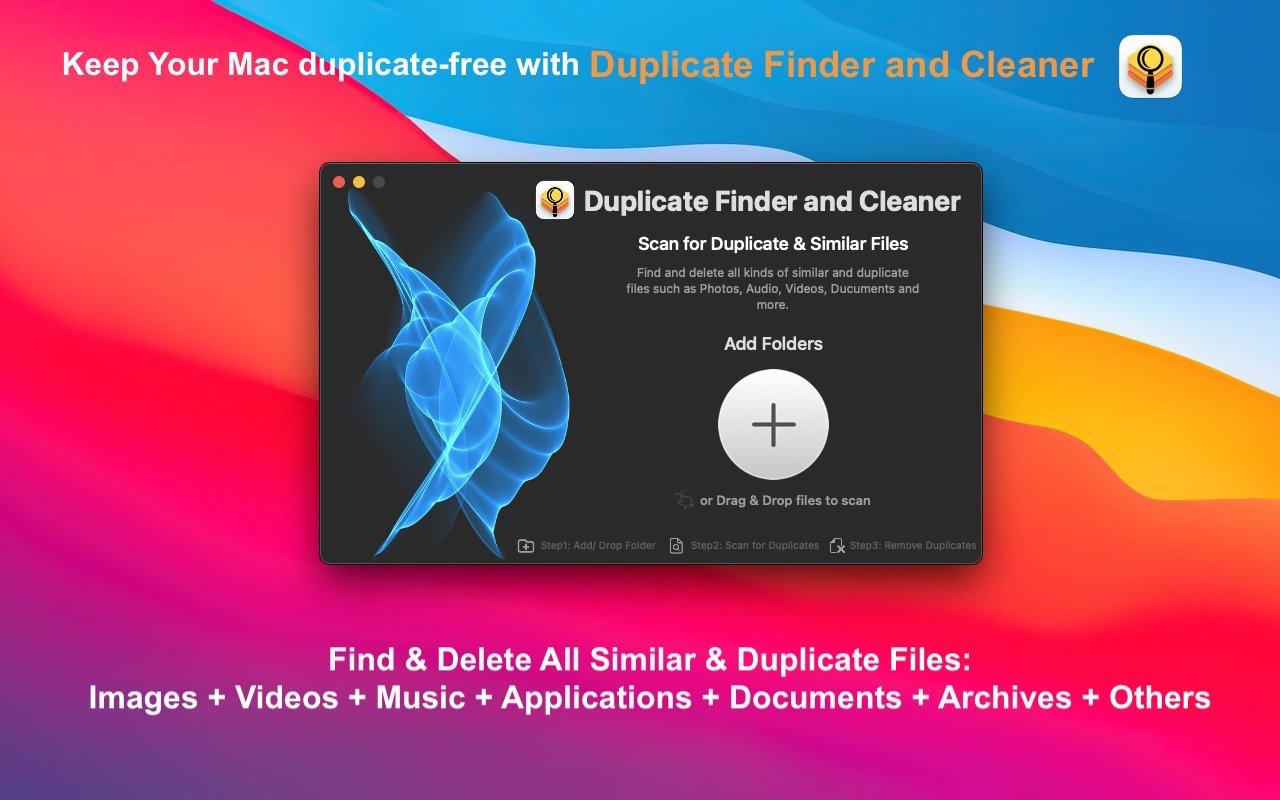
Duplicate Finder and Cleaner is a state-of-the-art tool for removing duplicate and similar files even from large volumes of storage on your Mac. This remarkable tool works seamlessly with multiple photo libraries, iPhone backups stored on your Mac, as well as files from internal hard drives and external storage devices.
Duplicate Finder and Cleaner helps you get rid of all duplicate and similar files on your Mac by utilizing an advanced comparison algorithm with just a single click of your mouse!
Smart, precise, and the simplest tool available for finding and removing similar photos and duplicate files on your Mac.
If you want your photo libraries and folders to stay well-organized and completely clutter-free, the duplicate finder and cleaner app is the easiest and most effective solution for you. It stands apart from other similar and duplicate file finder programs because it compares files with just one click. This tool helps you scan and remove duplicate and similar files with remarkable efficiency. It searches for similarities across your images and effortlessly identifies similar and duplicate files throughout your entire storage.
KEY FEATURES
Incredibly Simple Way to Add and Search Files:
Simply drag and drop multiple photo libraries and folders into the scan list to get started.
Scanning:
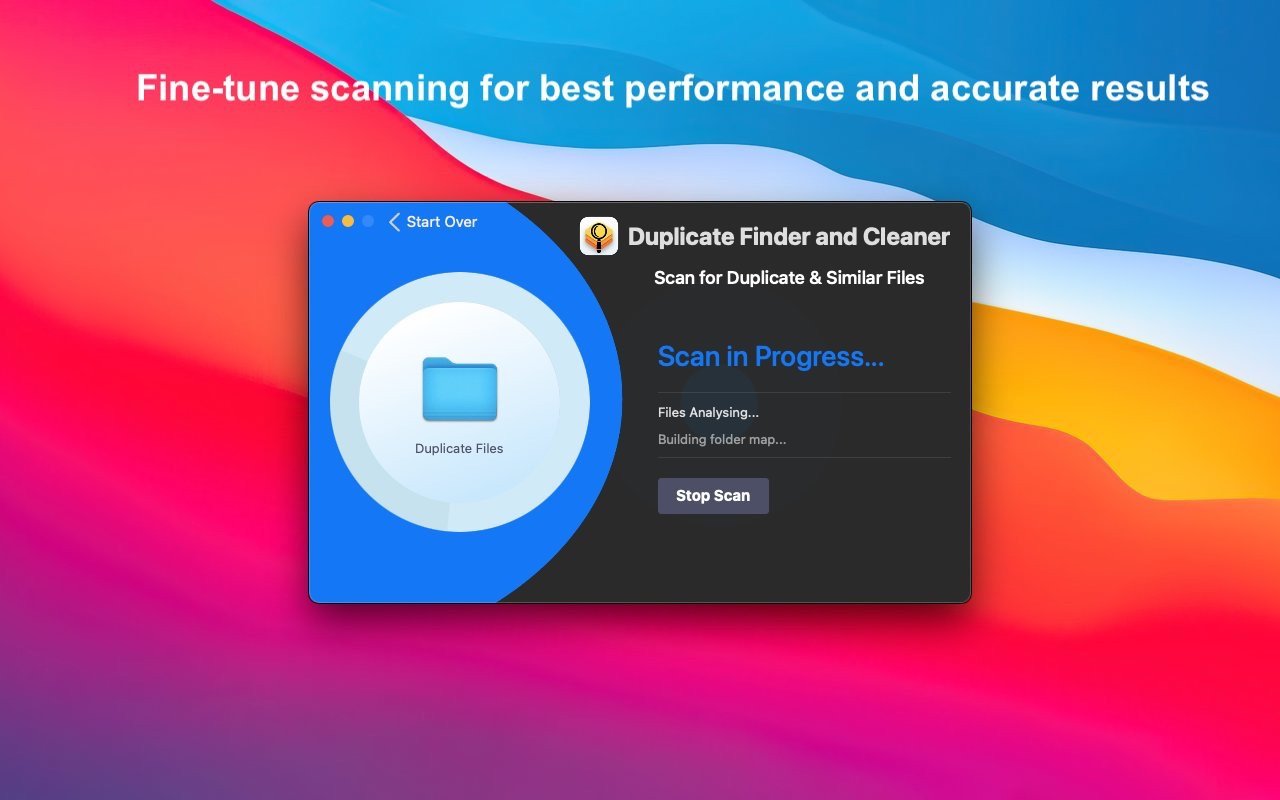
Duplicate Finder and Cleaner features a highly optimized scanning algorithm. The entire process of finding duplicates and similar items runs smoothly and incredibly fast on your Mac.
High Speed and Quality:
This tool employs an advanced comparison algorithm to find highly similar files with incredibly fast and accurate results every single time.
Compact Viewing:
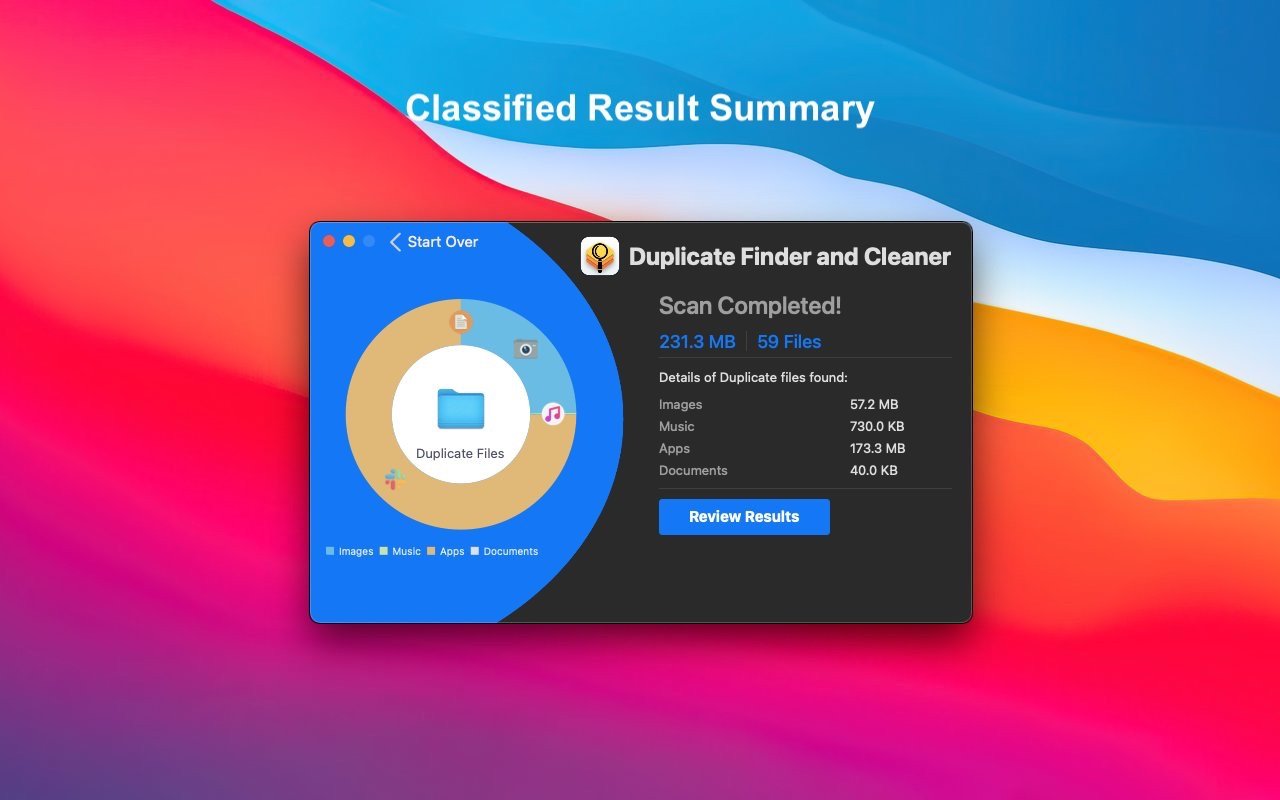
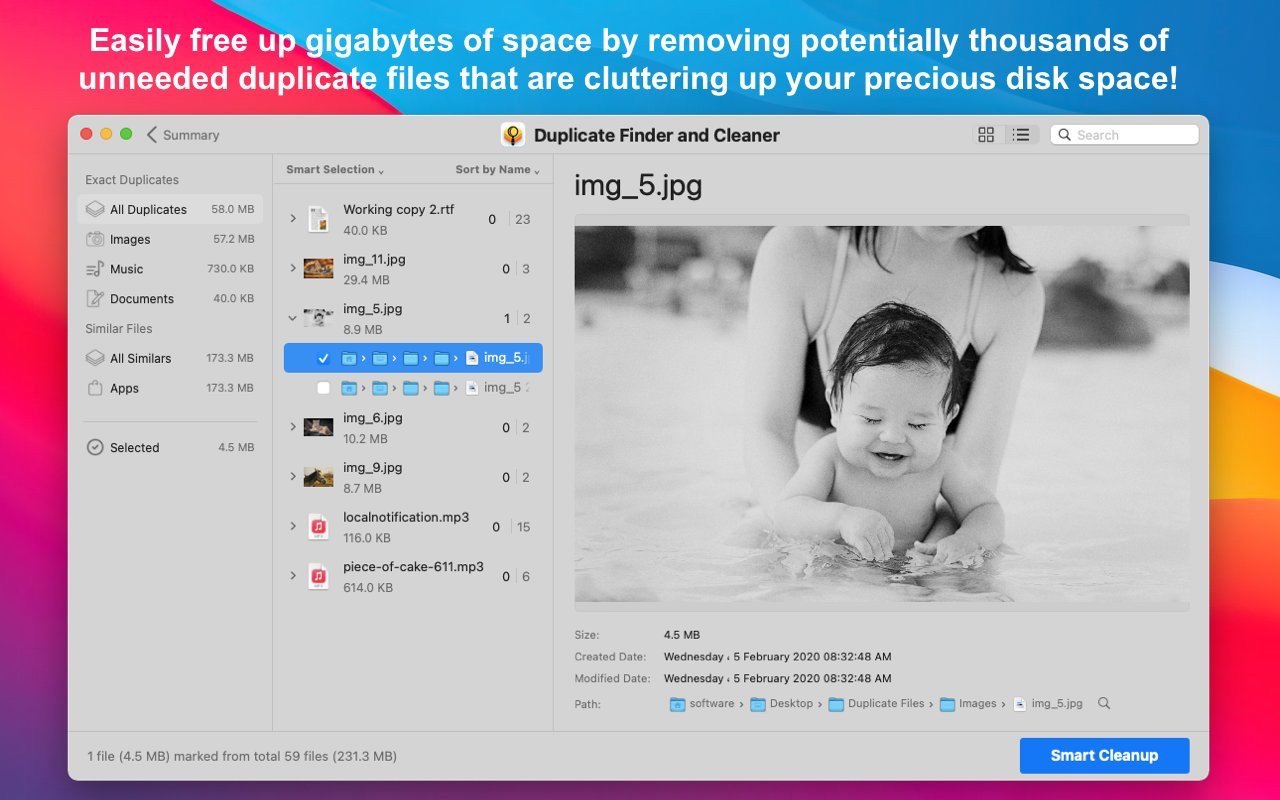
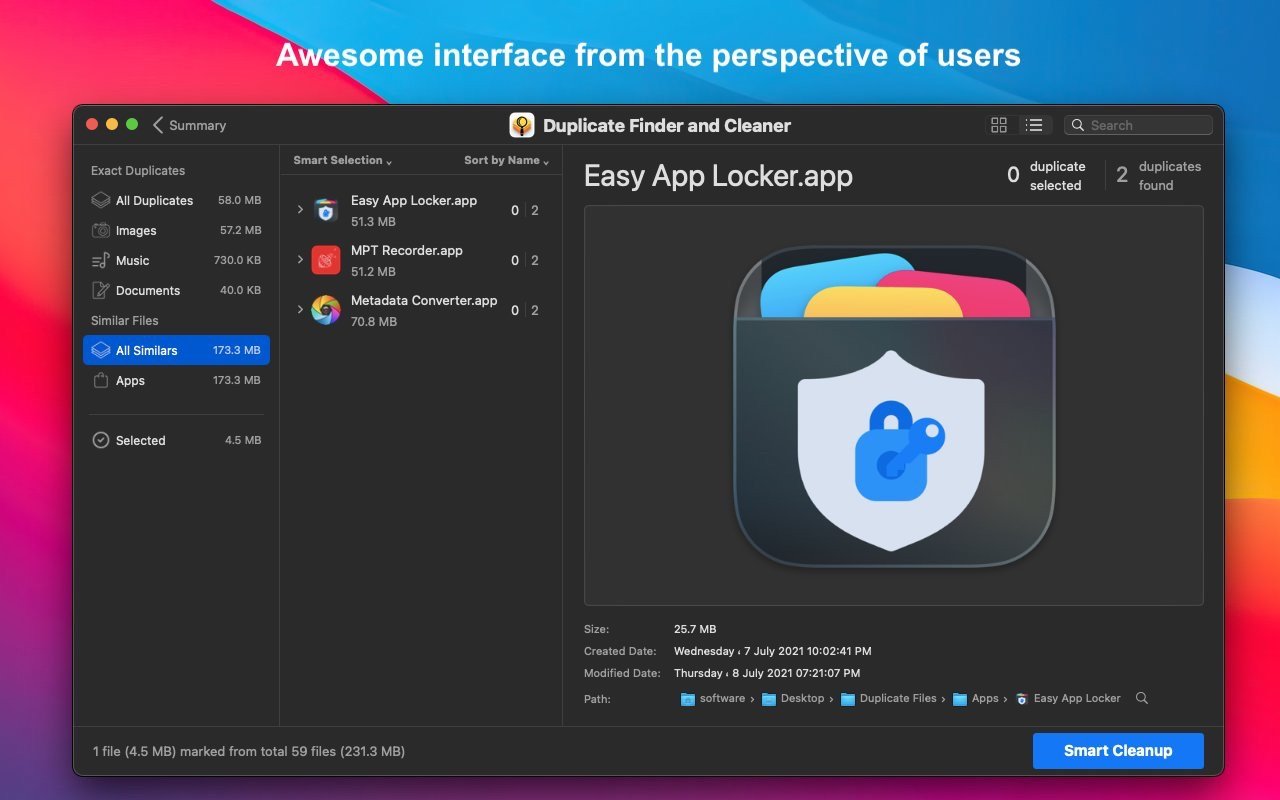
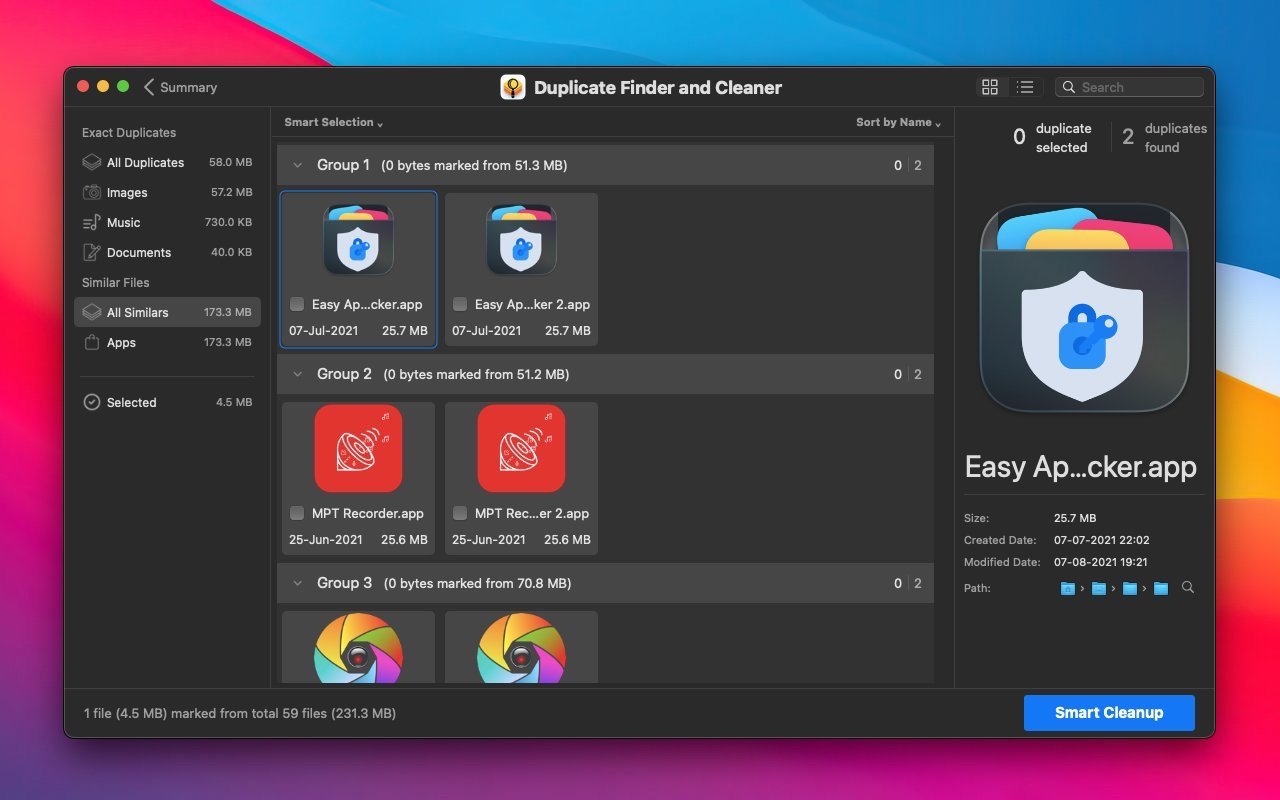
Duplicate Finder and Cleaner offers an outstanding user-friendly interface designed with users in mind. This interface is divided into a grid view and an outline view. Each view has its own dedicated utility tailored to different user needs. Grouping is an excellent way to categorize all similar and duplicate files so that users can easily browse through all results displayed in a convenient and organized form.
Auto-Marking of Duplicates and Similar Files:
Auto-marking is an intelligent method that ensures the best file in each group is preserved automatically. The remaining files will be marked, and you can then choose to delete them or move them to a selected folder. The auto-marking feature depends on priorities configured within the standard auto-marking settings on your Mac.
Removal Methods:
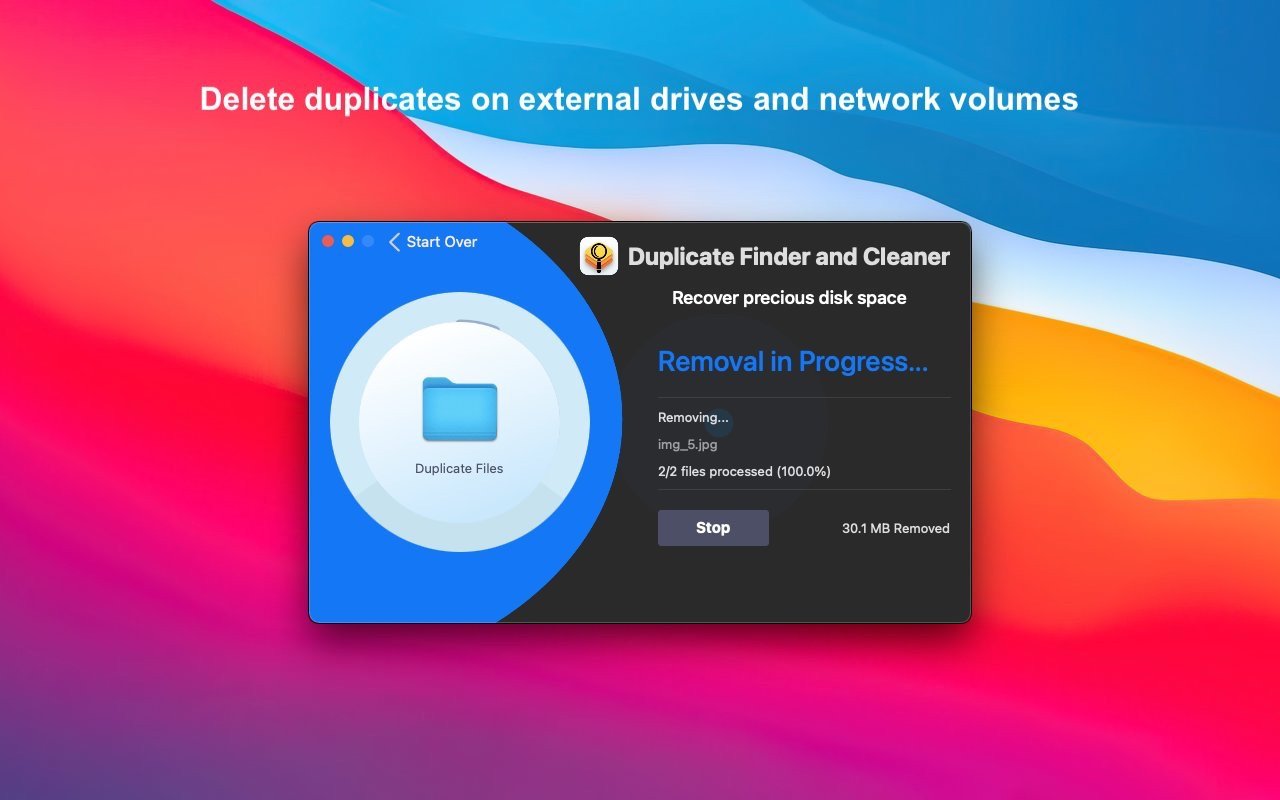
All selected photos and files can be deleted using three different methods:
A. Move to Trash
B. Delete Permanently
C. Move to a Selected Folder
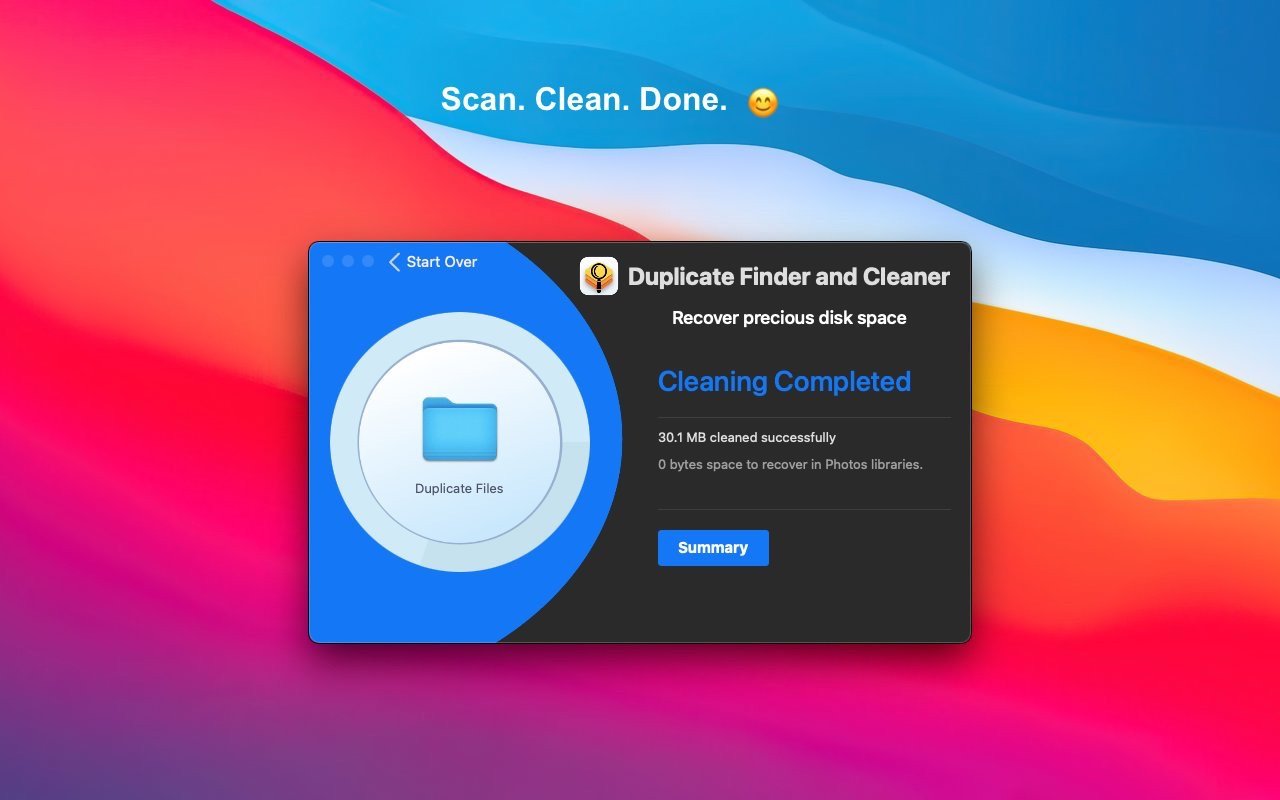
Easily reclaim gigabytes of valuable space by removing potentially thousands of unnecessary duplicate files that clutter your precious disk storage! When you duplicate finder and cleaner download mac, you gain a powerful solution to keep your Mac clean. The duplicate finder and cleaner mac experience ensures your system remains organized and optimized at all times!
Reviews & Comments
No comments yet. Be the first to share your experience.