
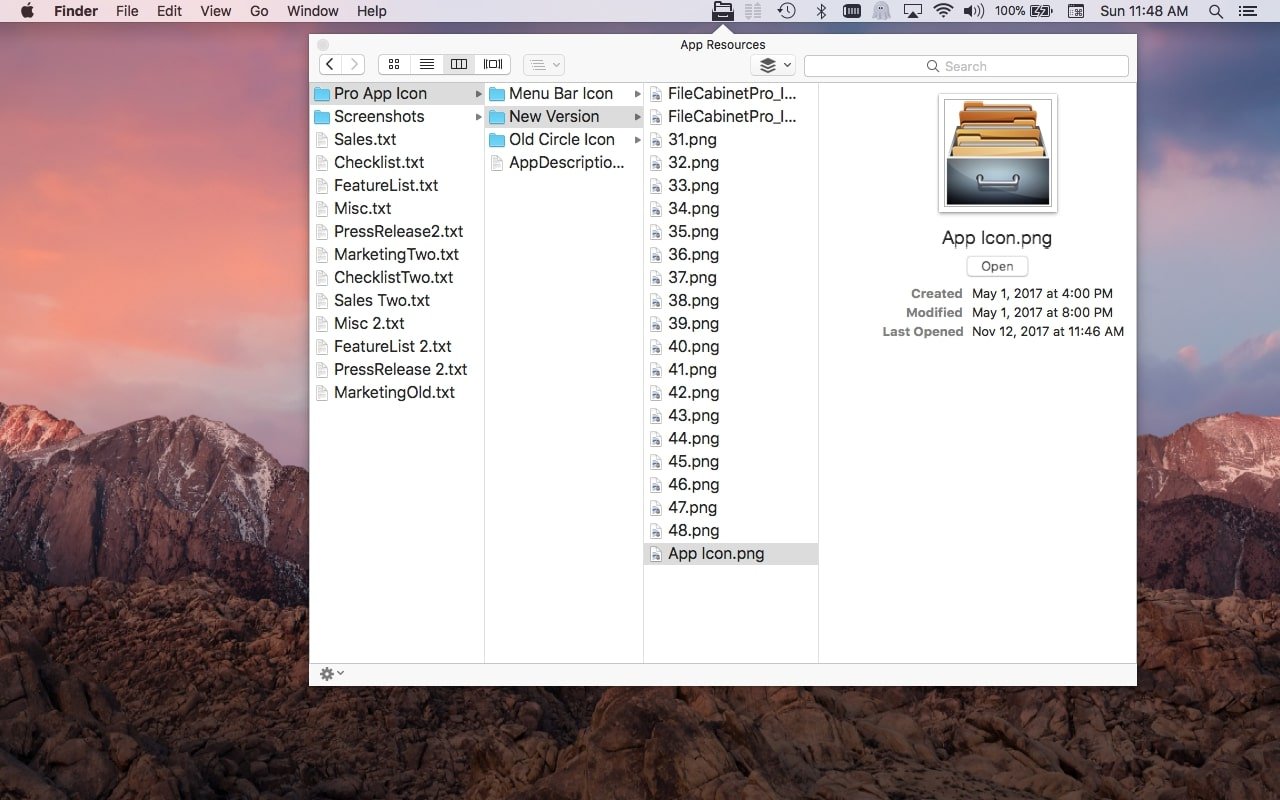
Description
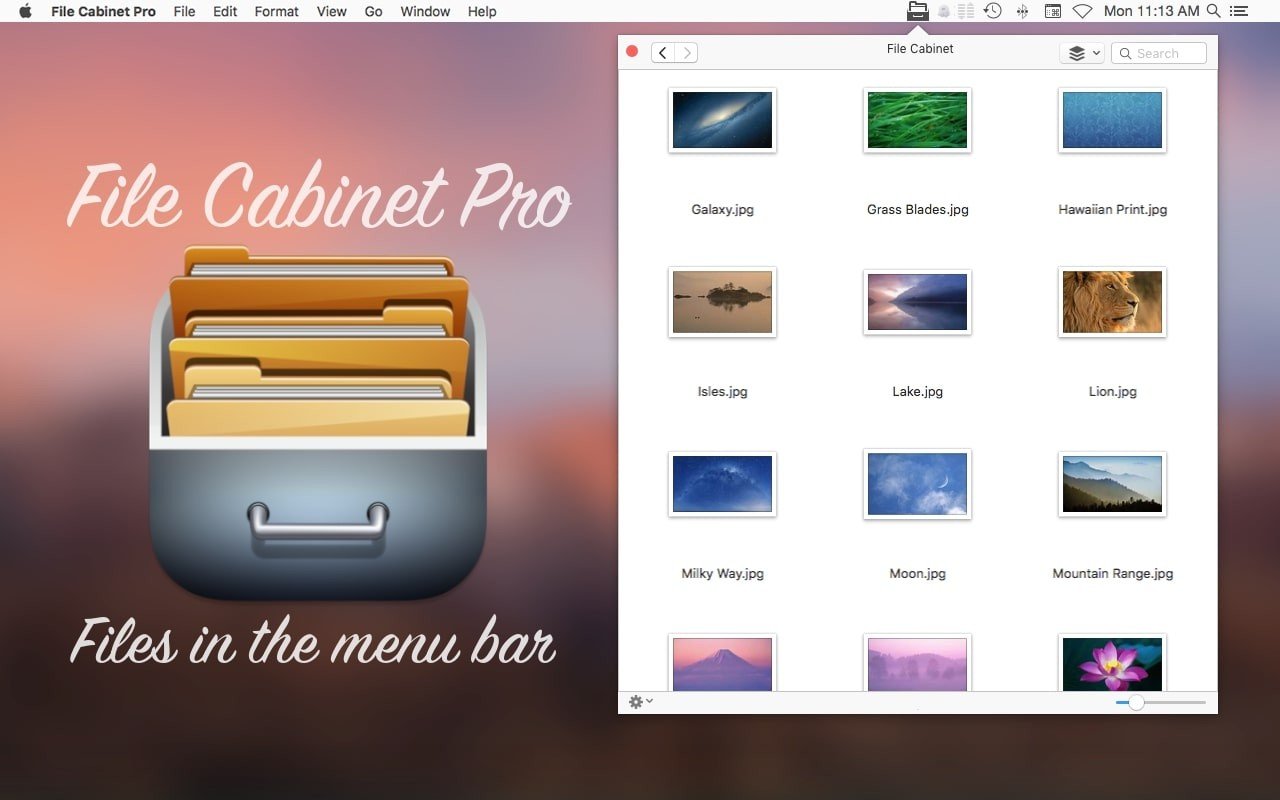
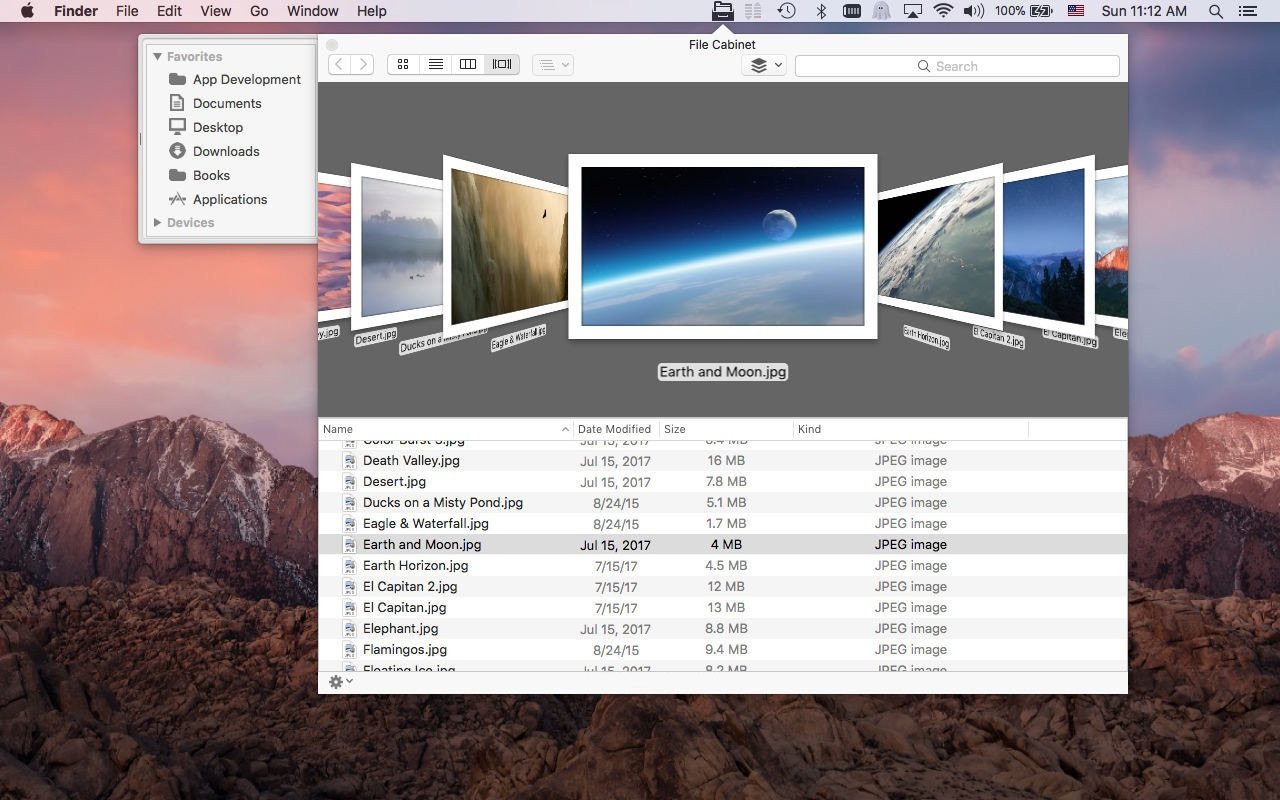
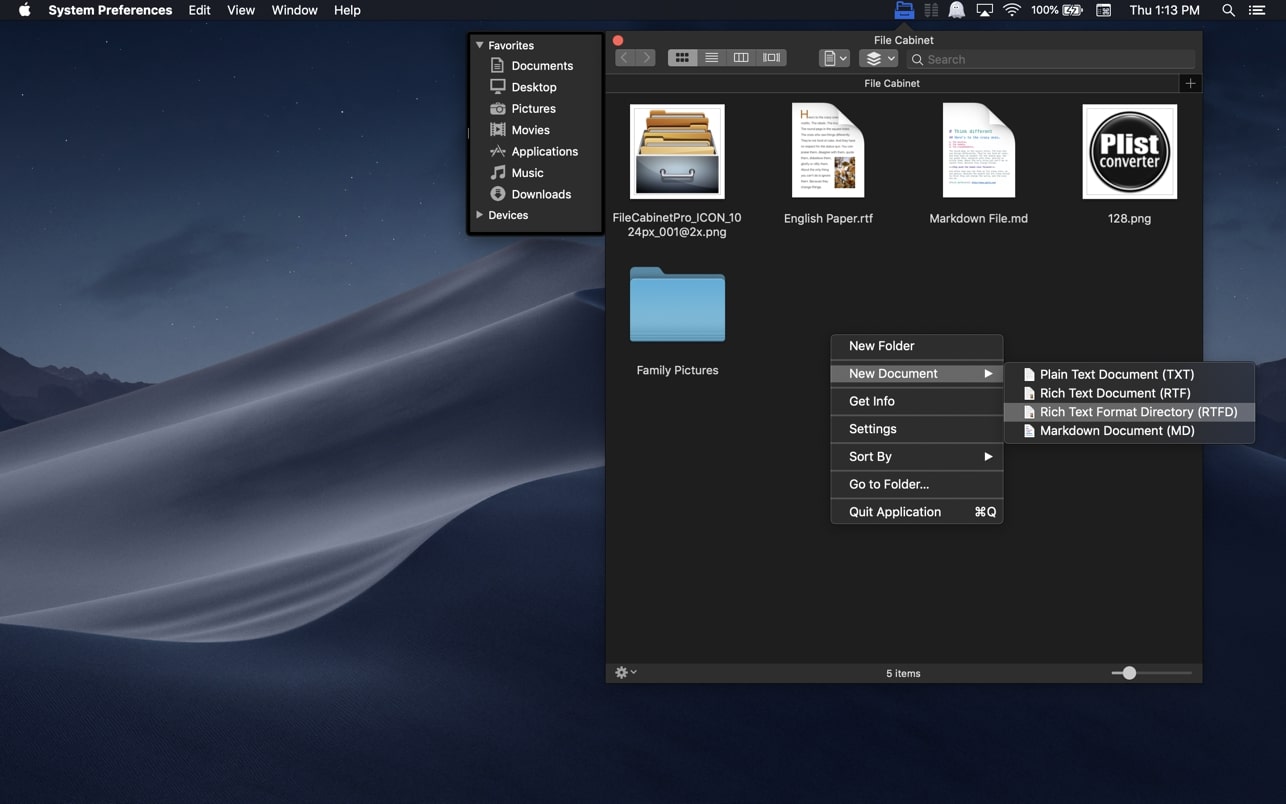
File Cabinet Pro is a menu bar file manager for Mac OS. The file cabinet pro app allows you to quickly access the files you need without cluttering your desktop. Open, move, rename, compress, tag, delete, copy, and much more — all directly from the menu bar. You can open a wide variety of file types within File Cabinet Pro or launch other applications to open your files. File cabinet pro mac is a versatile and extremely easy-to-use application designed for everyday productivity.
The file cabinet pro download comes with a built-in text editor, an image and PDF viewer, as well as a fully functional media player. In File Cabinet Pro you can open the following file types for editing and viewing:
TEXT DOCUMENTS:
Plain Text Files (TXT)
Rich Text Format (RTF)
Rich Text Format Directory (RTFD)
Portable Document Format (PDF)
IMAGE DOCUMENTS:
Portable Network Graphics (PNG)
Joint Photographic Experts Group (JPEG)
Tagged Image File Format (tiff, tif)
Bitmap image file (bmp)
Photoshop File Format (psd) Import only
Scalable Vector Graphics (svg) Import only
VIDEO/AUDIO:
mov, mp4, m4a, m4v, avi, mp3, wav, caf, aif
Reviews & Comments
No comments yet. Be the first to share your experience.