

Description
Final Cut Pro combines cutting-edge video editing technologies and media organization tools with incredible performance that unlocks creative possibilities at the speed of thought. The Final Cut Pro app delivers a professional-grade editing environment designed exclusively for Mac users who demand the very best.
Advanced Video Editing Technologies
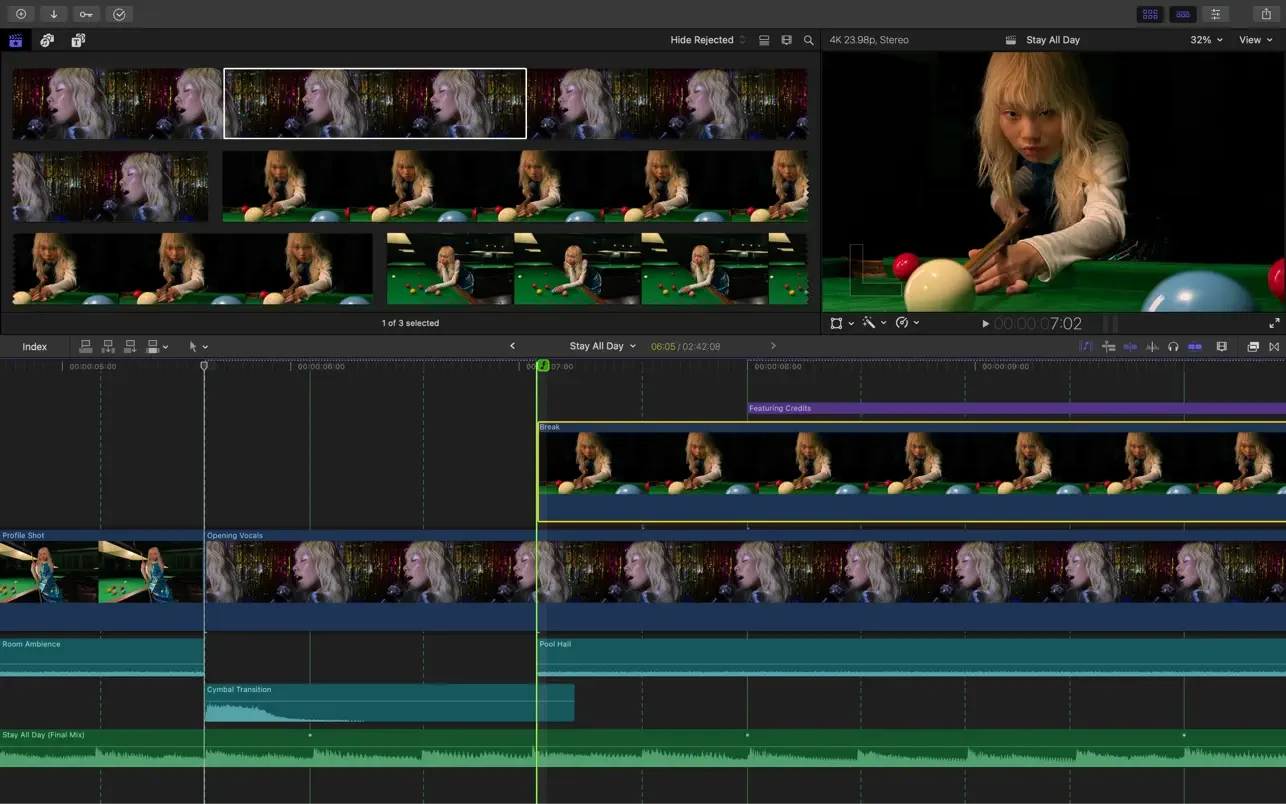
• The Magnetic Timeline leverages advanced metadata and Clip Connections technology for fast, streamlined, and convenient editing on your Mac.
• Enhanced indexing allows you to rearrange audio roles on the timeline with a simple drag-and-drop gesture.
• Object Tracker technology automatically matches titles and effects to the movement of faces or objects within your video footage.
• For videos shot on iPhone using Cinematic mode, you can adjust focus points and depth of field directly in the editor (requires macOS Monterey or later).
• Edit multicam video projects and take advantage of automatic synchronization with support for up to 64 camera angles.
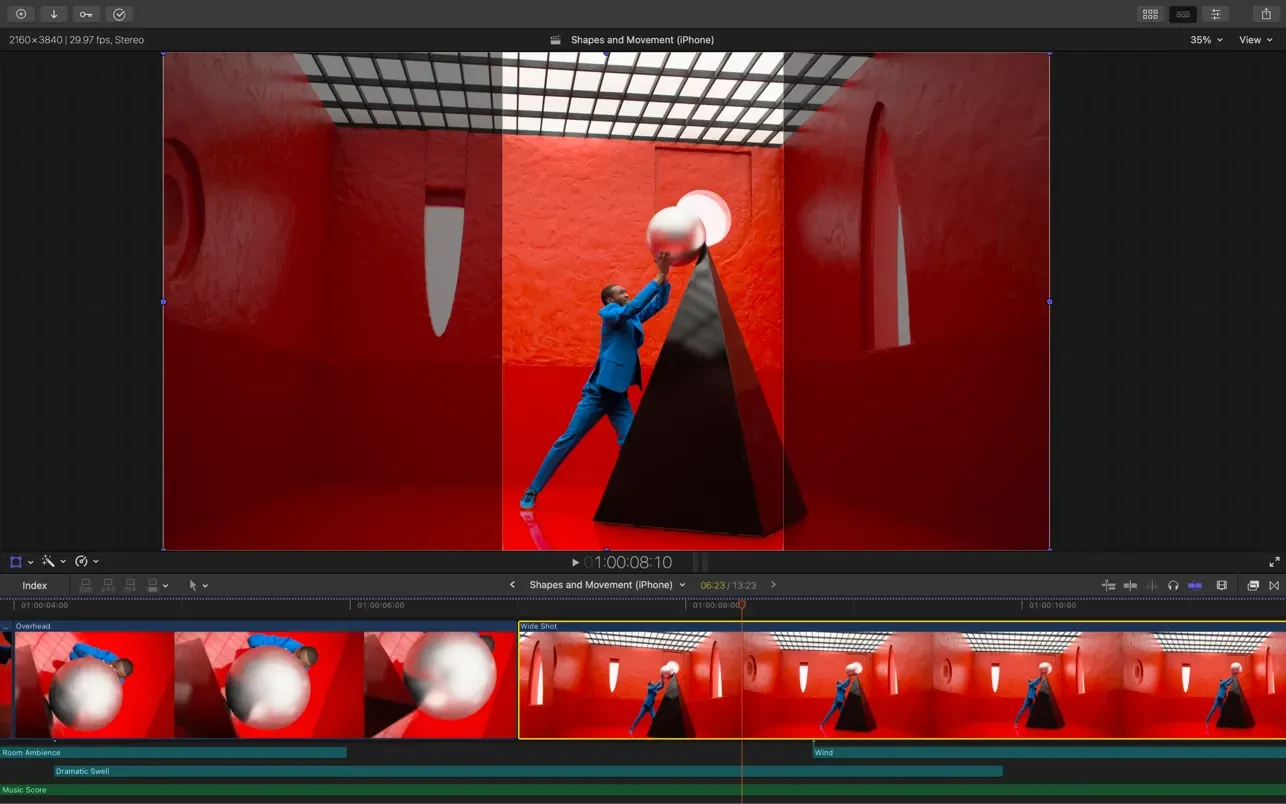
• Automatically reformat video projects into square or vertical aspect ratios using the Smart Conform feature for social media delivery.
• Import and edit equirectangular 360° panoramic videos in various formats and with different aspect ratios on your Mac.
• Create, edit, and deliver closed captions directly within Final Cut Pro without needing any additional software.
• Use third-party workflow extensions to unlock even more powerful capabilities and expand your editing toolkit.
Efficient Media Organization
• Organize your files into libraries for efficient asset management, team collaboration, and streamlined project handling.
• Generate proxy copies of your media files to boost portability and improve editing efficiency on any Mac.
• Apply custom keywords to clip ranges and instantly mark them as favorites for quick retrieval during editing sessions.
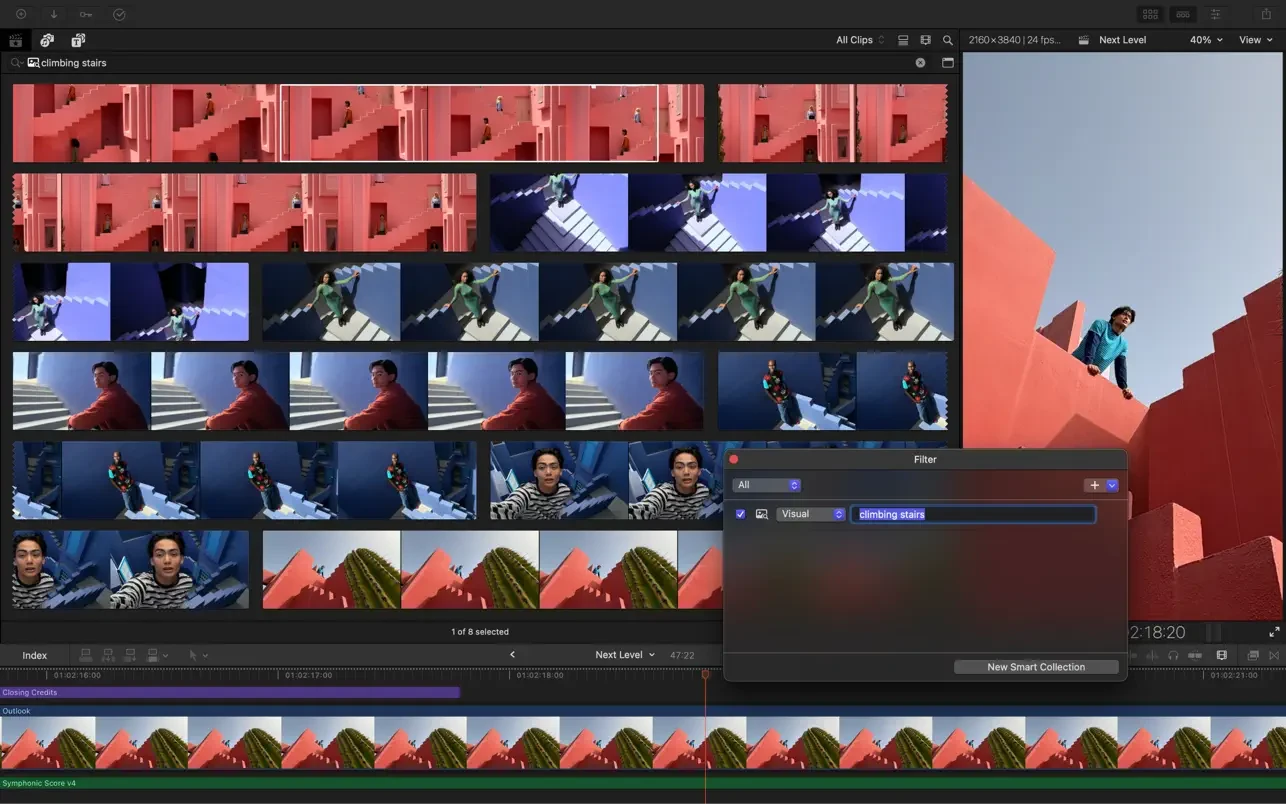
• Dynamically organize your content into Smart Collections so you can locate any shot within just a few seconds.
• Identify duplicate clips thanks to color-coded highlighting of clip ranges or timeline indexing for better project oversight.
Incredible Performance
• Speed and efficiency on Mac computers with Apple silicon are now significantly higher than ever before.
• Optimized specifically for M2 Pro, M2 Max, and M2 Ultra chips, delivering unmatched performance for demanding workflows.
• Work with a wide variety of formats, including ProRes, RED, XAVC, AVCHD, Avid DNxHR, Avid DNxHD, H.264, HEVC, and many others.
Stunning Customizable Effects
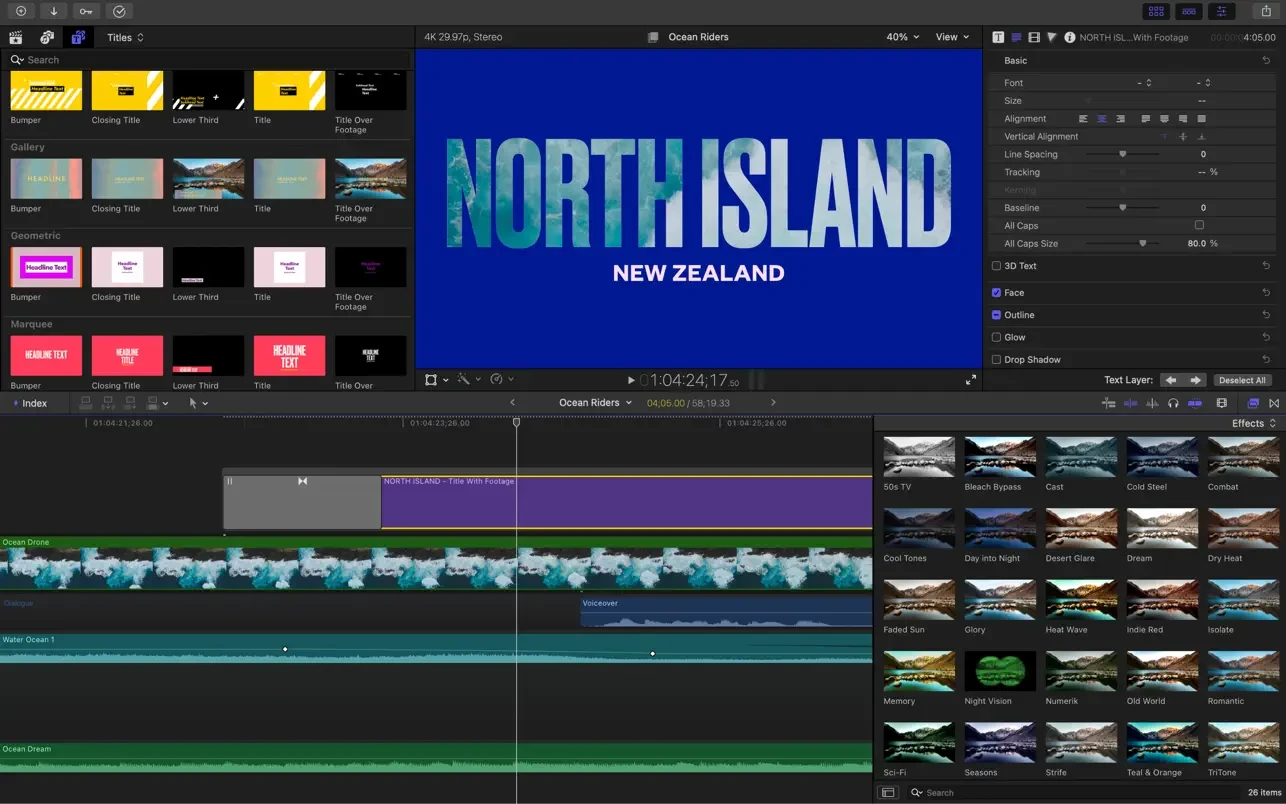
• Add easily customizable 2D and 3D titles with beautiful, eye-catching animations to enhance your video projects.
• Modify the styles of titles, transitions, and effects using intuitive on-screen controls that simplify creative adjustments.
• Choose from third-party FxPlug plug-ins featuring their own custom interfaces for specialized visual effects.
Built-in Audio Editing Features
• Assign audio roles during import so you can easily track and manage all individual elements of your project.
• Expand and edit multichannel audio files directly on the timeline for precise control over every audio layer.
• Apply Logic-based audio effects and remove background noise so that voices and dialogue sound clearer and more defined.
• Synchronize video with separate audio files using instant waveform matching for perfectly aligned playback.
Intuitive Color Correction
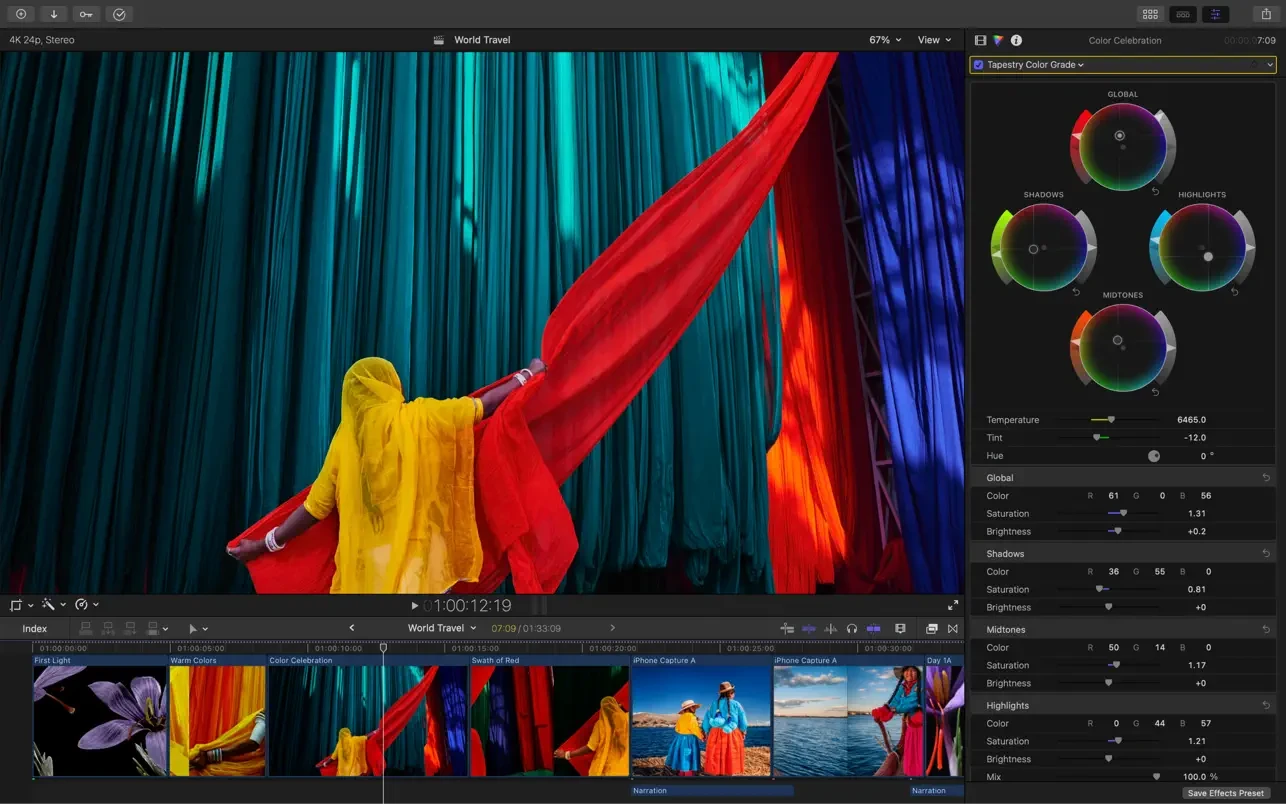
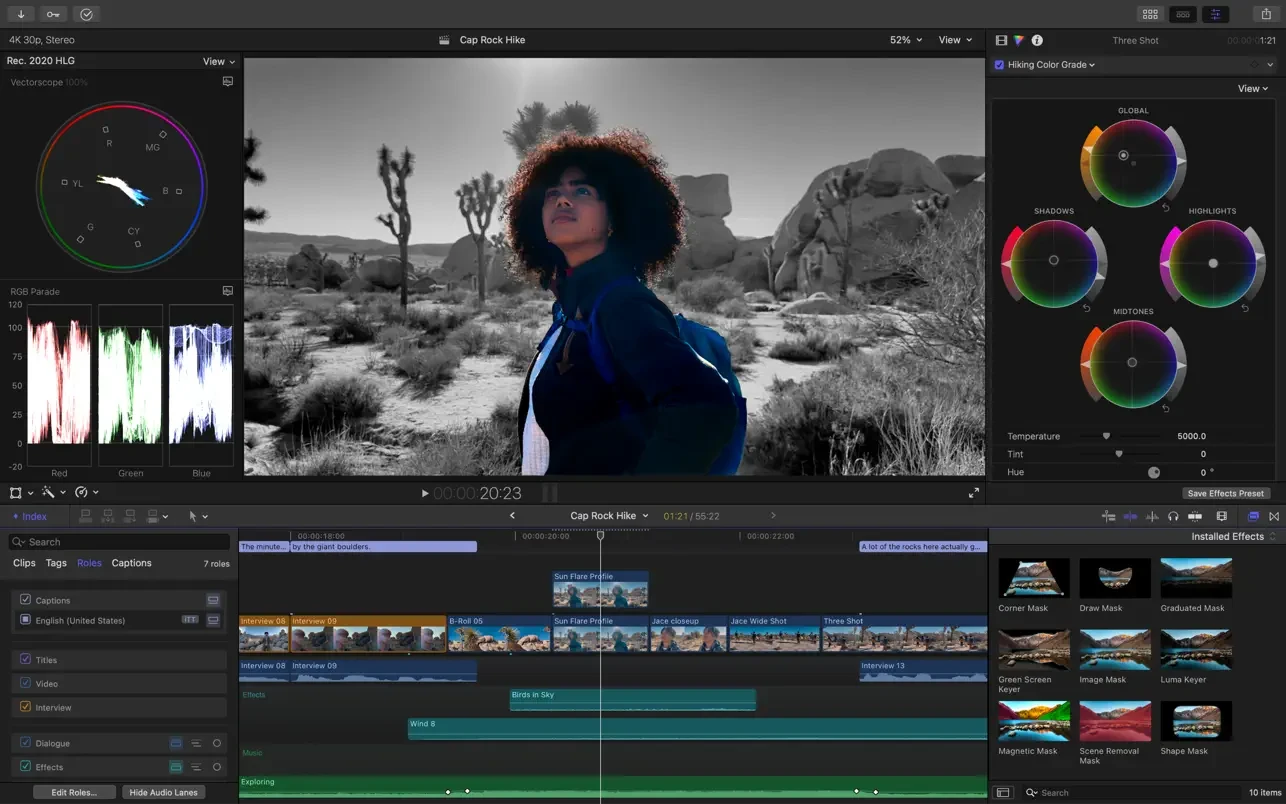
• Import, edit, and deliver video in standard color spaces or in wide-gamut Rec. 2020 and HLG color spaces.
• Fine-tune color grading and masks using visual color wheels and curves for precise, professional-quality adjustments.
• Preview HDR video on MacBook Pro and Pro Display XDR monitor with accurate, true-to-life color reproduction.
Convenient Optimized Export
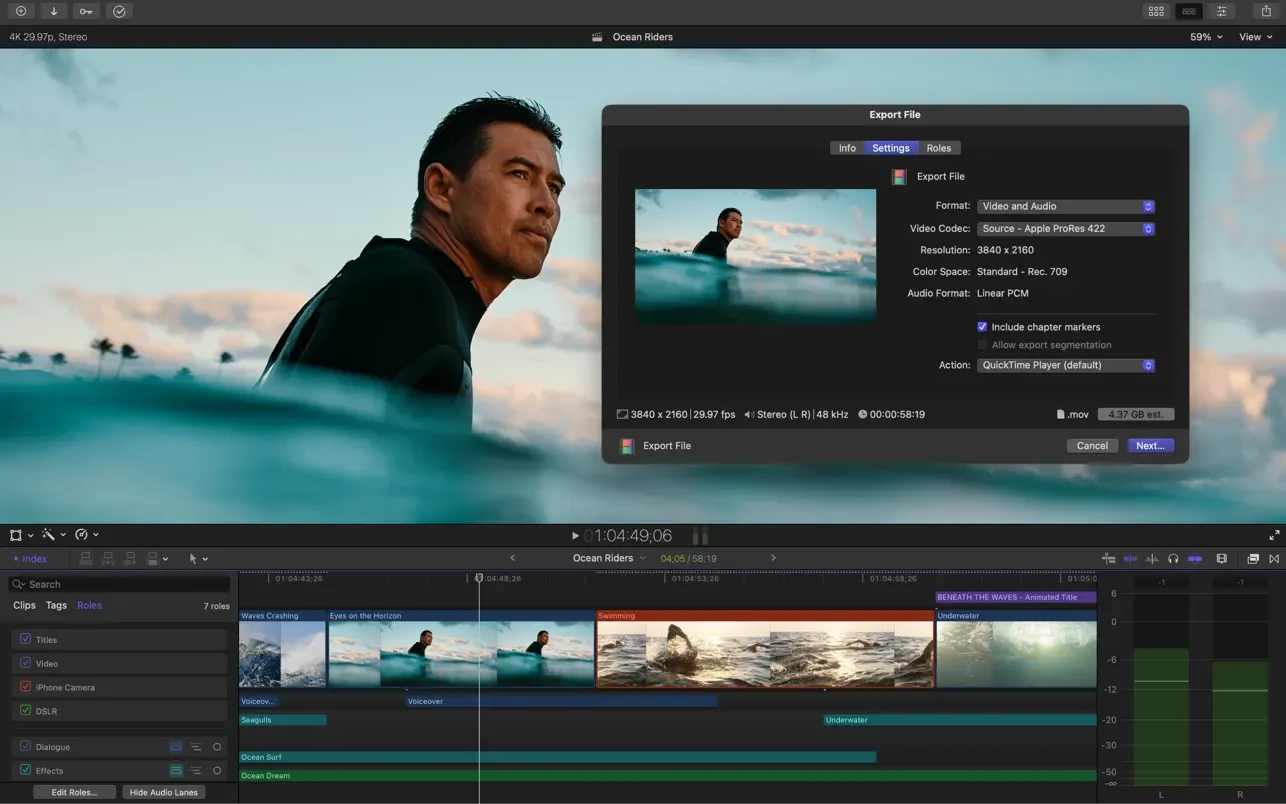
• Instantly export your projects in formats suitable for playback on Apple devices and for uploading to Vimeo, YouTube, and other hosting platforms.
• Export groups of audio stems and different versions of your processed video using role-based metadata for flexible delivery.
• Import and export XML files for third-party workflows, such as color grading, audio mixing, and finishing processes.
System Requirements: macOS 13.5 or later; 8 GB of RAM (16 GB recommended for using third-party effects and plug-ins); Metal-capable graphics card (required only for Intel-based Mac computers); 5.8 GB of available disk space.
Some features require a Mac with Apple silicon. Some features require an internet connection; fees may apply. Blu-ray disc recording requires a compatible Blu-ray recorder. Final Cut Pro download provides the complete professional editing suite for your Mac.
Reviews & Comments
No comments yet. Be the first to share your experience.