

Description
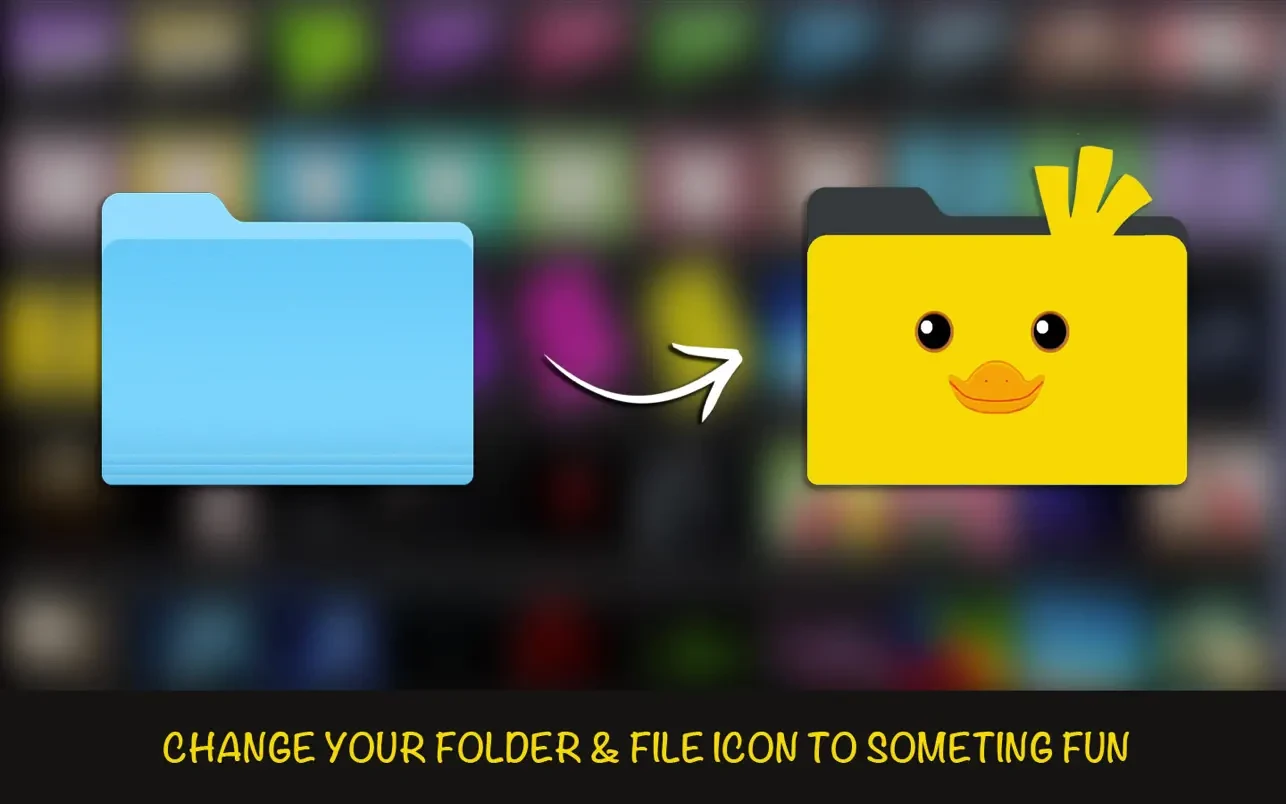
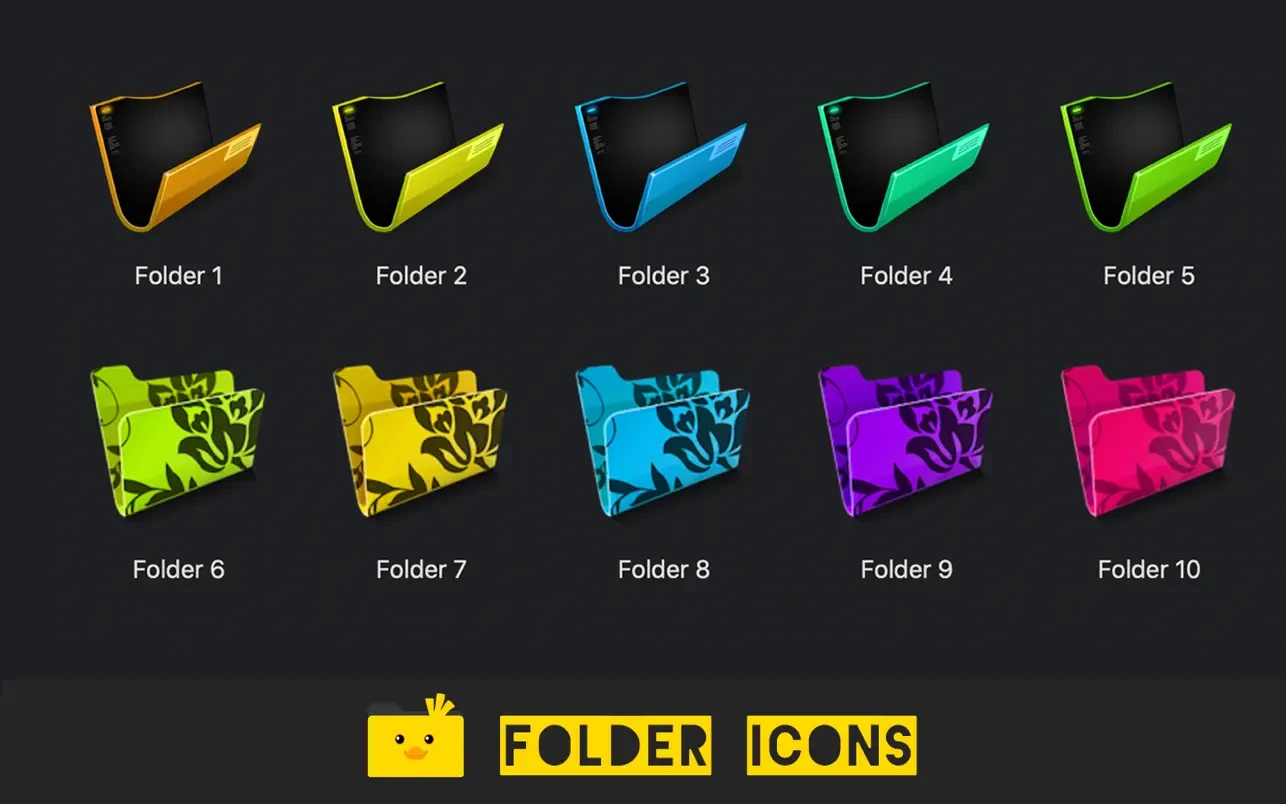
Add stunning folder icons to your files and folders on Mac in just 3 simple steps! Choose from over 300 beautifully designed all folder icons: Modern, stylish, cute, nature-themed, office-inspired, music, photography, and so much more!
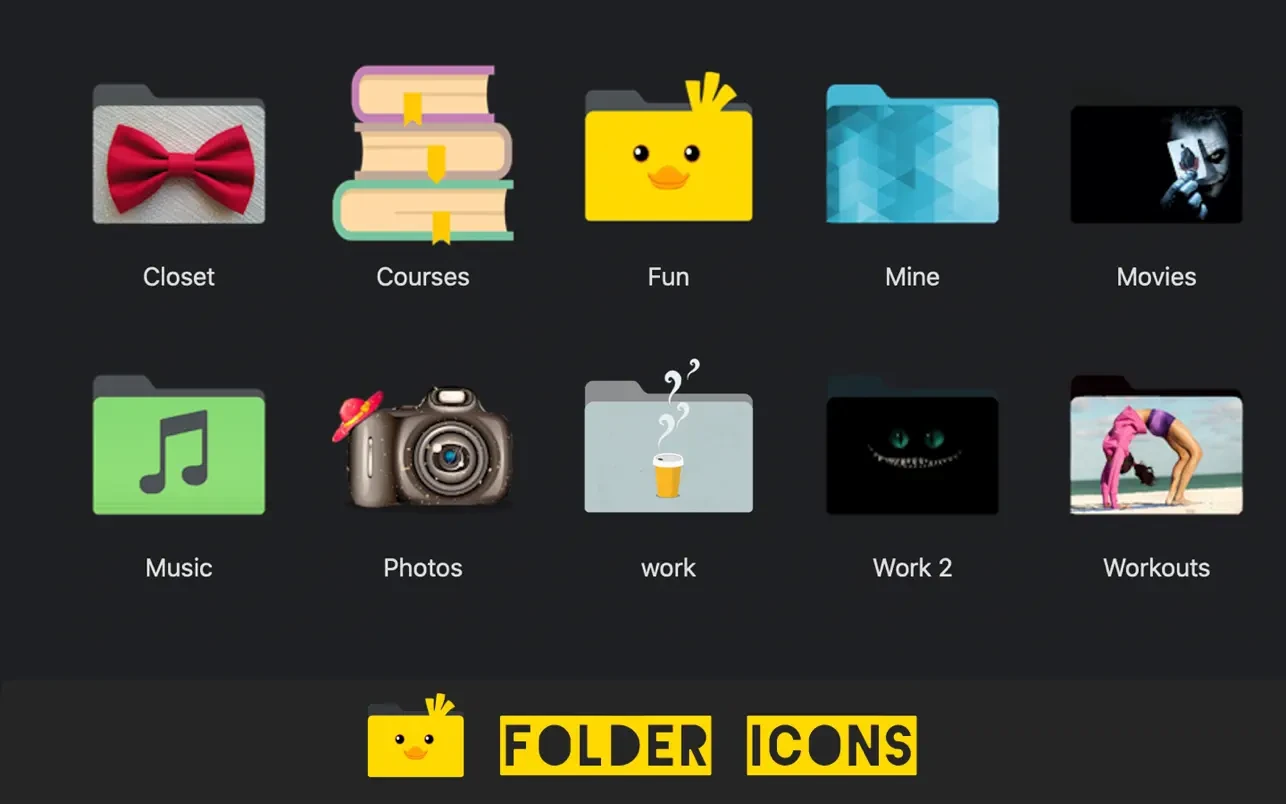
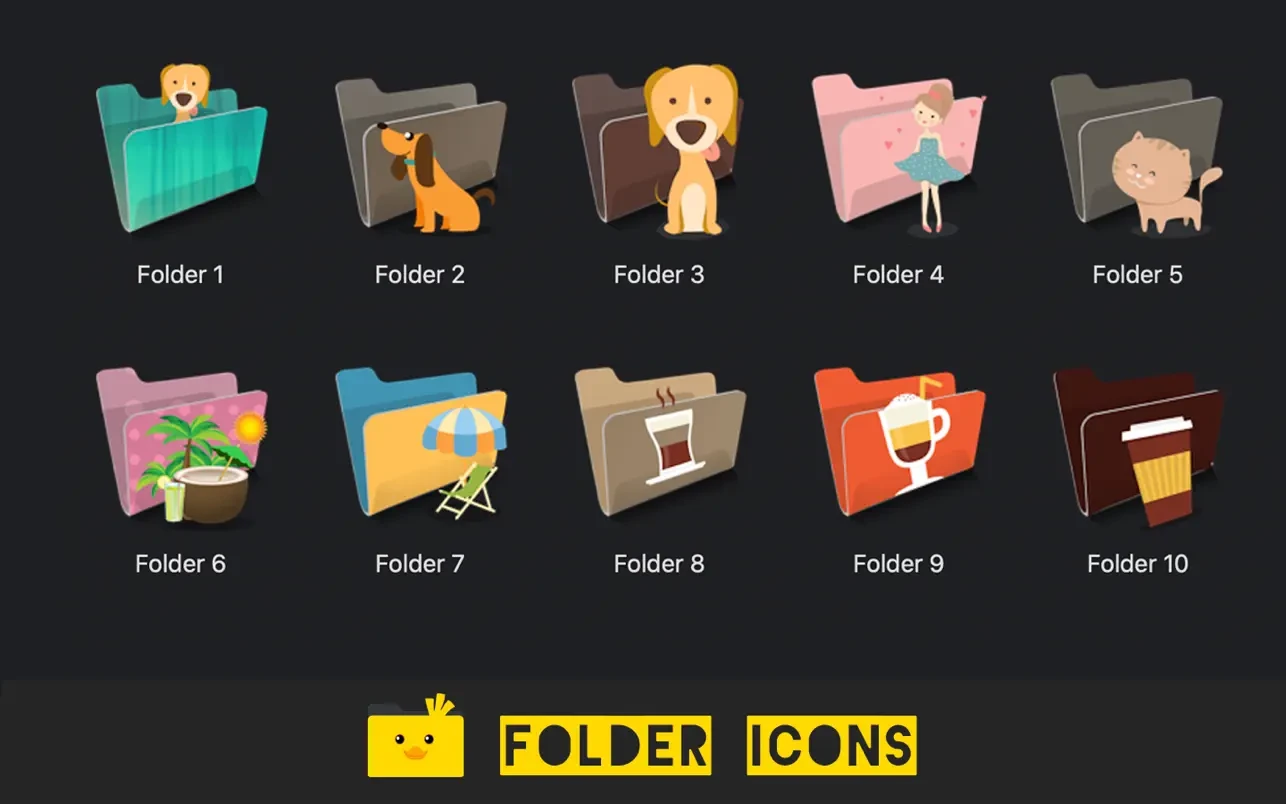
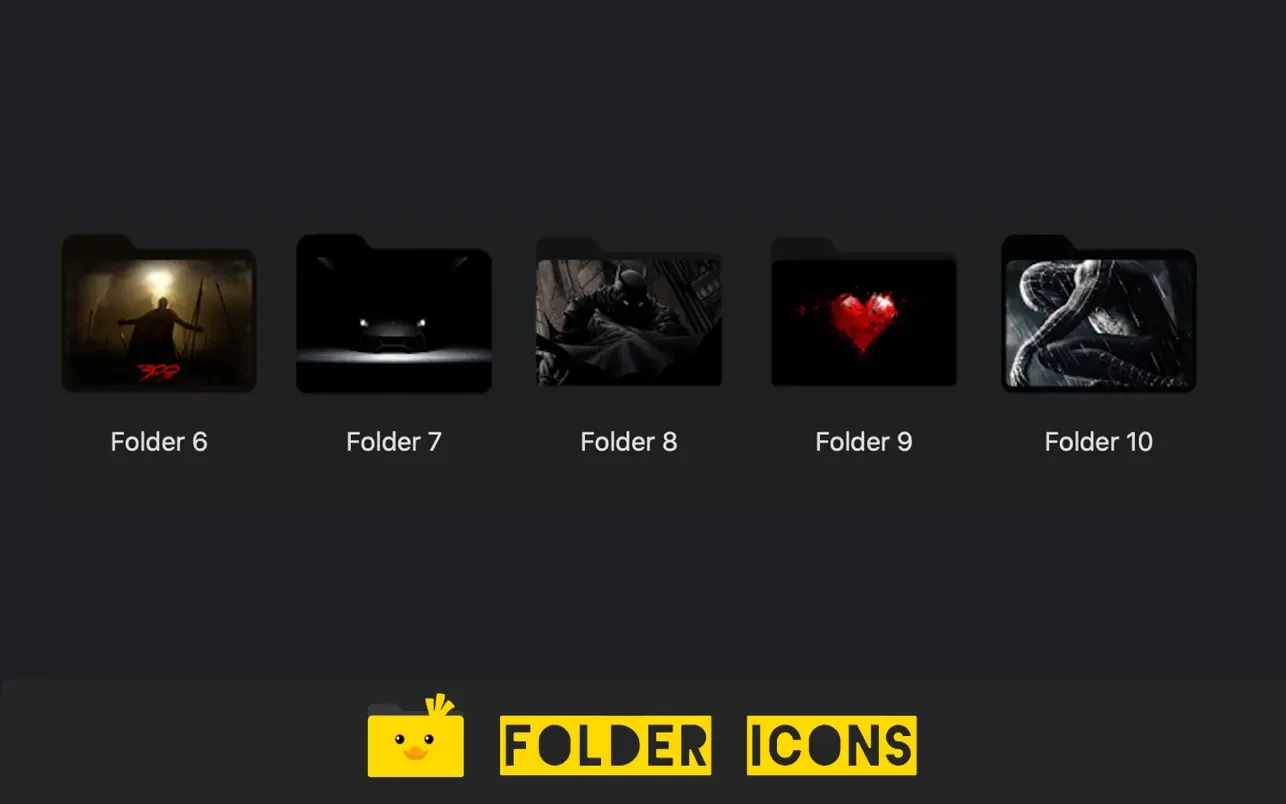
Features: - Add a cool icon to your files or folders in just 2 easy steps! Simply select an icon, drag your folder onto it, and you are done! - Mac folder icons give your folders and files a fresh, well-organized, and visually appealing new look on your desktop. - Add your favorite personalized icon to your folders, explore your own creative options, feel happier and more inspired, and work much more productively every day! - Say goodbye to your old boring default blue folder icon on your Mac once and for all. - Choose from a huge variety of macbook folder icons: Modern, stylish, cute, Nature, Office, Music, Pictures, and plenty more categories to discover! - Add your own personal photo as a custom folder icon to make it truly unique. - Add special folder icons mac for folders with your favorite TV series, beloved shows, and movies you enjoy.
Reviews & Comments
No comments yet. Be the first to share your experience.