

Description
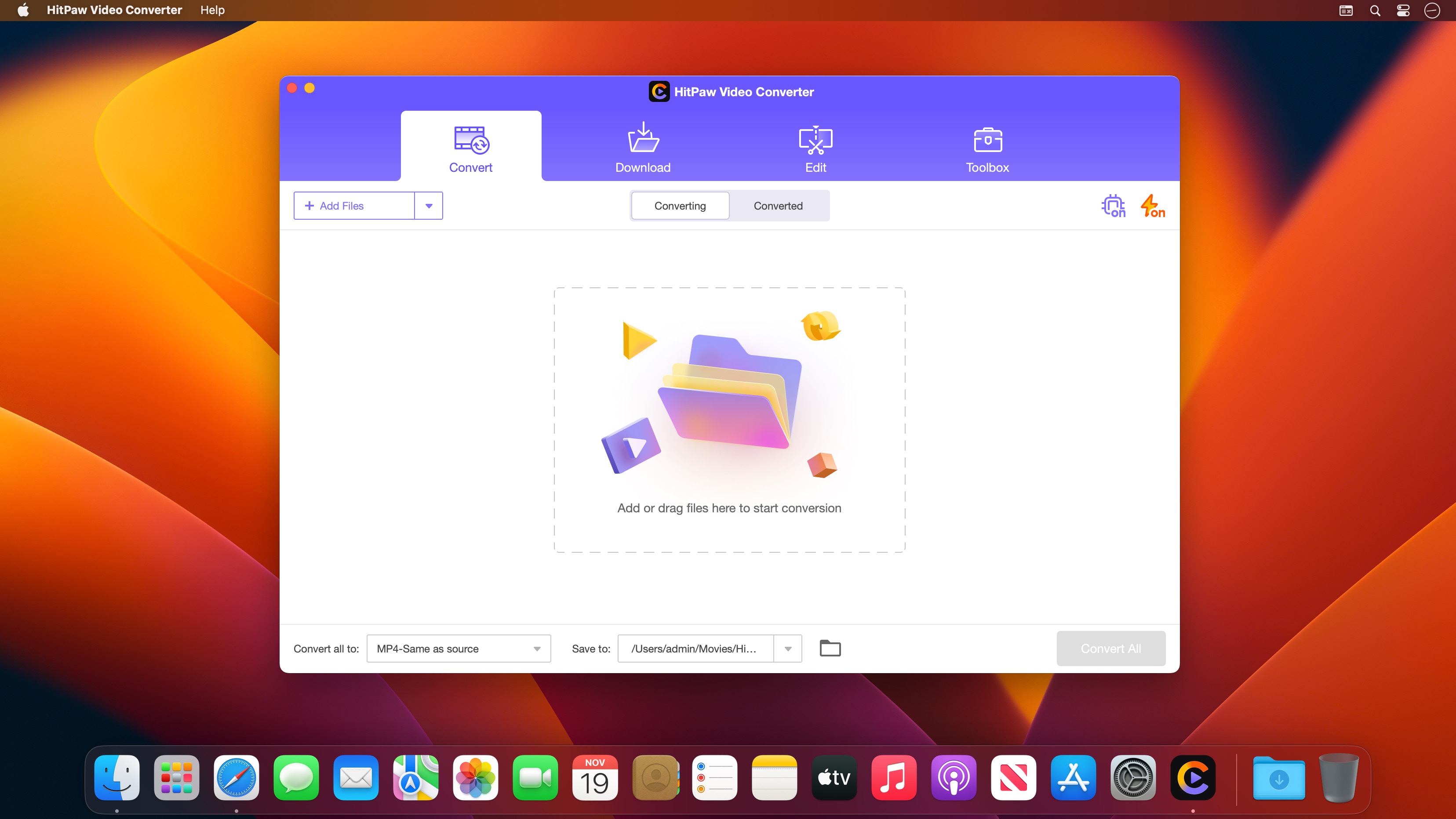
Convert video and music files losslessly at incredible speed to and from more than 1000 formats: MP4, MOV, AVI, VOB, MKV, and many others. HitPaw Video Converter for Mac supports not only standard codecs but also advanced encoders such as VP9, ProRes, and Opus. This solves all your issues with unsupported formats and lets you play your videos seamlessly on any platform and device.
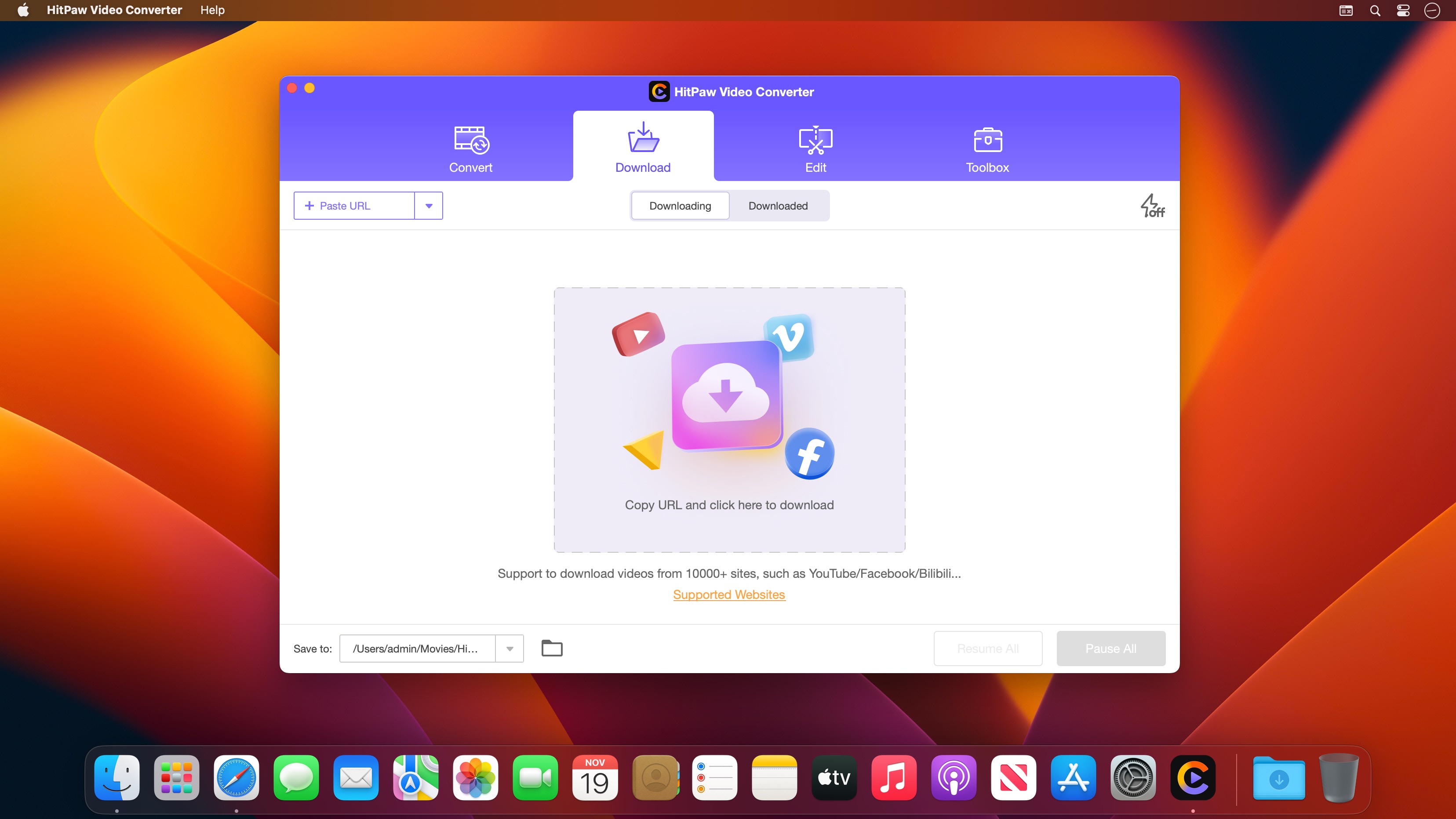
Download and save videos from more than 10000 websites, including YouTube, Bilibili, Facebook, Instagram, and many more. With HitPaw Video Converter, you can grab online content effortlessly on your Mac.
Features:
- Lossless converter for video, music, DVD, and images on your Mac
- Advanced music converter supporting Apple Music, Spotify, and Deezer new
- Reliable video downloader for grabbing online videos, movies, music, and more
- Built-in intelligent AI tools that expand your creative possibilities in an instant
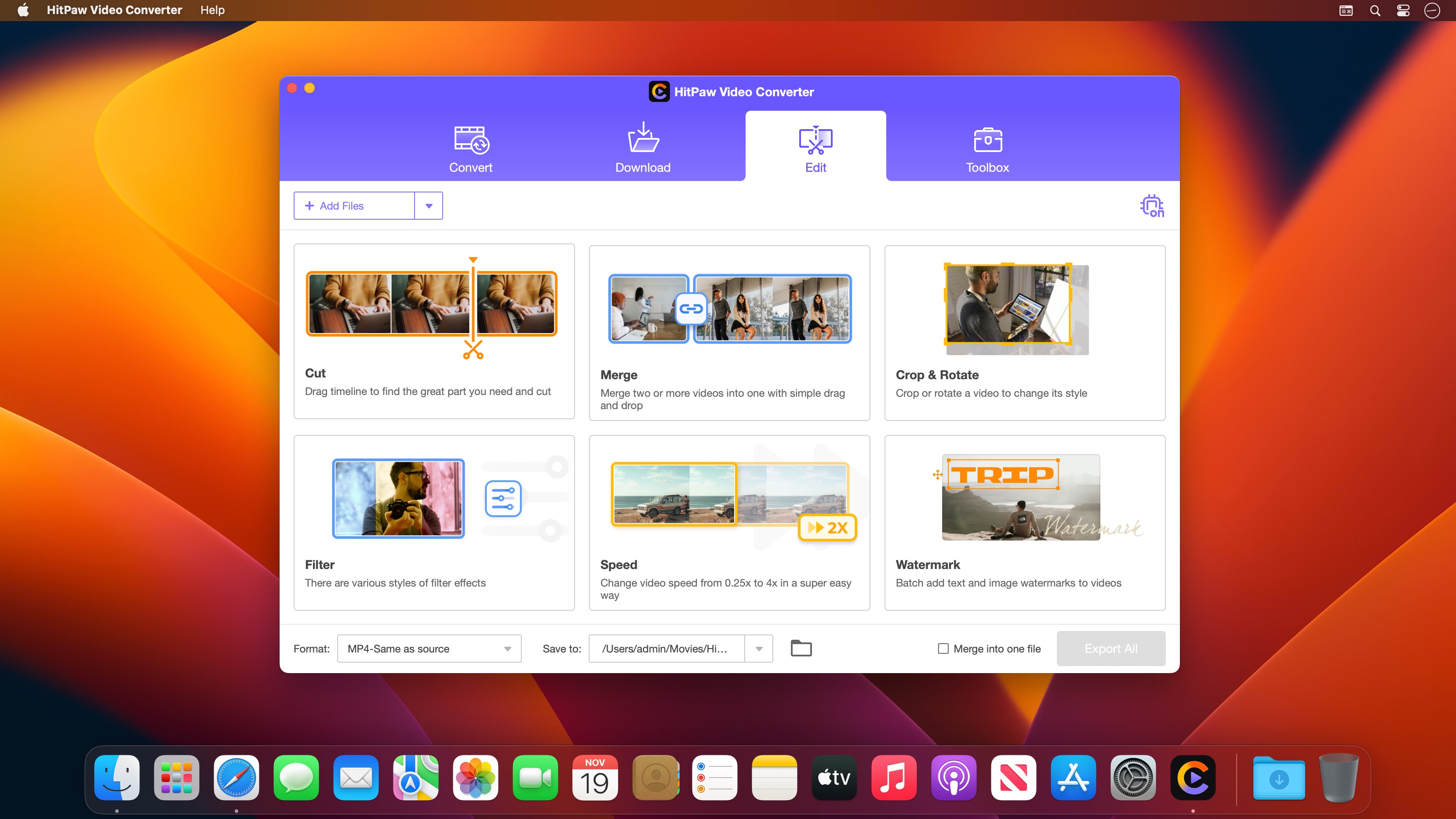
- A wide variety of video editing options that make your video truly unique
When you complete the hitpaw video converter download, you gain access to a powerful all-in-one multimedia toolkit designed specifically for macOS. HitPaw Video Converter Mac delivers professional-grade conversion, downloading, and editing capabilities right to your desktop.
Reviews & Comments
No comments yet. Be the first to share your experience.