
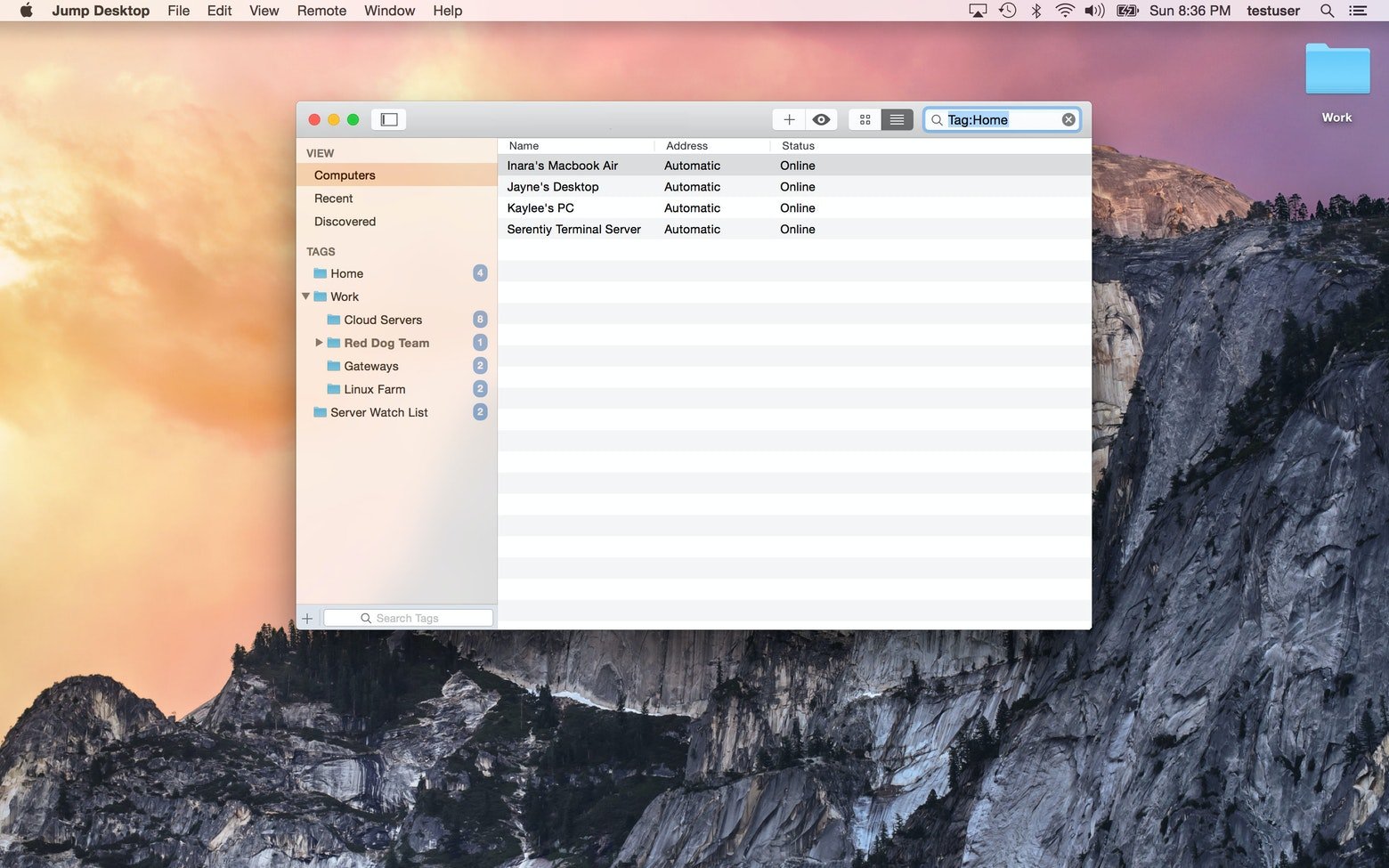
Description
When it comes to remote access applications, Jump Desktop deserves a special mention. It comes packed with a powerful set of features that you wouldn't normally expect from an app of this kind. Indeed, with this application you can truly accomplish virtually everything whether you're sitting at your desk or working on the go, and it never feels like a compromise. Instantly access your home or work Mac or PC, work with files stored on those machines, and effortlessly send or receive data whenever you need to. Use your device as a VNC client to monitor all your remote computers in real time and stay in control at all times. And this is just a small fraction of what you can accomplish with the help of this smart and versatile remote access client for your Mac.
A VNC client you will genuinely enjoy using
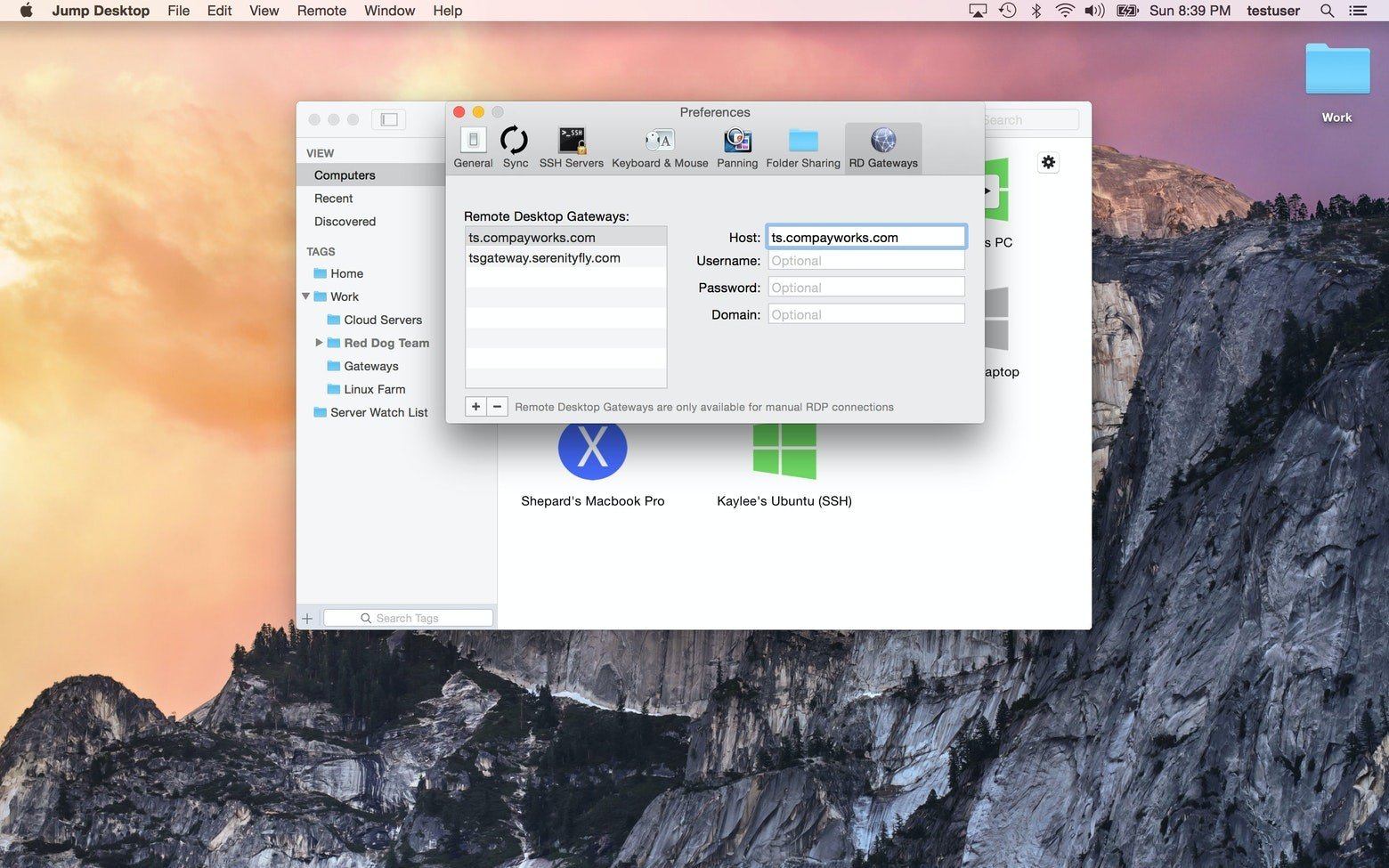
Install the application on your Mac, then connect to and control any other computer while you are away from home. View every single element of the remote computer's desktop and easily interact with any item you see on the screen. It will feel as though you are actually sitting right in front of the computer, when in reality you are far away from it.
Quick access for helping out on other computers
You are somewhere across the country and suddenly an emergency situation arises? You can't get back in time to help a friend or family member struggling with modern technology challenges? With Jump Desktop mac users can effortlessly access any Mac, PC, or VNC server and provide the assistance that is needed right away.
Remapping the standard keyboard layout
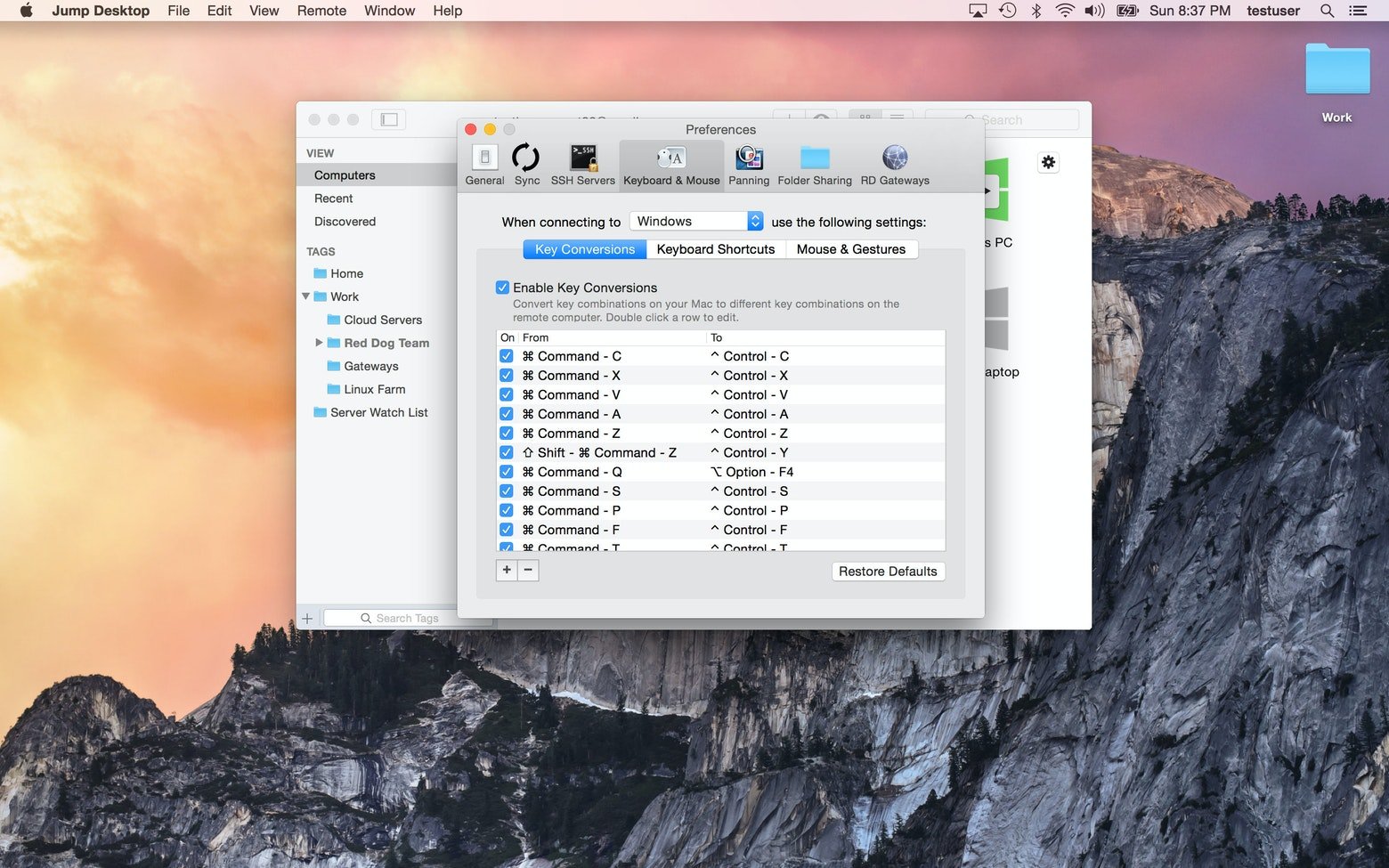
The keyboard remapping feature is a great option for any dedicated Mac user who values customization. Adjust the settings to suit your personal comfort level and remap keys exactly the way you want them to function. If you wish, you can also easily remap keyboard shortcuts from Mac to Windows and back again whenever such a need arises during your remote sessions.
Minimal impact on your computer's battery life
Being deeply and well integrated into macOS, this application establishes remote connections remarkably fast. While continuously running in the background, the app has only a minimal impact on your Mac's battery performance. Essentially, working on a remote computer will not negatively affect the overall performance or responsiveness of your Mac in any noticeable way.
Automatic setup for desktop computers
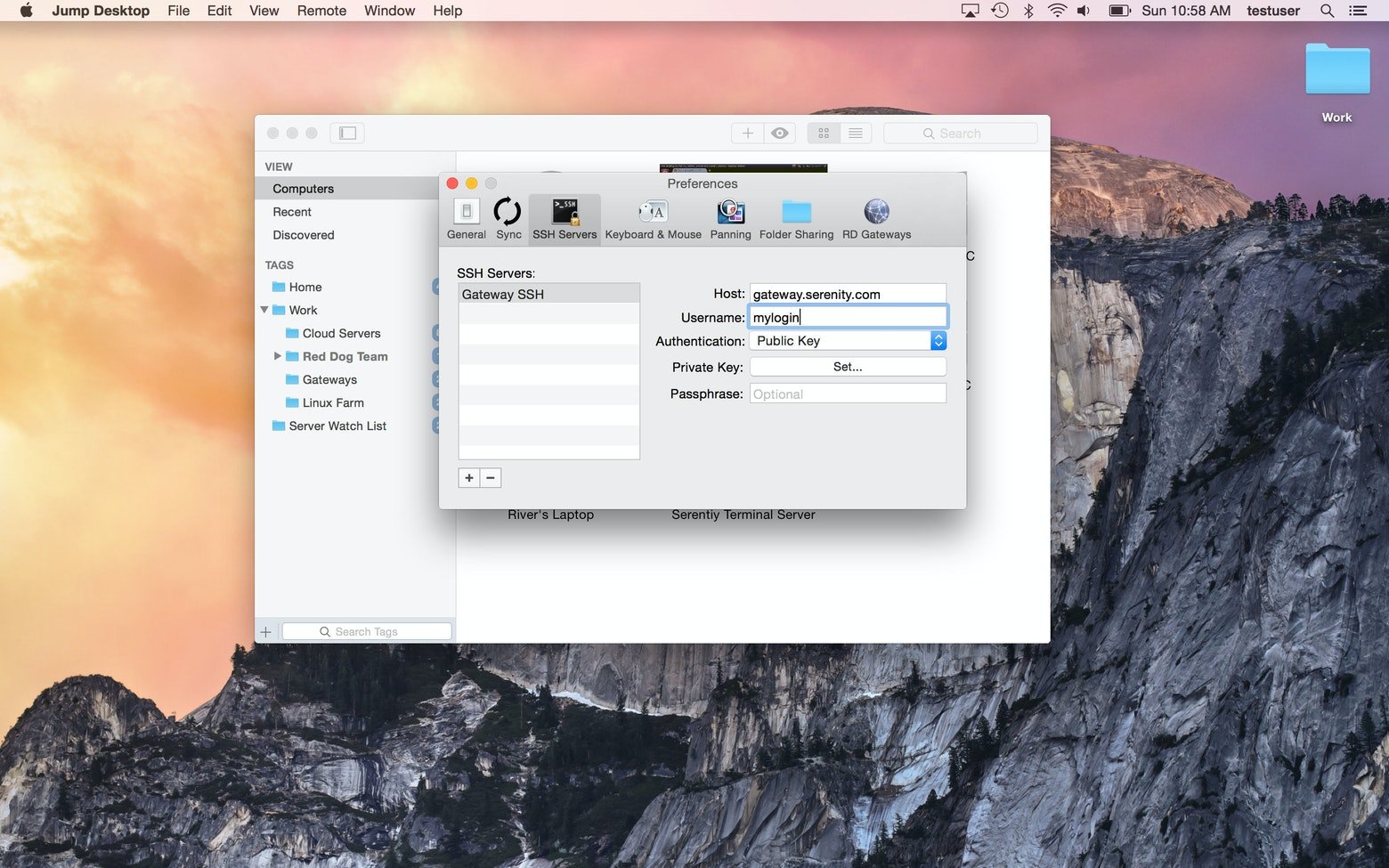
Use this intuitive VNC/RDP client for quickly connecting to RDP or VNC servers without complex configuration. Alternatively, effortlessly gain access to any computer by installing the companion Jump Desktop Connect application on it. You can sign up using a Google account or any other email address, thereby linking all of your devices together for seamless connectivity. If you want to get started, jump desktop download is quick and straightforward.
Excellent experience without networking skills
You won't need any special networking knowledge or technical expertise to use this remote access utility on your Mac. Yes, it is a straightforward, well-balanced, and simple application designed for users of all skill levels. Furthermore, it is highly reliable and virtually never freezes or hangs even when you are dealing with a poor or unstable internet connection. You won't need much time at all to figure out how everything works. Simply download Jump Desktop and start managing your remote machines with confidence.
Reviews & Comments
No comments yet. Be the first to share your experience.