
Description
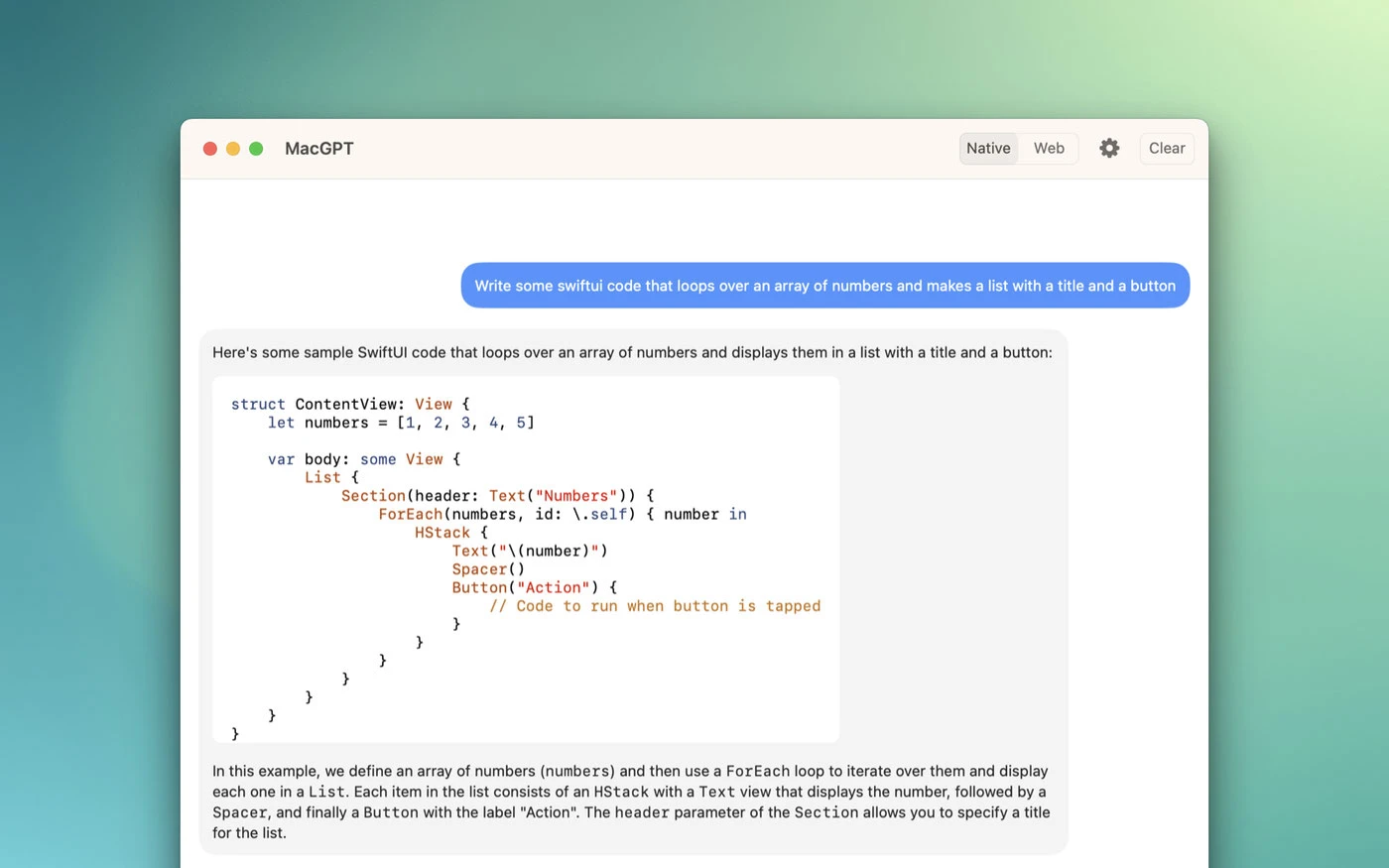
MacGPT is a simple native macOS application that gives you quick access to ChatGPT directly from the menu bar on your Mac. With just a single click, you can open ChatGPT and start chatting using the powerful Assistant language model. This macgpt app brings the full conversational AI experience right to your desktop.
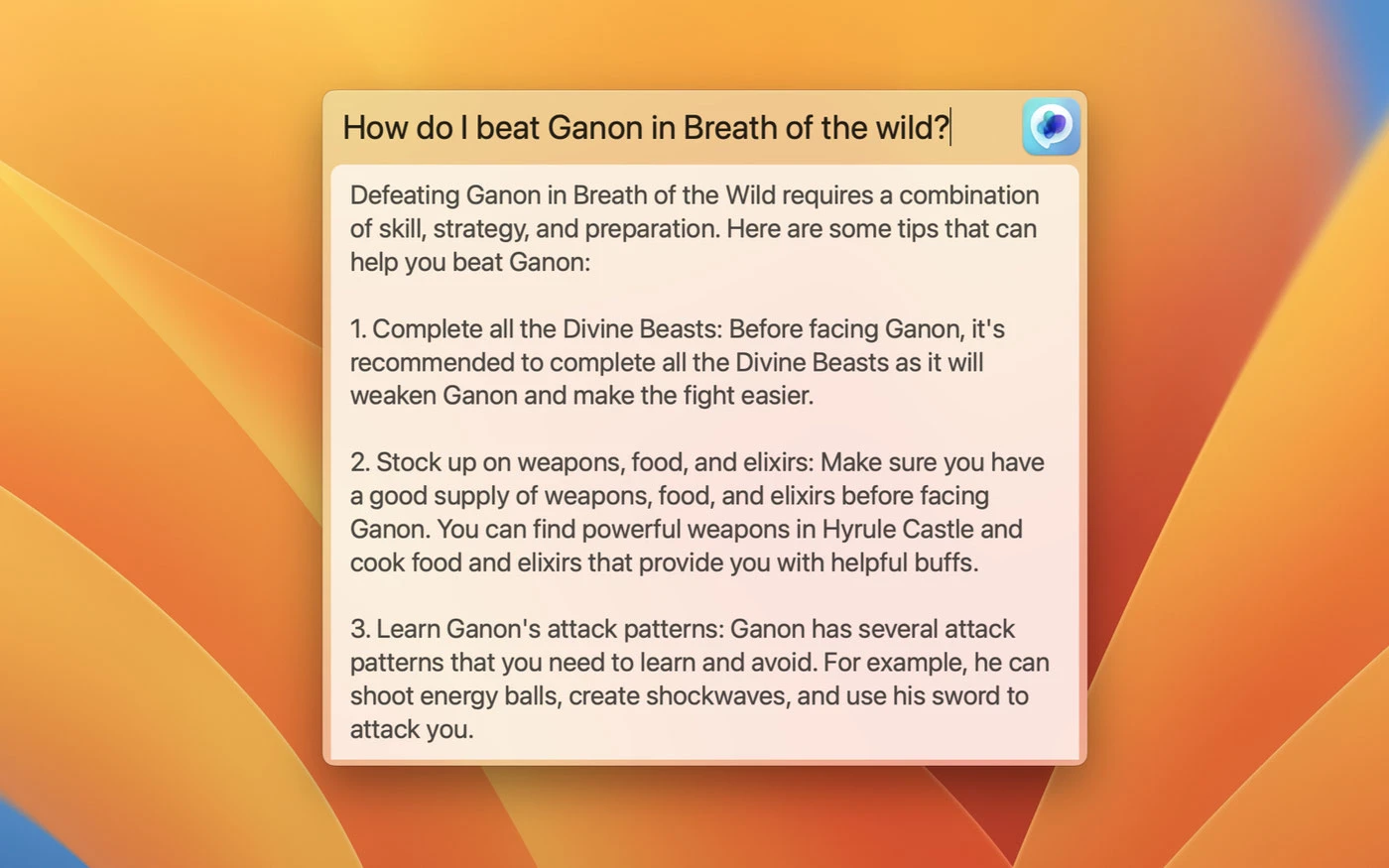
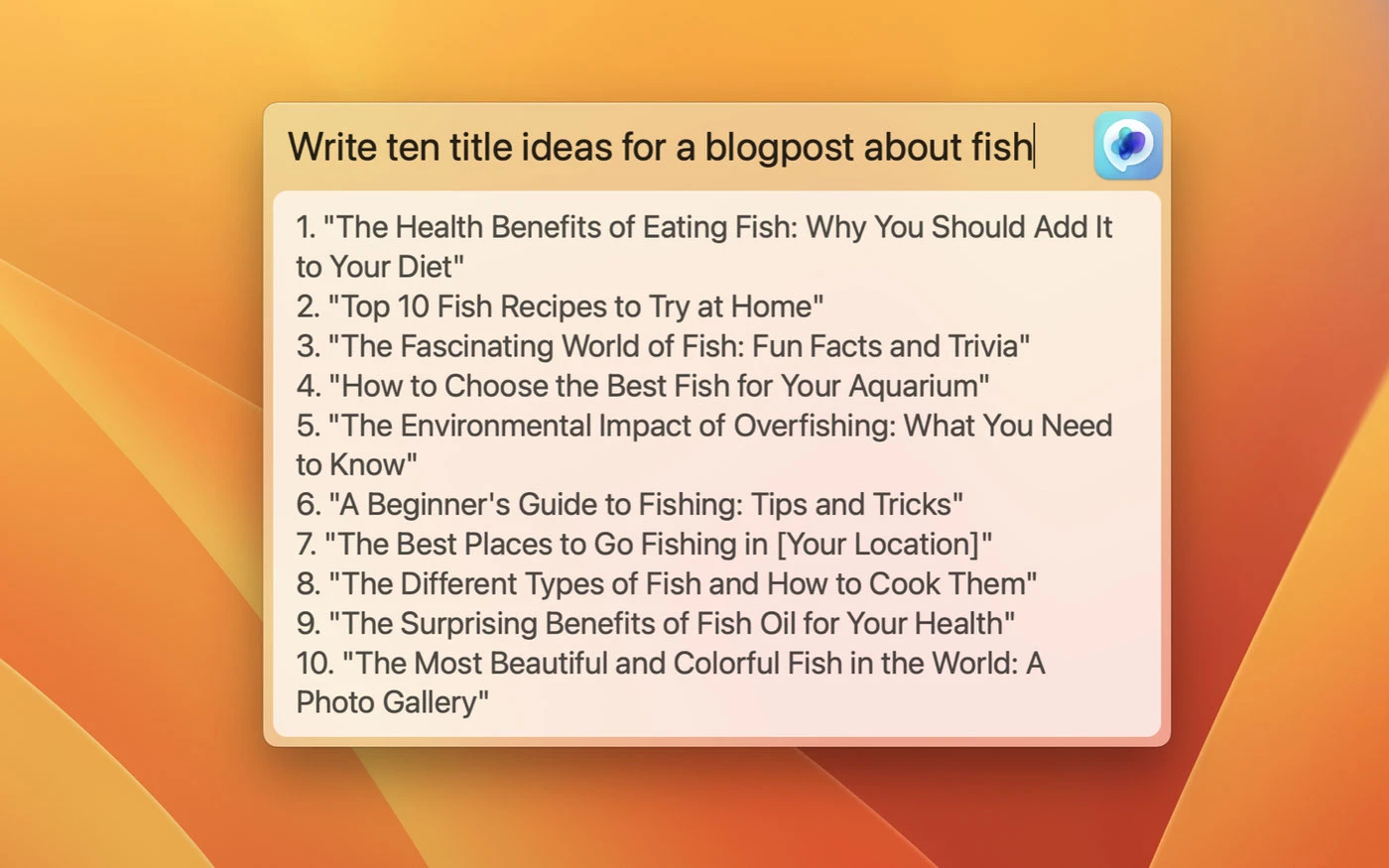
Access ChatGPT from anywhere on your Mac using the global feature. Simply activate the "Global" text field that appears in the center of your screen, and start communicating with ChatGPT instantly. This makes the macgpt chatgpt mac app incredibly convenient for everyday use.
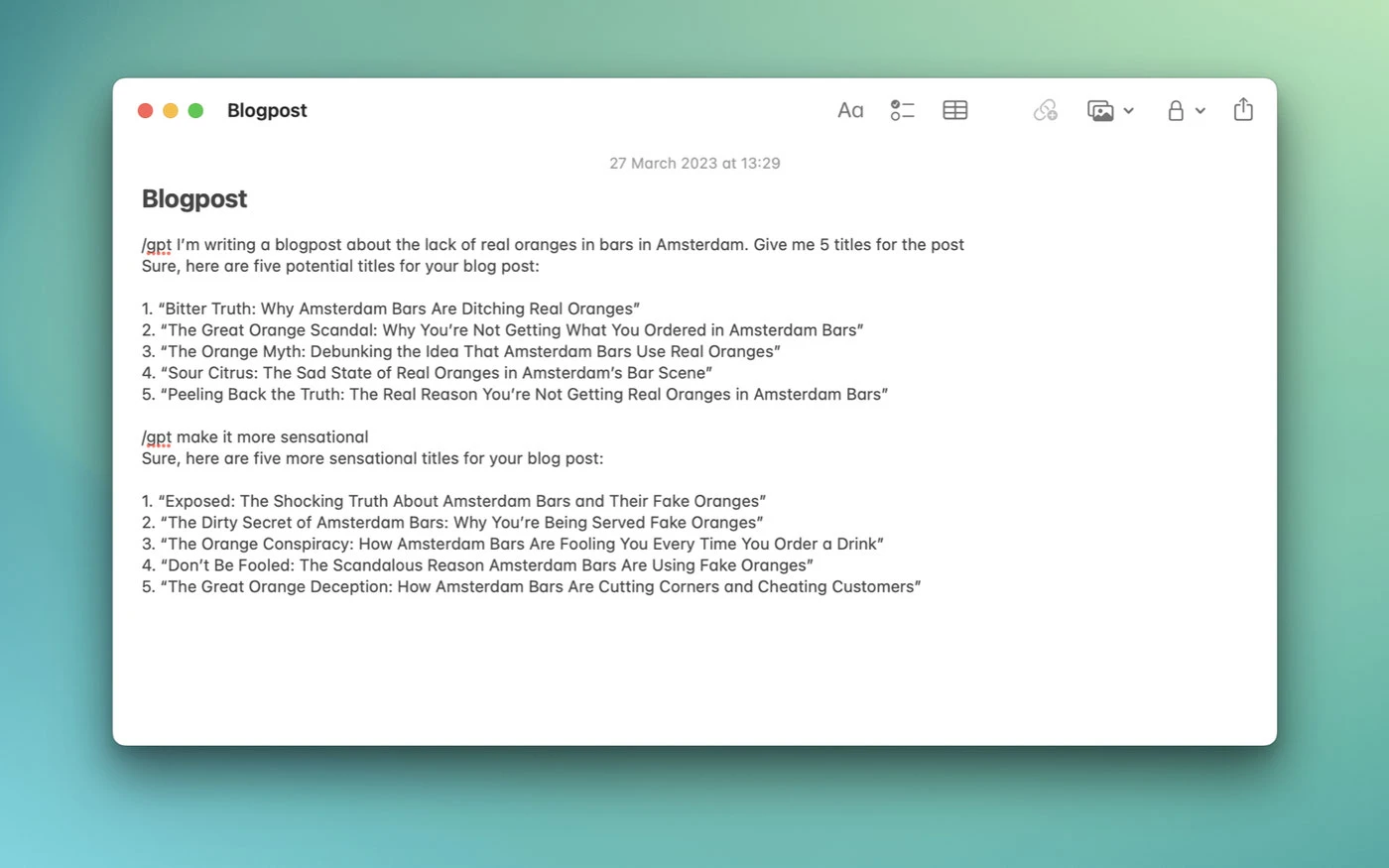
Add ChatGPT directly into your text fields using MacGPT Inline. Simply type the trigger phrase followed by your prompt, and ChatGPT will handle everything else automatically for you!
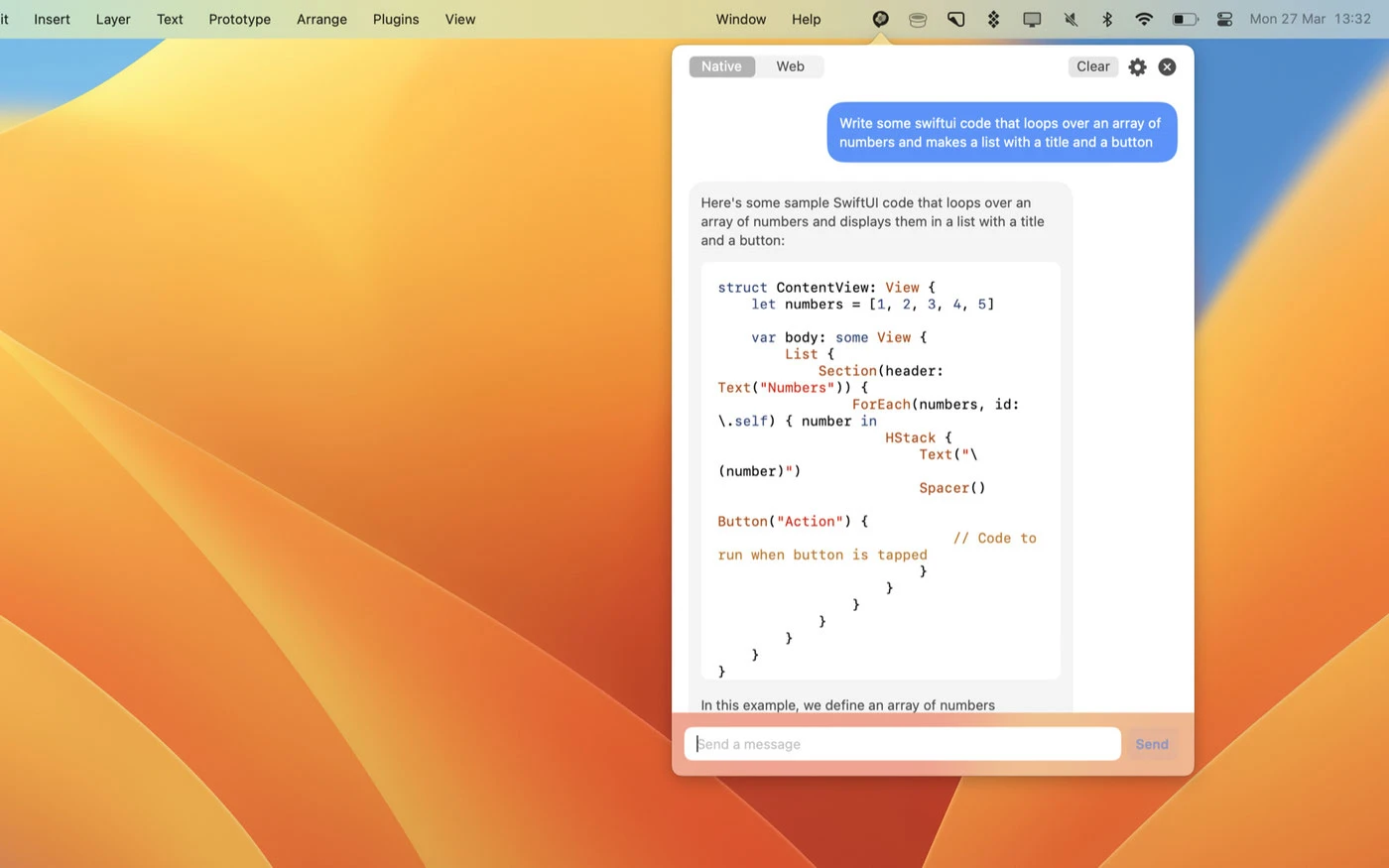
Get quick access to ChatGPT from the menu bar, through the web interface, or via the API on your Mac.
How to Use
MacGPT loads the ChatGPT chat interface within a built-in web browser. Sign in using your OpenAI credentials, and then simply click the icon in the menu bar to start a conversation. You can also assign a keyboard shortcut by clicking the gear icon to activate the macgpt app without ever needing to move your mouse!
You can also use your own OpenAI API key to interact with ChatGPT directly on your Mac. Please note that using an OpenAI API key requires linking a credit card to your account. If you want to use GPT-4, you will need to join the GPT-4 waitlist. Consider the macgpt download to start leveraging AI capabilities on your Mac right away.
Reviews & Comments
No comments yet. Be the first to share your experience.