

Description
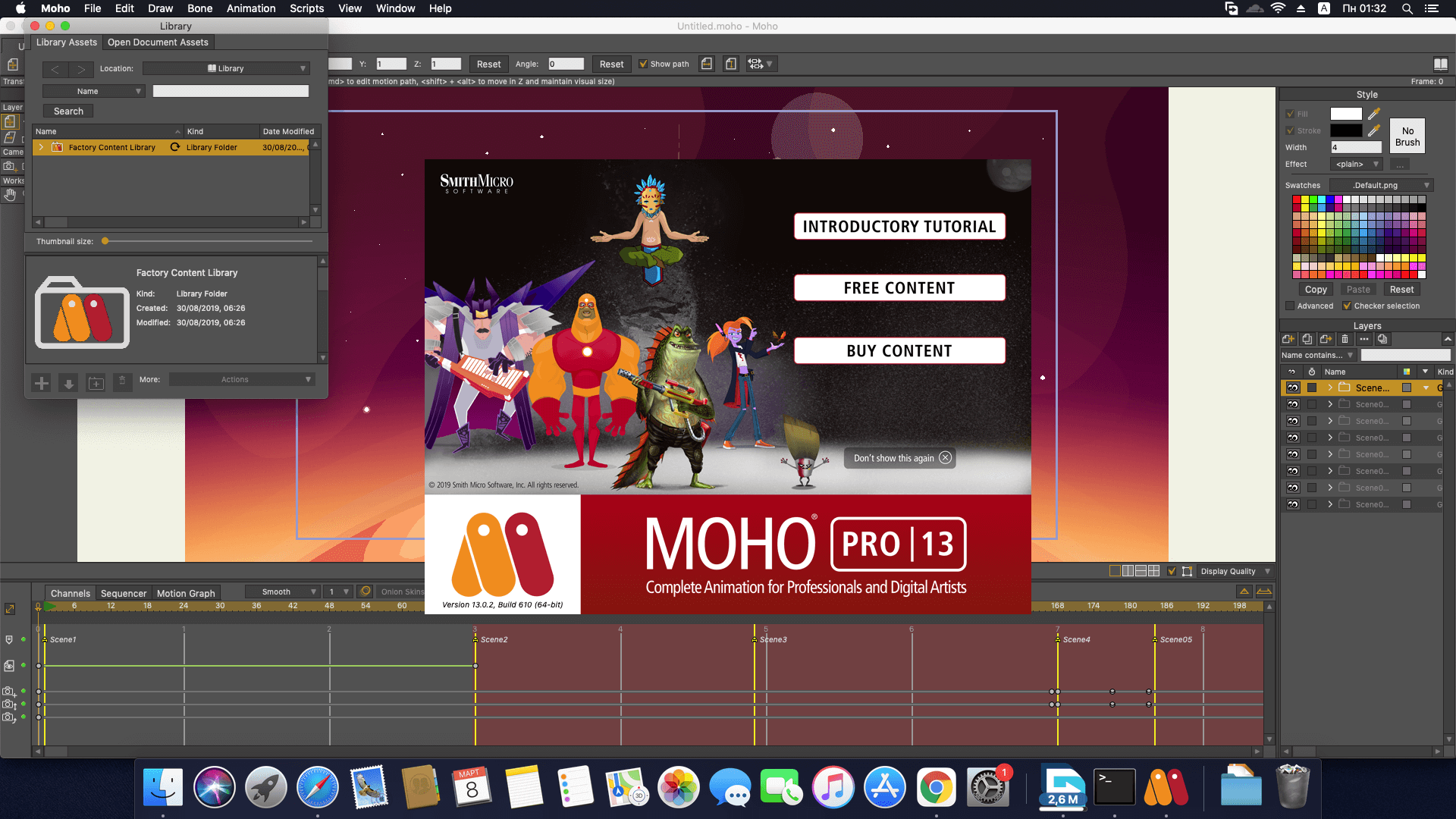
Moho Pro, formerly known as Anime Studio Pro, is the professional edition of one of the best applications for creating high-quality 2D animation on Mac. This application is perfectly suited for professionals who are seeking a more efficient alternative for producing animations without the tedious and exhausting frame-by-frame processing workflow. With its intuitive and user-friendly interface along with an extensive library of ready-made characters and supplementary objects (cartoon elements, backgrounds, images, and more), the application delivers advanced animation tools and effects that will significantly accelerate your animation creation process.
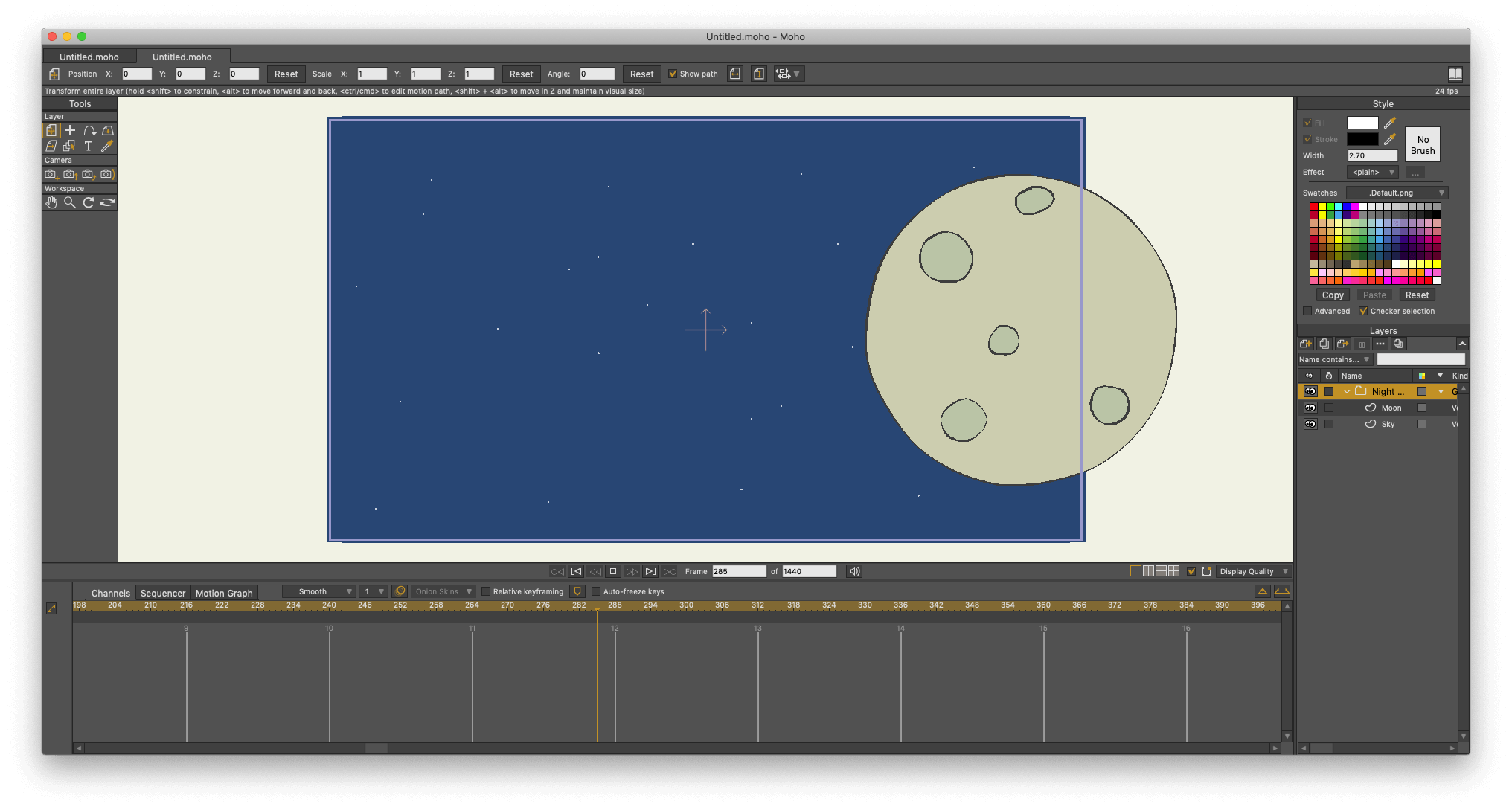
The application combines the latest cutting-edge features with powerful technologies to help digital artists produce unique and compelling animations on their Mac systems. To create your animations, you can utilize the built-in object library and integrated tools for designing your own custom objects from scratch. The application fully supports working with multiple layers for complex compositions. Your completed project can be saved as a video clip, a graphic image file, or an SWF file for web distribution.
Application Features:
• Adding special effects and visual enhancements to your animations
• Saving video and animation projects in various output formats
• Creating animations using multiple time-saving technologies and techniques
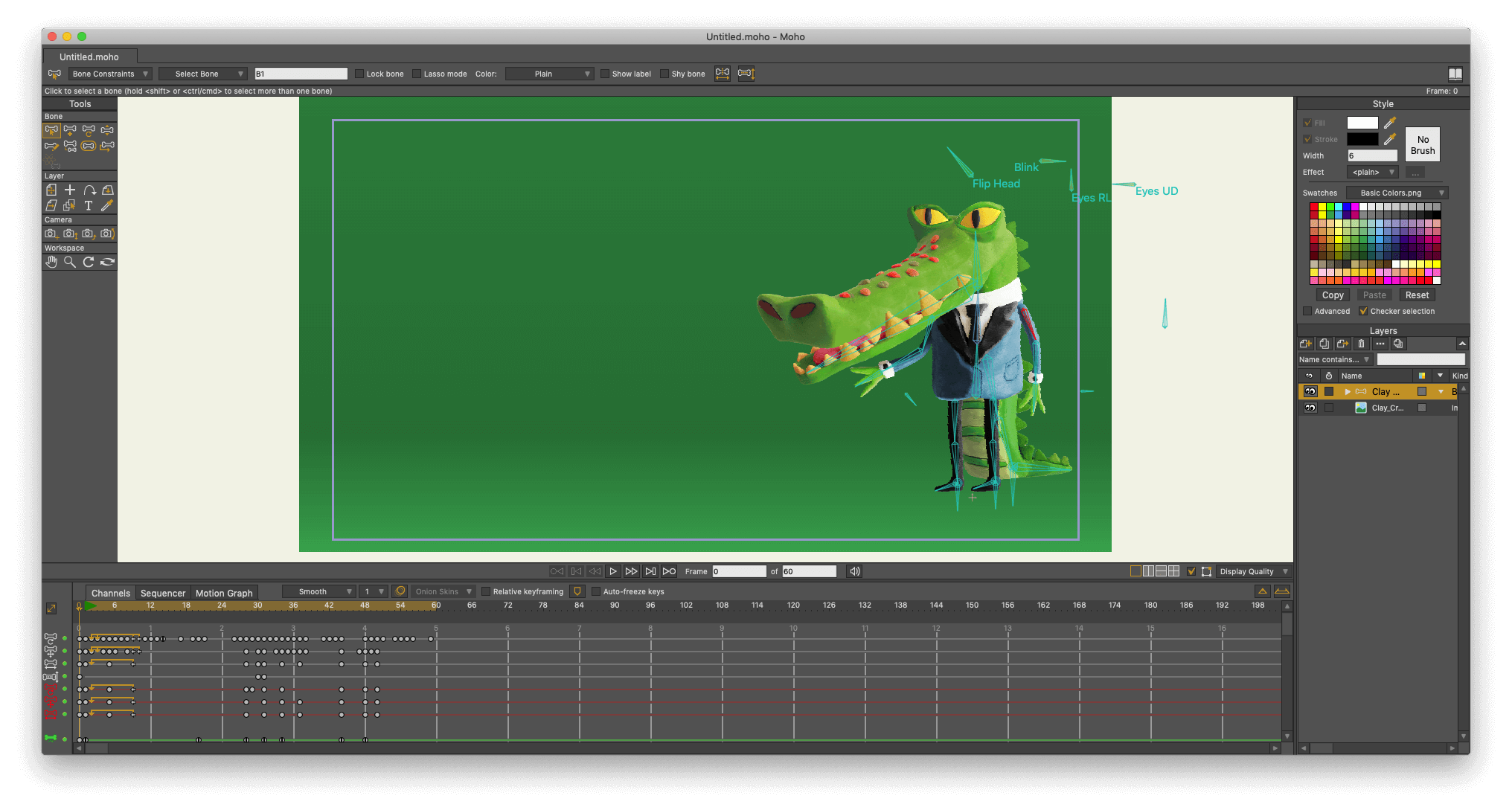
• Building character skeletons using a unique bone-based rigging technology
• Full support for creating and managing multiple layers
• Animating individual points on any given object
• Full support for Adobe Photoshop document import
• Built-in sequencer for timeline management
• Scripting capabilities powered by LUA 5.1
• Built-in library of visual objects and ready-made assets
• Complete support for importing and exporting HD video files
• Physics simulation: control object interactions with adjustable settings for density, gravity, friction, and elasticity
• Creating three-dimensional objects based on two-dimensional drawings
• Curve animation tools for precise motion control
• Uploading files to the Internet via Stuffit Connect to facilitate collaborative project work
• Ability to import scenes from Poser for combining 3D and 2D animation seamlessly
• Project file organization and management capabilities
Versatile Professional 2D Animation Software for Mac
Formerly Anime Studio, Moho Pro is everything you need to expand your animation toolkit with more efficient and powerful animation instruments that enhance your projects and streamline your workflows compared to traditional, labor-intensive, and often tedious animation software. If you are looking for moho pro download for mac, this is the ultimate solution for professional animators.
You asked for it, and now it is here:
Brand new and improved Pro-exclusive features that you will not find anywhere else on the market today. Take advantage of the completely new bitmap and freehand drawing capabilities from Moho Pro on Mac, powerful vector animation tools, the revolutionary bone rigging assembly system, enhanced 3D object support, and much more for a simplified and considerably more efficient creative workflow.
This is the ultimate all-in-one animation tool designed for professionals and digital artists working on Mac. Moho Pro Mac animation software is used worldwide to create stunning and breathtaking animations in professional studios, creative agencies, and films that have been nominated for OSCAR awards. Take your animation projects to the next level of quality and sophistication. Elevate your experience and your final results with moho pro download today.
Reviews & Comments
No comments yet. Be the first to share your experience.