

Description
PDF Editor Is Now PDFChef!
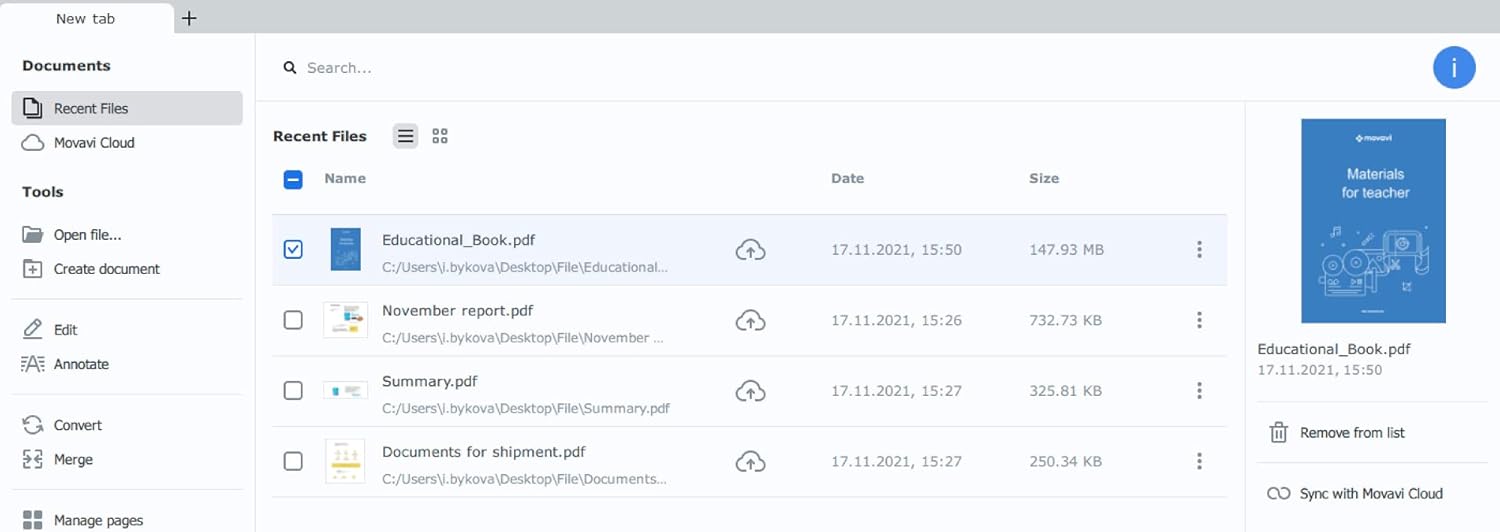
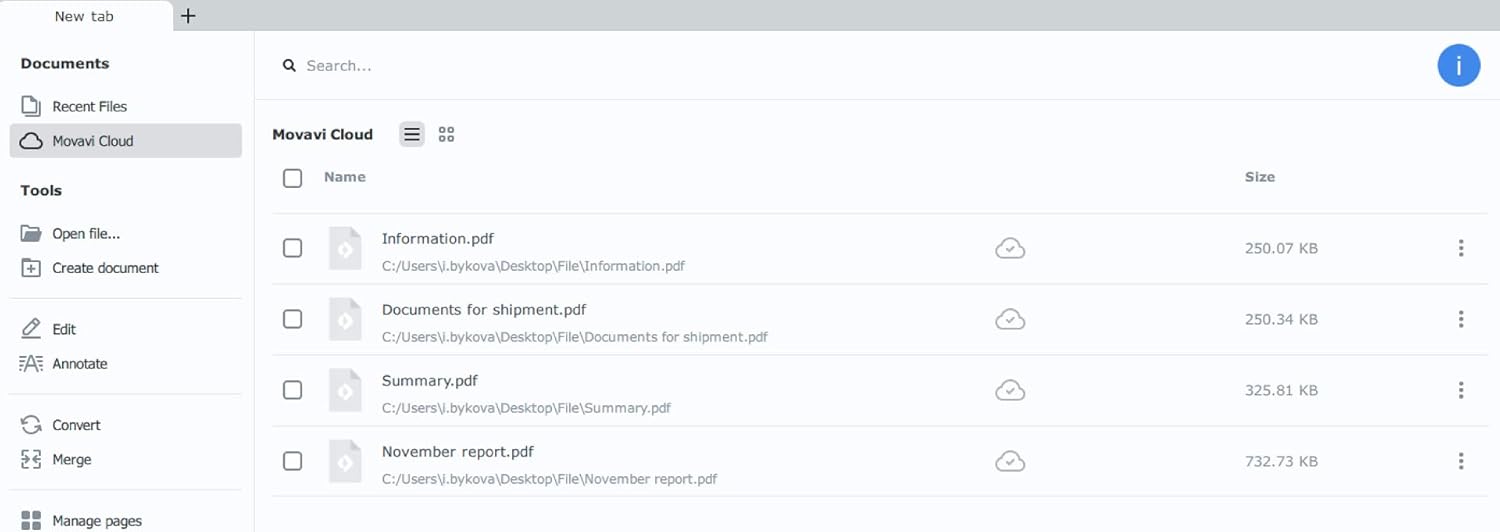
Making your work with PDF files simple and convenient is our top priority. Our tools help you organize an efficient document workflow and unlock your full potential. We have rebranded, and we believe that the new name accurately reflects who we are and what we do with Movavi PDFChef 2022.
Edit PDFs on Mac for Maximum Productivity
Use PDFChef to quickly make corrections to your files and produce updated versions of your documents. Install the application on your Mac computer and work with PDF files and images without any risk to your device or its security.
Edit PDF Documents with Ease
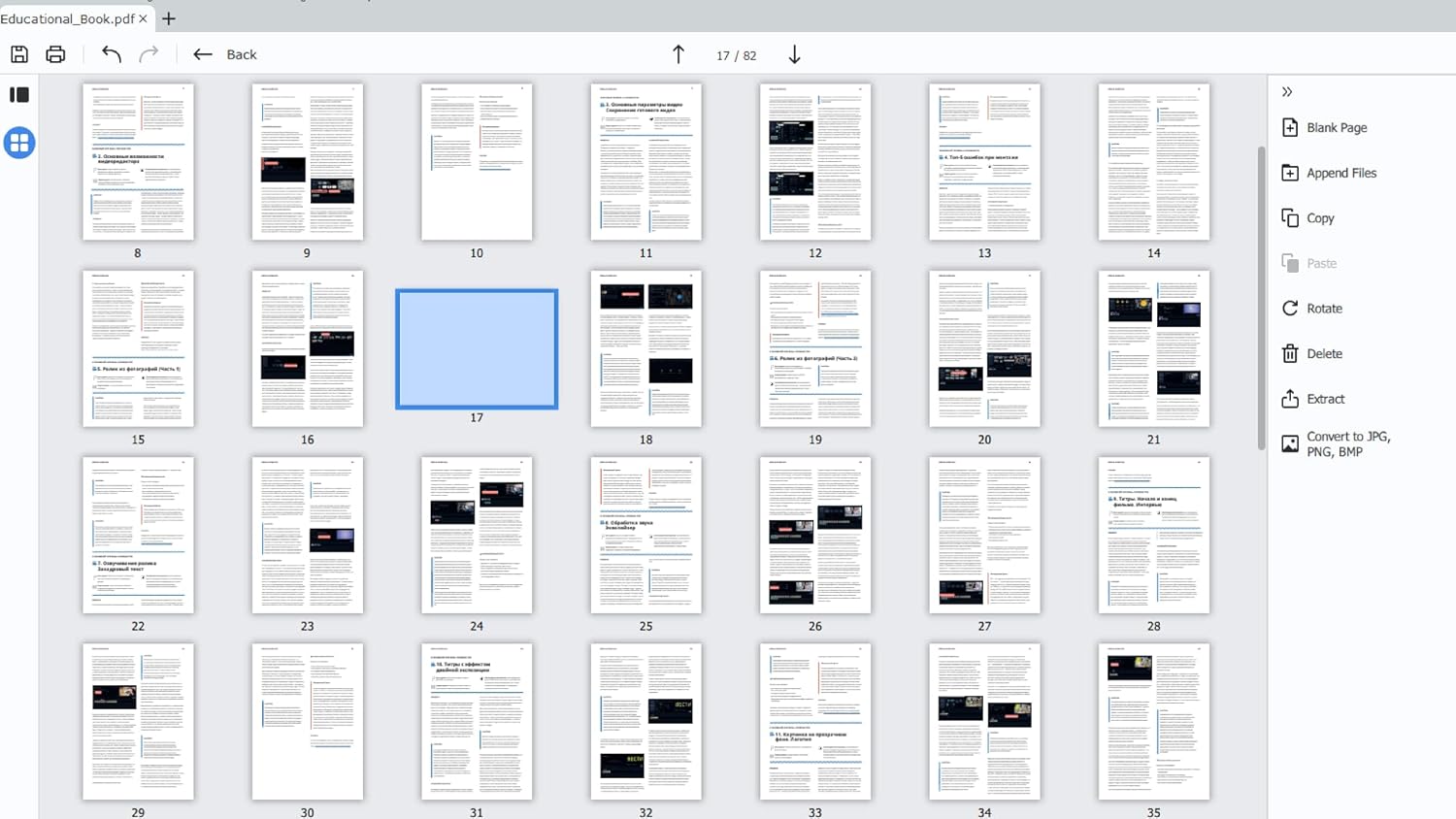
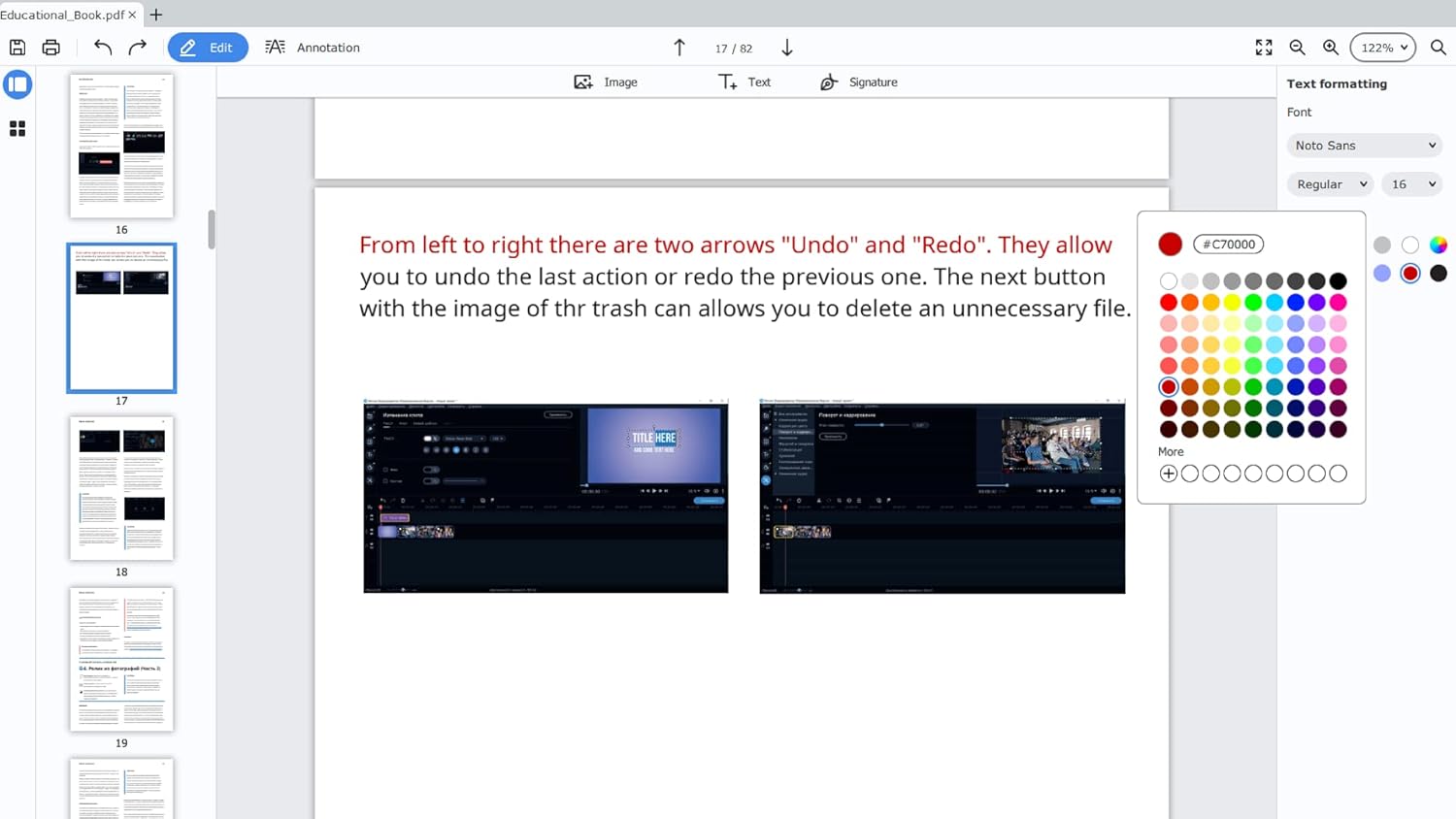
PDFChef by Movavi 2022 is a feature-rich yet easy-to-use application for editing PDF documents on Mac. A comprehensive set of tools allows you to edit text, add and crop images, as well as resize them to fit your needs. Rearrange the structure of your documents. Delete, add, and rotate pages within your files to create the perfect layout.
Quickly Assemble Projects from Individual Components
The best way to rapidly create a unified project from components prepared in AutoCAD, Excel, Word, and Photoshop is to use PDFChef 2022 by Movavi. Our PDF editor for Mac lets you merge project parts into one document in a single click and convert the resulting file into any format you need.
Add Stamps and Signatures to Your Documents
If you need to quickly certify a contract that you received electronically, you can do it right inside Movavi PDFChef 2022 Mac. Open your agreement in PDFChef for Mac and add an image of your personal signature and your company stamp directly onto the pages of the document.
Reviews & Comments
No comments yet. Be the first to share your experience.