

Description
The Movavi Photo Editor app includes all the essential tools for both photo editing enthusiasts and professional photographers working on Mac. Neural network technologies and high-precision editing in just a matter of seconds will help you save valuable time on processing – all the painstaking work will be handled by Movavi Photo Editor for Mac.
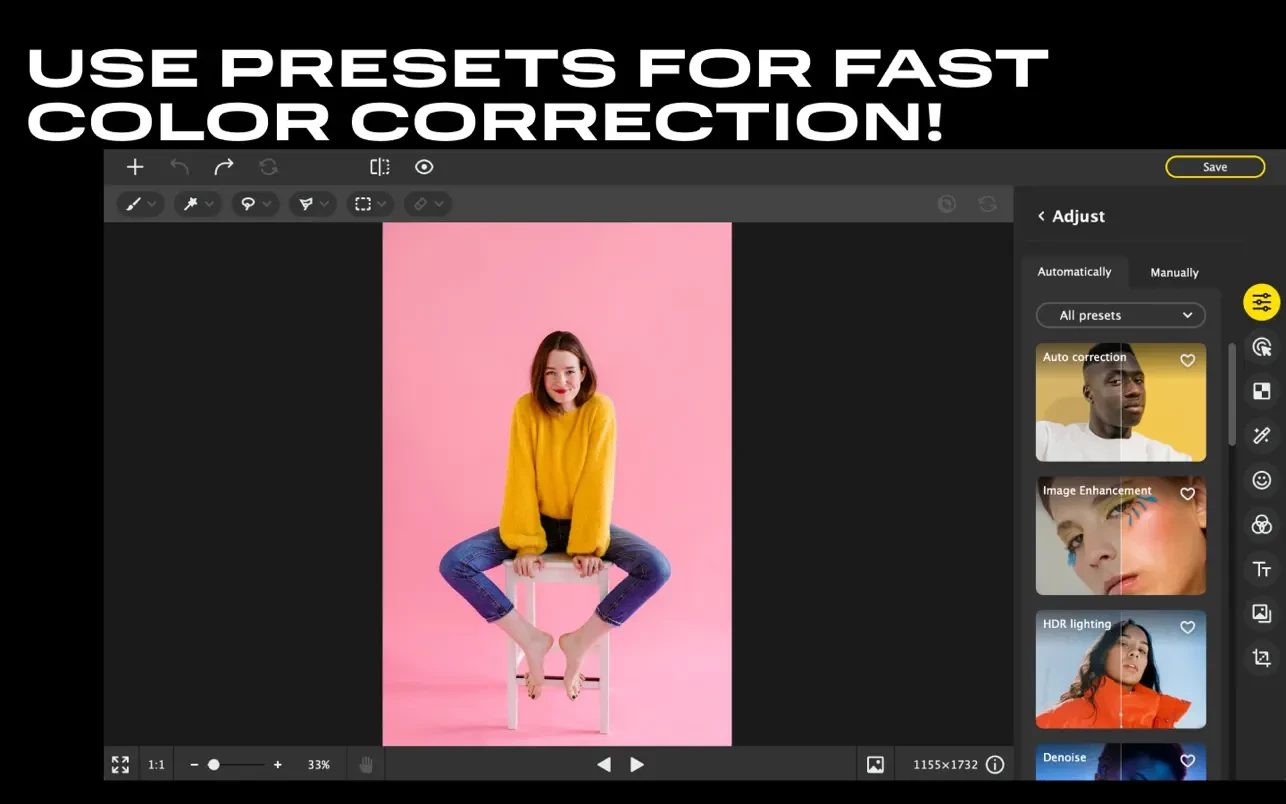
AI-Powered Auto Enhancement
Edit your photos in just a few seconds: artificial intelligence will carefully analyze the image and automatically select the best color correction settings for it.
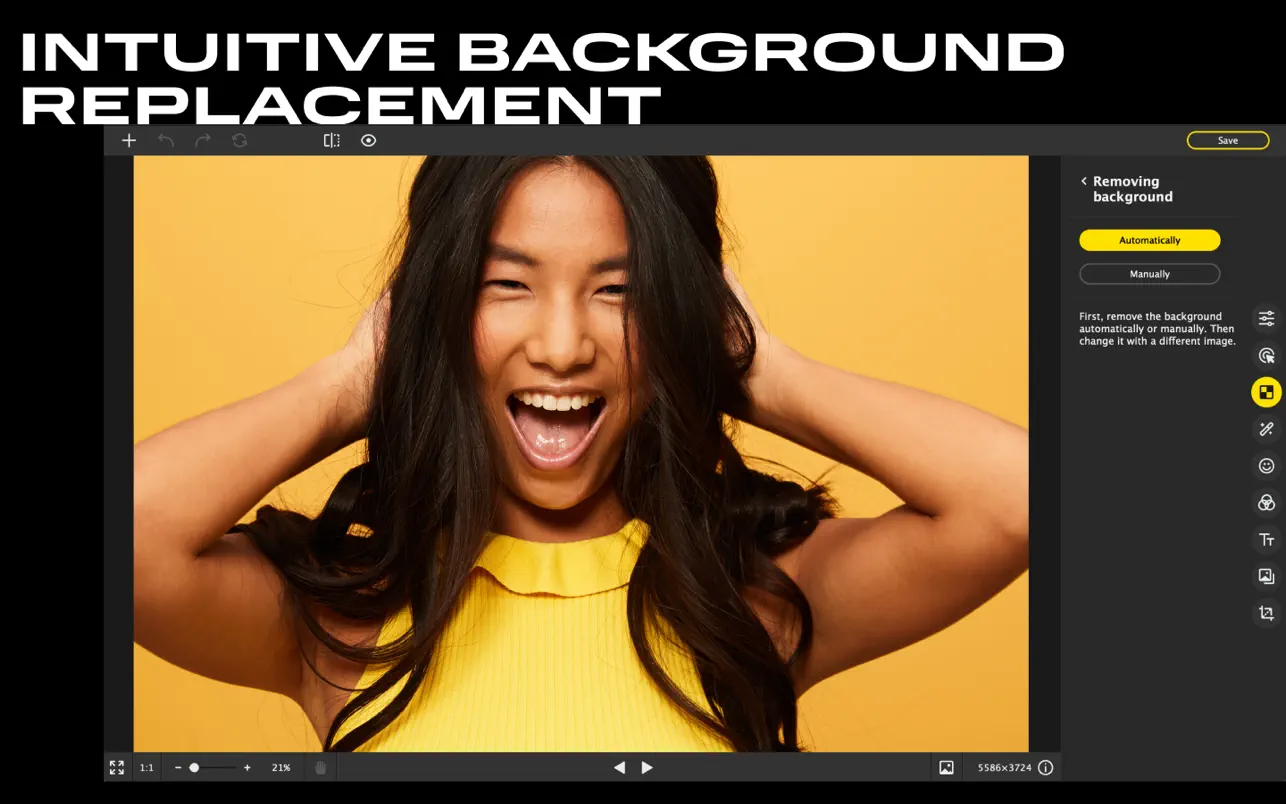
Easy Background Removal
Cut out or replace the background of any photograph in just a few simple clicks.
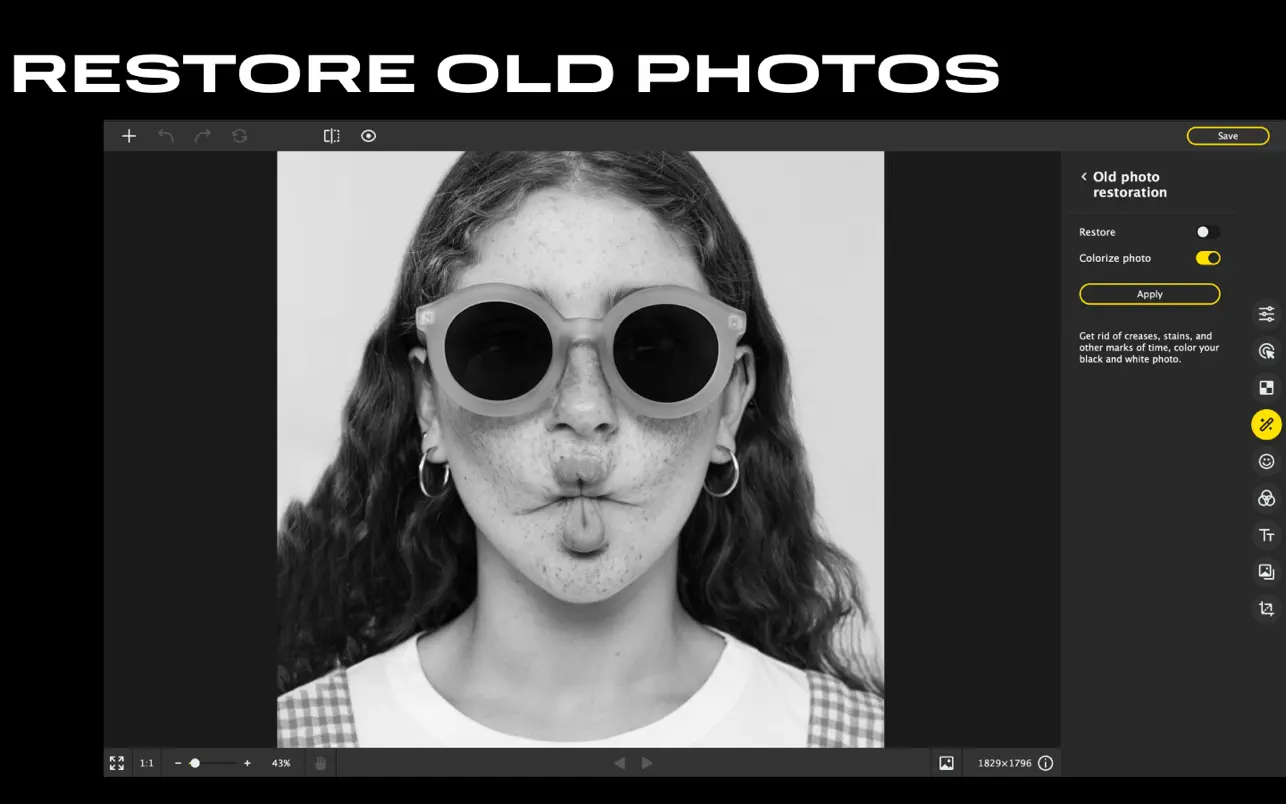
AI-Powered Restoration of Old Photos
This photo editing software for Mac removes dust, cracks, and small blemishes from scans of old photographs. If an image has yellowed over time, the editor will restore its original true colors. The application can also automatically colorize a black-and-white photo with natural-looking results.
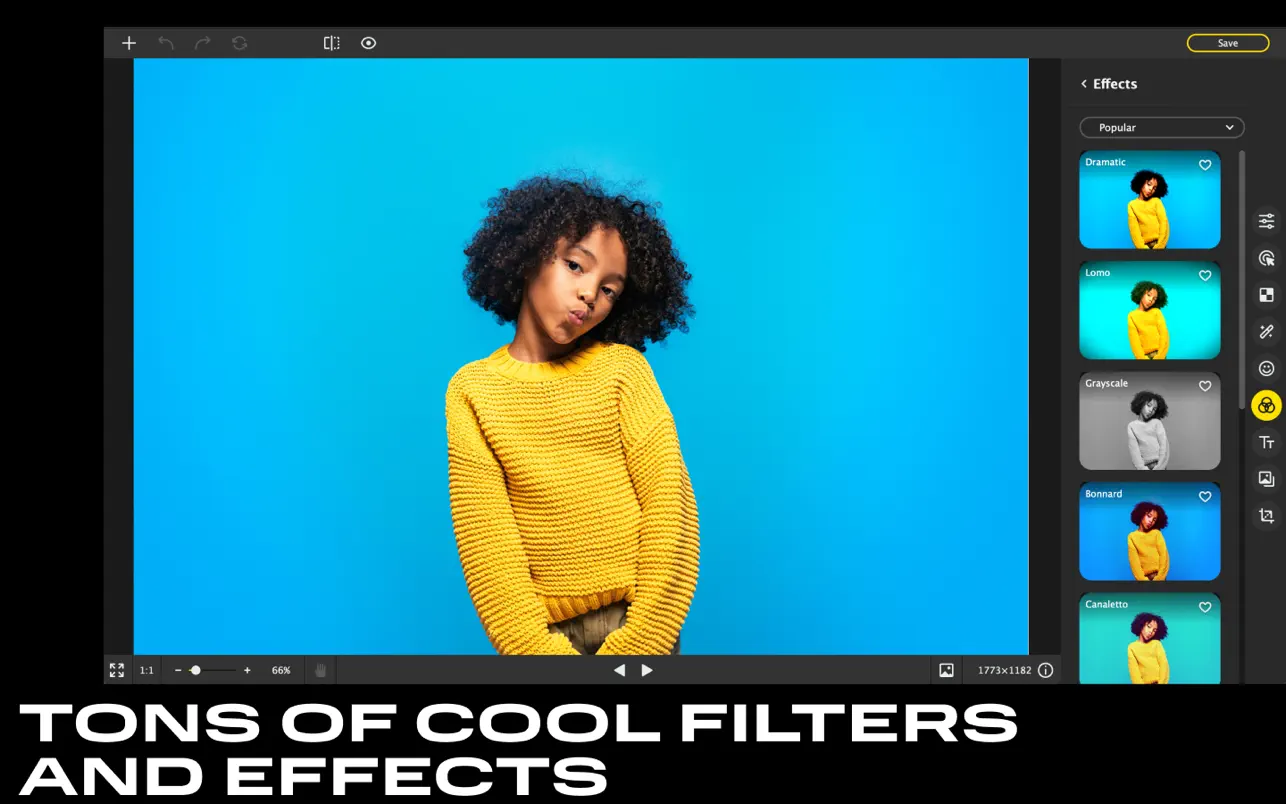
100+ Stunning Filters
Apply a wide variety of effects and watch how the mood and atmosphere of your photograph transforms instantly.
Detail Adjustment
Fix blurriness, bring out textures, and enhance sharpness. Control every single detail of your image with this powerful image editor for Mac.
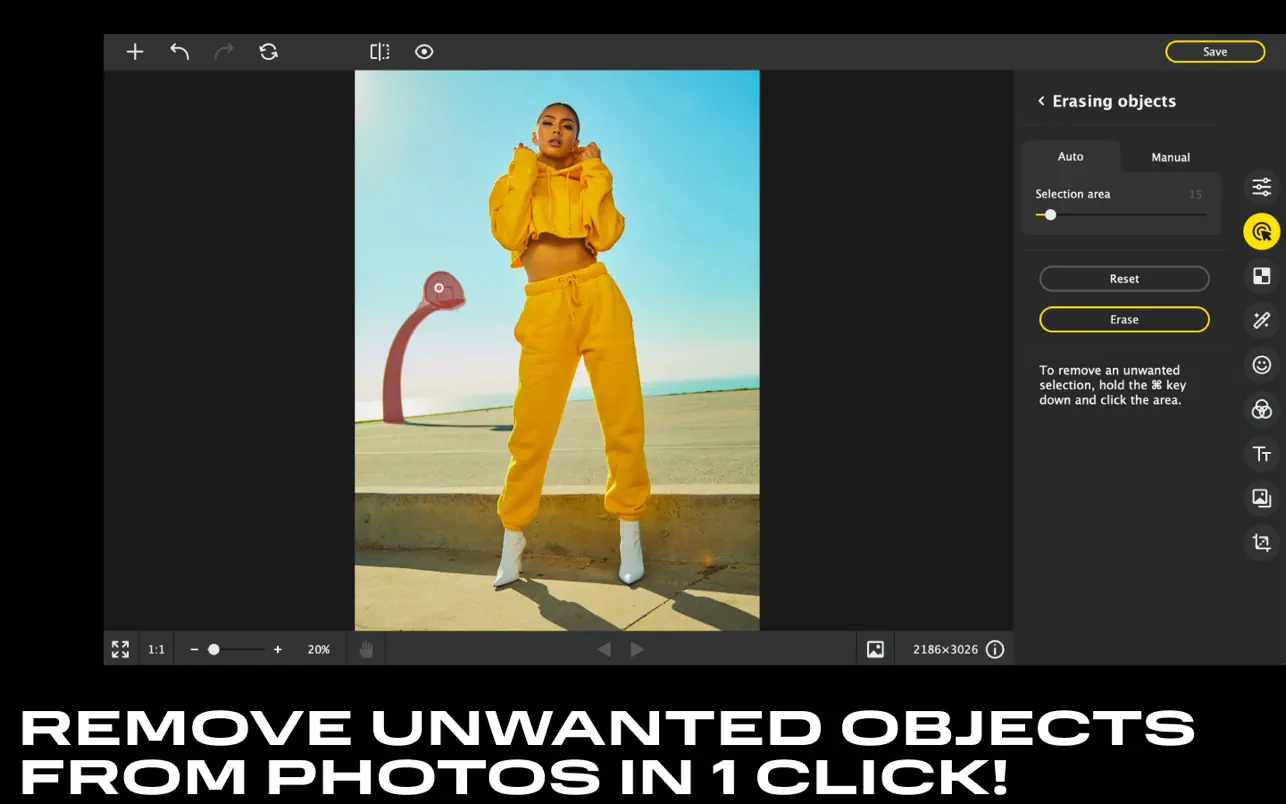
Removing Unwanted Objects
Seamlessly get rid of anything unwanted in your photos, whether it is litter, a text overlay, or a random passerby caught in the frame.
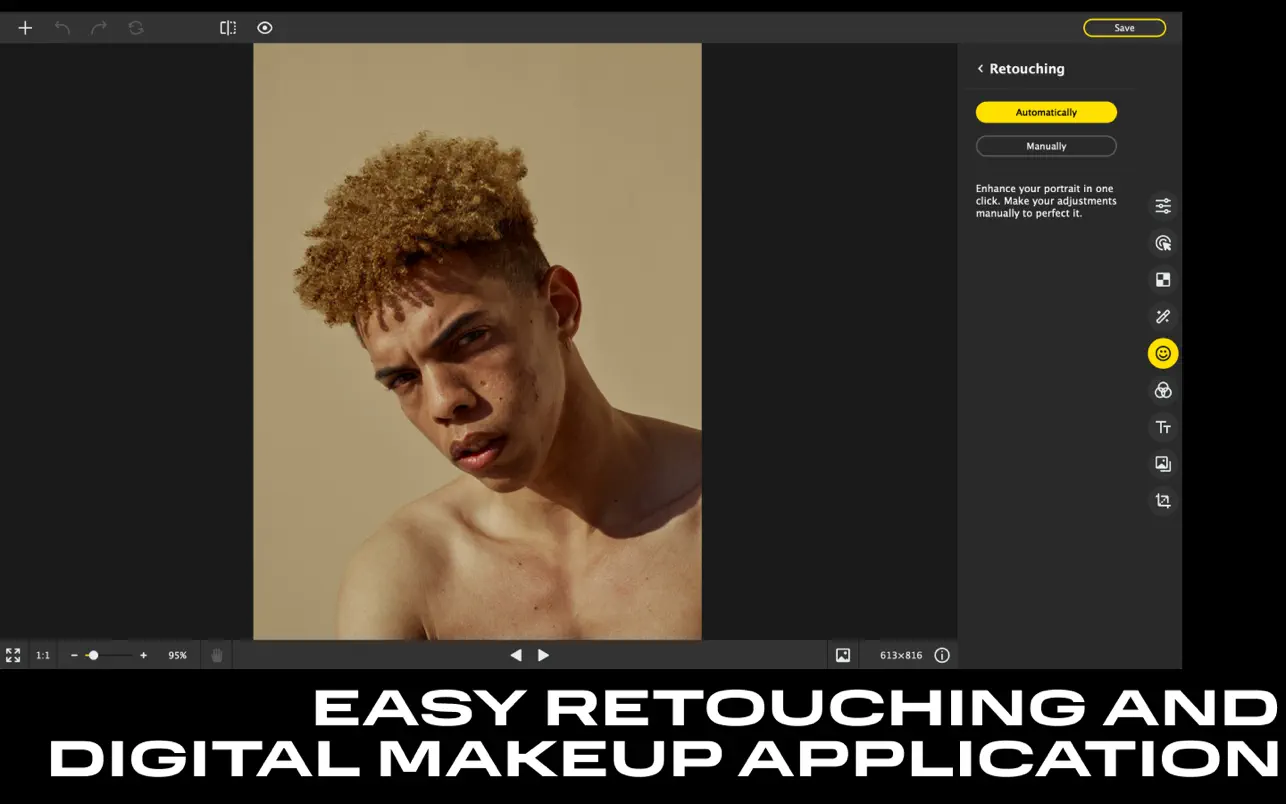
Precise Retouching
Experiment with different looks: fix any skin imperfections, change eye and hair color, and adjust the shape of the face and body. Download Movavi Photo Editor to unlock all these powerful capabilities on your Mac.
Reviews & Comments
No comments yet. Be the first to share your experience.