


Description
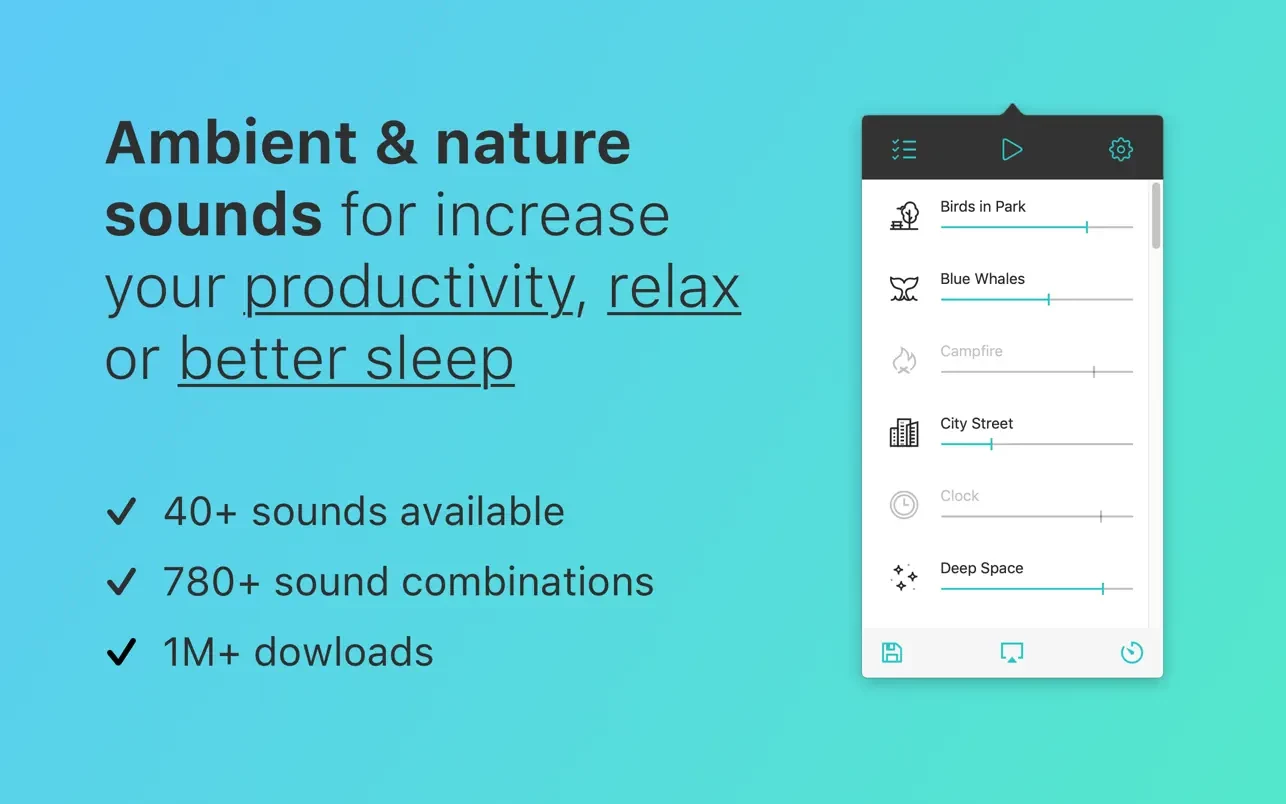
Noizio is an application that blocks out street noise and allows you to focus on your work, boosting your overall productivity throughout the day. On the other hand, it can set the perfect mood for a romantic evening or gently lull you to sleep, ensuring a deep and restful slumber all night long. This noizio app serves as a sound equalizer for creating custom ambient sound mixes, designed and available exclusively for macOS.
Features:
- 40+ delightful ambient sounds included in the bundle;
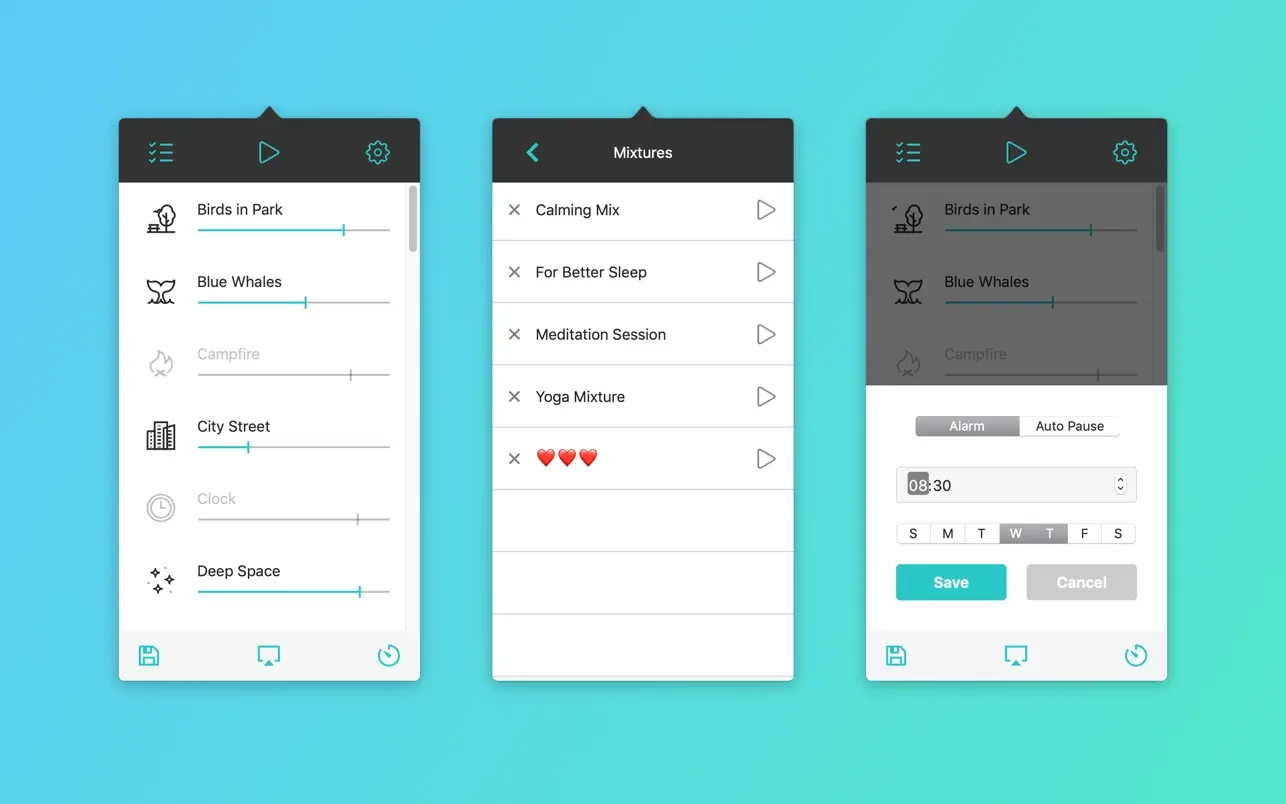
- Easy selection and mixing of ambient sounds into a blend that perfectly matches your current mood;
- Background audio support. Listen to your mixes while working with other applications on your Mac;
- The noizio mac application allows you to play all sounds completely offline without an internet connection;
- High-quality nature sounds designed to set the right atmosphere and mood;
- Create your own amazing sound mixes for focused concentration, deep relaxation, or peaceful sleep;
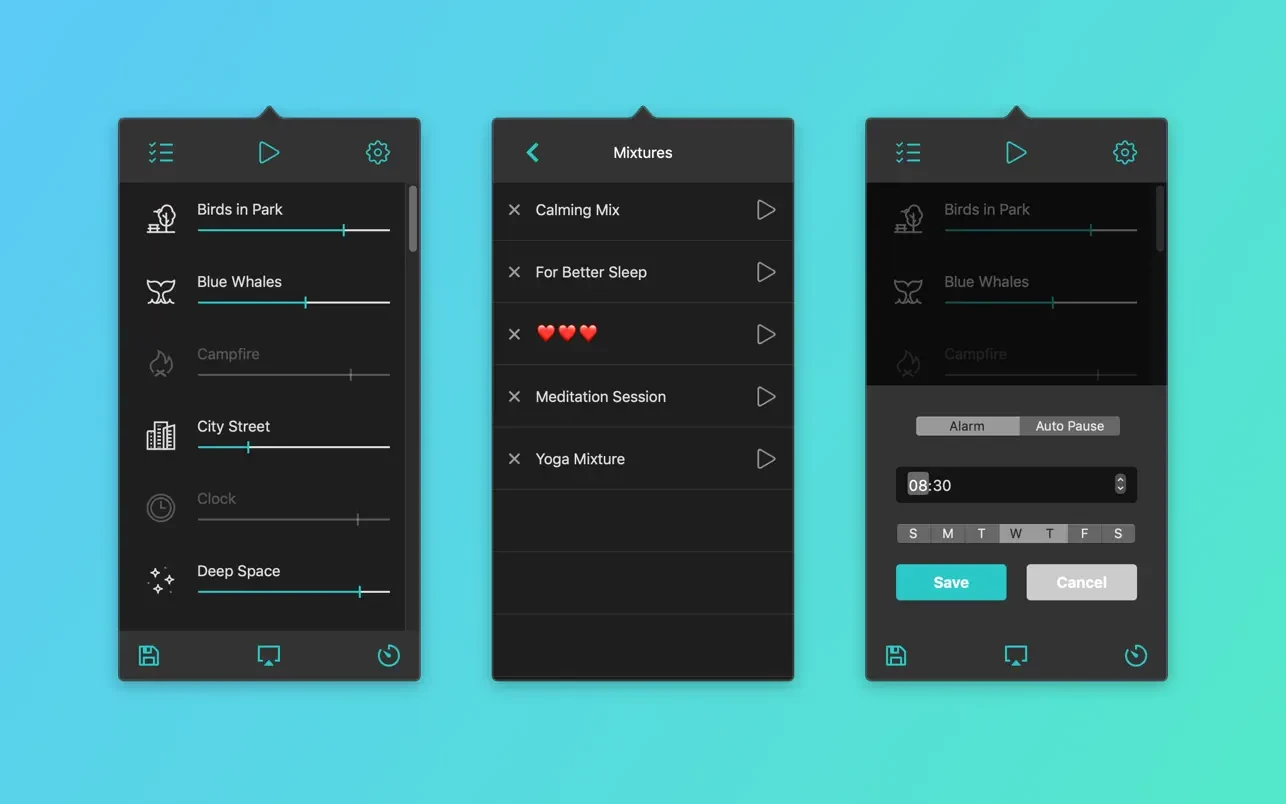
- Clean, minimalist design that fits seamlessly into your Mac desktop;
- Sounds play in a continuous seamless loop without interruption;
- Auto-pause timer and alarm clock functionality built in.
Download Noizio right now to get a simple yet elegant tool for creating just the right mood and atmosphere for any occasion. Use it for work or study sessions on your Mac, or let the sounds of this noizio app macos transport you to a cozy campfire under a full moon or to any other serene place you can possibly imagine.
Noizio will be useful for you in the following situations:
- As massage music or soothing sounds for yoga sessions and meditation practice.
- Falling asleep easily and comfortably to calming, relaxing sounds
- Staying focused on work and avoiding distractions from outside noises
- Unwinding and recovering after a long and exhausting day
- Relaxing deeply and relieving accumulated stress and tension
- Soothing crying babies and helping them calm down
- Easing headaches and migraines with gentle ambient soundscapes
- Masking tinnitus (ringing in the ears) with continuous ambient noise
Reviews & Comments
No comments yet. Be the first to share your experience.