

Description
Many applications installed on your Mac regularly reach out to the internet to check for newer versions, validate licenses, and perform various other background tasks. When they connect, they transmit a significant amount of data to the software developers' servers, and those developers may use that information for their own purposes. If this situation concerns you, Radio Silence can help you take back control.
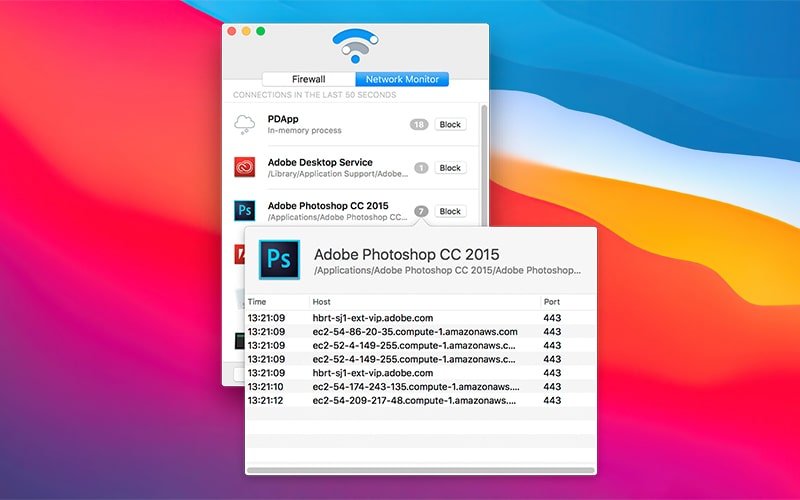
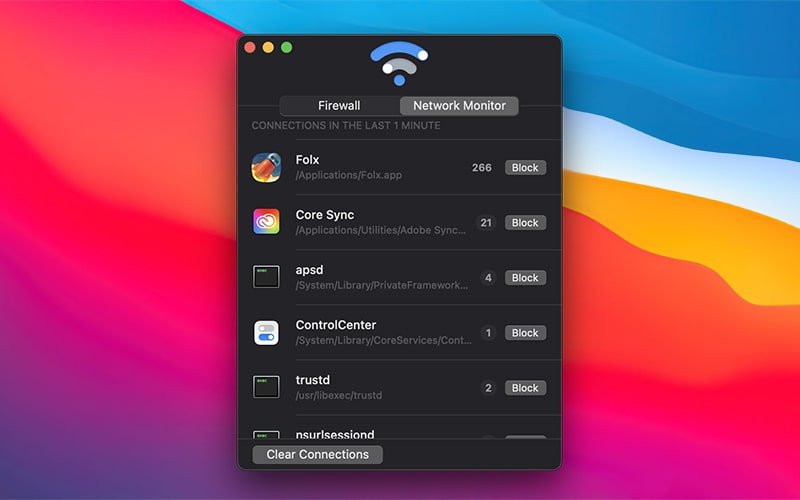
This is a remarkably simple utility that monitors all outgoing connections initiated by applications on your Mac and displays them in a clear, organized list. If any application attempts to connect to its servers without your knowledge or explicit permission, you can immediately block it with a single click right from the interface.
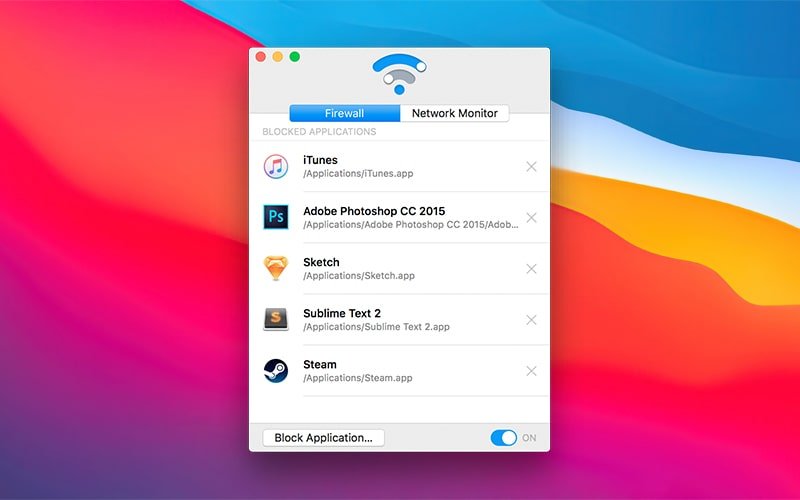
To restrict network access for programs that haven't yet been caught making unauthorized connections, you can use the Block Application button. It will open a dialog window allowing you to select any application from the list of installed programs on your Mac. Simply choose the one you need, and the radio silence app will block it right away.
The list of blocked applications is displayed on the Firewall tab. From there, you can temporarily pause the silence radio protection or rehabilitate specific applications by removing them from the block list whenever you choose.
The radio silence mac firewall operates in an extremely unobtrusive manner, never distracting you from your work. There is not even a corresponding icon visible in the menu bar. It serves as a lightweight alternative to Little Snitch for your Mac.
Reviews & Comments
No comments yet. Be the first to share your experience.