
Description
A convenient and efficient image format converter for Mac that is primarily designed for converting various professional RAW formats and numerous common image types, as well as for adjusting image quality and size to meet your specific requirements.
RAW Converter Ultimate simplifies the steps and operations involved in image conversion, making it smaller, faster, and more convenient than other similar software available on the Mac platform, offering powerful features combined with a user-friendly interface. It supports professional RAW formats from cameras, iPhone devices, and Adobe PS, as well as common formats such as JPG, PNG, GIF, BMP, TIF, and many others.
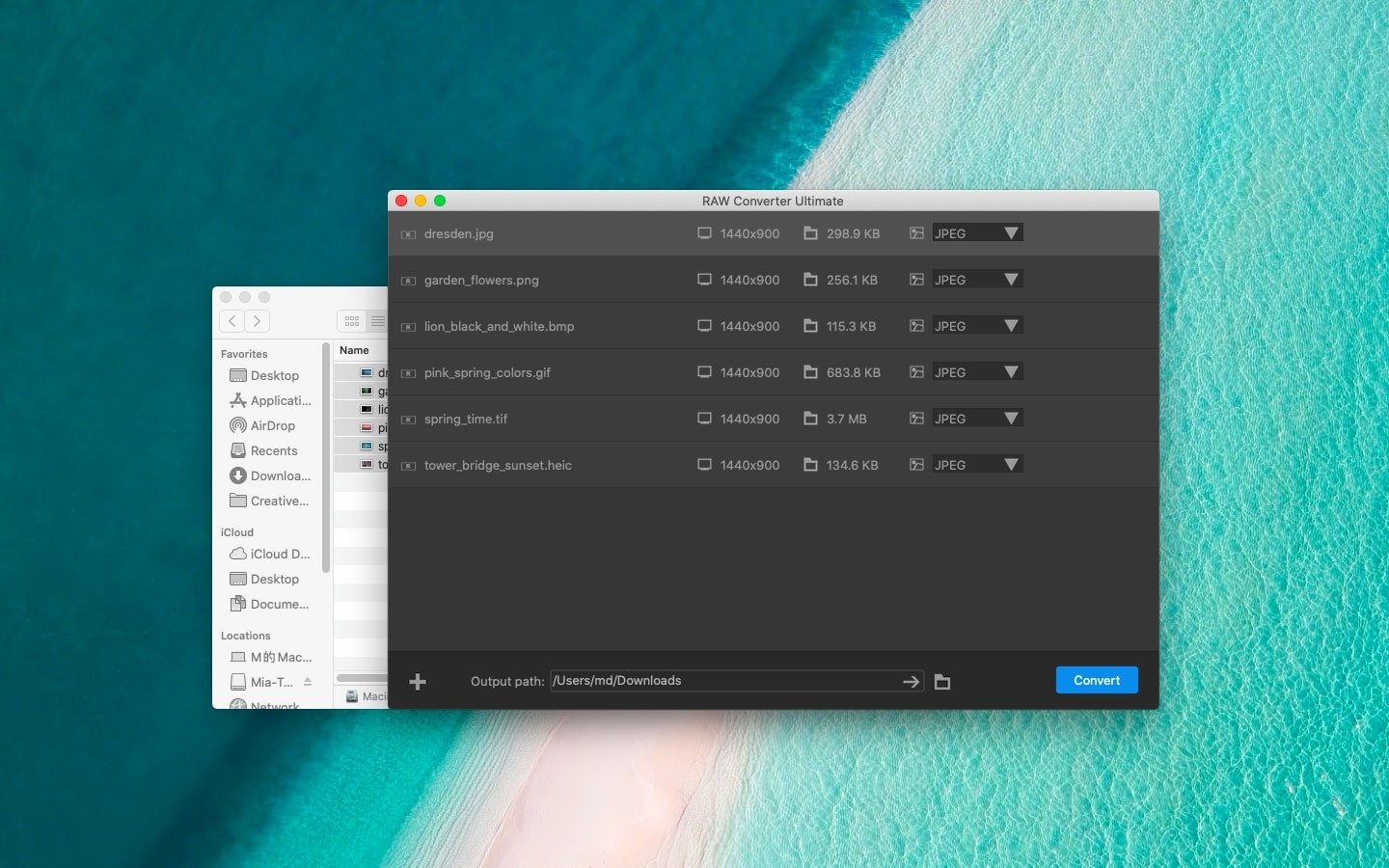
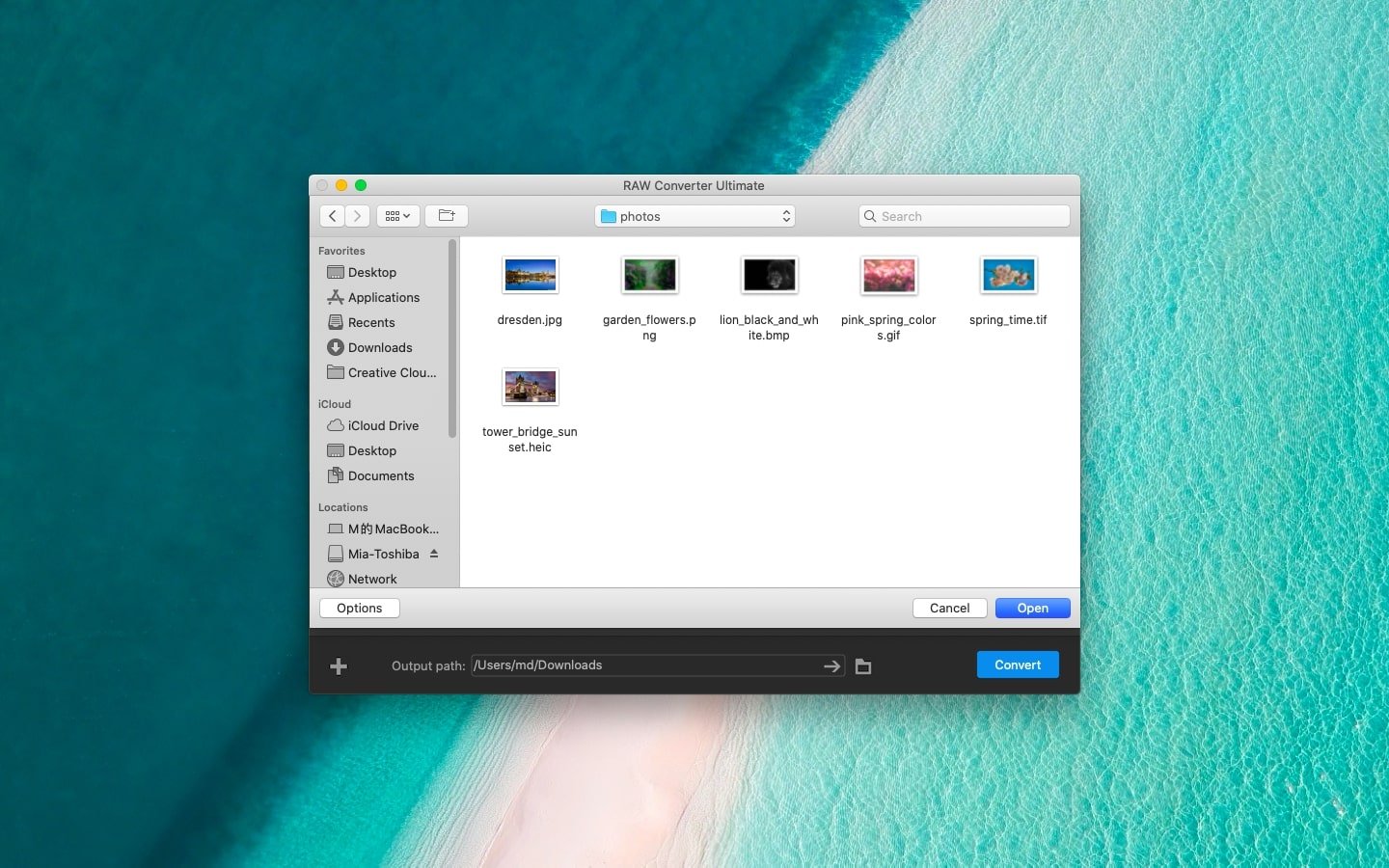
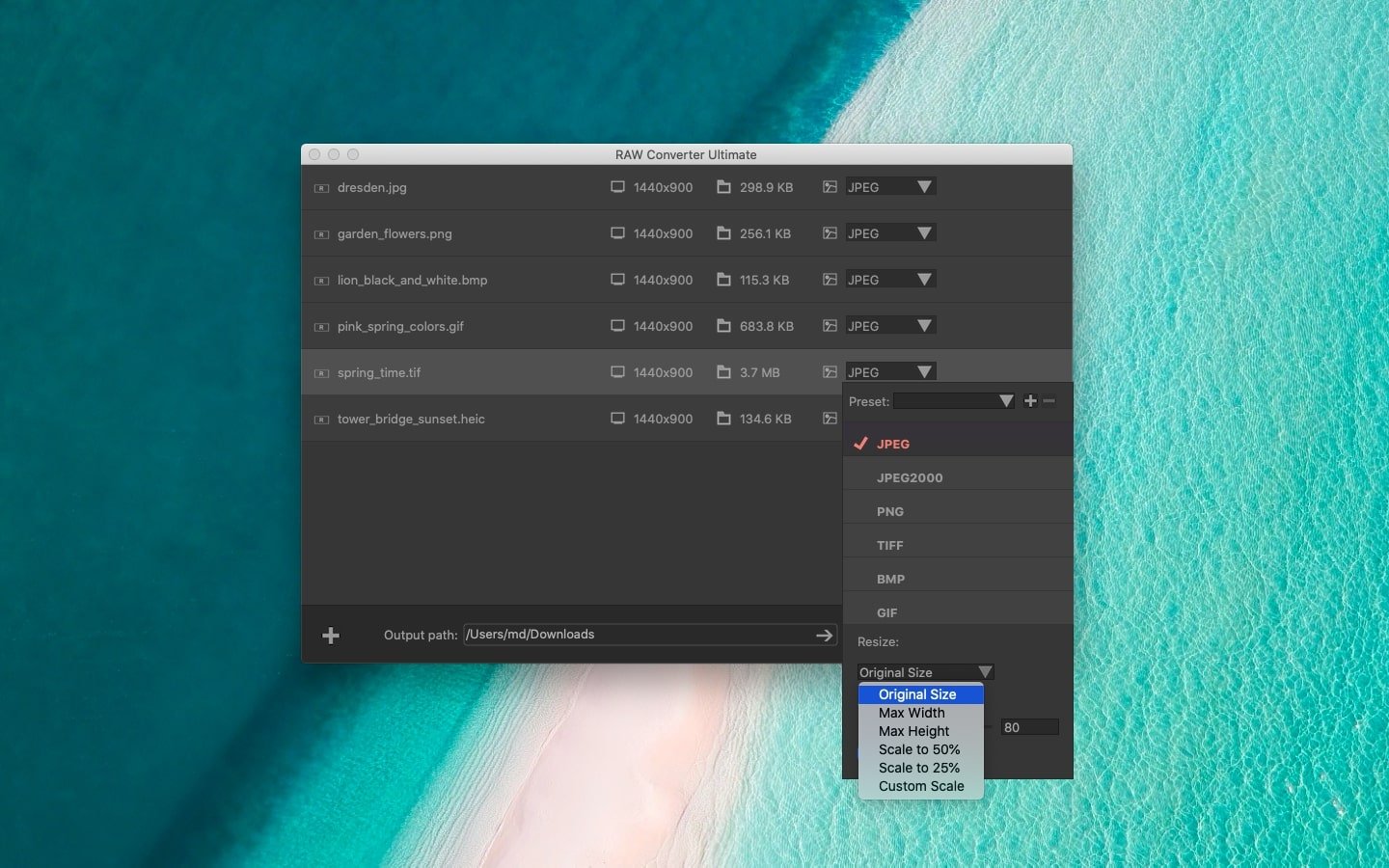
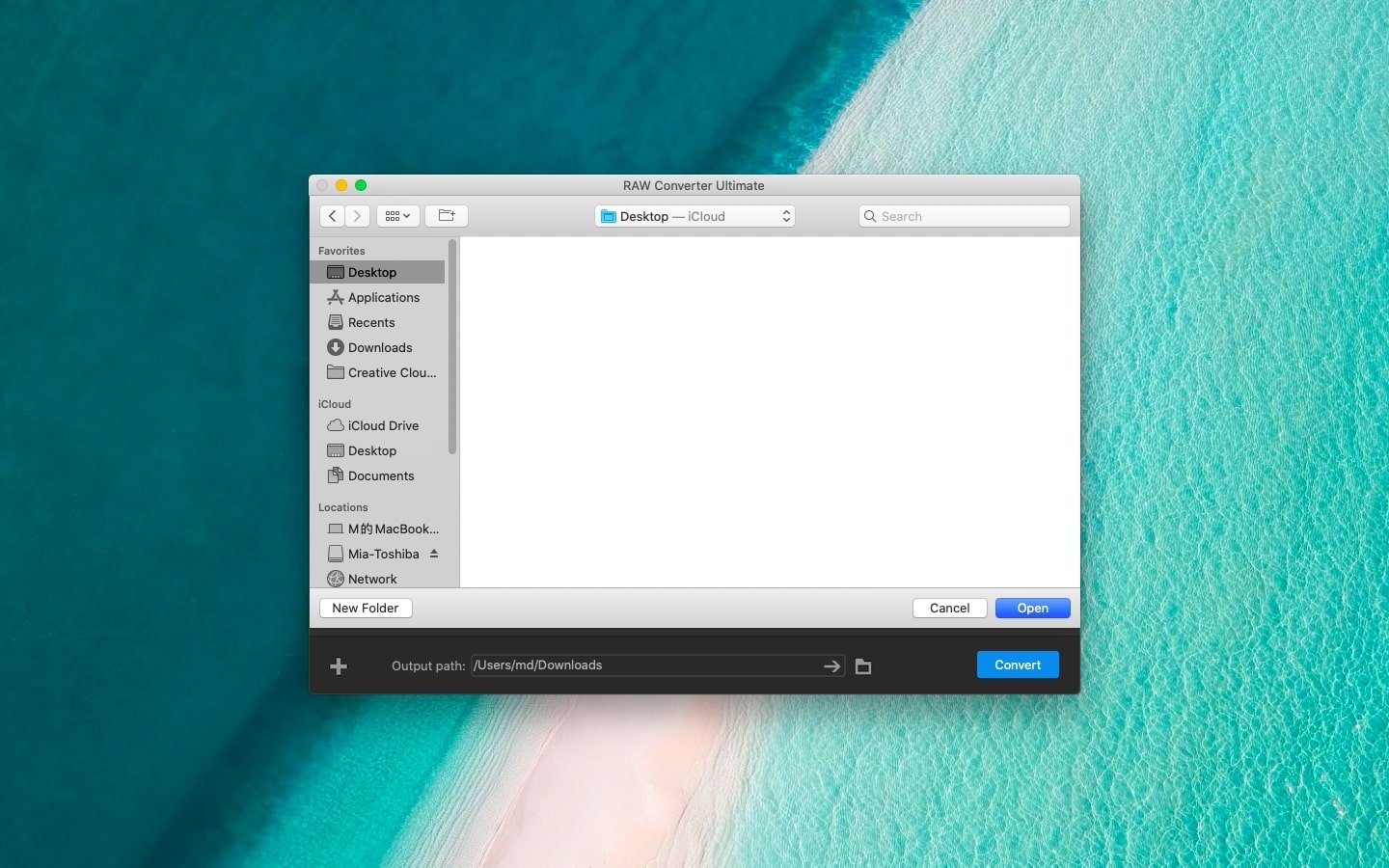
The raw converter ultimate app supports drag-and-drop import as well as clicking the import icon located in the lower-left corner of the software interface for quickly importing image files in batch mode on your Mac. Users can clearly see the format, pixel dimensions, and size parameters of each individual image file. The interface is clean and simple, without unnecessary function buttons, yet it meets virtually all user needs when it comes to image editing and conversion tasks.
Quickly performing image format conversion and setting all parameters for all files during batch processing is not a difficult task at all. Users only need to follow the simple steps of "Import – Set Parameters (check Apply to All) – Export" within the straightforward interface to complete the entire conversion process efficiently.
It is simple yet remarkably powerful, fully compatible with image formats from iPhone devices, Camera hardware, and images from Photoshop that cannot be opened using standard software on Mac. RAW Converter excellently supports all such image files without any issues.
HEIC to Common Formats
The proprietary HEIC photo format from iPhone devices may not be accessible or viewable on other devices unless it is properly converted to a more universal format.
Various RAW formats, such as CR2 from Canon, ERF from Epson, NEF or NRW from Nikon, are all fully supported for conversion on your Mac computer.
It also supports common RAW image formats, such as DNG images generated by Adobe Photoshop software, ensuring broad compatibility across professional workflows.
If you choose to raw converter ultimate download mac version, you will get support for RAW files and various common formats, including JPG, PNG, BMP, GIF, TIF, HEIC, JPEG, and more. It covers nearly all essential image format conversion needs and allows adjustment of key parameters, including image size and image quality settings.
Convenient and fast one-click setup powered by fully featured functions for maximum productivity.
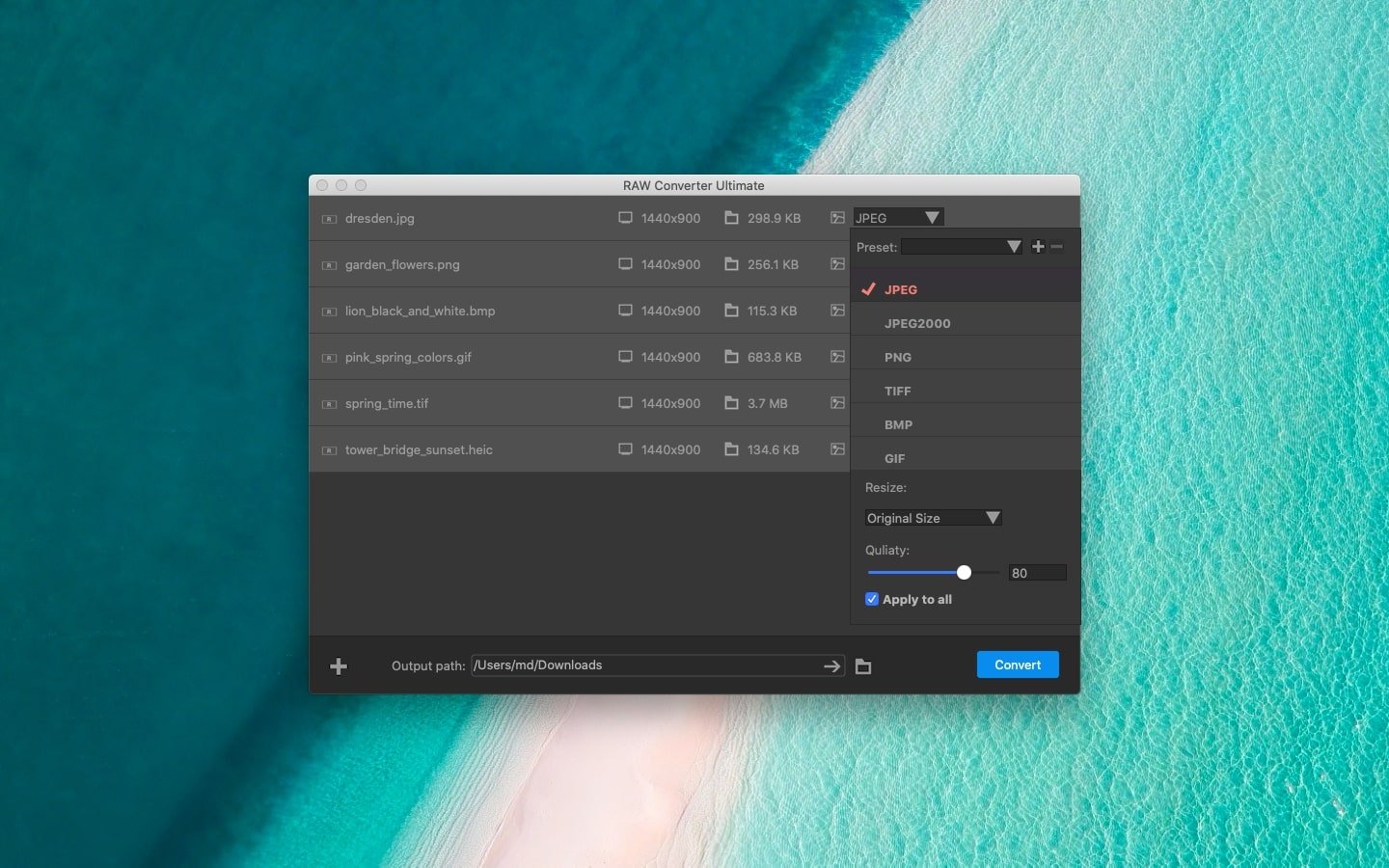
After importing images, the user needs to set the desired output image format for conversion and select the target size and quality level. Simply check the "Apply to All" checkbox in the pop-up window to enable batch processing across all imported files. Once all preset parameters are configured, click "Convert" to begin the conversion process, and the program will automatically save the finished files to the designated target folder on your Mac.
When configuring the export format, raw converter ultimate mac offers 6 output formats, 5 preset image resizing options, and a fully customizable image size setting. Users can also freely adjust the image storage quality according to their preferences. All of these functions can be applied to every file in the interface with just a single click, making the entire workflow extremely simple, fast, and efficient.
Are you worried that image quality might degrade after format conversion? Do not worry — the raw converter ultimate preserves 100% of the original image quality throughout the conversion process. When exporting files, users can choose to retain the original image quality in its entirety or reduce the image quality as needed in order to minimize the storage space occupied by the final output files on their Mac.
Reviews & Comments
No comments yet. Be the first to share your experience.