

Description
Room Arranger is a 3D planner for rooms, apartments, and entire floors, featuring a simple and intuitive user interface designed for Mac users.
Room Arranger is a small and compact application for your Mac. Nevertheless, it allows you to create virtually anything you can imagine. Once you understand the basics of the room arranger app, you can easily move on to the next level and tackle more complex projects.
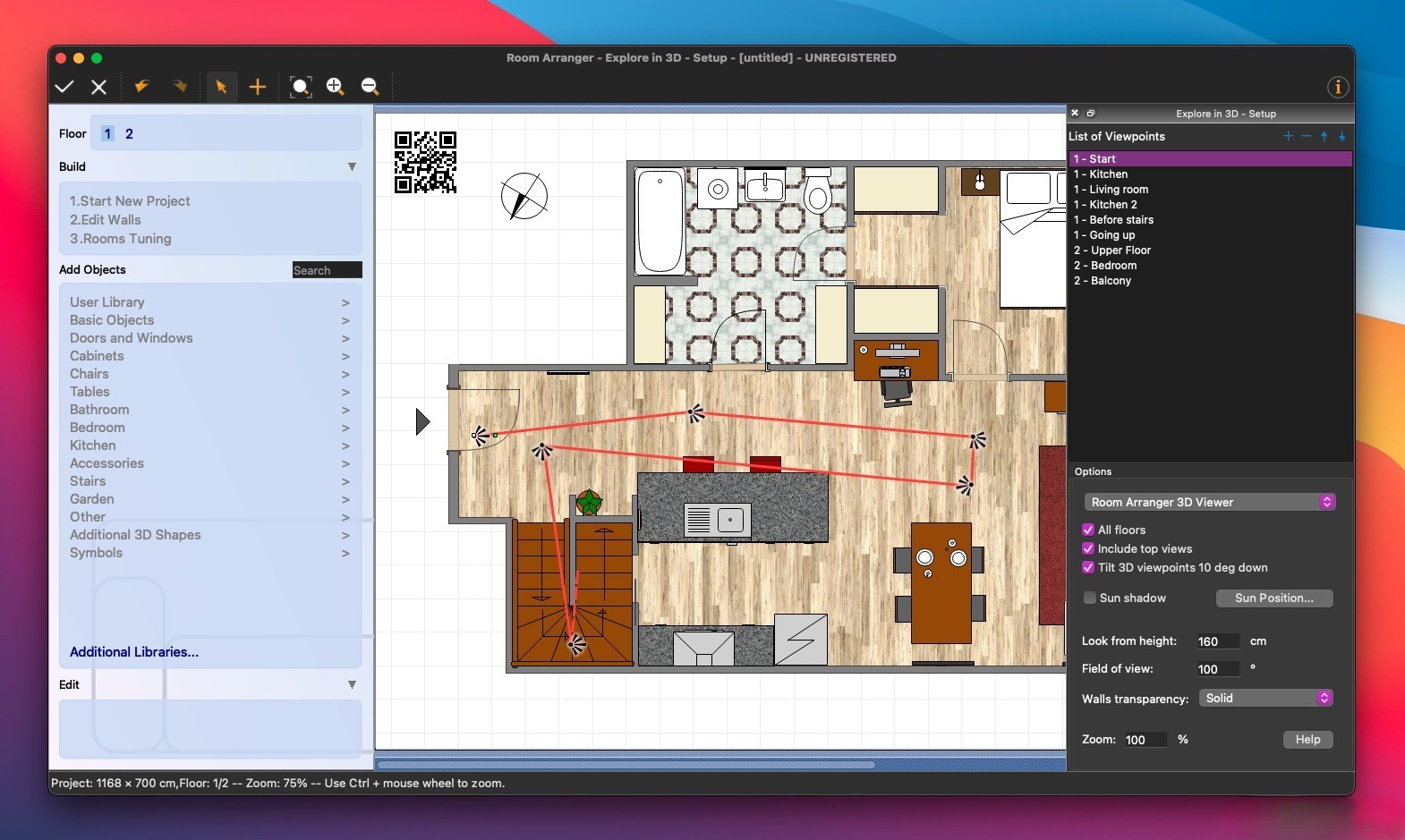
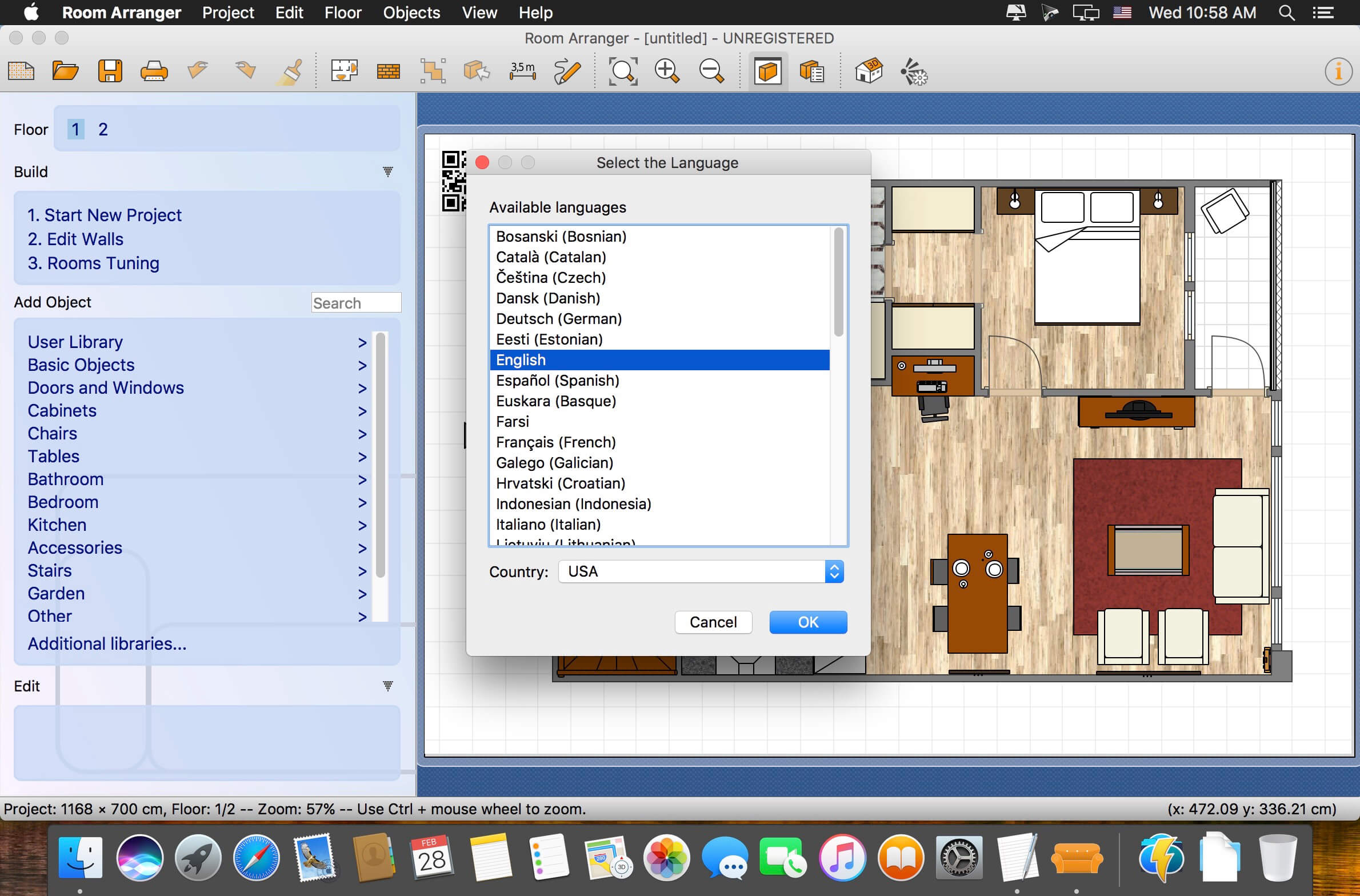
This application is perfectly suited for beginner users who do not possess the necessary knowledge to work with professional CAD software on Mac. The process of creating a project here is as simple as possible: you need to specify the number of rooms, their dimensions, assign the desired color and texture to the floors and walls, and then place the furniture items accordingly.
The room arranger app integrates a relatively large library of various interior elements: doors, windows, staircases, wardrobes, garden accessories, and even such minor objects as plates, mugs, and glasses. If needed, you can create your own custom element, save it locally on your Mac, or share it with other users through the dedicated website. That is exactly where you can perform your room arranger download to get additional object libraries. The selection is extensive — there is everything from shower cabins to mannequins for complete realism of the scene you are creating. The loading of these additional assets is performed through the built-in "Additional Libraries" option within the program.
Room Arranger on Mac visualizes your ideas, whether they involve a simple furniture rearrangement or a carefully planned redesign of entire living spaces. Within the program, you can develop a project for a single room, an entire apartment, or even a multi-story house. Among the notable capabilities and tools of this room arranger mac software, it is worth highlighting:
-the presence of a built-in calculator that helps compute the main structural parameters of the building;
-a function to select the height and thickness of walls for precise customization
-the ability to rotate, move, change the color, and resize any interior element with ease
-the ability to view the finished project in a full 3D format for better visualization
-moving objects across the workspace with a single mouse click for maximum convenience
Reviews & Comments
No comments yet. Be the first to share your experience.