
Description
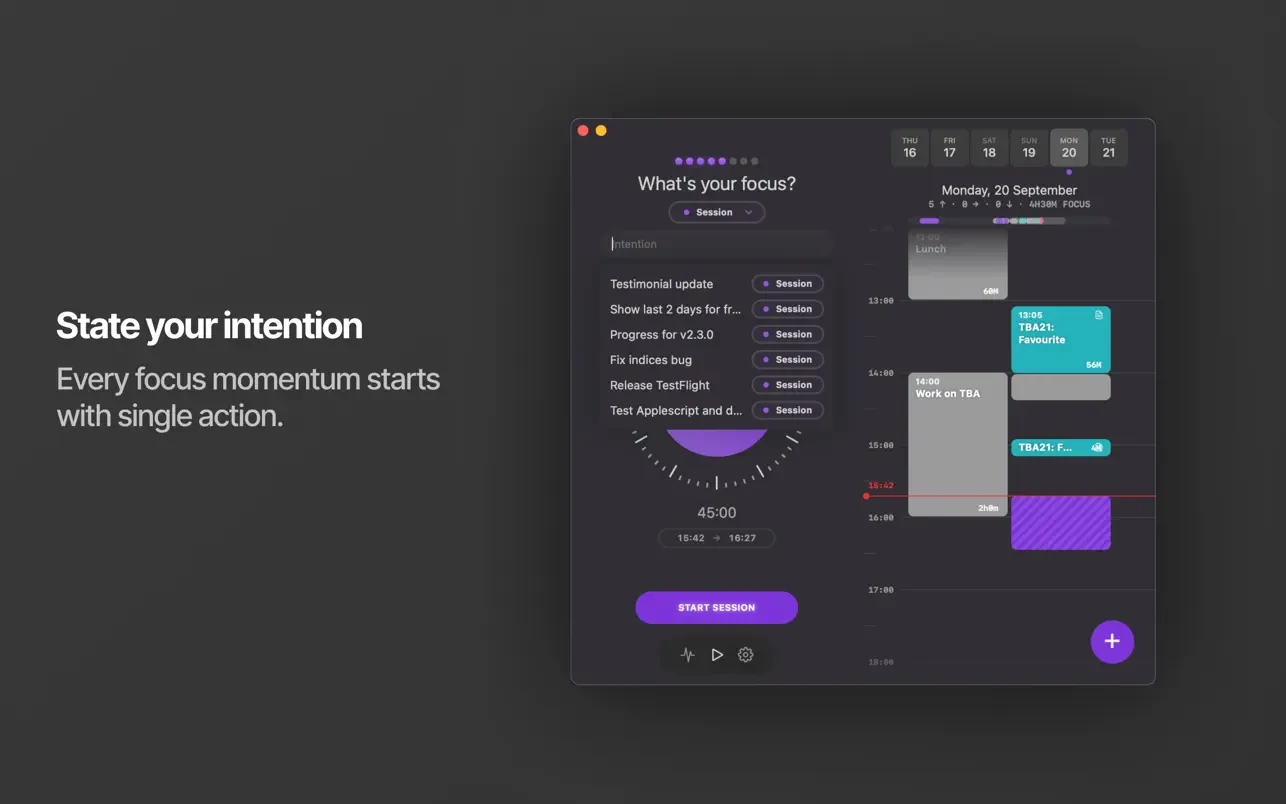
Session Pomodoro Focus Timer is an application designed for effective work time management on Mac. This session pomodoro focus timer app for mac helps you work in short, focused sessions and accurately track the time spent on individual tasks and projects.
Some notable features of the application:
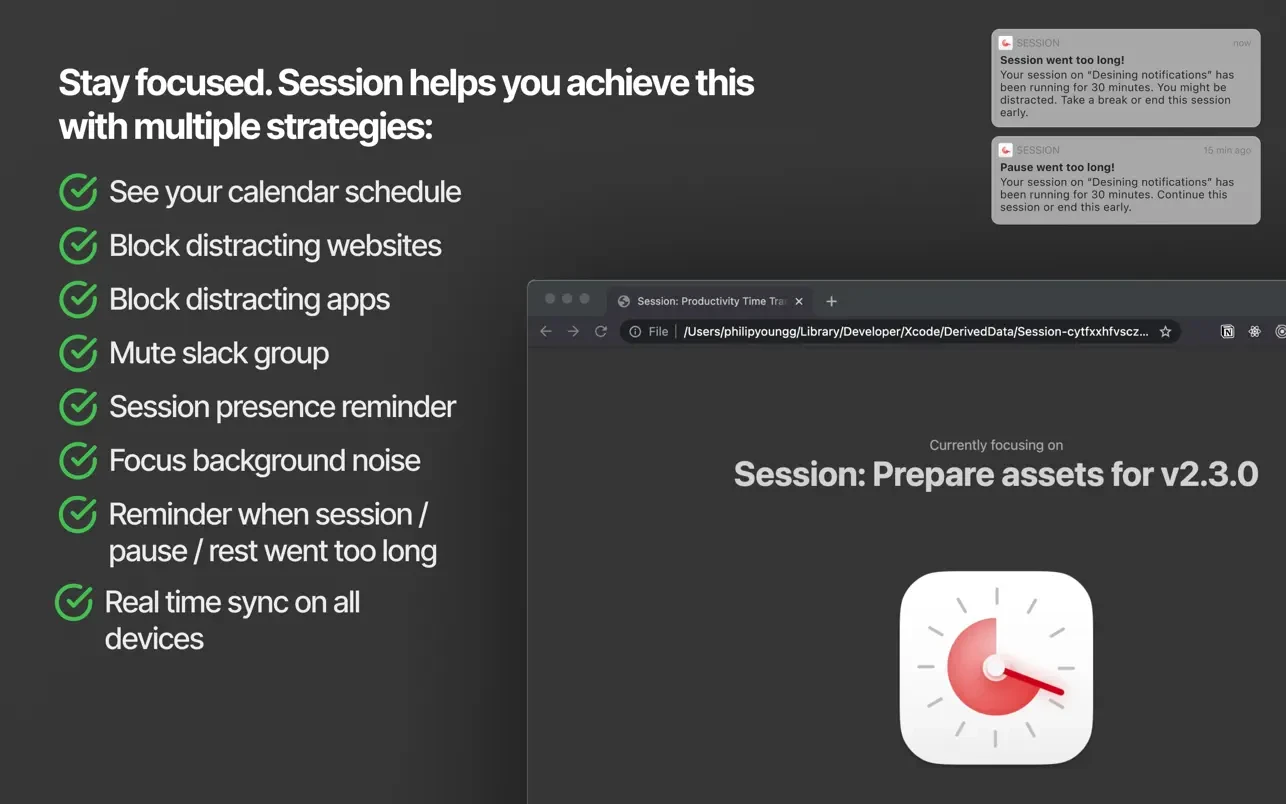
-Blocking distracting websites and applications. When a focus session begins, distracting sites and apps are automatically blocked on your Mac, and they are restored once the session ends or during scheduled breaks.
-Automatic Slack team muting. The session - pomodoro focus timer automatically mutes your selected Slack team when a session starts and reopens it again when the session is finished, keeping you free from interruptions.
-Break reminders. The application emphasizes the importance of rest periods between work sessions to maintain maximum productivity throughout the day.
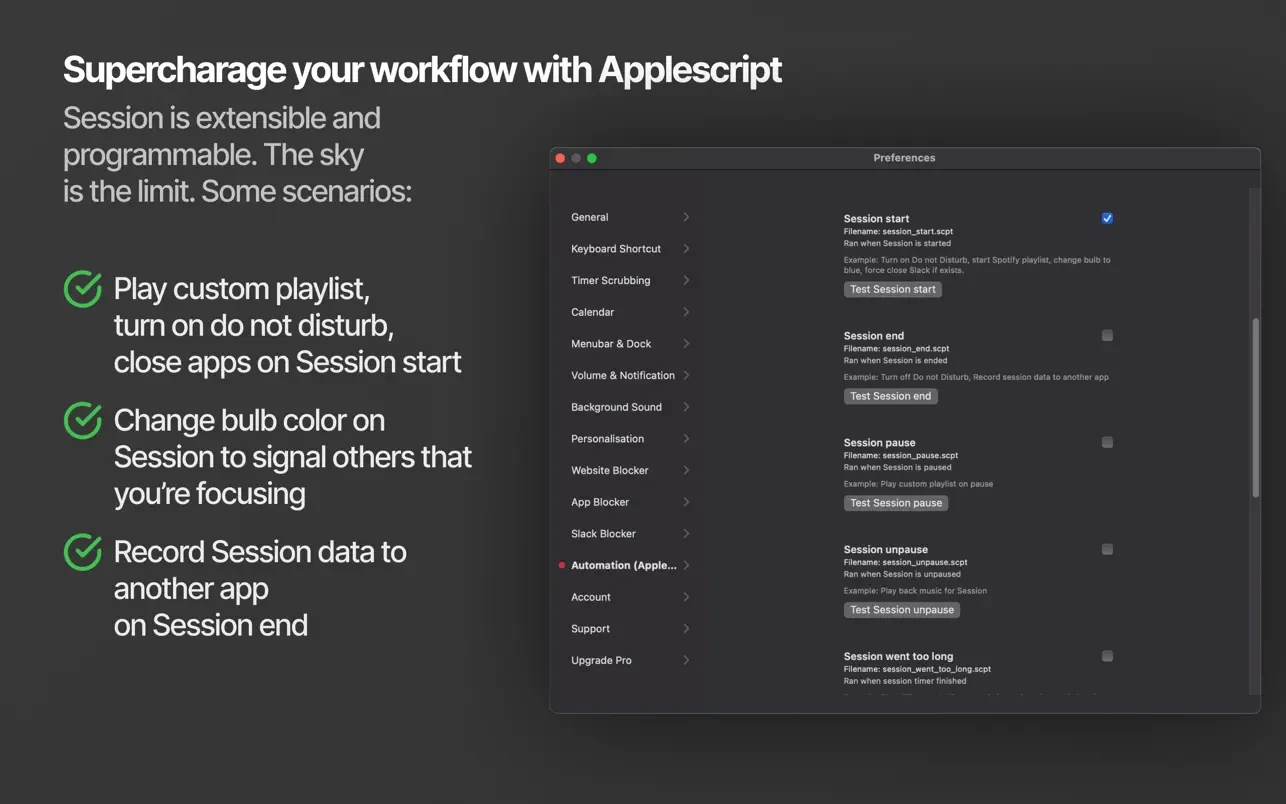
-Workflow automation. For example, session pomodoro focus timer mac provides the ability to automatically enable the "Do Not Disturb" mode on your Mac when a session begins and disable it after the session concludes.
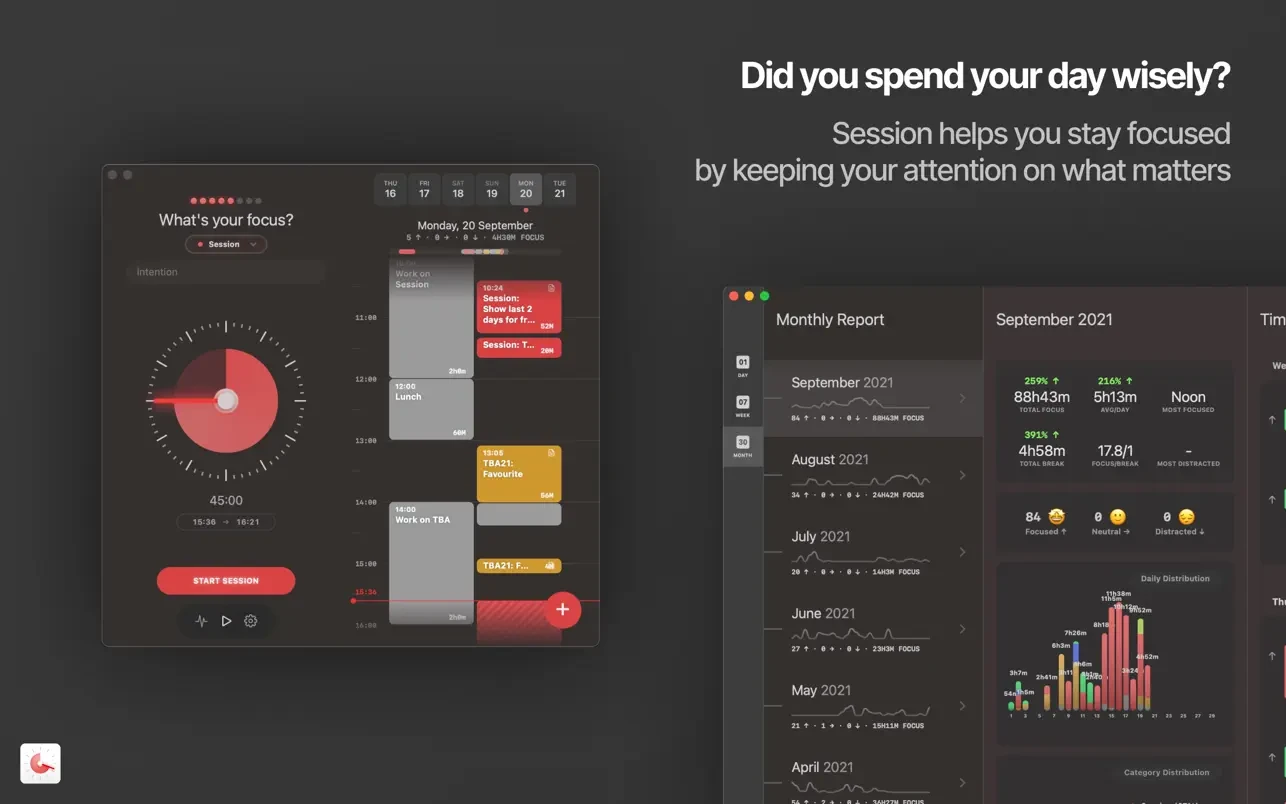
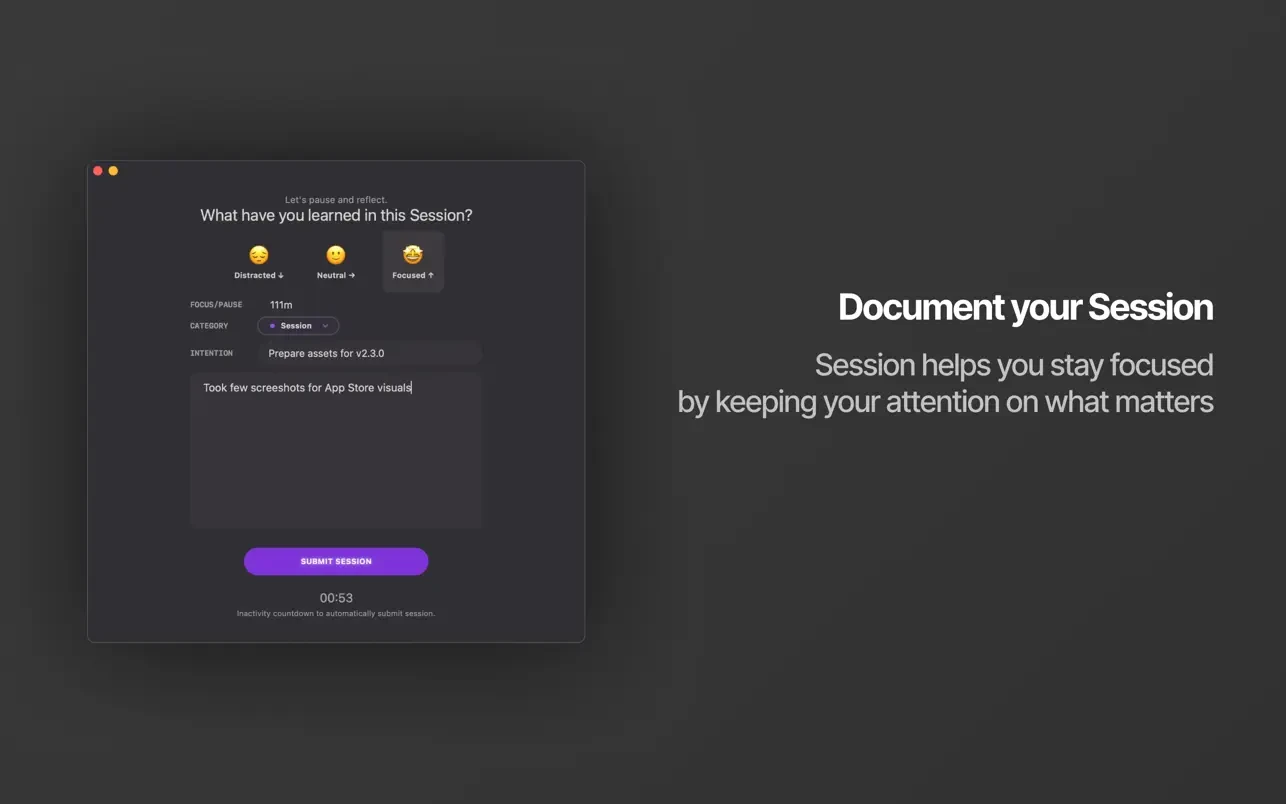
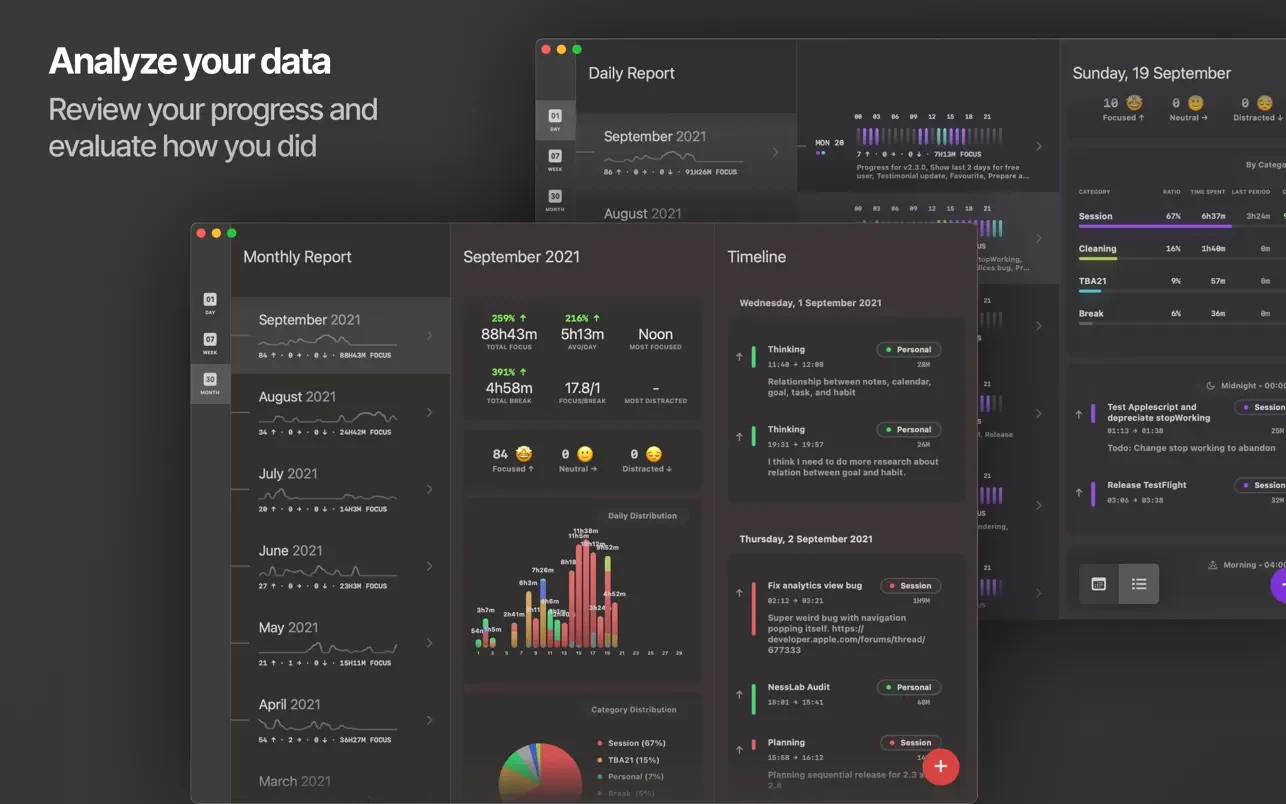
-Progress analysis. The application keeps detailed track of which tasks you worked on, what insights you gained, and exactly how much time was spent on each activity.
Reviews & Comments
No comments yet. Be the first to share your experience.