

Description
SQLPro for SQLite is a powerful SQLite editor for Mac that gives you complete control over your databases. This application can handle everything: from basic data filtering to advanced operations involving multiple queries at once. Thanks to its intuitive and user-friendly interface, there is nothing you cannot accomplish within this sqlpro for sqlite app.
Key Features:
Semi-automatic dependency resolution
Ability to roll back to a previous version
Column reordering capabilities
Full-screen mode support
Data export to CSV, MySQL, XML, JSON, or WML
Powerful filtering system
Core Functions of SQLPro for SQLite
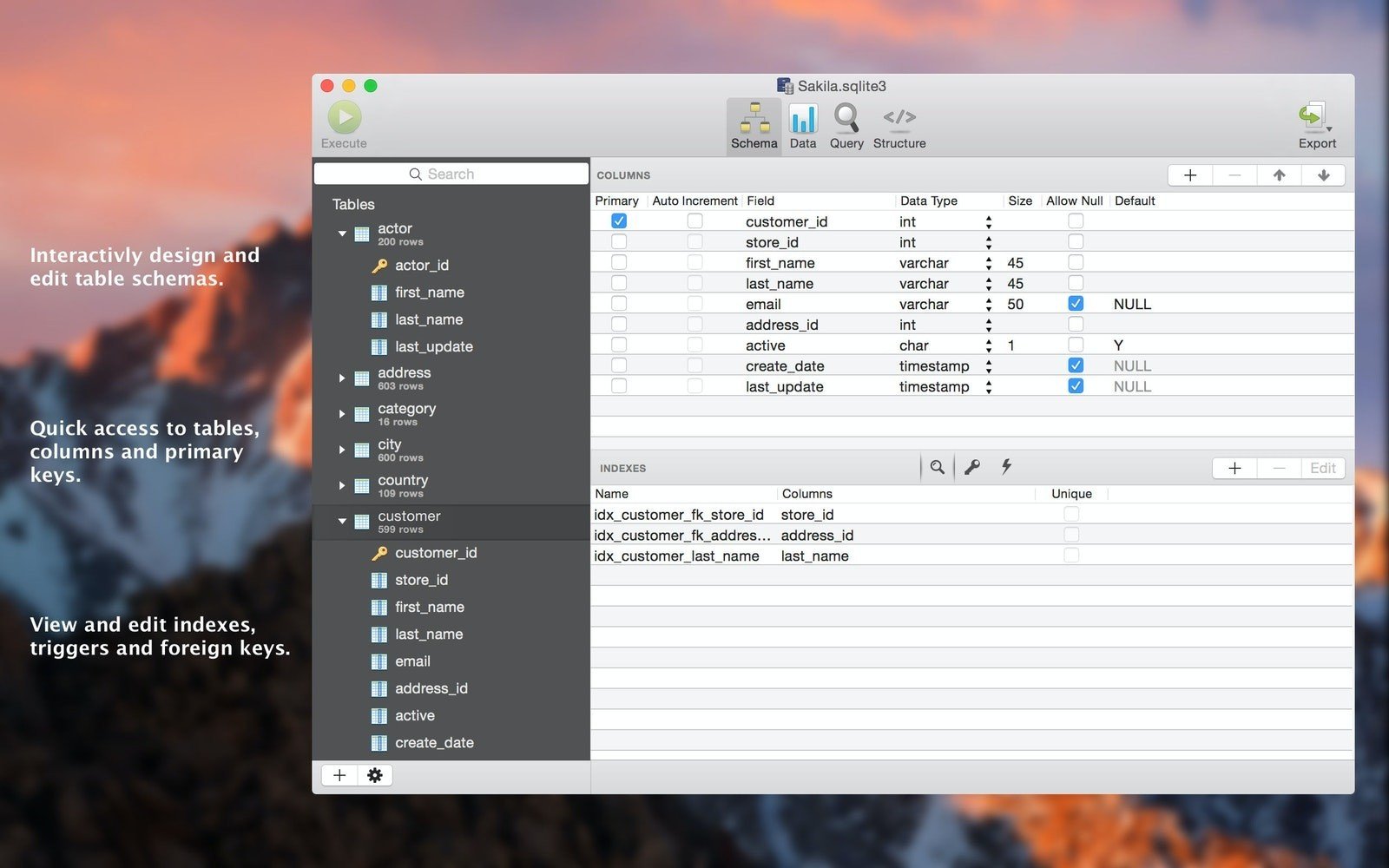
Access, View, and Edit Tables
All your tables are right in front of you. SQLPro for SQLite provides you with full access to tables and schemas that you can customize based on your specific requirements. Browse and edit foreign keys, triggers, or indexes – the application ensures that it creates a data environment that perfectly matches your needs and workflow.
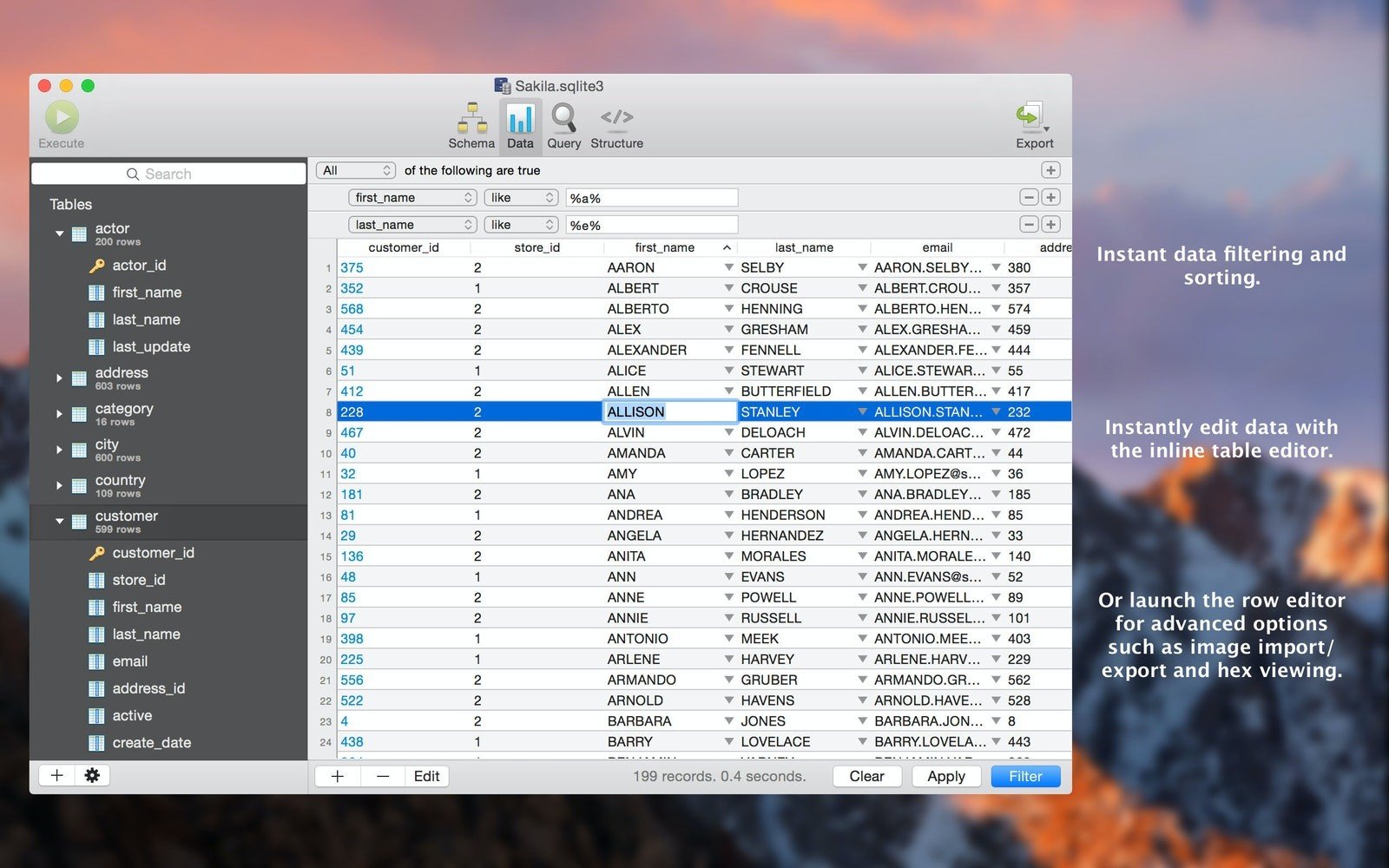
Deep Dive into Your Data
You will no longer get lost among the multitude of names and IDs in your database. With the built-in data filtering and sorting functions, you can easily locate everything you need. Perform quick edits using the integrated table editor, apply hex view through the row editor, and export your data to csv, mysql, xml, or json formats for further sharing and distribution.
Save Frequently Used Queries
SQLPro allows you to save your queries for later use and also keep track of the history of recently executed queries. To bookmark a specific one, navigate to the Queries tab, select Favorites – Edit Favorites / Add Current Query to Favorites. In the same tab, click on History to browse, edit, or copy your recent queries whenever you need them.
Syntax Highlighting and IntelliSense
Even a beginner can effortlessly write a query in SQLPro for SQLite on Mac. The application supports syntax highlighting and query auto-completion, which makes queries more readable and helps you avoid common errors. You start typing – and the application immediately picks up your query and offers suggestions.
Execute Multiple Queries
One is simply not enough. The sqlpro for sqlite mac experience teaches you to become an expert in database management, and experts do not waste time on repetitive routine tasks. Execute several queries simultaneously and receive results for different tables. Everything is contained within a single application on your Mac.
Integration with macOS Versions
After you sqlpro for sqlite download and install it, the app will make sure you never lose anything important. The application will recover your data even if you accidentally truncated a table or lost an entire schema. Thanks to its seamless integration with macOS Versions, you can easily roll back your SQLite database to any previous state and restore it fully.
Reviews & Comments
No comments yet. Be the first to share your experience.