

Description
TrashMe — a powerful uninstaller bundled with other remarkably useful tools for cleaning up your Mac. You have probably thought at some point that removing an application is as simple as dragging it to the Trash? That is not entirely true, because many files created by the application will remain behind (temporary files, caches, preferences…).
With the TrashMe app you will never let these leftover files clutter up your Mac again!
Manage Your Applications
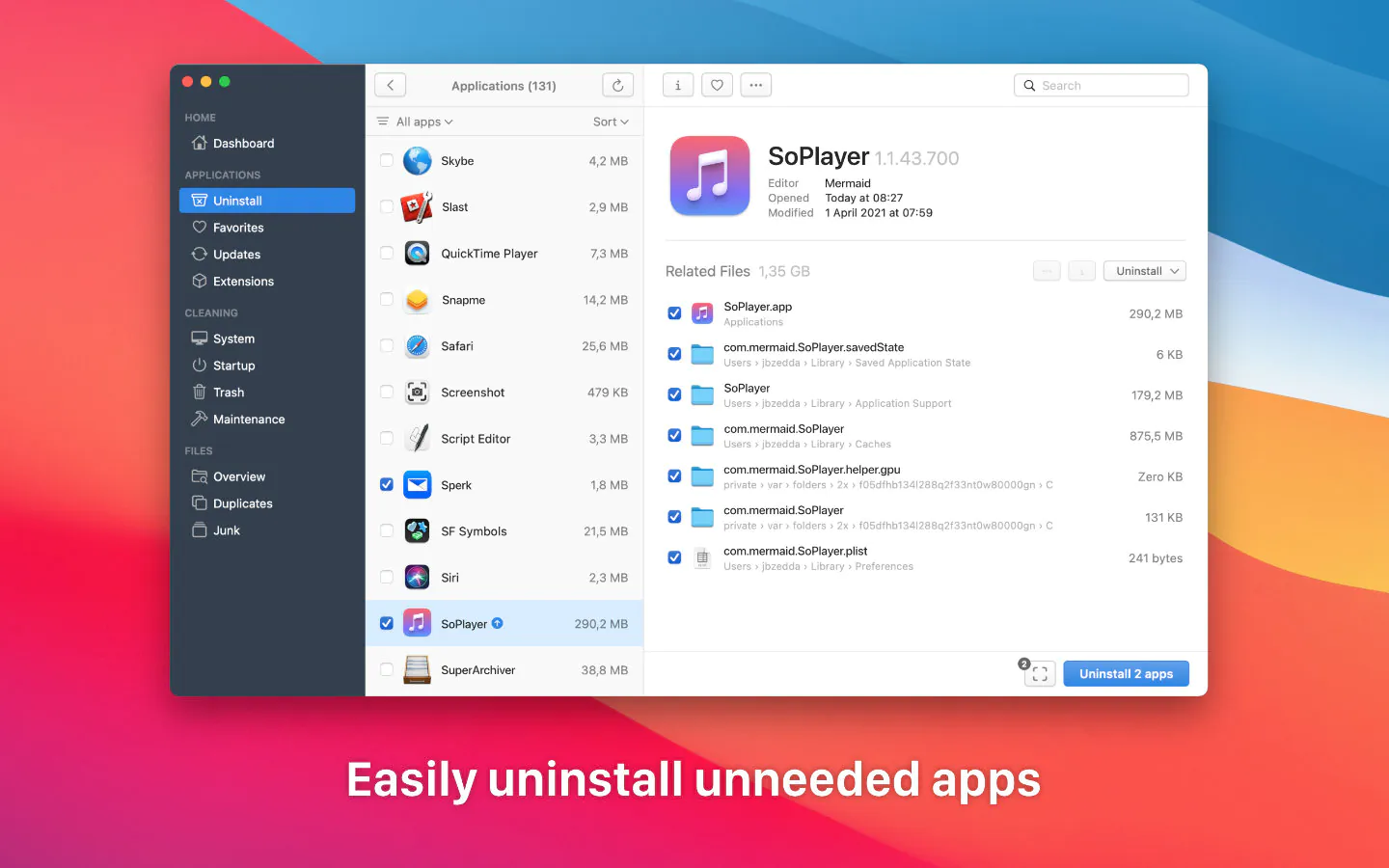
TrashMe for Mac will locate all associated files that need to be removed along with an application, such as preferences, caches, log files…
Smart mode automatically launches TrashMe when you drag applications to the Trash on your Mac.
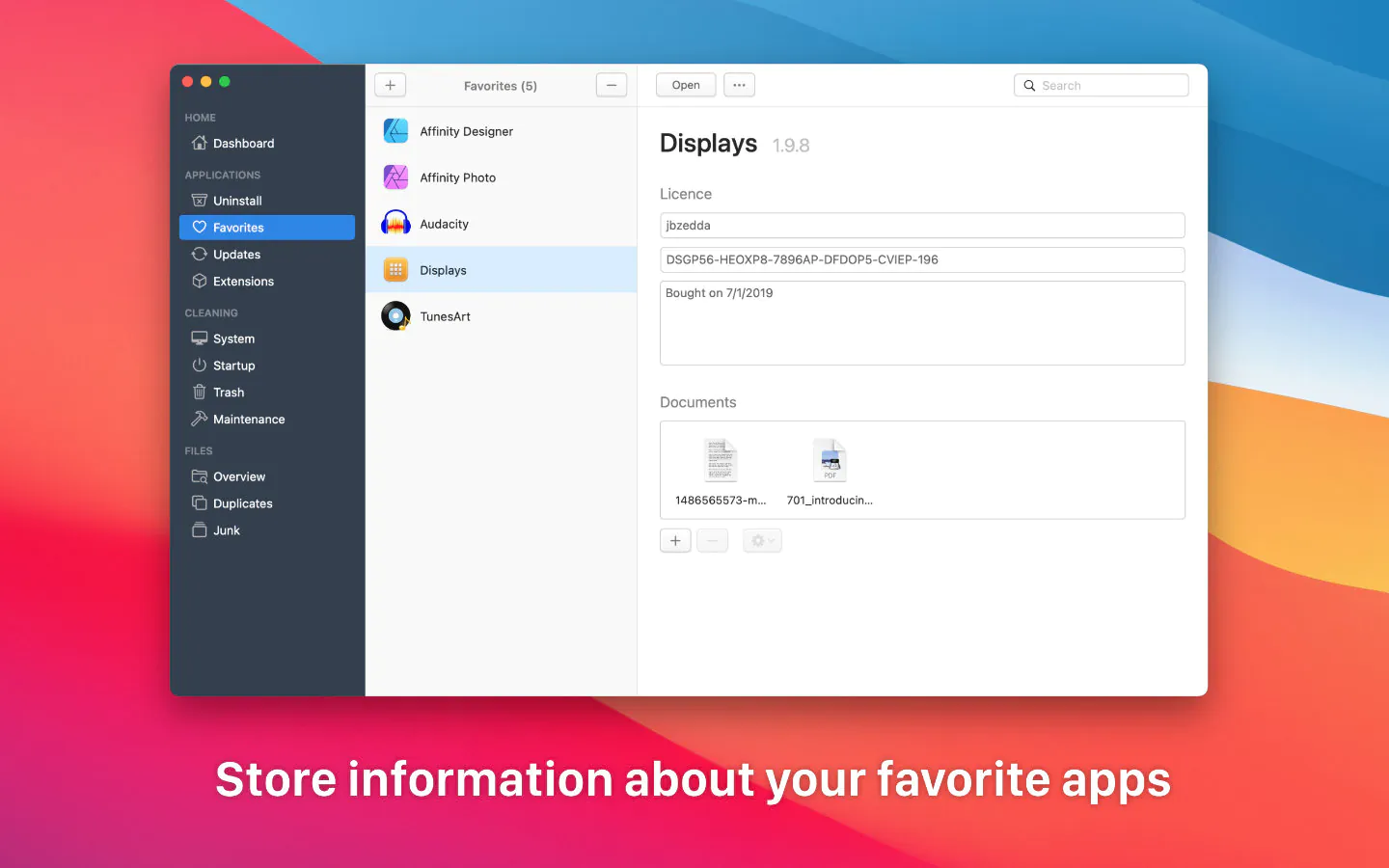
Manage your list of favorite applications and store registration information (invoices, license keys…).
Automatically check for available updates for applications installed on your Mac and display the full changelog.
Clean Up Your Mac
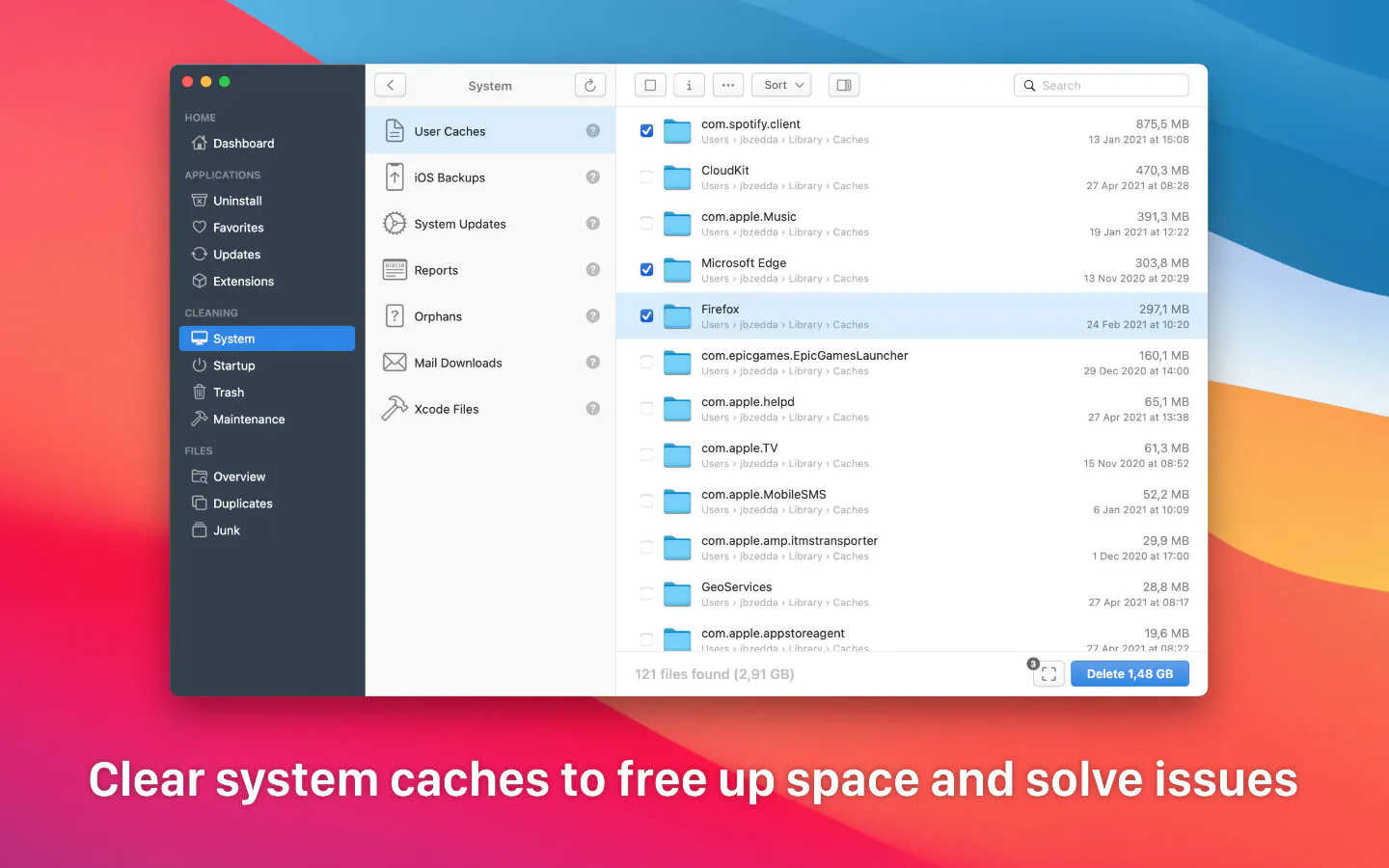
Remove system caches to resolve certain issues and reclaim valuable hard drive space on your Mac.
Delete other system files such as Xcode files, crash reports, mail downloads, and similar items…
Get rid of all those files you truly do not need anymore (Windows-related files, incomplete downloads…).
File Overview
Scan any folder for duplicate files, compare different versions side by side, and delete the ones you no longer need.
Discover the space occupied by your files and folders thanks to a visual and interactive disk usage map.
Maintenance
View all applications and processes that launch at login and disable any of them with a single click of your mouse.
Run several maintenance scripts to troubleshoot and resolve specific problems on your Mac efficiently.
Display all items currently sitting in the Trash and selectively delete only the particular items you choose.
System Information
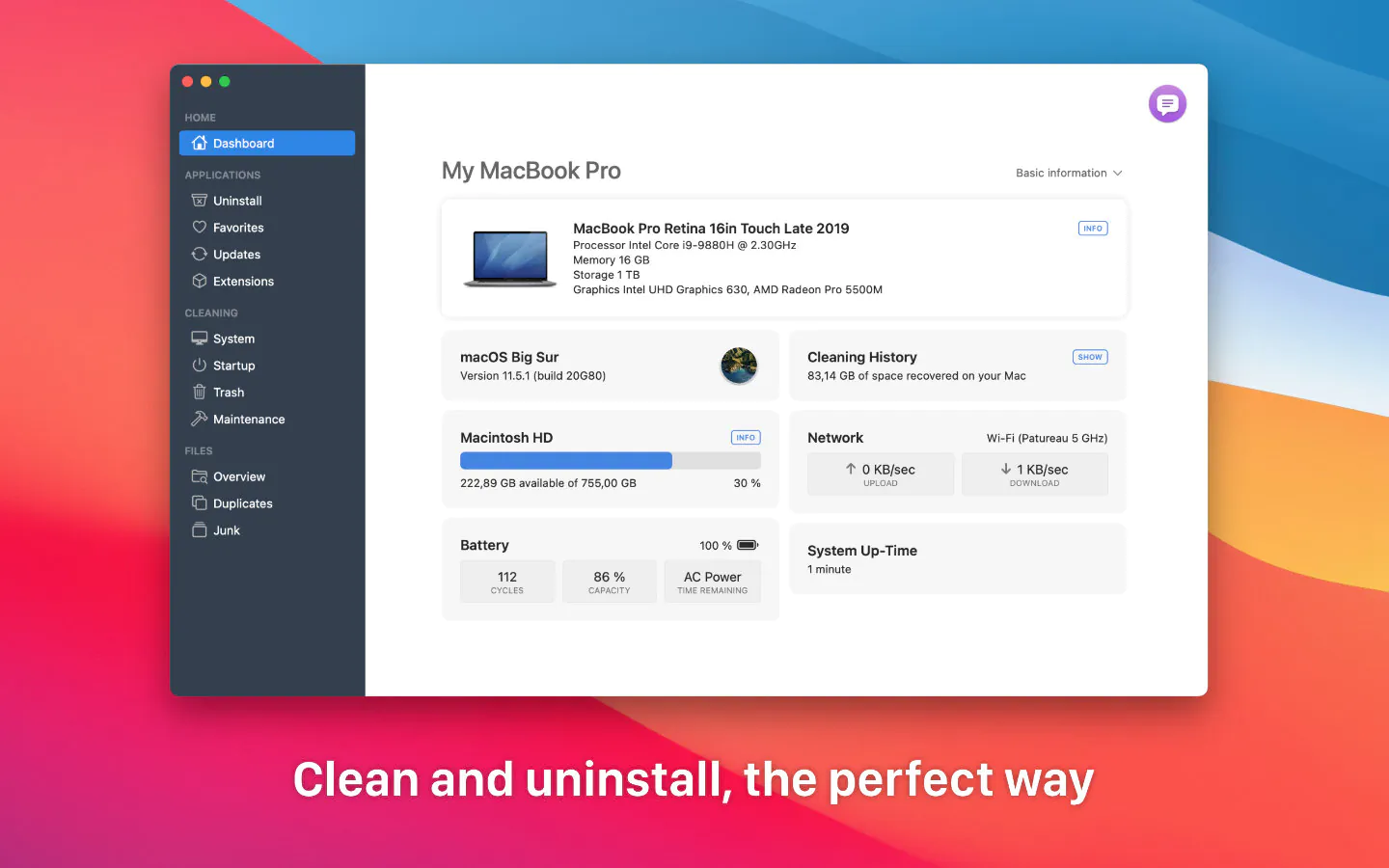
Display helpful information about your Mac, such as current CPU usage or battery health status, directly in the menu bar.
Languages: English, French, Spanish, German, and Brazilian Portuguese. TrashMe Mac fully supports macOS Dark Mode and Apple M1/M2 processors.
Reviews & Comments
No comments yet. Be the first to share your experience.