

Description
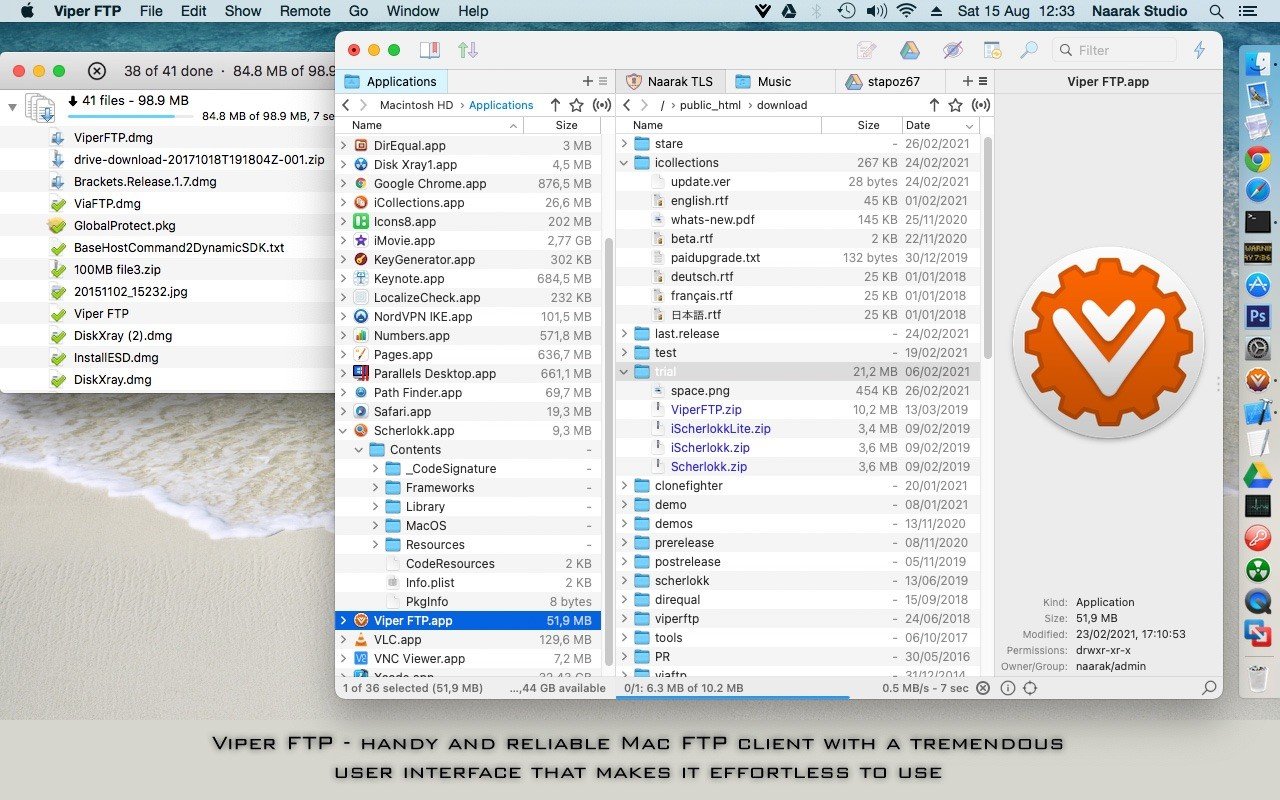
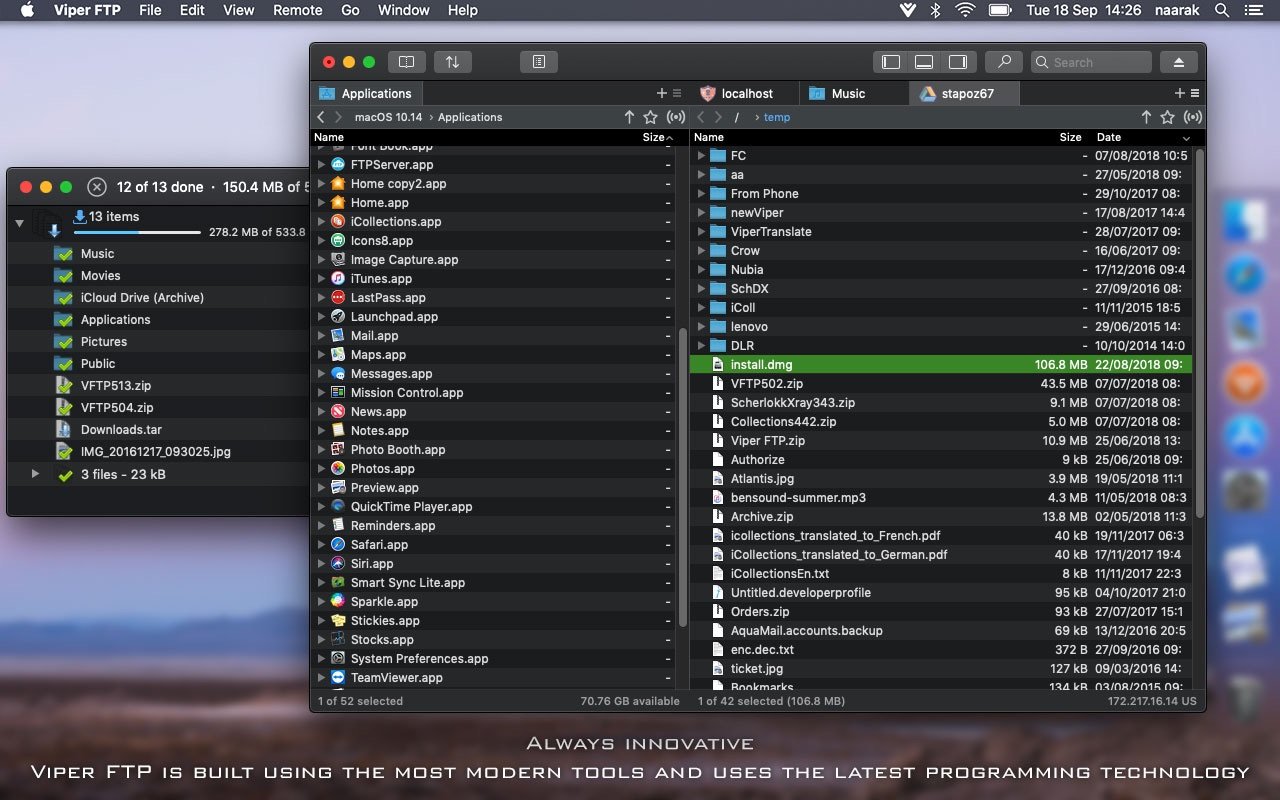
Viper FTP (formerly known as ViaFTP) is a straightforward macOS FTP client that allows you to easily access a wide variety of remote servers for seamless file management and file transfer operations on your Mac.
Support for most popular file transfer protocols.
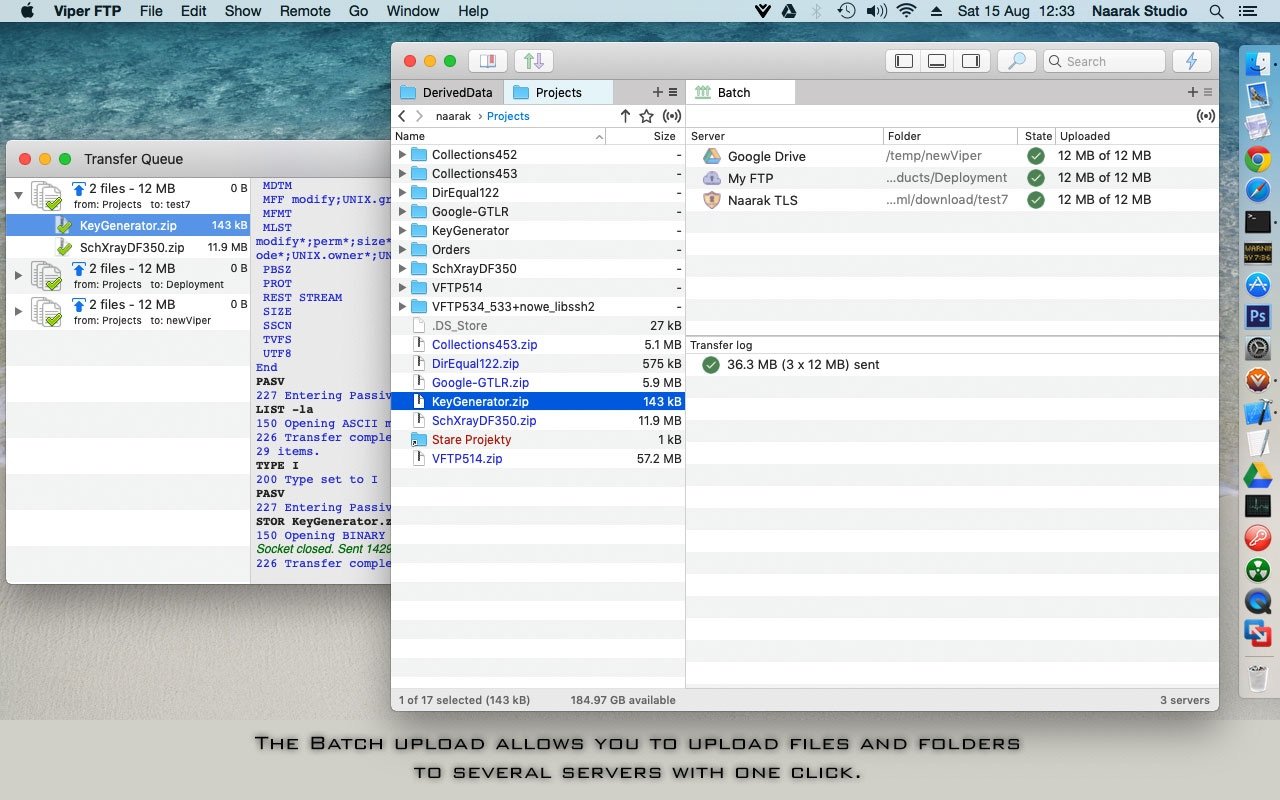
With the help of viperftp, you can quickly connect to FTP, SFTP, WebDAV, and Amazon S3 servers to upload, download, and edit documents directly from your Mac. In addition, Viper FTP enables you to connect to your YouTube account and effortlessly upload video content to the platform.
The contextual menu in viper ftp mac provides access to numerous tools and features that allow you to open a selected file with the desired application, open items in a new window, duplicate, rename, delete, or create aliases for any given file, calculate directory size, edit text-based files using TextEdit, compress or decompress archives, and make appropriate modifications to files and folders, review file listings, monitor active connections, collapse folders, and much more.
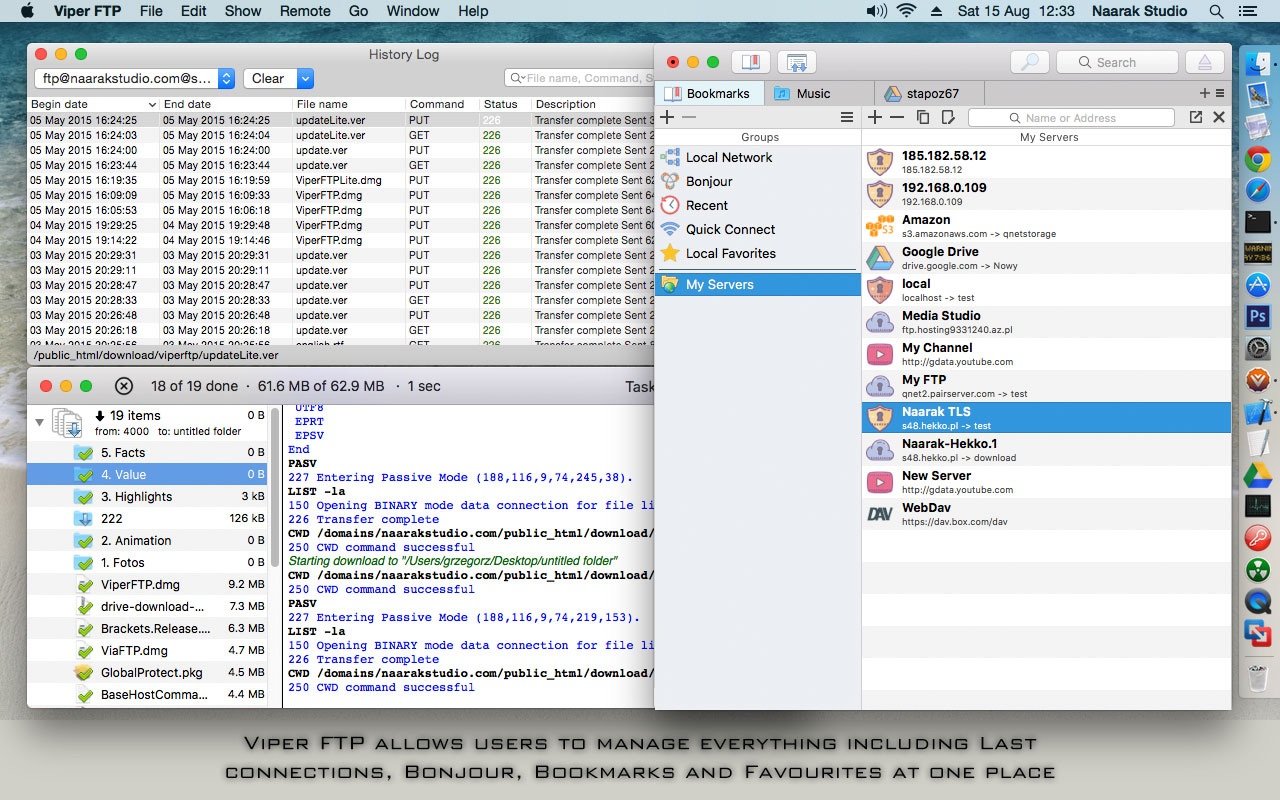
Furthermore, Viper FTP allows you to share items using the Apple Mail application on your Mac. From the Remote menu in Viper FTP, you can quickly connect to or disconnect from a server, enter an FTP command, download a selected item, and change the transfer type. Additionally, viper ftp download options let you customize the application's appearance, display files and folders in organized groups, and show or hide hidden files and directories. Viper FTP also allows you to choose a specific application with which CSS or other file types should be opened, and you have the ability to configure the notification system based on your personal preferences and workflow needs.
Reviews & Comments
No comments yet. Be the first to share your experience.